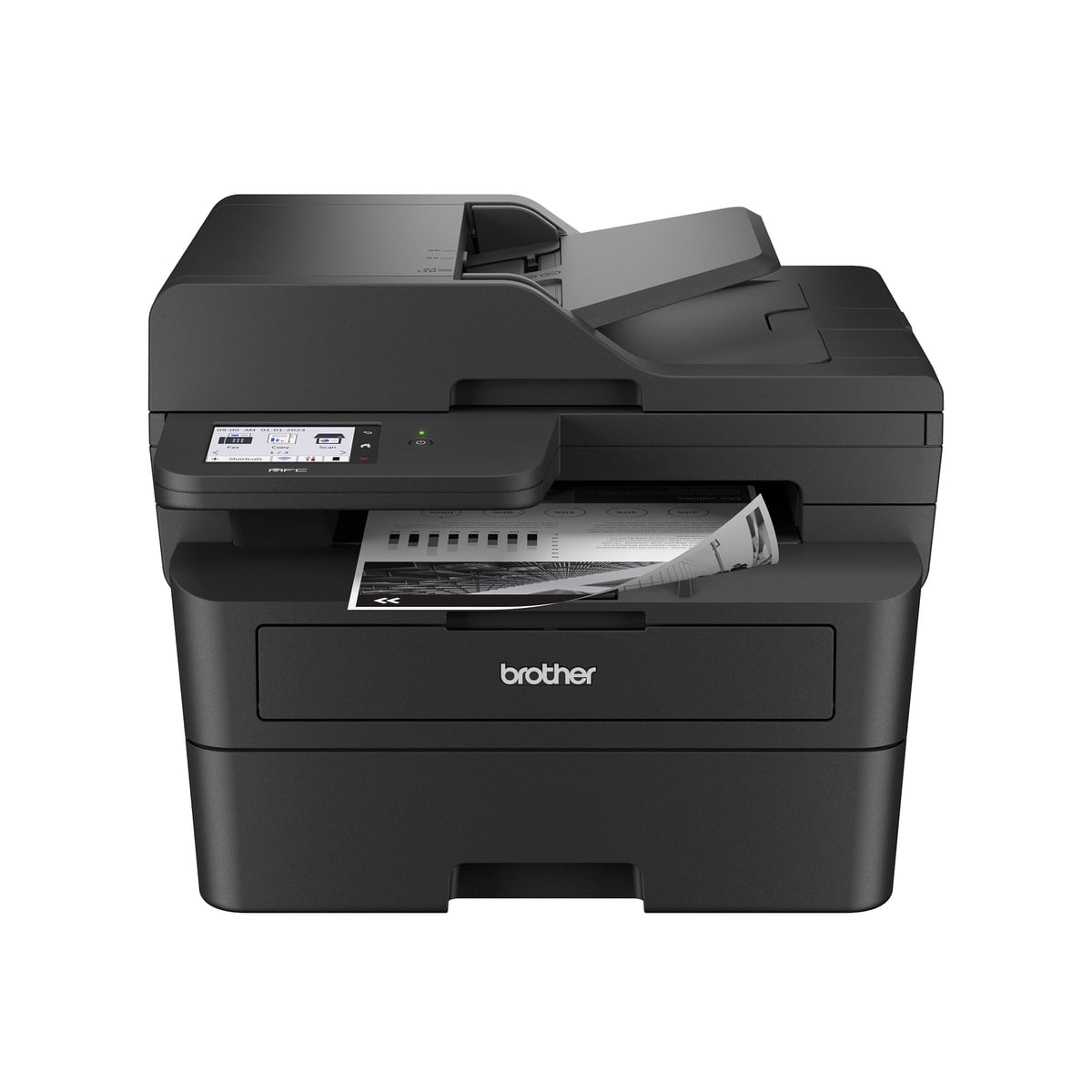
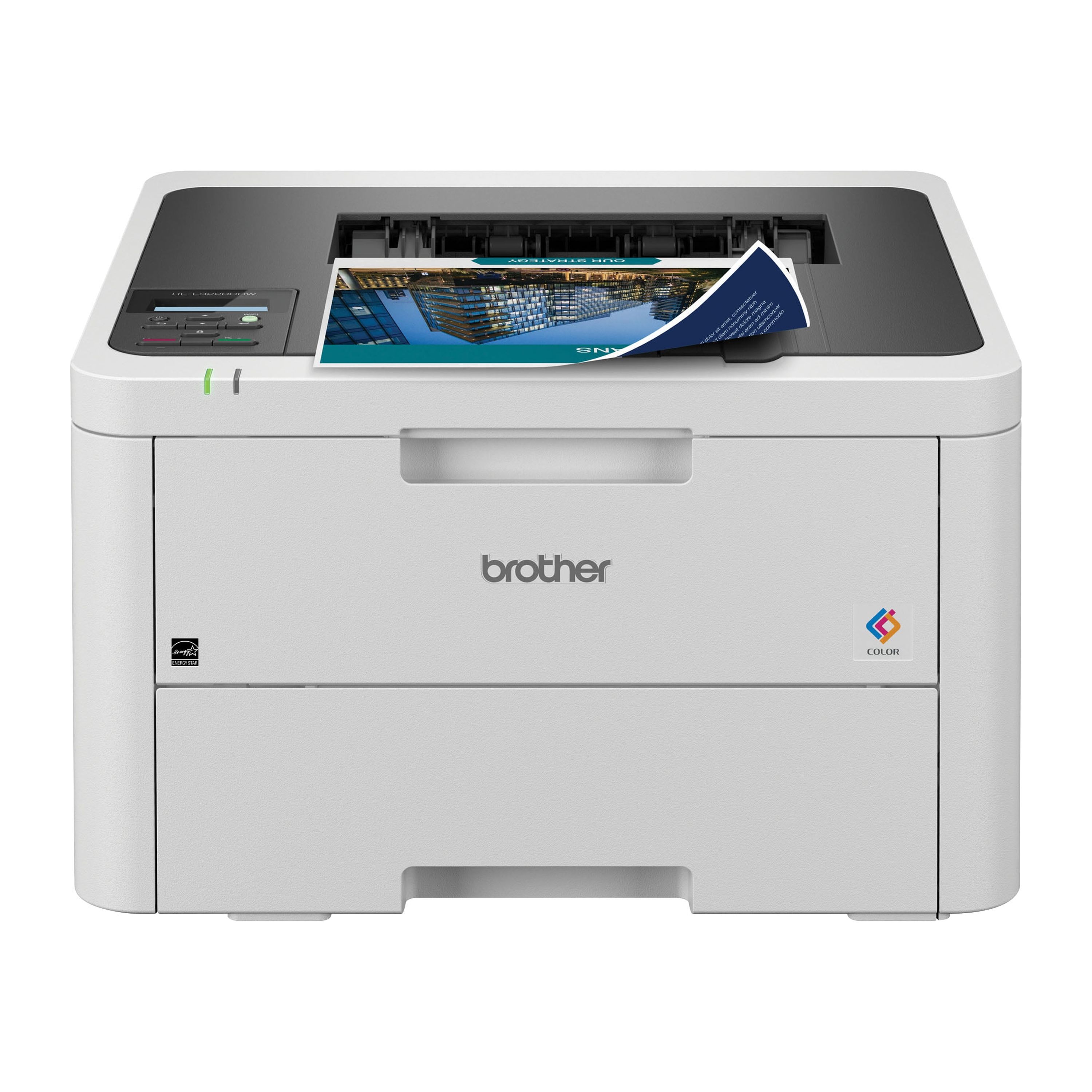
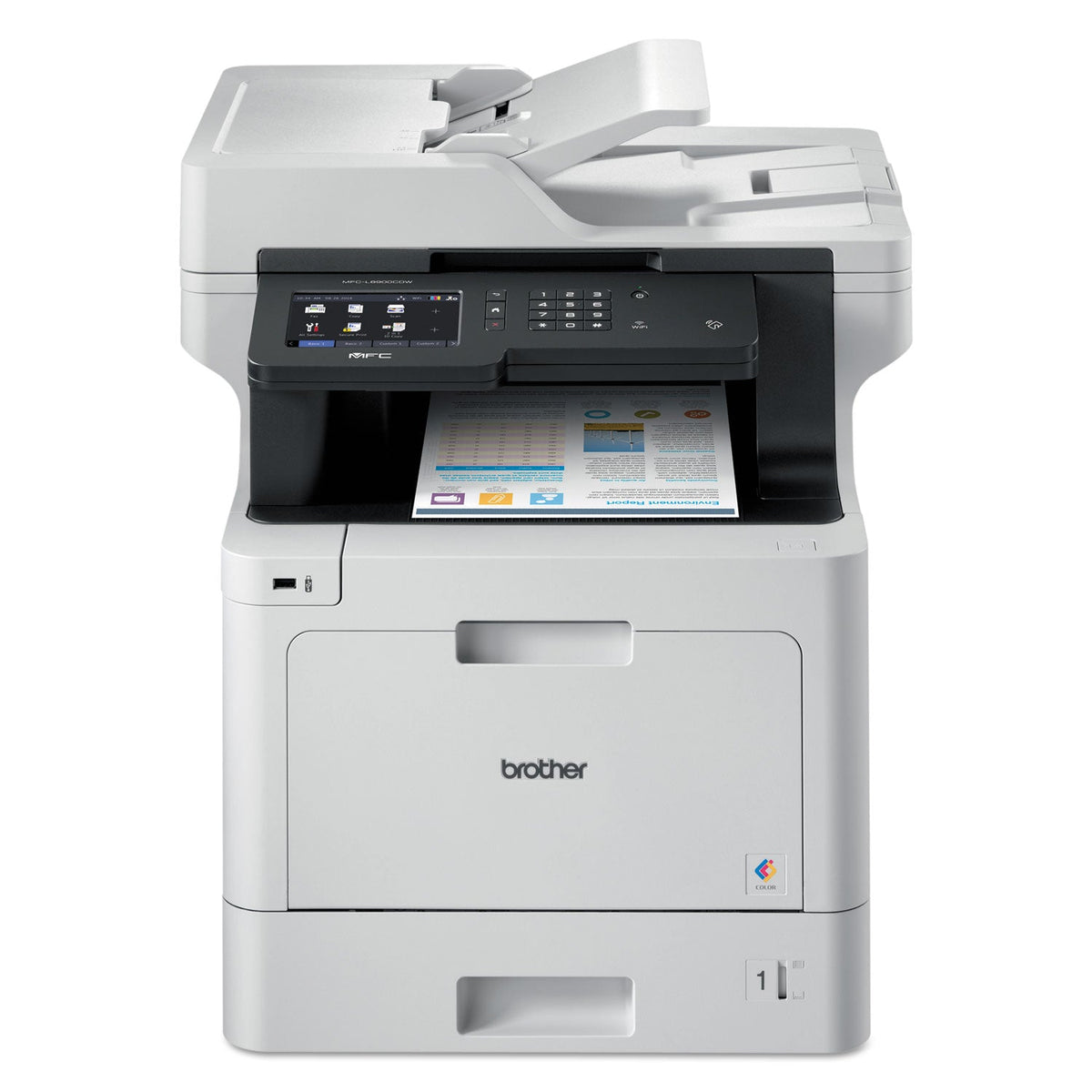
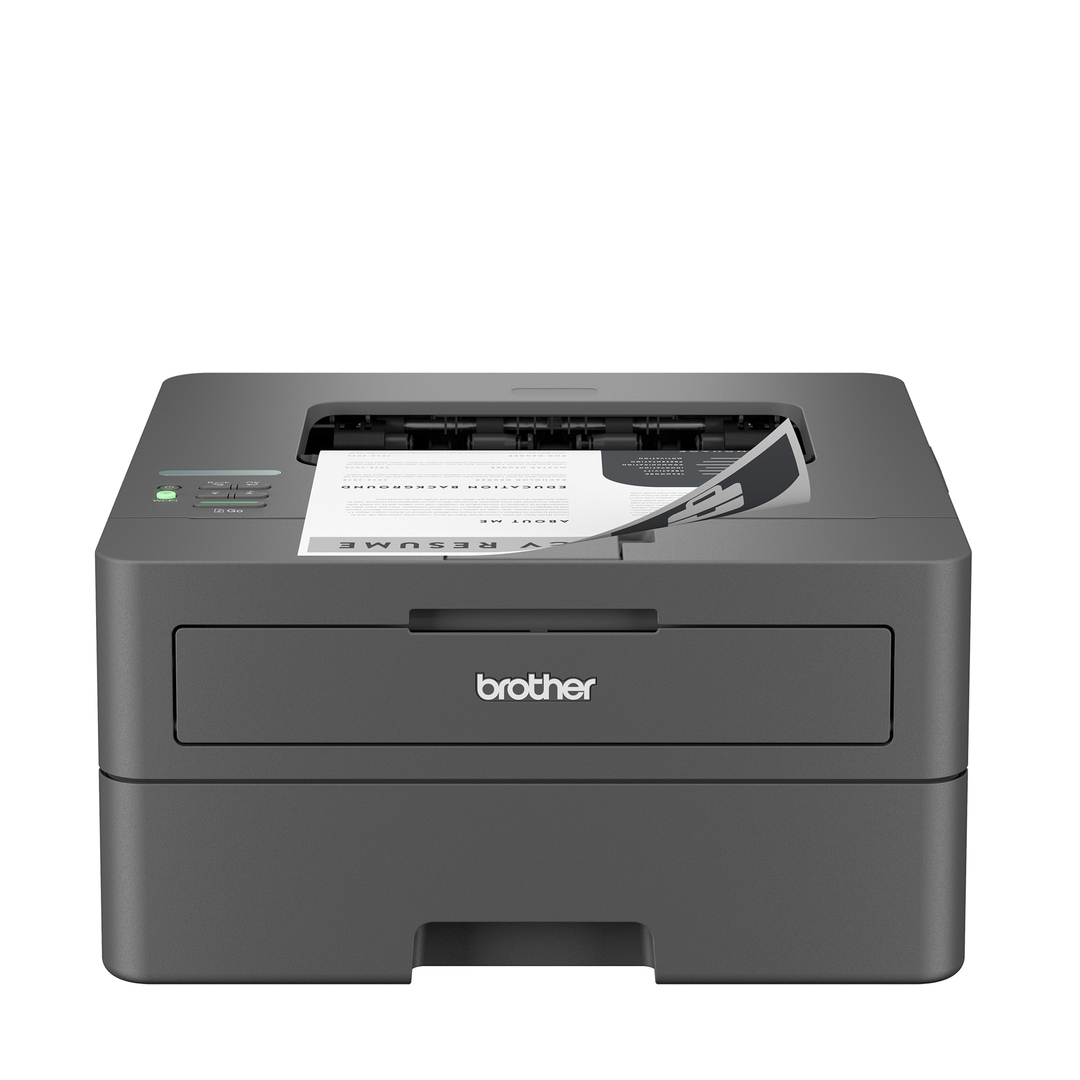
- Is the Brother MFC-L2900DW worth it for a small office?
- Yes, if your work is mostly black-and-white documents. The 36 ppm speed, duplex scanning and 250-sheet tray handle steady office volume well. Skip it if you need color or photo printing.
- How is it different from the model it replaces?
- Brother says the new fuser cuts electricity use by about 22% and halves warmup time from sleep. Print speed and the four functions carry over.
- Does it print in color?
- No. It is a monochrome laser printer, so output is black and white only.
- Can it scan and copy double-sided pages automatically?
- Yes. The 50-page automatic document feeder does single-pass duplex scanning, so two-sided originals are captured in one pass for copy, scan and fax.
- What is in the box?
- The printer, a starter toner cartridge, drum unit, power cord and setup documentation. A USB cable is not always included, so check before you rely on one.
- How do I connect it?
- It supports dual-band Wi-Fi, Ethernet and USB 2.0, and works with Windows, macOS, iOS, Android, Chrome OS and Linux.
- What paper sizes and types does it take?
- It handles A4, Letter, Legal, Folio, A5, A6, B5 and B6, plus envelopes, labels, colored paper and recycled paper through the 250-sheet tray.
- Is the Brother MFC-L2900DW Wireless Compact Monochrome All-in-One Laser Printer at its lowest price?
- The lowest price we've seen is $329.02 at DeployDepot on November 11.
- What do buyers say about the Brother MFC-L2900DW Wireless Compact Monochrome All-in-One Laser Printer?
- Rated 4.3 out of 5 from 288 ratings.
- Where can I buy the Brother MFC-L2900DW Wireless Compact Monochrome All-in-One Laser Printer?
- 43 stores we checked sell it, including Office Depot, Newegg, Staples, Abt Electronics, Brother US.