- What is the difference between thermal transfer and direct thermal on this printer?
- Direct thermal prints on heat-sensitive label stock with no ribbon, which is fine for short-lived labels. Thermal transfer uses a ribbon and plain labels, and the print lasts longer and resists heat, sunlight and abrasion better.
- What does the peeler do?
- As each label prints, the peeler separates it from the liner and holds it ready to take off and apply. That speeds up hand labeling and reduces liner waste on the floor.
- How does it connect to a computer or network?
- It has Ethernet and USB. You can share it on a wired network or connect it directly to a PC, and you print through Brother drivers or label software.
- What label sizes does a 4-inch printer take?
- It handles labels up to about 4 inches wide, which covers standard shipping, product and shelf labels. Narrower labels work too, within the printer's media specifications.
- Does it print in color?
- No. It is a single-color thermal printer, typically black, though colored ribbons and label stock can change the look.
- Is it a good fit for a small shipping desk?
- Yes, if you print labels on a wired network and apply them by hand. The peeler and 4-inch width suit parcel and product labels; a plain direct thermal printer is simpler if you never need ribbon printing.
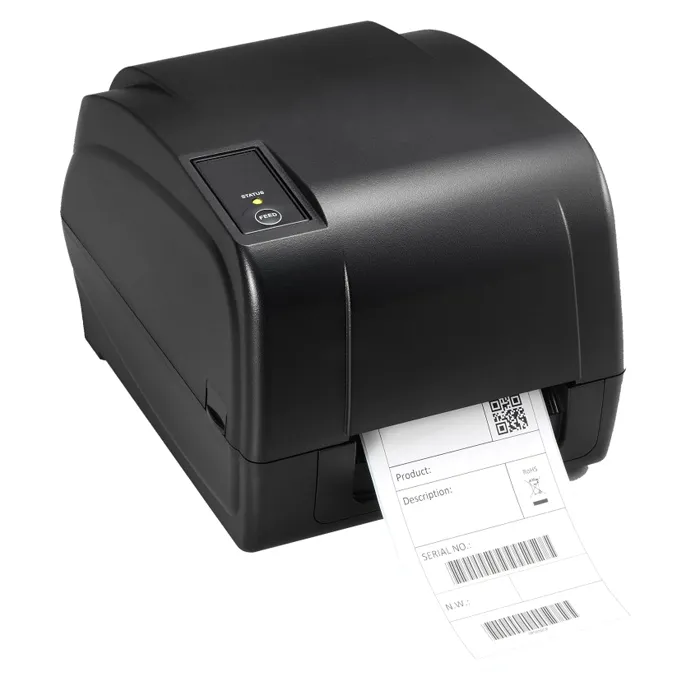
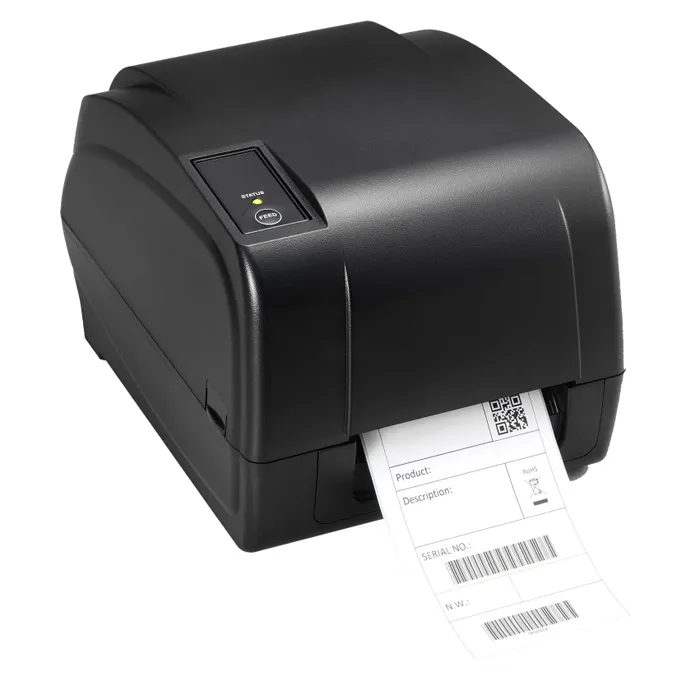
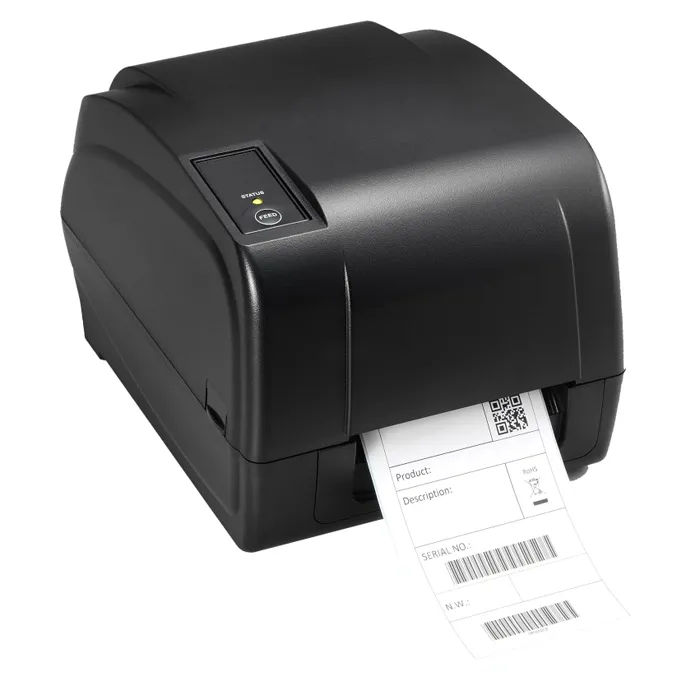
- Where is the Brother TD-4520TNP 4-inch Desktop Network Thermal Transfer/Direct Thermal Printer with Peeler cheapest?
- At Gotodirect, for $779.65, as of our latest check.