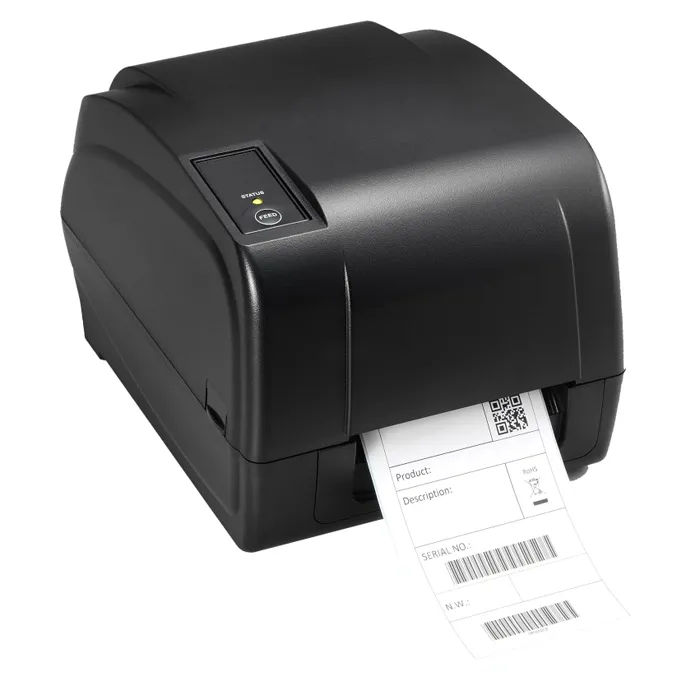
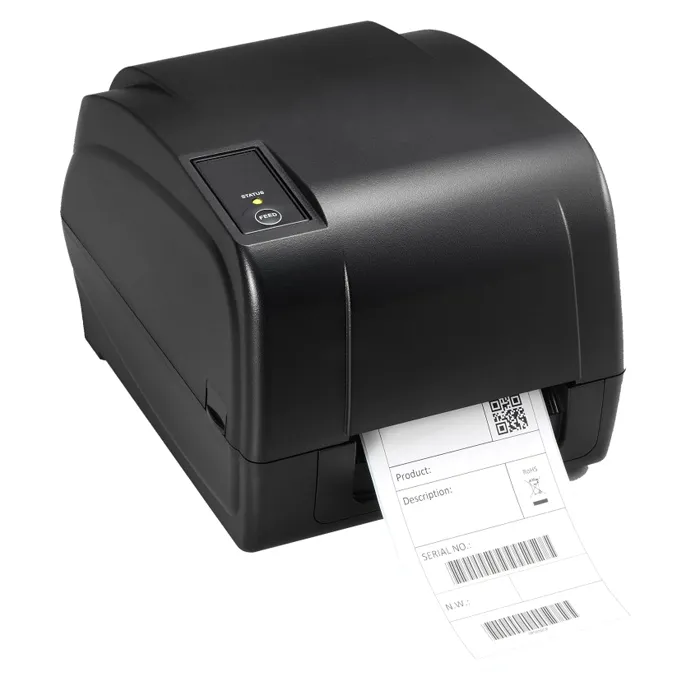
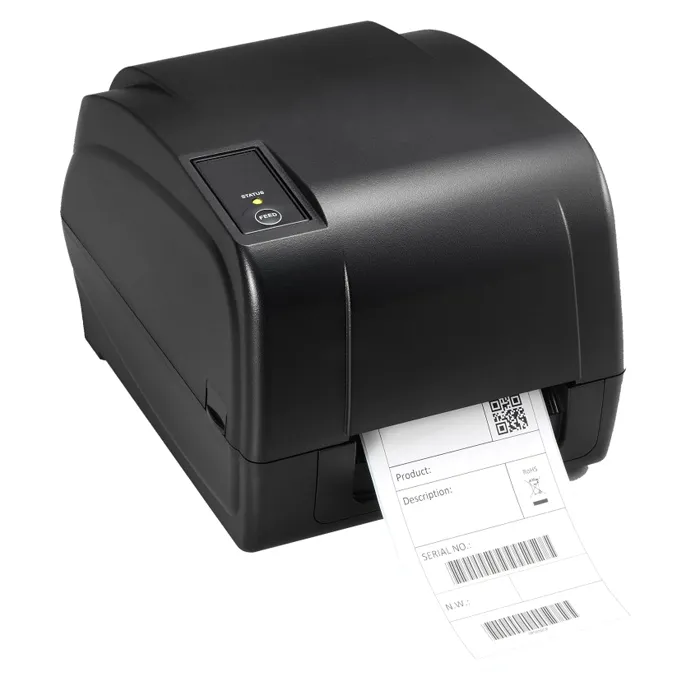
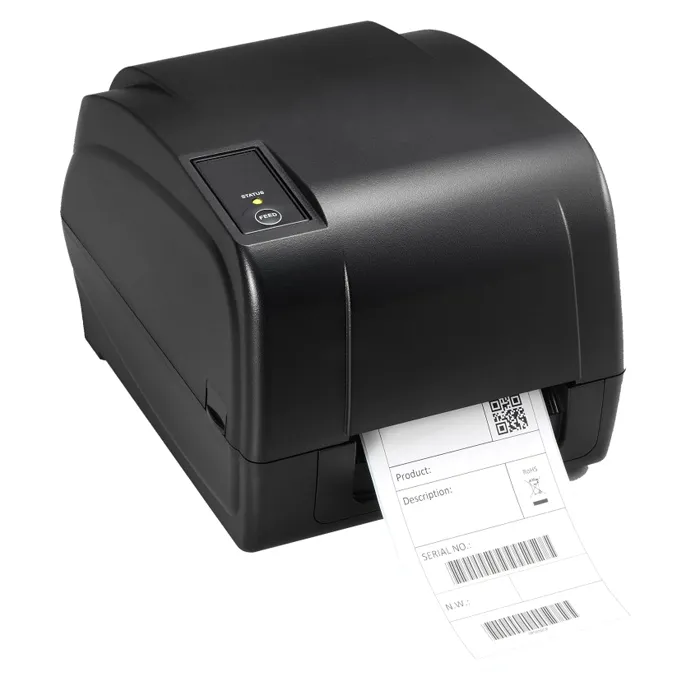
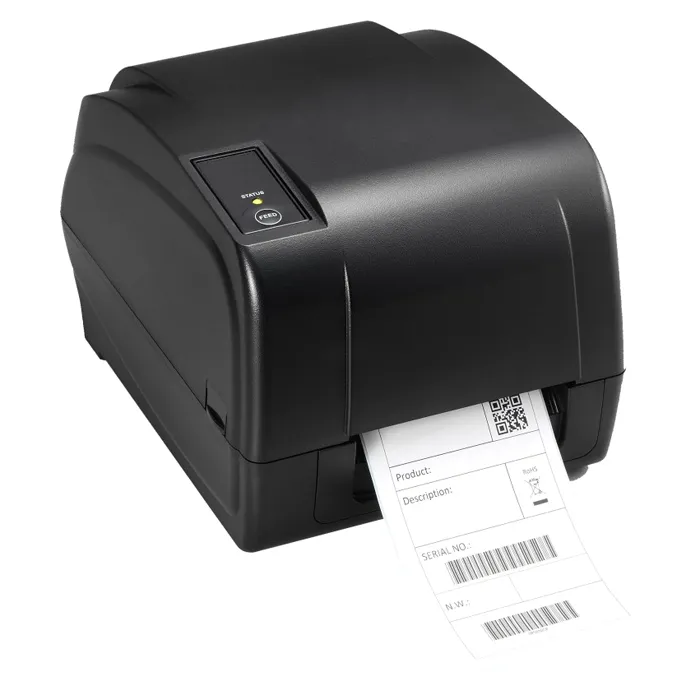
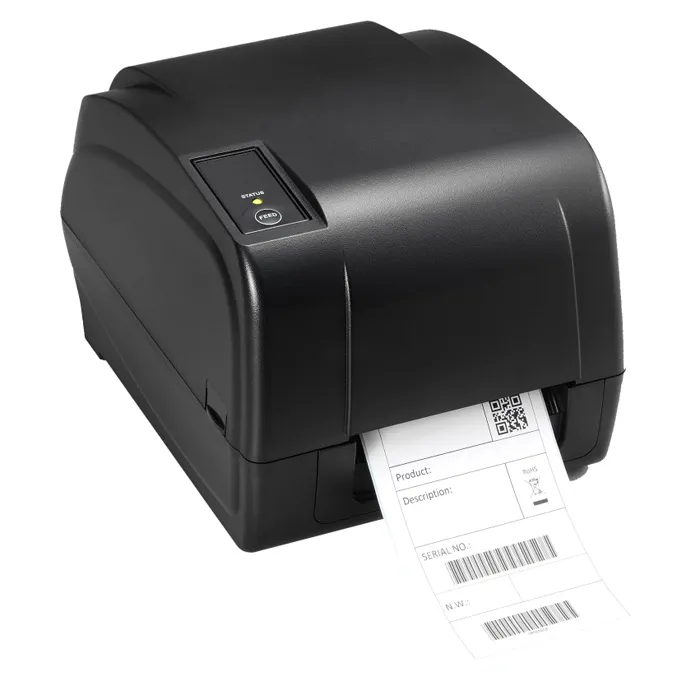
- What is the peeler for?
- It lifts each printed label off the backing as it comes out, so you can grab and apply it without separating the liner by hand. That speeds up work when you apply many labels one at a time.
- Does it need ink or toner?
- No. It is a direct thermal printer, so the image comes from heat reacting with the label stock. You only buy thermal labels, and those must be direct thermal, not plain paper.
- What print width and resolution does it give?
- It prints at 300 dpi and takes media up to 4.3 inches wide, which covers standard shipping labels and dense barcode tags. The higher resolution is the main reason to pick it over a 203 dpi desktop printer.
- How does it compare with a 203 dpi label printer?
- You get finer detail for small fonts and barcodes, at the cost of slower throughput. If you print large, simple labels in high volume, a 203 dpi model is faster; if scan reliability and small print matter, this one is the better fit.
- Will the labels last?
- Direct thermal print fades when exposed to heat, direct sunlight or heavy rubbing. For labels that must last months outdoors or in hot storage, use a thermal transfer printer with ribbon instead.
- What do I need to connect it?
- It connects to a computer and prints from your labeling or shipping software; it does not work as a standalone unit. Check that your software supports the printer's model before you buy.
- Where is the Brother TD4520DNP Direct Thermal Desktop Label Printer with Peeler cheapest?
- At Gotodirect, for $1,260.00, as of our latest check.