StoreDeal.ai store
Shop
  • Deals
  • Deal checker
  • Black Friday
  • Buying guides
  • Brands
  • Stores
Travel
  • Flight deals
  • Hotel deals
Company
  • Research
  • Press
  • Use in AI assistants
  • Contact
  • deal.ai apps
Black Friday 2026
  • Walmart
  • Best Buy
  • Target
  • TVs
  • Laptops
  • Headphones
  • Apple
  • Gaming
  • Vacuums
  • Kitchen
  • Toys
  • Smartwatches
  • Tablets
  • Furniture
  • Mattresses
© Deal.ai Inc.·2222 Ponce de Leon Blvd, Miami, FL 33134·support@deal.ai
TermsPrivacy

Free shipping on everything·10% off your first order·No account needed · Buy 2, save 10% · 3+, save 15%
Deal.ai › Store › Tech & Gadgets › Computer & Office
C
CPU Info LCD Screen for Raspberry Pi

CPU Info LCD Screen for Raspberry Pi

Sold and shipped by Deal.ai

$15.99Free shipping

$14.39 with 10% off your first order

Buy 2, save 10% · 3+, save 15%

Color: LCD
How many?
1
  • 30-day money-back guarantee
  • Secure checkout

Arrives about Dec 5–15, from a warehouse in China

30-day full refund: if you're not happy with it for any reason, or it never arrives, tell us within 30 days and we refund you in full. Shipping and refunds

Ask our agent about this product

It checks today's price at every store, compares the alternatives and answers in about a minute.
Enter to send, Shift+Enter for a new line

Price facts

  • Lowest price today: $15.99 at Deal.ai (checked Nov 28, 2026).

Our take on the CPU Info LCD Screen for Raspberry Pi

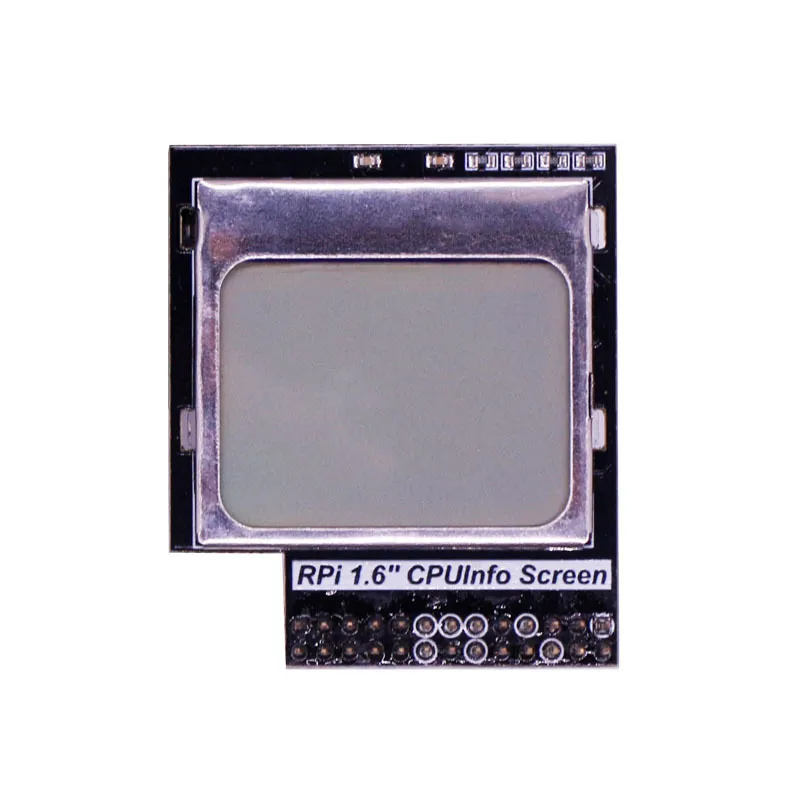
This is a 1.6-inch LCD panel on a black circuit board with a silver-toned metal frame, made to plug into a Raspberry Pi's GPIO header and show system stats such as CPU load, temperature and memory use. It is a small status display, not a full monitor: the resolution and viewing angles are modest, so it suits a quick glance rather than reading text from across a room. Compared with larger 3.5-inch and 5-inch Pi screens it takes up far less space and leaves the HDMI port free, but it shows less at once. It suits Pi owners building a compact smart-home hub, NAS or desktop case who want live stats without a terminal window.

Best forRaspberry Pi owners who want live CPU and memory stats at a glanceCompact smart-home or NAS builds with no room for a full displayTinkerers comfortable editing config files and Python scripts
Pros
  • Small footprint that fits crowded Pi cases
  • Uses the GPIO header and leaves HDMI free
  • Backlight switch for dim rooms
  • Simple single-screen setup for system stats
  • Works with common Pi models that expose the GPIO pins
Cons
  • 1.6-inch size limits how much text fits
  • Basic panel with narrow viewing angles
  • Needs software setup and driver configuration
  • No touch input
  • Single unit in the box, no cable or stand included

What reviewers say

Owners of small Pi status screens like this one value the compact size and the always-on system readout, but often mention the setup work and the limited legibility of a panel this small.

What people mention
  • SizeMixedOwners like the small footprint but say the 1.6-inch panel fits only a few lines of text.
  • SetupCriticisedGetting the display driver and stats script running takes configuration work.
  • Viewing anglesCriticisedThe screen dims and shifts color when viewed off-center.
  • BacklightPraisedThe backlight switch lets owners dim the display for dark rooms.
  • FitPraisedIt sits on the GPIO header without crowding other ports on the Pi.

About the CPU Info LCD Screen for Raspberry Pi

This is a 1.6 inch LCD screen for Raspberry Pi. The display sits in a silver-toned metal frame on a black circuit board, with a row of pins running along one edge of the board.

The screen has a backlight you can switch on and off. It is used for smart home applications.

Display
1.6 inch LCD
Backlight
On/off switch
Compatibility
Raspberry Pi
Use
Smart home
Frame
Silver-toned metal
Board
Black circuit board
Connections
Row of pins along one edge
In the box
LCD screen x 1

Specifications

Model
1.6 inch
Purpose
Crystal display
Application
Smart home
Display
1.6 inch LCD with backlight switch
Compatibility
Raspberry Pi
Color
LCD
In the box
LCD screen x1

Questions and answers

Which Raspberry Pi models does it work with?
It connects to the 40-pin GPIO header, so it fits boards that expose those pins, including the Raspberry Pi 4 and 5 and most recent Model B boards. Check that your case leaves the header clear.
What can it display?
It is a general-purpose LCD, so with the right script it can show CPU load, temperature, memory use, IP address or custom text. It does not display video or act as a second desktop monitor.
Does it need extra software?
Yes. You install a driver and a small script on the Pi to draw the stats you want. Expect some command-line setup.
Is a touchscreen included?
No. It is a display only, with no touch layer.
What comes in the box?
One 1.6-inch LCD screen on its circuit board. No cable, stand or microSD card is included.
Is it worth it over a larger Pi screen?
If you only need a glanceable status readout and want to keep the build small, yes. If you want to read documents or use a desktop, a larger HDMI or DSI screen is the better fit.
Where is the CPU Info LCD Screen for Raspberry Pi cheapest?
At Deal.ai, for $15.99, as of our latest check.

More in Computer & Office

  • L
    L-Shaped Wood Desk with Storage Cabinet
    L-Shaped Wood Desk with Storage Cabinet
  • E
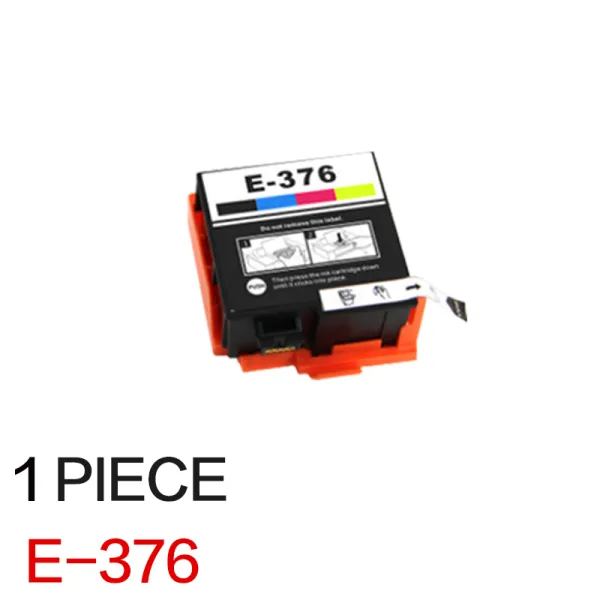
    E-376 Ink Cartridge for Epson PictureMate PM-525
    E-376 Ink Cartridge for Epson PictureMate PM-525
  • W
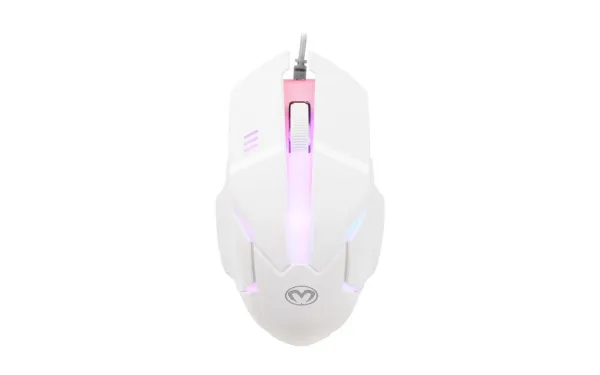
    Wired Backlit Gaming Mouse
    Wired Backlit Gaming Mouse
  • A
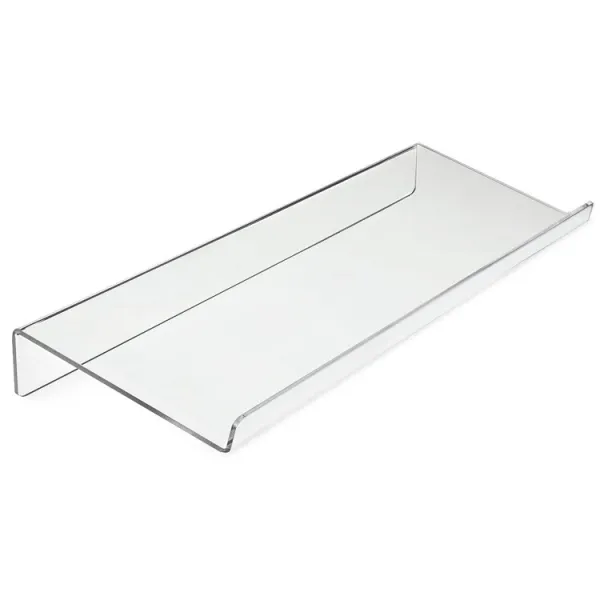
    Angled Clear Acrylic Keyboard Stand
    Angled Clear Acrylic Keyboard Stand
  • W
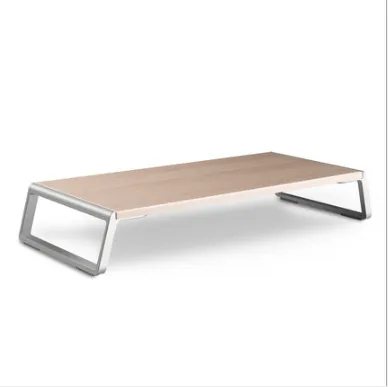
    Wooden Monitor Riser with Metal Legs
    Wooden Monitor Riser with Metal Legs
  • S
    S29 10.1-Inch Tablet with Dual SIM
    S29 10.1-Inch Tablet with Dual SIM
  • F
    Frameless Magnetic Glass Whiteboard
    Frameless Magnetic Glass Whiteboard
  • F
    Frameless Magnetic Glass Whiteboard with Tray
    Frameless Magnetic Glass Whiteboard with Tray
All 3088 in Computer & Office →