Dell Alienware AW3423DWF 34" Curved QD-OLED Gaming Monitor
Where to buy
No store is showing a current price right now. The stores below sell it; ask the agent to check today's prices.
Prices are checked against each store and labelled with when.
Check today's price at PzDealsIn stock now from Dell


Our take on the Dell Alienware AW3423DWF 34" Curved QD-OLED Gaming Monitor
The Alienware AW3423DWF is a 34-inch curved QD-OLED gaming monitor with a 3440x1440 ultrawide resolution. QD-OLED gives it per-pixel contrast, near-instant response and vivid color that most LCD rivals cannot match. It suits gamers who want deep blacks and fast motion, and workers who want an ultrawide with strong color. Its main trade-offs are OLED burn-in risk and text fringing from the subpixel layout, which some buyers notice on documents and spreadsheets.
- Per-pixel contrast with true blacks
- Very fast pixel response and low motion blur
- Wide color coverage for games and media
- 3440x1440 ultrawide gives extra side view
- Curved panel wraps the view for immersion
- OLED burn-in risk with static desktop elements
Dell Alienware AW3423DWF 34" Curved QD-OLED Gaming Monitor prices at every store
- PzDealsCheck price at PzDeals
What reviewers say
Reviewers and owners rate the AW3423DWF highly for its OLED contrast, color and motion handling in games. Complaints center on text clarity, burn-in worry and the lack of HDMI 2.1.
- Picture qualityPraisedOwners praise the deep blacks, contrast and vivid color, especially in HDR games and movies.
- MotionPraisedReviewers note very fast response and little blur in fast-paced games.
- Text clarityCriticisedSome users see color fringing on small text, which bothers document and coding work.
Ask our agent about this product
It checks today's price at every store, compares the alternatives and answers in about a minute.
Questions and answers
- Is the AW3423DWF good for both gaming and work?
- Yes for gaming, where OLED contrast and speed stand out. For work, small text can show color fringing, so check it in person if you read documents all day.
- Does it support 4K at 120Hz on consoles?
- No. It has no HDMI 2.1, so PlayStation 5 and Xbox Series X run at lower resolution or refresh over HDMI than on a 2.1 display.
- Should I worry about burn-in?
- QD-OLED can retain static images over long periods. Hiding the taskbar, using a screensaver and varying content lowers the risk.
- How does it compare with the AW3423DW?
- The DWF is the later, slightly simpler version. It runs at 165Hz versus 175Hz and drops G-Sync hardware for FreeSync Premium Pro, while keeping the same panel and look.
- What is included in the box?
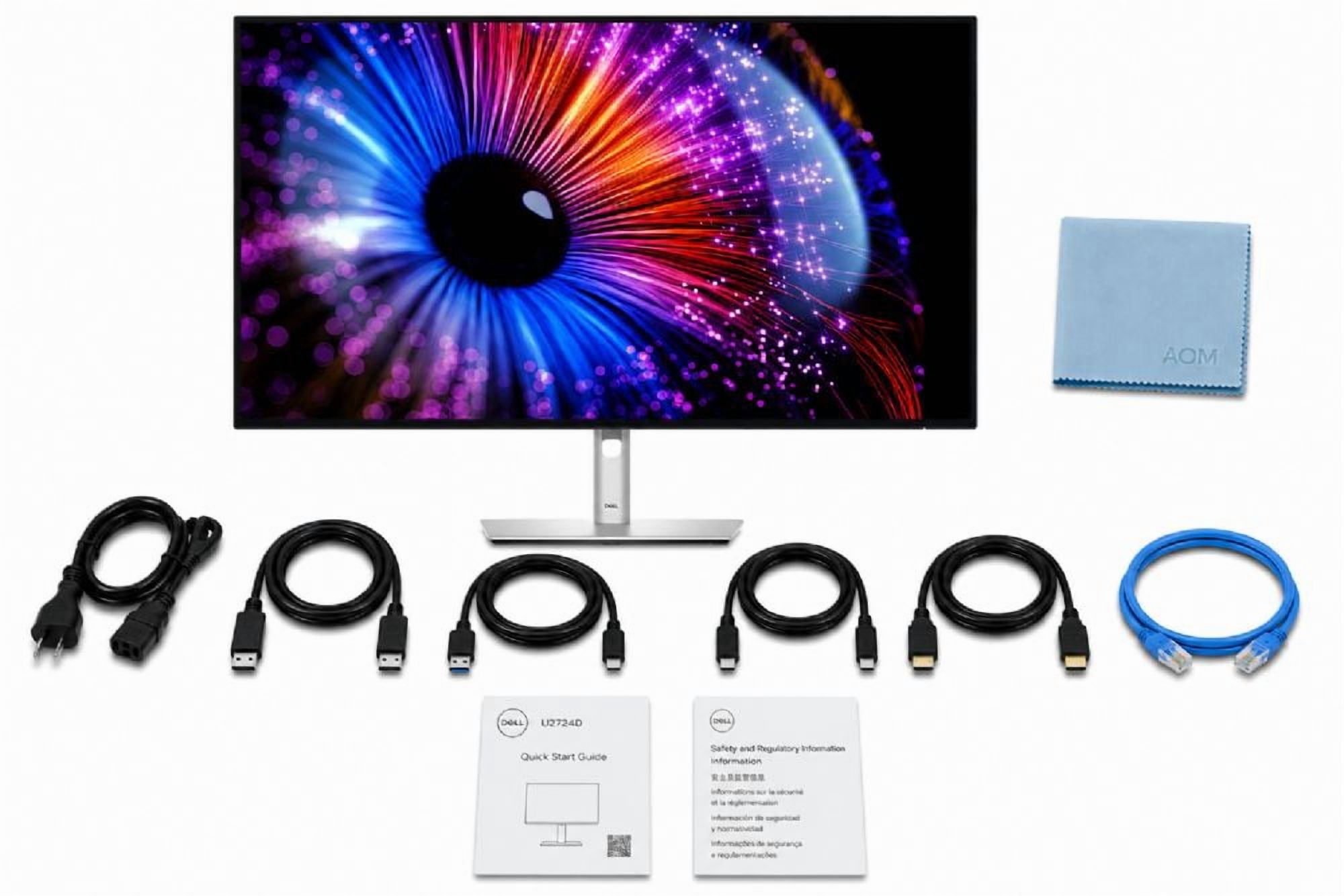
- The monitor, a stand, power and display cables, and paperwork. Check the listing for the exact cable set.
- Is the curve a problem for design work?
- The curve is mild and mostly helps immersion. Straight lines can look slightly bowed at the edges, which some designers notice.