Dell Alienware Curved WQHD 165Hz HDR QD-OLED Freesync Gaming Monitor
Where to buy
No store is showing a current price right now. The stores below sell it; ask the agent to check today's prices.
Prices are checked against each store and labelled with when.
Check today's price at PzDealsIn stock now from Alienware


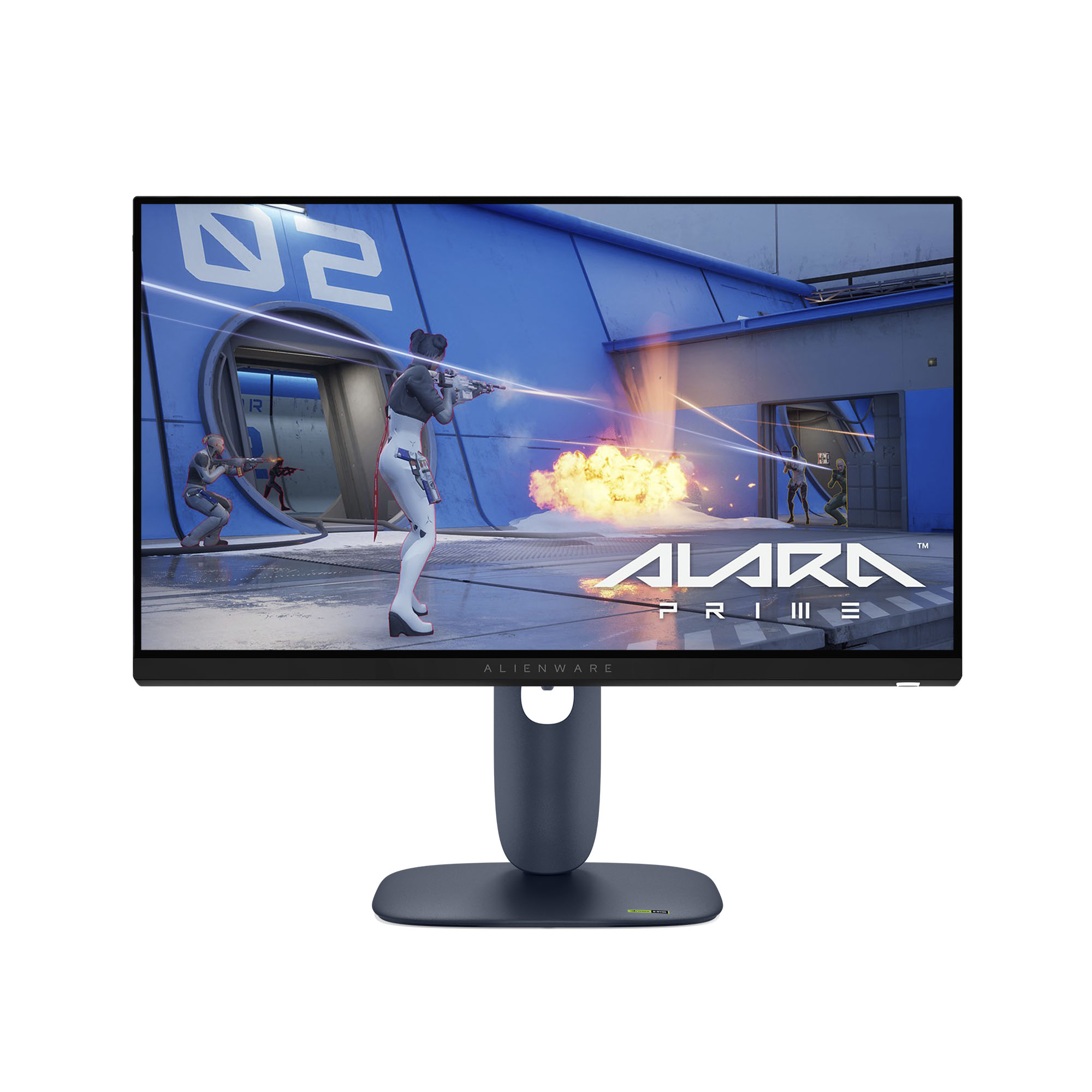
Our take on the Dell Alienware Curved WQHD 165Hz HDR QD-OLED Freesync Gaming Monitor
The Alienware AW3423DW is a 34-inch curved ultrawide gaming monitor with a 3440x1440 QD-OLED panel running at 165Hz. Quantum-dot OLED gives it near-instant pixel response, deep blacks and strong HDR, which is why it became the reference ultrawide for high-end PC gaming. It suits players who want an immersive, fast panel and accept OLED care habits. Against LCD rivals it wins on contrast and motion but gives up some peak brightness in bright rooms and carries burn-in risk.
- QD-OLED contrast with true blacks
- 165Hz with very low motion blur
- Ultrawide 3440x1440 field of view
- Strong HDR color and highlights
- Solid build with a sturdy stand
- Risk of permanent burn-in with static UI
Dell Alienware Curved WQHD 165Hz HDR QD-OLED Freesync Gaming Monitor prices at every store
- PzDealsCheck price at PzDeals
What reviewers say
Owners and reviewers rate it among the best gaming monitors for picture quality, praising OLED contrast, speed and HDR. Complaints center on burn-in worry, text clarity and brightness in bright rooms.
- Picture qualityPraisedOwners call the contrast and color the best they have seen on a gaming monitor.
- Motion and refreshPraisedReviewers find 165Hz OLED motion exceptionally clear with almost no smearing.
- Burn-inCriticisedBuyers worry about permanent marks from taskbars and static HUDs over long use.
Ask our agent about this product
It checks today's price at every store, compares the alternatives and answers in about a minute.
Questions and answers
- Is this monitor good for both gaming and work?
- Yes for gaming and media, with caveats for work. The ultrawide space helps multitasking, but small text can show color fringing and static windows raise burn-in risk.
- How does it compare with a 34-inch IPS ultrawide?
- The QD-OLED has far deeper blacks, faster response and better HDR. An IPS panel is brighter in lit rooms and immune to burn-in, but it cannot match the contrast.
- Does it support FreeSync and G-Sync?
- It supports FreeSync Premium Pro and is G-Sync Compatible, so variable refresh works with AMD and Nvidia cards over DisplayPort.
- What should I do about burn-in?
- Use the built-in OLED care features, hide the taskbar, set a short screen-off timer and avoid leaving static content on screen for hours.
- Can consoles use its full refresh rate?
- Only partly. Consoles connect over HDMI, which on this model is limited to 60Hz at full resolution, so 120Hz console play is not available.
- What is in the box?
- The monitor, its stand, a DisplayPort cable, an HDMI cable, a USB upstream cable and a power cable.