- Is the USB-C port enough to dock a laptop?
- Yes. The USB-C hub carries video and data over one cable and charges a connected laptop, so a separate dock is often unnecessary. Check that your laptop supports USB-C video output and charging over the same port.
- Is 60 Hz a problem for gaming?
- For casual and strategy games it is fine. For fast shooters or competitive play, a higher-refresh monitor is the better choice; this panel is aimed at office work.
- Does it have speakers or a headphone jack?
- No. There are no built-in speakers and no 3.5 mm audio input, so plan on separate speakers or headphones connected to your computer.
- Can I mount it on a monitor arm?
- Yes. It supports VESA mounting, and the stand also tilts. A 32-inch panel is heavy, so pick an arm rated for its weight.
- How does it compare with a 4K 32-inch monitor?
- QHD at 32 inches is easier on laptop graphics and keeps text large without scaling. A 4K panel is sharper but needs more GPU power and scaling setup.
- What connections does it offer?
- HDMI and DisplayPort for video, USB-C for the hub and laptop charging, and USB-A downstream ports for peripherals. There is no VGA or DVI.
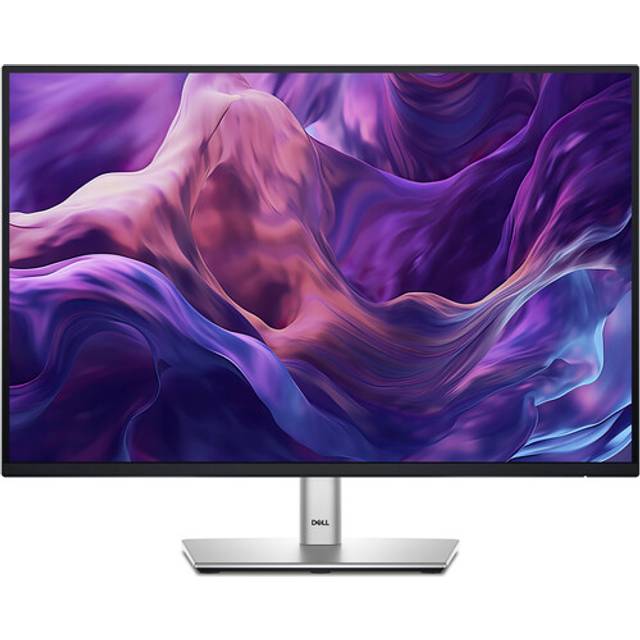
- Where is the Dell Pro 32 Plus QHD USB-C Hub IPS Monitor P3225DE 32-inch cheapest?
- At B&H Photo, for $449.99, 22% under what the other stores charge, as of our latest check.
- Where can I buy the Dell Pro 32 Plus QHD USB-C Hub IPS Monitor P3225DE 32-inch?
- 7 stores we checked sell it, including B&H Photo, Dell Home & Home Office, Staples, Newegg, Antonline.