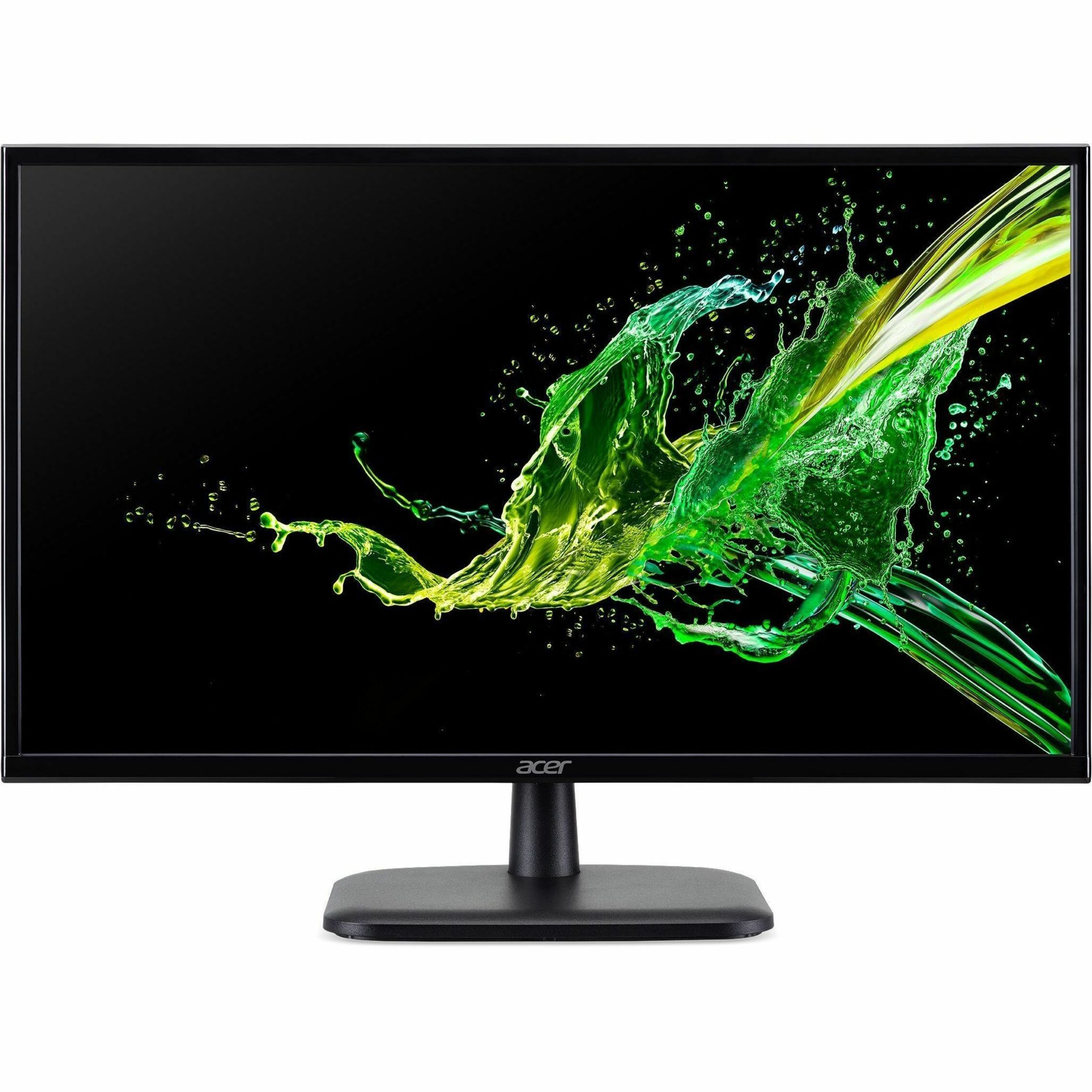
Dell UltraSharp U2724DE
Last price we saw
Prices change often: ask the agent below to check today's price at every store.
Prices differ by screen size, and this one may be for a smaller size: check the size at the store.
Prices are checked against each store and labelled with when.
In stock now from Dell


Our take on the Dell UltraSharp U2724DE
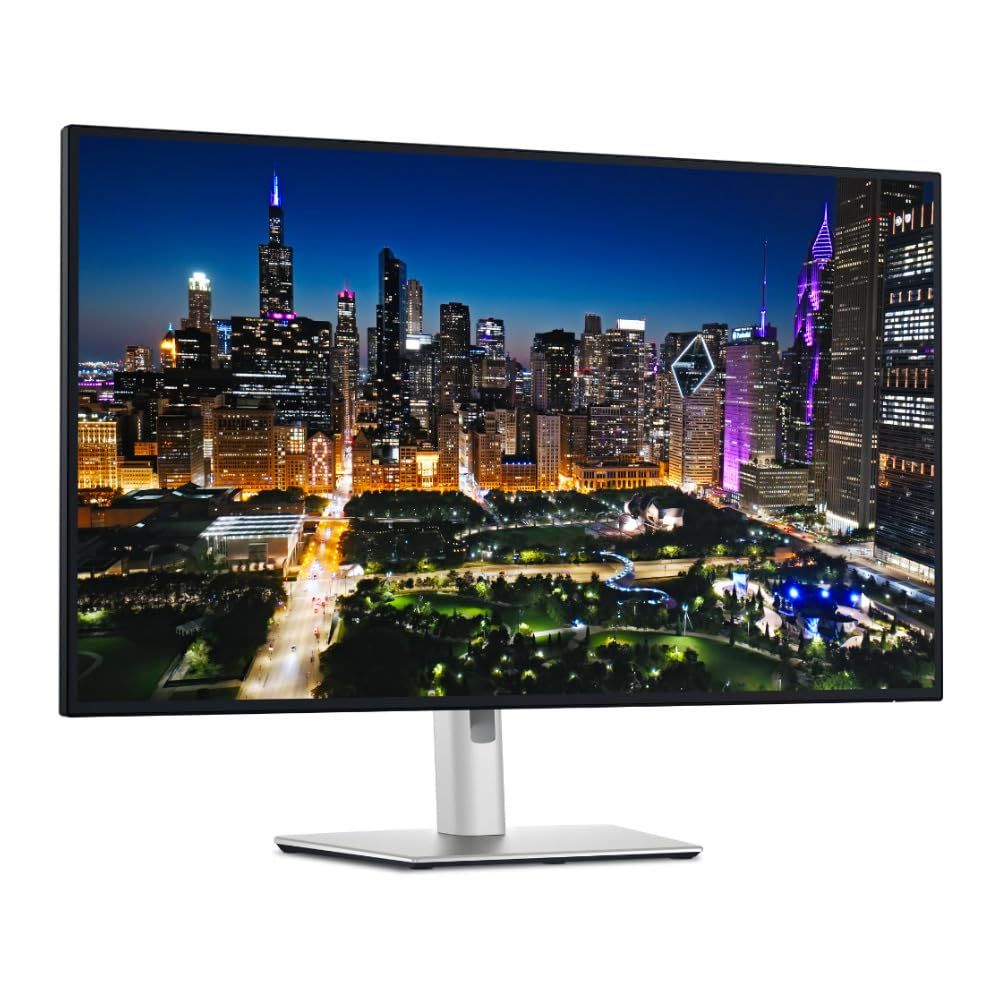
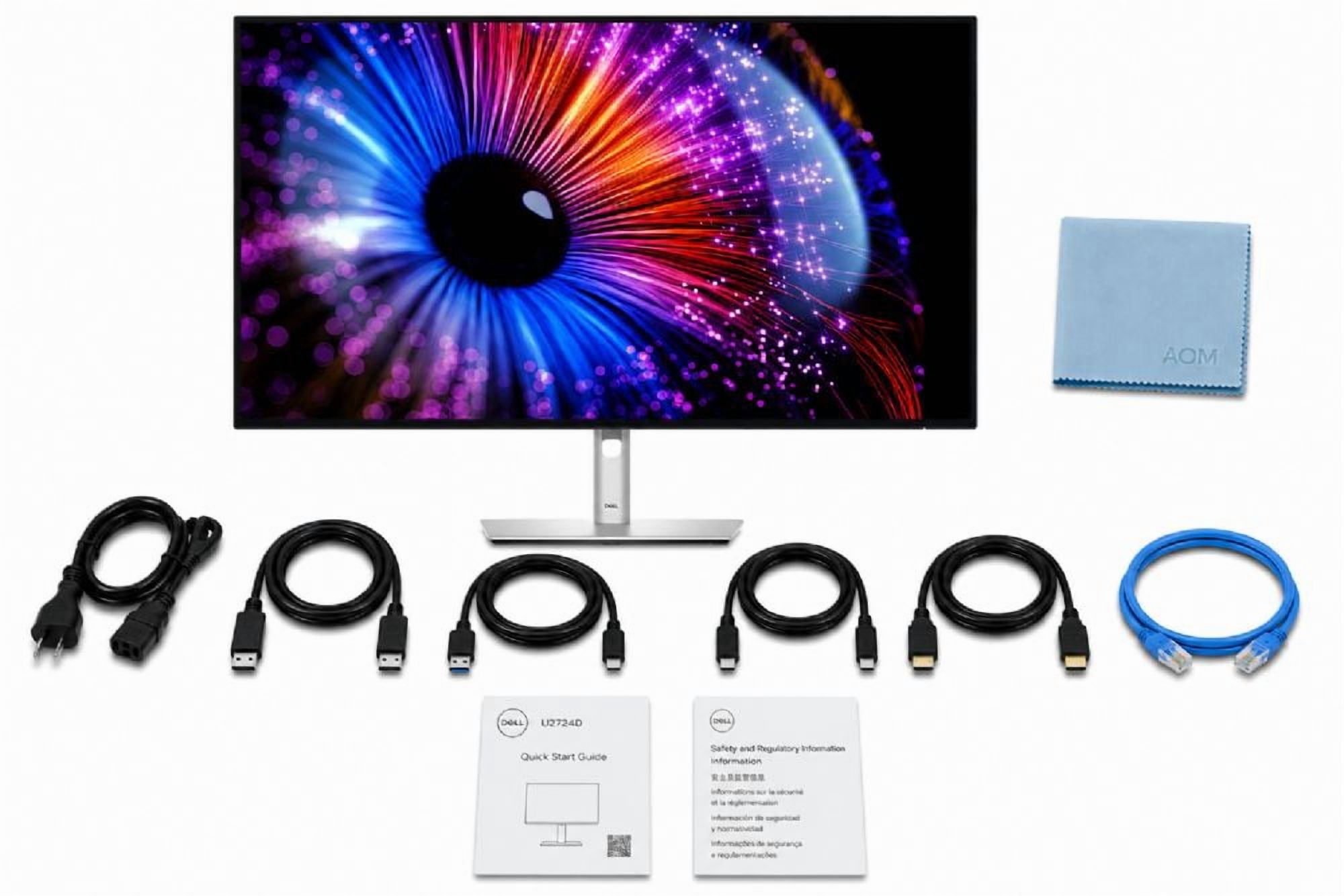
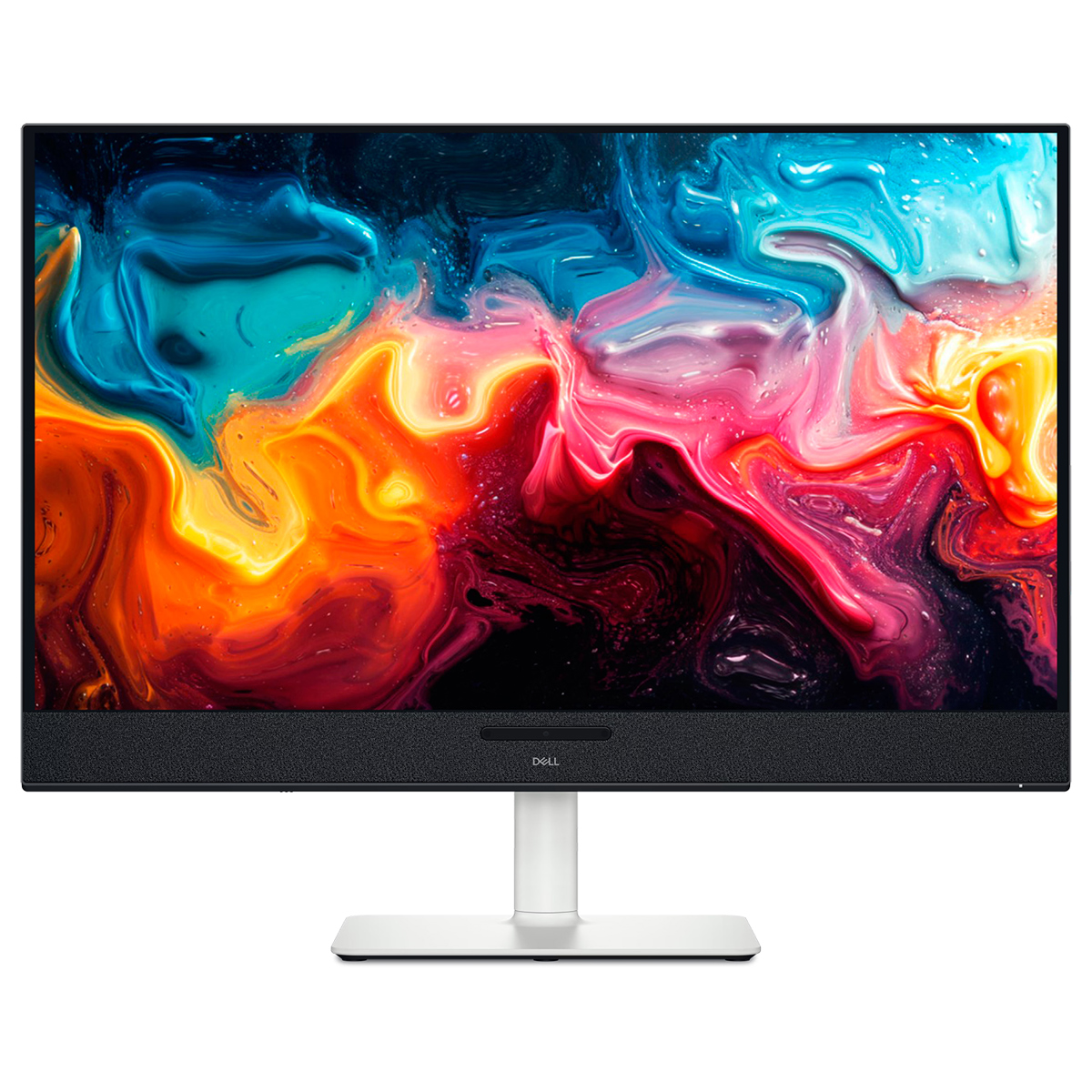
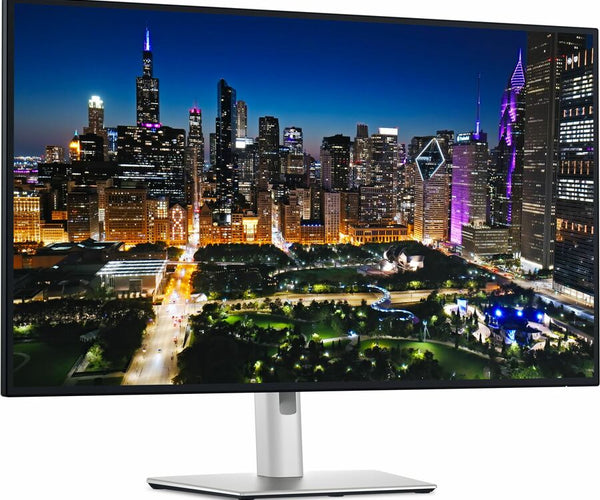
The Dell UltraSharp U2724DE is a 27-inch 2560 x 1440 IPS monitor that runs at 120 Hz, a refresh rate most 1440p office monitors still lack. It is built as a Thunderbolt 4 hub: one cable carries video, data and up to 90W of power to a laptop, and a second Thunderbolt 4 port lets you daisy-chain another display. Auto KVM switches one keyboard and mouse between two connected PCs, and an ambient light sensor adjusts brightness and color temperature. It suits editors, designers and hybrid workers who want accurate color and a clean single-cable desk; gamers who want 4K or faster panels will look elsewhere, and buyers who only need a basic 60 Hz screen pay for ports they may not use.
- 120 Hz refresh at 1440p makes scrolling and motion smoother than 60 Hz rivals
- Thunderbolt 4 with 90W power delivery and a second TB4 port for daisy chaining
- Auto KVM switches keyboard and mouse between two connected computers
- IPS panel with wide viewing angles and consistent color
What reviewers say
- 4.6 / 510 ratings
Ratings are strong, and owners treat it as a do-everything work monitor. They praise the sharp 1440p image, smooth 120 Hz motion and the convenience of one Thunderbolt cable for laptop charging and data. The main complaints are the price premium over basic 1440p screens and the lack of 4K.
- Image qualityPraisedOwners describe a sharp, evenly lit 1440p picture with colors that hold up for photo and video work.
- Refresh ratePraisedThe 120 Hz panel is called noticeably smoother than 60 Hz office monitors for scrolling and cursor movement.
Ask our agent about this product
It checks today's price at every store, compares the alternatives and answers in about a minute.
Questions and answers
- Is the U2724DE good for photo and video editing?
- Yes. The IPS panel covers a wide color gamut with consistent viewing angles, and the ambient light sensor keeps brightness and color temperature steady. At 2560 x 1440 it is short of 4K for pixel-level detail, but fine for most editing work.
- Can one Thunderbolt cable charge my laptop and run the display?
- Yes. Thunderbolt 4 carries video and data and delivers up to 90W of power, enough for most ultrabooks and many 14-inch laptops. Heavier workstation laptops may need their own charger.
- How does the Auto KVM work with two computers?
- Connect one PC over Thunderbolt and another over USB-C or DisplayPort, and the monitor switches the keyboard and mouse to whichever machine is active. You can also switch manually.
- Can I daisy-chain a second monitor?
- Yes. The second Thunderbolt 4 port supports daisy chaining, so a compatible monitor can run from the same connection to your laptop.
- Does it have built-in speakers?
- No. Audio comes from your laptop or from speakers connected to the monitor's audio output.
- Is 120 Hz useful outside gaming?
- Yes. Scrolling, window dragging and cursor movement look smoother than on 60 Hz panels, and the higher refresh helps with video playback and light gaming.