StoreDeal.ai store
Shop
  • Deals
  • Deal checker
  • Black Friday
  • Buying guides
  • Brands
  • Stores
Travel
  • Flight deals
  • Hotel deals
Company
  • Research
  • Press
  • Use in AI assistants
  • Contact
  • deal.ai apps
Black Friday 2026
  • Walmart
  • Best Buy
  • Target
  • TVs
  • Laptops
  • Headphones
  • Apple
  • Gaming
  • Vacuums
  • Kitchen
  • Toys
  • Smartwatches
  • Tablets
  • Furniture
  • Mattresses
© Deal.ai Inc.·2222 Ponce de Leon Blvd, Miami, FL 33134·support@deal.ai
TermsPrivacy

Free shipping on everything·10% off your first order·No account needed · Buy 2, save 10% · 3+, save 15%

Deal.ai › Store › Tech & Gadgets › Computer & Office
D
Drawing Tablet with Stylus and Touch Keys

Drawing Tablet with Stylus and Touch Keys

Sold and shipped by Deal.ai

$96.99Free shipping

$87.29 with 10% off your first order

Buy 2, save 10% · 3+, save 15%

Style: A30
How many?
1
  • 30-day money-back guarantee
  • Secure checkout

Arrives about Dec 3–13, from a warehouse in China

30-day full refund: if you're not happy with it for any reason, or it never arrives, tell us within 30 days and we refund you in full. Shipping and refunds

Ask our agent about this product

It checks today's price at every store, compares the alternatives and answers in about a minute.

Enter to send, Shift+Enter for a new line

Price facts

  • Last seen at $96.99 at Deal.ai on Nov 25.

Our take on the Drawing Tablet with Stylus and Touch Keys

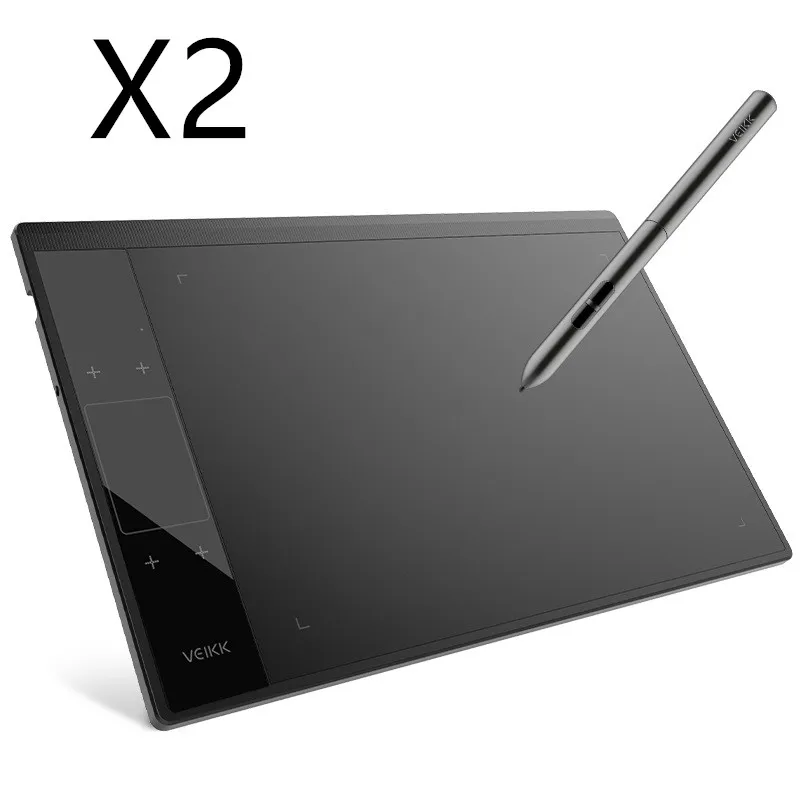
The VEIKK A30 is a wired graphics tablet with a 10 x 6 in active area and a battery-free pen rated at 8192 pressure levels. Its left-edge panel adds four customizable touch keys and a gesture pad for zooming the canvas and brush. At 8 mm thick and 570 g it is easy to carry, and it connects over USB-C to Mac and Windows. It suits beginners and hobbyists who want a large drawing surface without a display; against display tablets and pen-computer rivals it lacks a screen and wireless use, and its gesture pad is the feature owners either like or ignore.

Best forBeginners learning digital drawingHobbyists on a budgetStudents taking notes and sketchingIllustrators wanting a large no-screen surface
Pros
  • Large 10 x 6 in active area for the class
  • 8192 pressure levels and 5080 LPI resolution
  • Battery-free pen never needs charging
  • Four customizable touch keys plus gesture pad
  • Thin (8 mm) and light (570 g), easy to carry
  • USB-C plug-and-play on Mac and Windows
Cons
  • No display; you draw while looking at your monitor
  • Wired USB-C connection only, no Bluetooth
  • Gesture pad takes practice and some find it imprecise
  • No tilt support listed
  • Plastic surface can wear nibs faster than glass

What reviewers say

Owners of the A30 generally call it a solid entry-level tablet with a responsive pen and a generous drawing area. Complaints center on the gesture pad and the lack of wireless use.

What people mention
  • Pen performancePraisedOwners say the pen is accurate and responsive, with pressure that registers smoothly.
  • Active areaPraisedReviewers like the 10 x 6 in surface for sketching and tracing comfortably.
  • Gesture padCriticisedSeveral owners find the gesture pad imprecise and prefer the touch keys or keyboard shortcuts.
  • SetupPraisedBuyers report the driver installs quickly and the tablet works soon after plugging in.
  • Wired useMixedSome users accept the USB-C cable, while others wish the tablet worked wirelessly.

About the Drawing Tablet with Stylus and Touch Keys

This is a digital drawing tablet with a flat drawing surface and an active area of 10 x 6 inches. It measures 332 x 212 x 8 mm (13.1 x 8.3 x 0.3 in) and weighs 570 g (1.26 lb). A slim stylus rests above the surface, and four round touch keys with a square gesture pad sit along the left edge. The drawing surface has a paper-like feel.

The pen is batteryless and passive, so it never needs charging. It offers 8192 levels of pressure sensitivity, which can be adjusted to suit how you draw, and its two buttons can be switched between pen/eraser and mouse functions. The tablet reads at 5080 LPI with a 250 pps report rate, a 10 mm reading height and a 10 ms response speed.

The four touch keys can be customized to your own functions. The gesture pad zooms the canvas and brush: slide right to zoom the brush in, left to zoom it out, up to zoom the canvas in and down to zoom it out. It connects by Type-C USB, plug and play in either direction, and works with Mac and Windows.

Dimensions
332 x 212 x 8 mm (13.1 x 8.3 x 0.3 in)
Active area
10 x 6 in
Weight
570 g (1.26 lb)
Pen
Batteryless passive pen
Pen pressure
8192 levels, adjustable
Pen buttons
2, switchable between pen/eraser and mouse
Resolution
5080 LPI
Report rate
250 pps
Reading height
10 mm
Response speed
10 ms
Controls
4 customizable touch keys, gesture touch pad
Surface

Specifications

Product type
Digital drawing tablet
Active area
10 x 6 in
Weight
570 g (1.26 lb)
Pen pressure
8192 levels
Resolution
5080 LPI
Report rate
250 pps
Reading height
10 mm

Questions and answers

Does the VEIKK A30 have a screen?
No. It is a pen tablet, so you draw on the surface while watching your computer monitor.
Does the pen need charging?
No. The passive pen is batteryless and draws power from the tablet, so it never needs a charge.
Does it work with a Mac?
Yes. It supports both Mac and Windows over USB-C, and works with Photoshop, Illustrator, SAI, Sketchbook and similar apps.
Is the A30 good for beginners?
Yes. The large active area and simple USB-C setup suit learners, though drawing without a screen takes some adjustment.
Can I customize the touch keys?
Yes. The four touch keys are customizable, and the gesture pad zooms the canvas and brush with slides.
What comes in the box?
The tablet, the battery-free pen, a USB-C cable and pen nibs are the standard contents; check the listing for the exact bundle.
Where is the Drawing Tablet with Stylus and Touch Keys cheapest?
At Deal.ai, for $96.99, as of our latest check.

More in Computer & Office

  • E
    Ergonomic Vertical Wireless Mouse
    Ergonomic Vertical Wireless Mouse
  • R
    RGB Wired Mechanical Keyboard with Number Pad
    RGB Wired Mechanical Keyboard with Number Pad
  • B
    Bamboo Ballpoint Pen with Bamboo Case
    Bamboo Ballpoint Pen with Bamboo Case
  • W
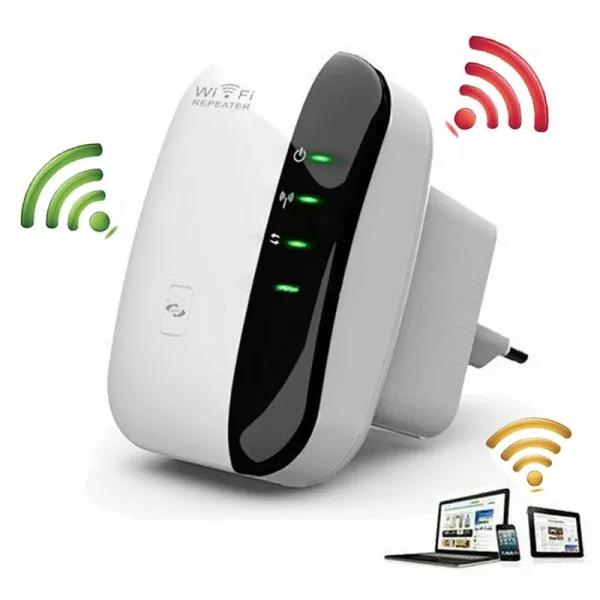
    WiFi Signal Repeater
    WiFi Signal Repeater
  • 1
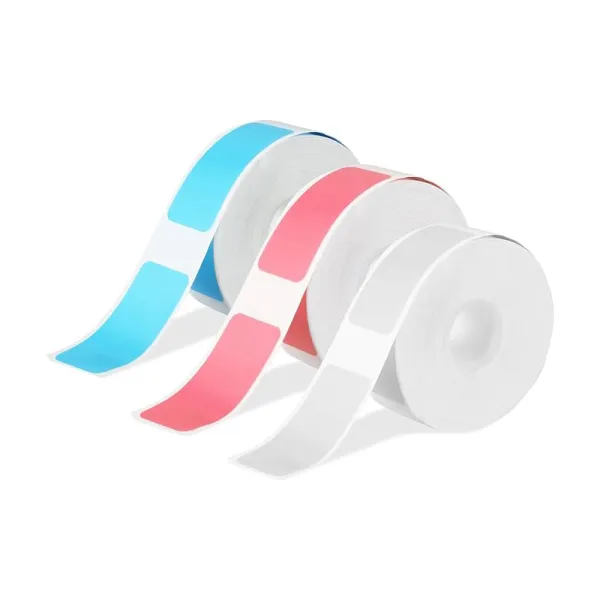
    15x30mm Label Tape, 3 Rolls
    15x30mm Label Tape, 3 Rolls
  • C
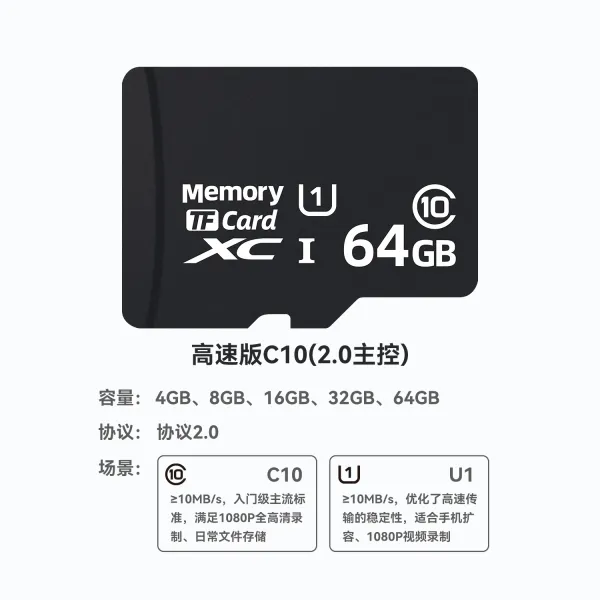
    Class 10 MicroSD TF Memory Card
    Class 10 MicroSD TF Memory Card
  • U
    USB-C to Dual HDMI Multiport Adapter
    USB-C to Dual HDMI Multiport Adapter
  • R
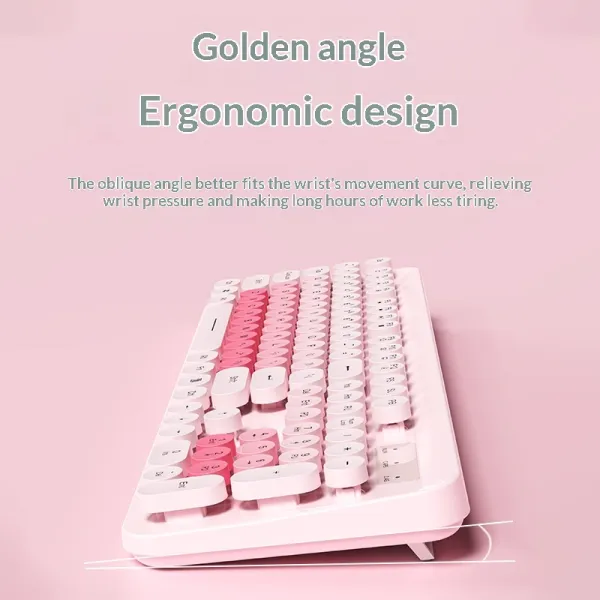
    Round-Key Wireless Keyboard and Mouse Set
    Round-Key Wireless Keyboard and Mouse Set
All 2703 in Computer & Office →

More drawing tablets

  • C
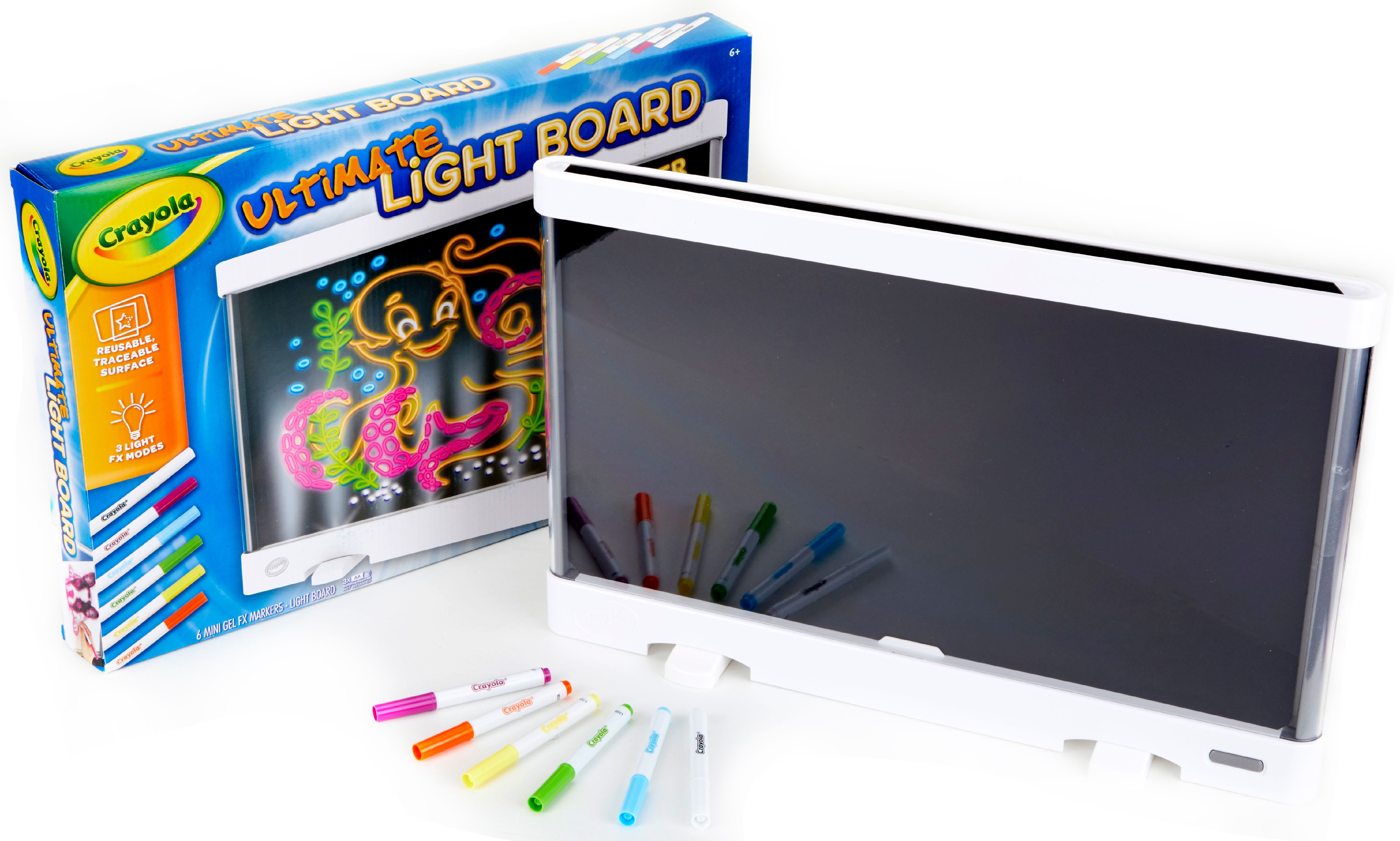
    Crayola Ultimate Light Board
    Crayola Ultimate Light Board
  • W
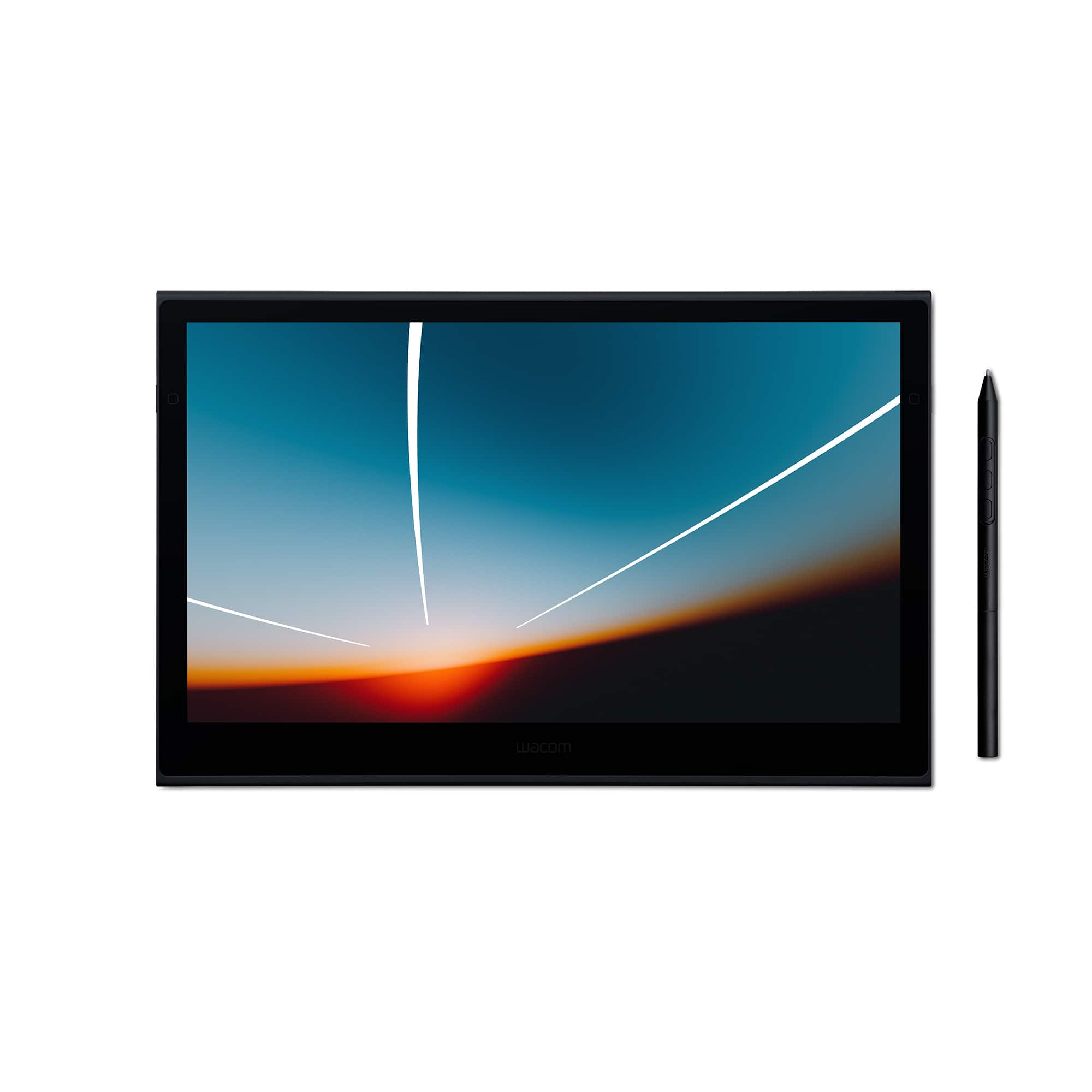
    Wacom Movink 13 OLED Tablet
    Wacom Movink 13 OLED Tablet
  • X
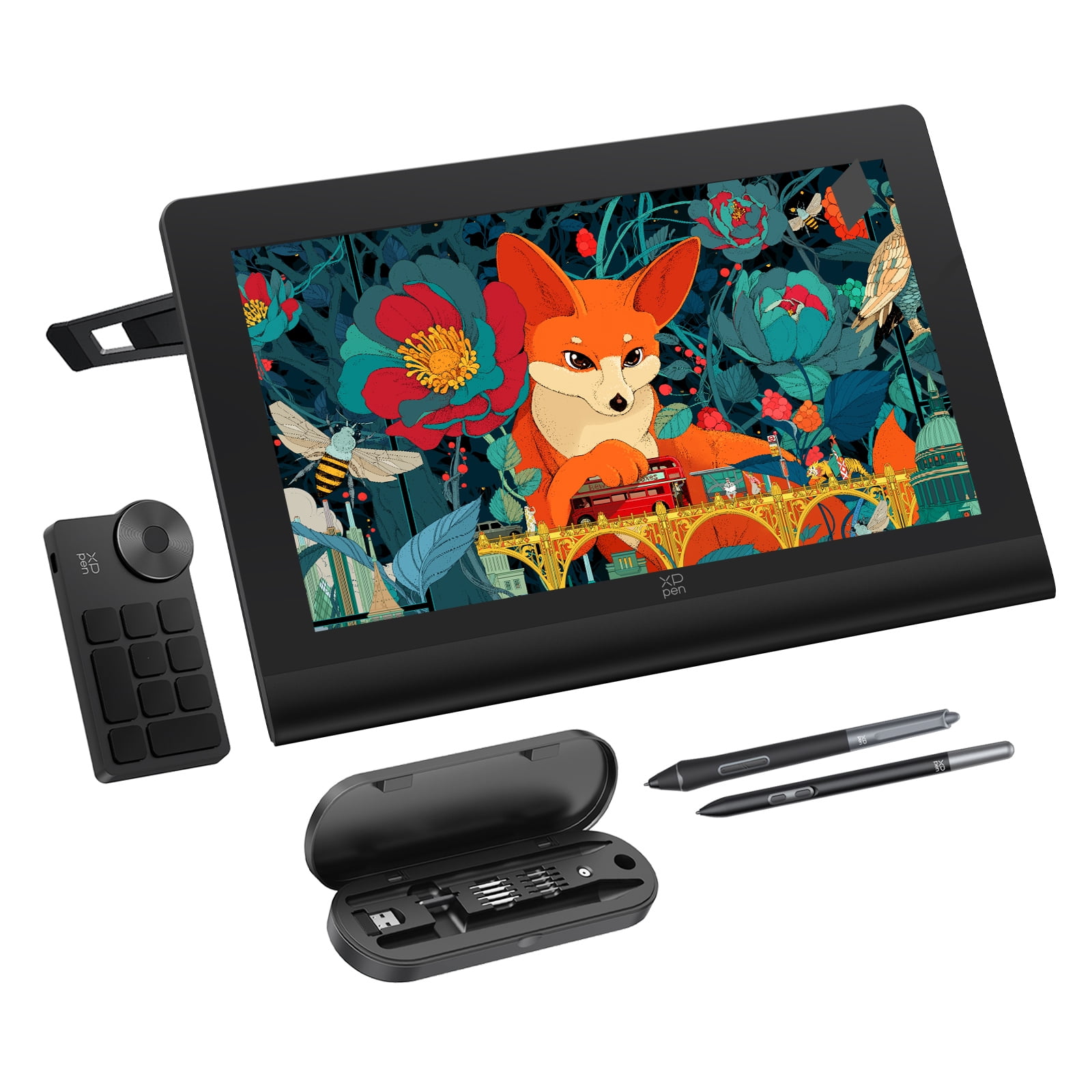
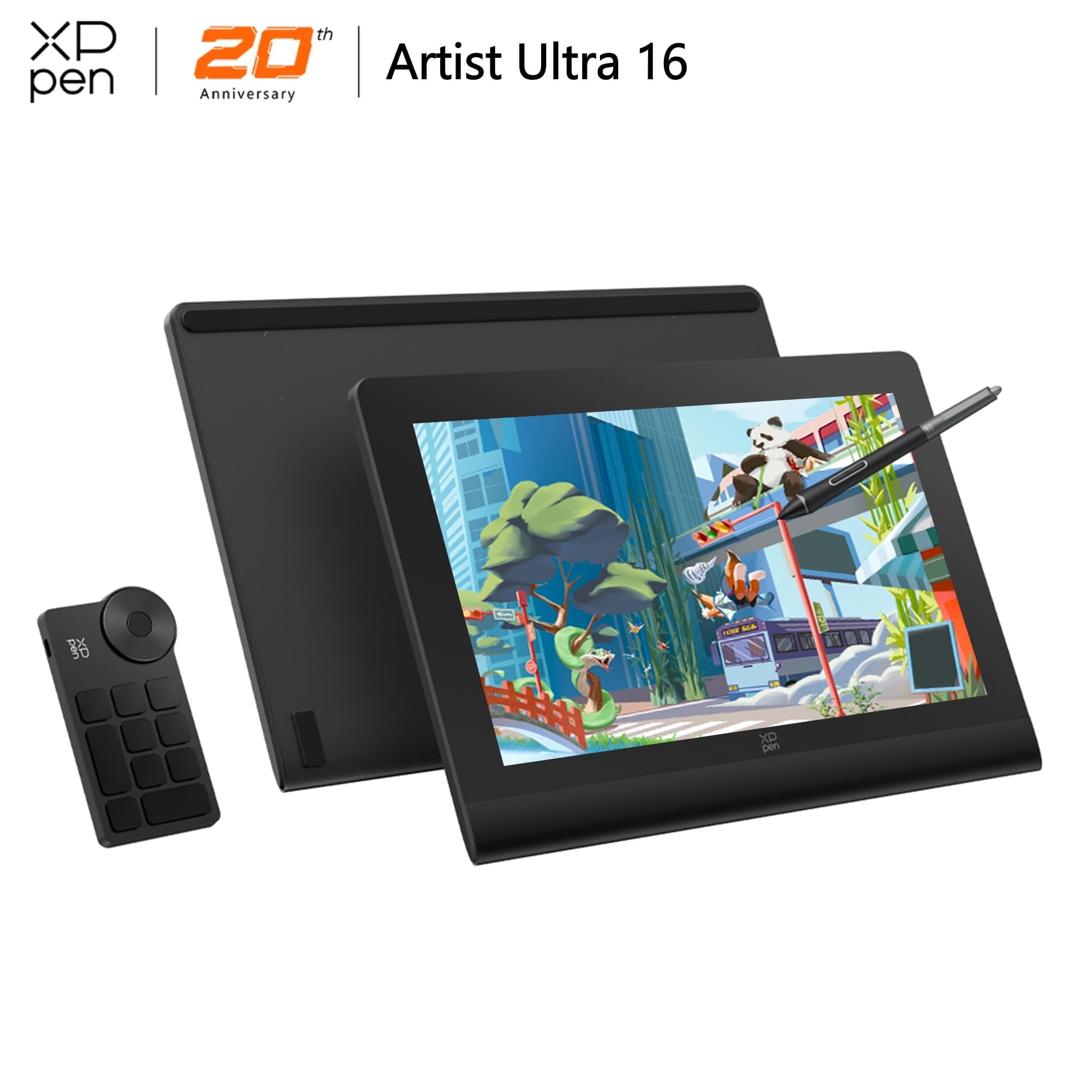
    XPPen Artist Ultra 16 4K OLED Touchscreen Drawing Tablet 15.6" Drawing Monitor
    XPPen Artist Ultra 16 4K OLED Touchscreen Drawing Tablet 15.6" Drawing Monitor
  • T
    Temu Led Light-up Drawing Writing Doodle Board
    Temu Led Light-up Drawing Writing Doodle Board
  • H
    Huion Inspiroy Giano G930L Drawing Tablet
    Huion Inspiroy Giano G930L Drawing Tablet
Paper-like feel
Connectivity
Type-C USB, plug and play
Compatibility
Mac and Windows
Software
Adobe Photoshop, Photoshop CC, SAI, Illustrator, 3D Max, Autodesk Sketchbook, Corel Painter, Autodesk MAYA, Pixologic, ZBrush
Response speed
10 ms
Controls
4 customizable touch keys, gesture touch pad
Connection
Type-C USB
U
ugee 14.25" Trio Pad UT3
  • H
    Huion Kamvas Pro 16 V2 15.6" Drawing Tablet with Screen
    Huion Kamvas Pro 16 V2 15.6" Drawing Tablet with Screen
  • X
    XPPen Pro Artist 4K Drawing Tablet with 15.6 inch OLED Screen
    XPPen Pro Artist 4K Drawing Tablet with 15.6 inch OLED Screen