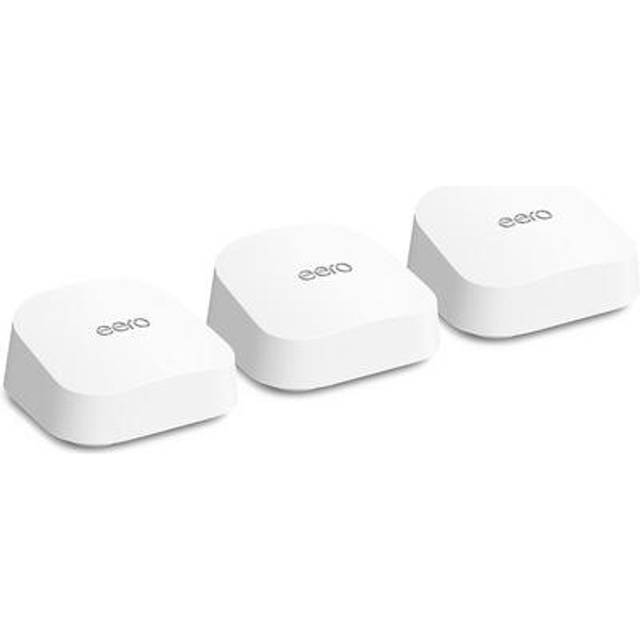
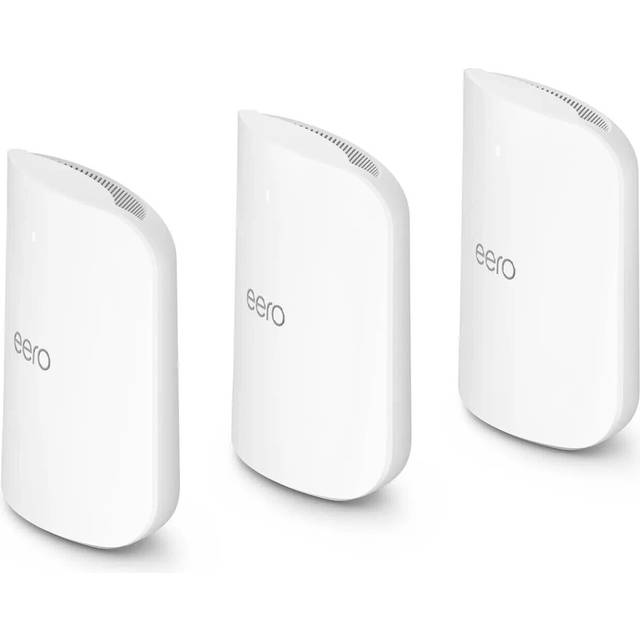
- Is the eero Pro 7 worth it over a Wi-Fi 6 mesh kit?
- If you have Wi-Fi 7 phones or laptops and a fast plan, the newer radio and tri-band backhaul give you headroom. On older devices and slower internet, a Wi-Fi 6 mesh kit covers most homes for less.
- How much area does a two-pack cover?
- eero positions a two-pack for roughly three to five bedrooms, but wall material and layout matter more than square footage. Add a third node for long or multi-wing homes.
- Does it work with older eero units?
- Yes, eero mesh systems are designed to mix generations, so older eero nodes can extend coverage. The newer units set the Wi-Fi standard for the network.
- Do I need a subscription?
- No. The core mesh, app and basic parental controls work without one. The subscription adds advanced security, ad blocking and more detailed parental features.
- How many Ethernet ports does each unit have?
- Each unit has gigabit Ethernet ports for wired devices or a wired backhaul between nodes. They are gigabit, not multi-gig.
- Can I use it with my existing modem?
- Yes. It connects to your modem or router via Ethernet and replaces your router's Wi-Fi. It has no built-in modem.
- Where is the eero Pro 7 Tri-Band Mesh Wi-Fi System 2-Pack cheapest?
- At Abt Electronics, for $549.99, as of our latest check.
- Where can I buy the eero Pro 7 Tri-Band Mesh Wi-Fi System 2-Pack?
- 5 stores we checked sell it, including The Home Depot, Best Buy, Abt Electronics, Lowe's, Newegg.