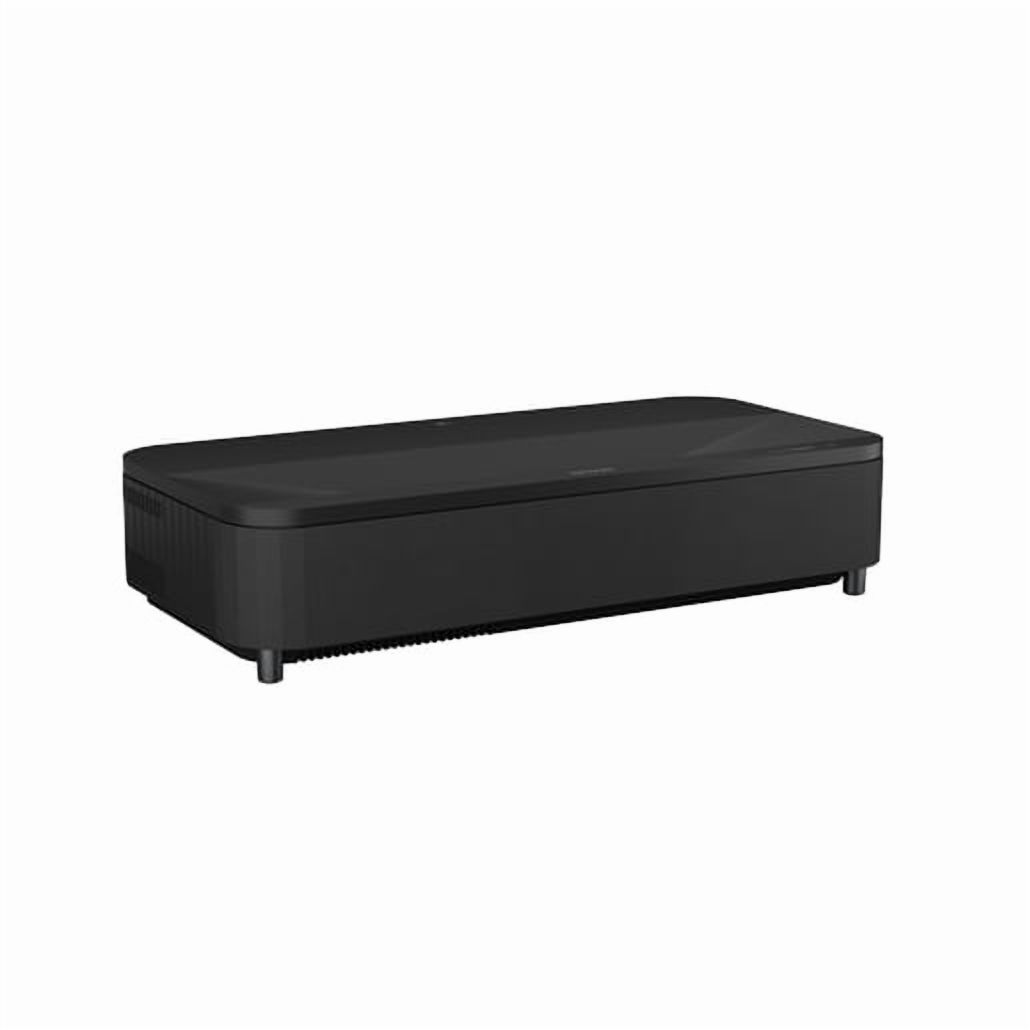
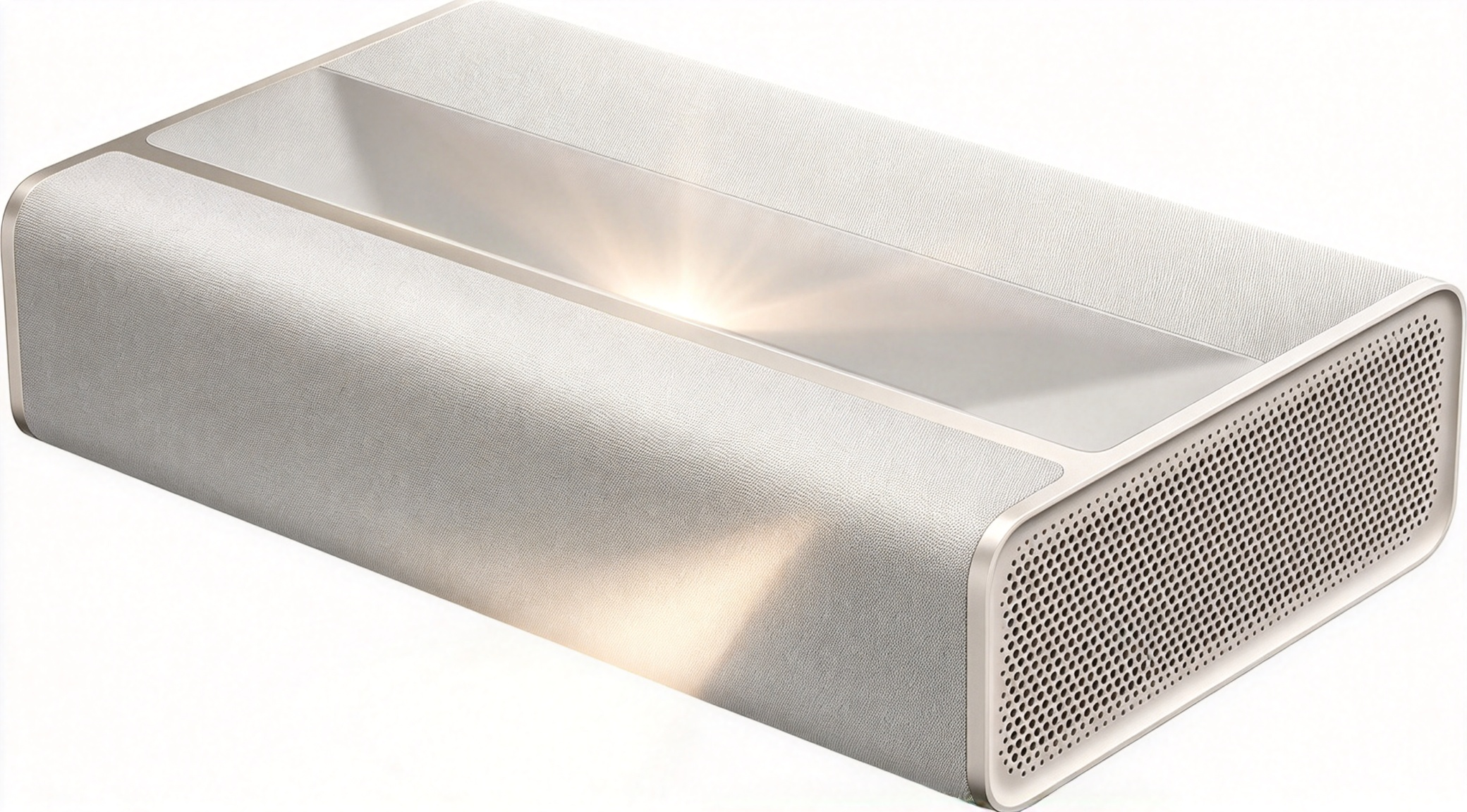
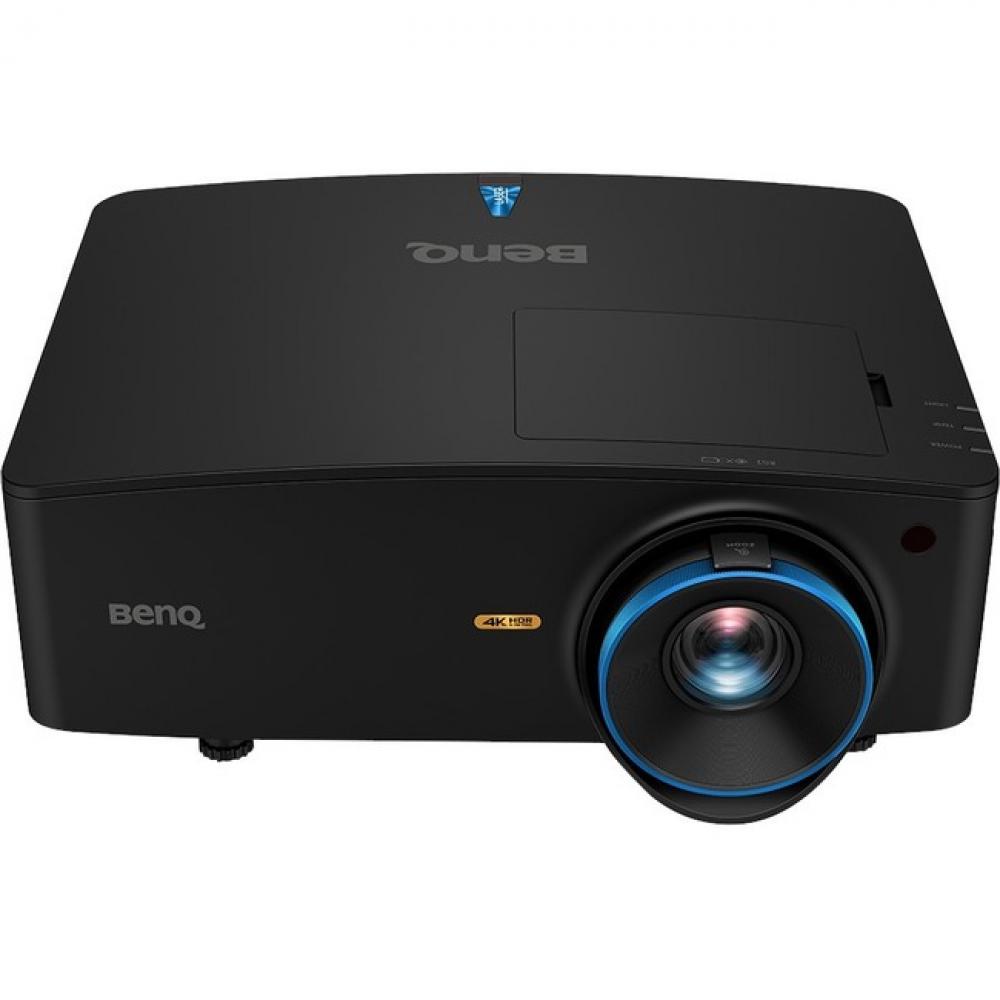
- How close to the wall does the QS100 need to be?
- It is an ultra short throw model, so it sits inches from the wall or screen and projects upward. Exact screen size depends on the distance, so check Epson's throw chart for the size you want.
- Does it need a special screen?
- It works on a plain wall, but an ultra short throw or ambient-light-rejecting screen gives a flatter surface and better contrast. A flat, matte wall is the minimum.
- Is the laser light source worth it over a lamp projector?
- The laser gives steady brightness for many years without lamp changes and reaches full brightness quickly. Lamp projectors cost less upfront but need replacements and dim over time.
- Can I use it for gaming?
- Yes, it accepts 4K and 1080p sources, but check the input lag for the mode you use. It is better suited to casual gaming than competitive play.
- Does it have built-in speakers?
- It has basic onboard audio for casual use. For movies and games, plan on a soundbar or AV receiver.
- What is in the box?
- Typically the projector, remote control, power cable and quick-start documentation. Cables and a screen are usually sold separately.
- Where is the Epson QS100 4K PRO-UHD HDR 4.500 Lumen 3LCD Ultra Short Throw Laser Projector cheapest?
- At Best Buy, for $5,499.99, as of our latest check.