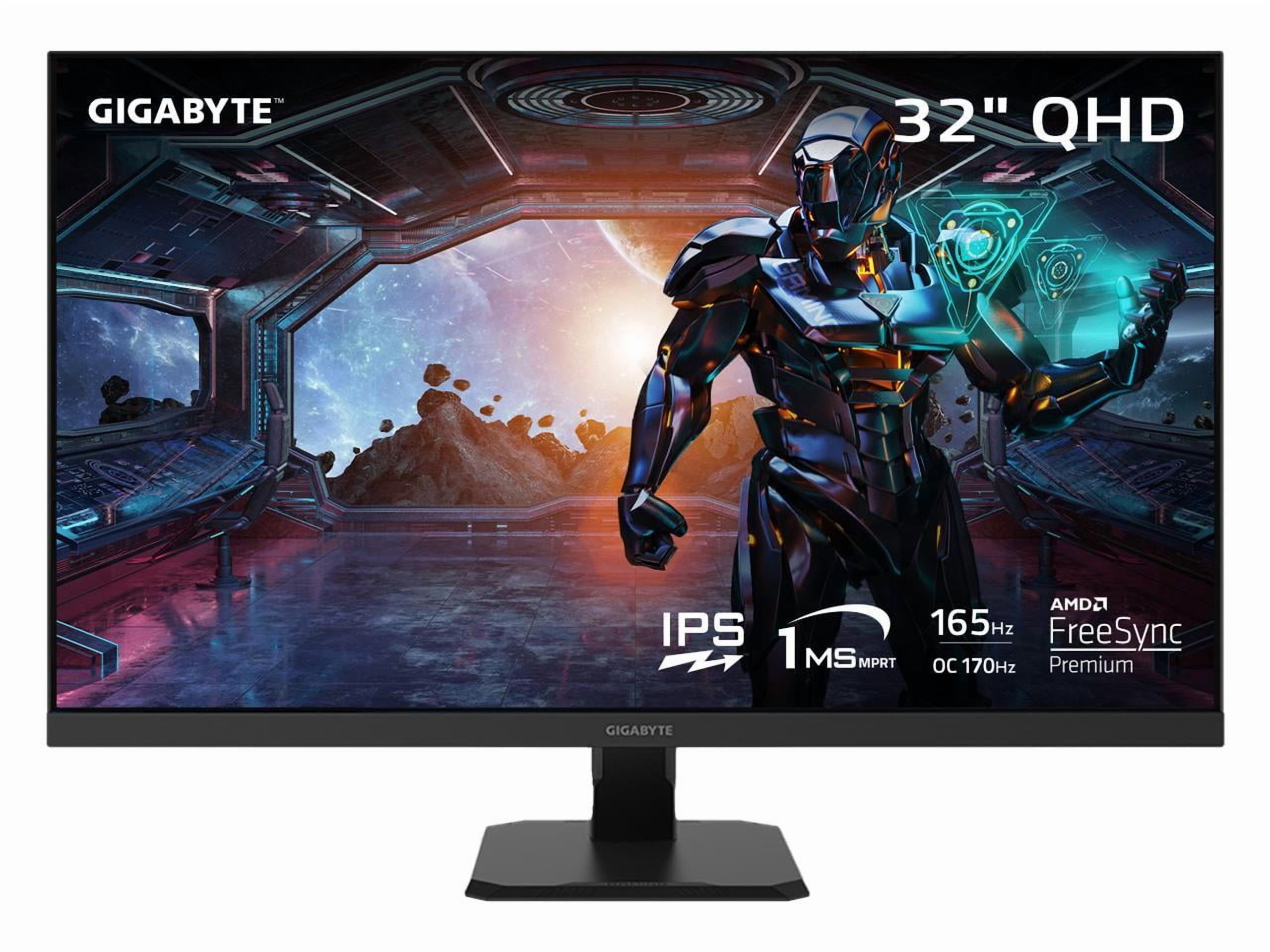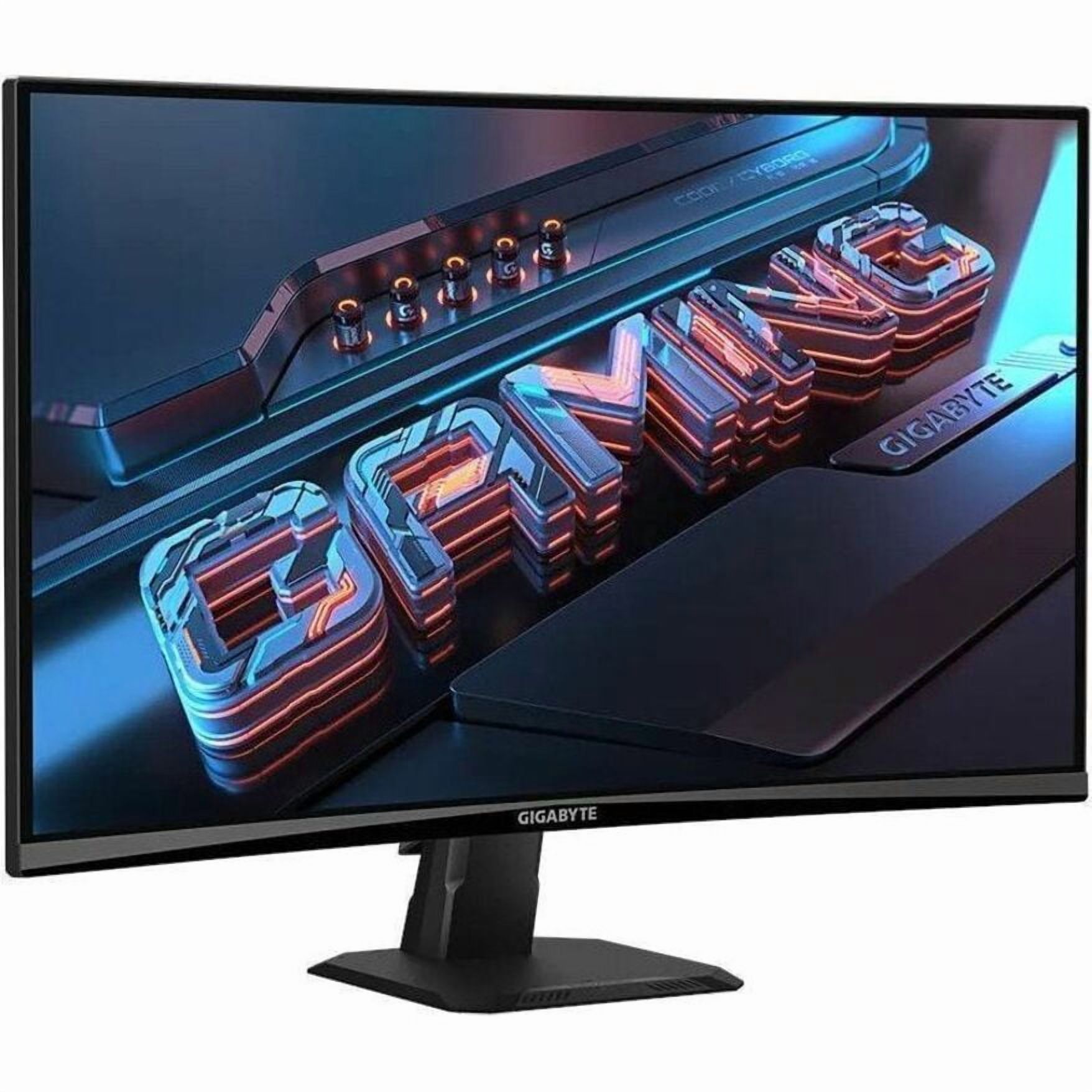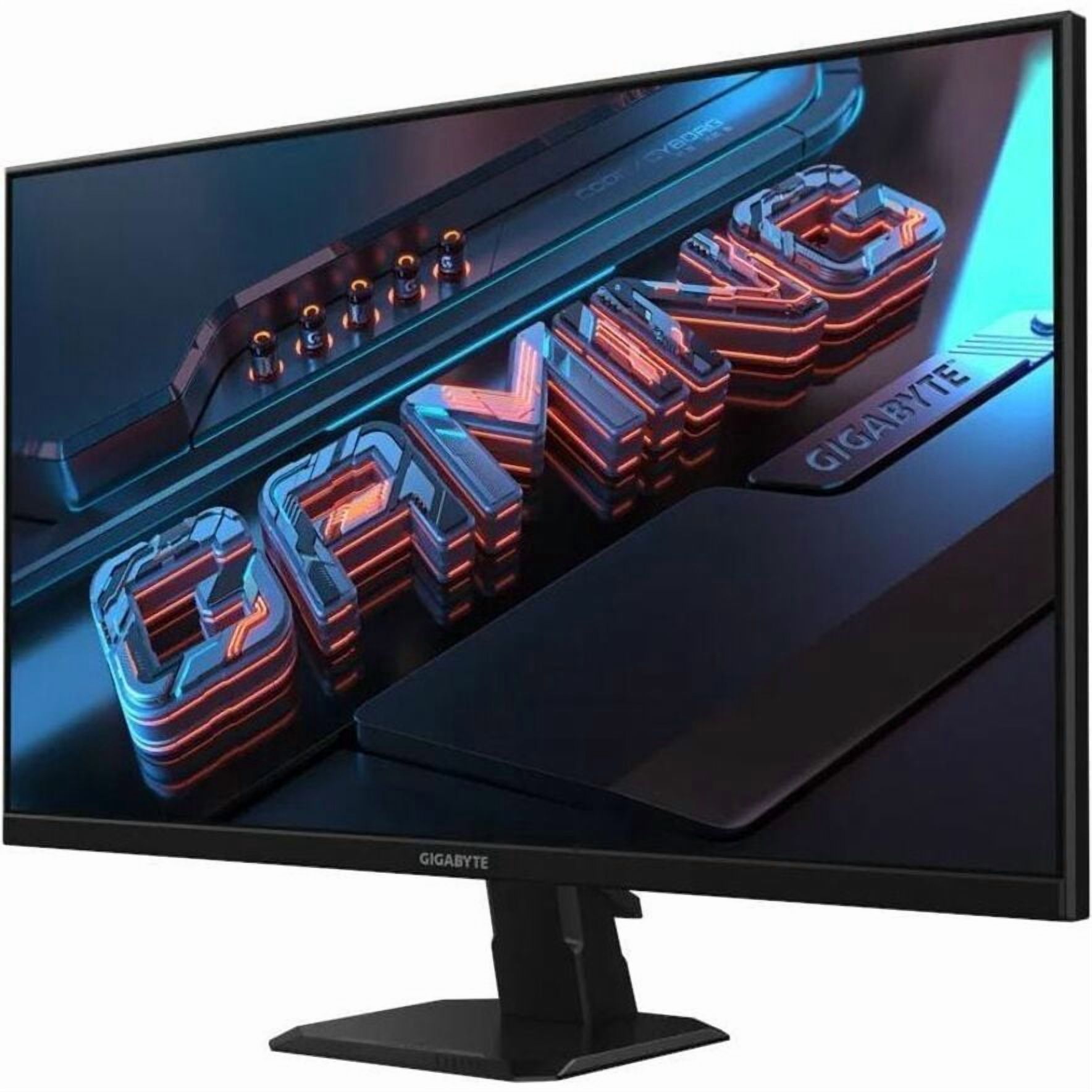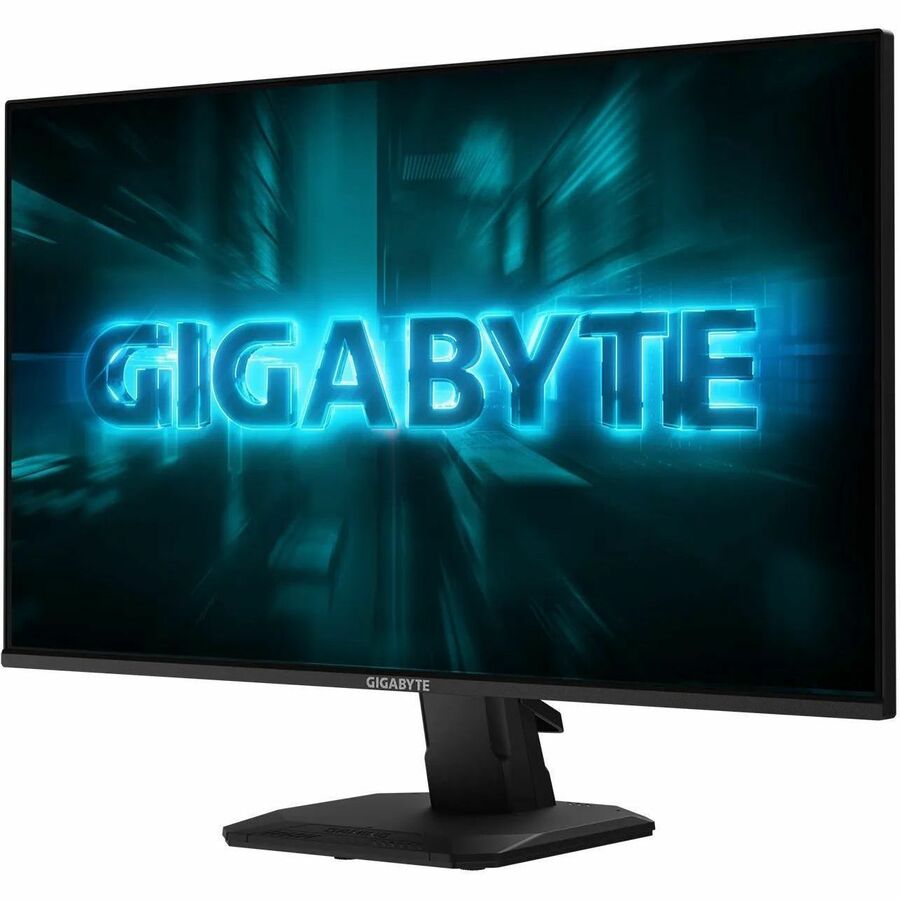
Gigabyte MO34WQC2 34" QD-OLED Curved Gaming Monitor
Where to buy
No store is showing a current price right now. The stores below sell it; ask the agent to check today's prices.
Prices are checked against each store and labelled with when.
Check today's price at WalmartOur take on the Gigabyte MO34WQC2 34" QD-OLED Curved Gaming Monitor
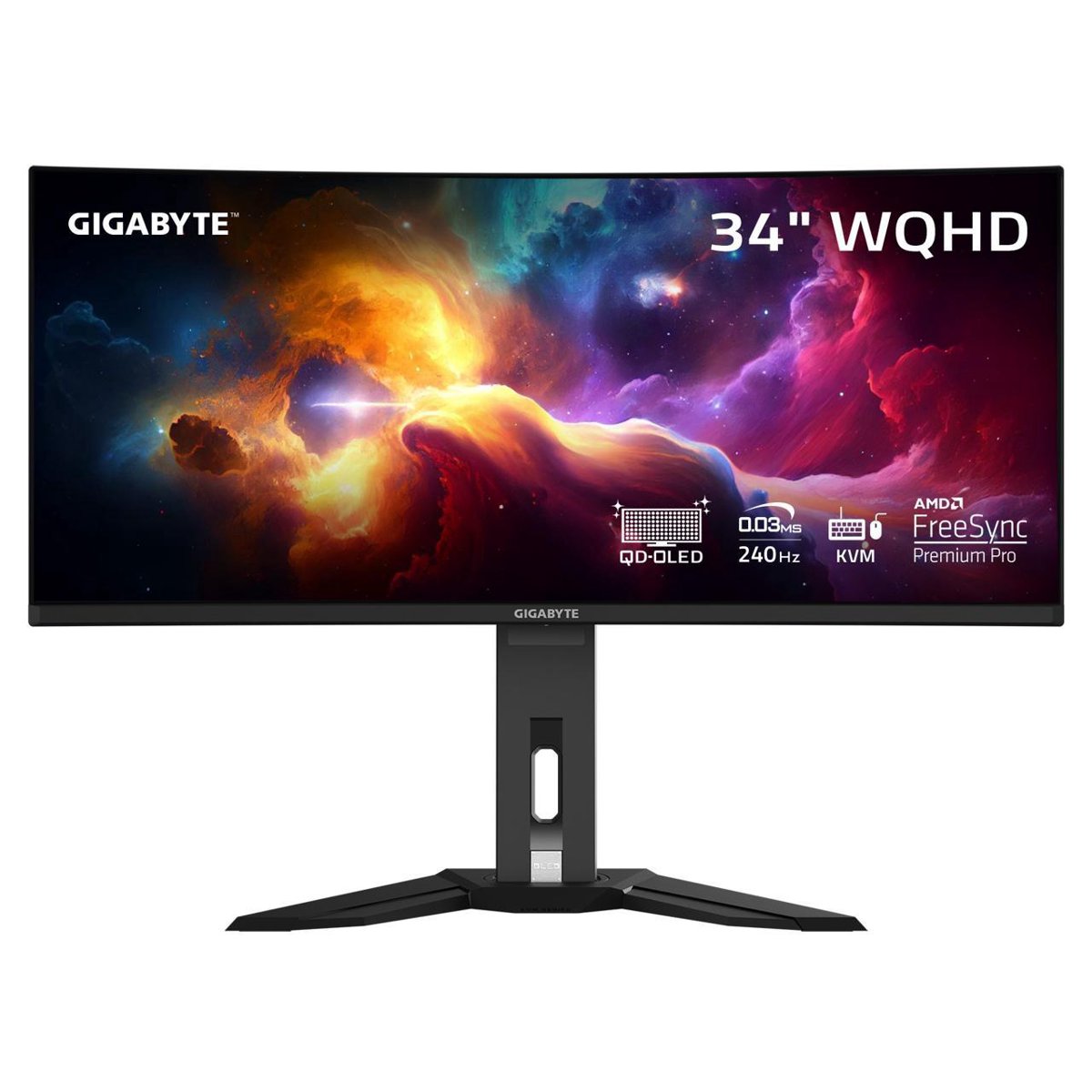
The Gigabyte MO34WQC2 is a 34-inch ultrawide curved gaming monitor built on a QD-OLED panel at 3440x1440. It runs at 240 Hz with a 0.03 ms gray-to-gray response, so motion is extremely clear and input lag is minimal. AMD FreeSync Premium Pro handles variable refresh, and a USB-C port with a built-in KVM lets one keyboard and mouse drive two computers. It suits competitive and immersive PC gamers who want deep blacks and fast motion in one screen; against LCD rivals it wins on contrast and response, while its QD-OLED panel brings the usual care needs around static images and bright rooms.
- 240 Hz refresh with 0.03 ms response for very fast motion
- QD-OLED panel gives per-pixel contrast and wide color
- 3440x1440 ultrawide gives extra side view in games and more room for windows
- FreeSync Premium Pro variable refresh
- USB-C with KVM switches keyboard and mouse between two machines
Gigabyte MO34WQC2 34" QD-OLED Curved Gaming Monitor prices at every store
- WalmartNew
Out of stockSold by Newegg Inc.Returns: Sold by a Walmart Marketplace seller; returns go to the seller under the seller's returns policy.
$699.99Free shippingChecked 24 min ago
About the Gigabyte MO34WQC2 34" QD-OLED Curved Gaming Monitor
The Gigabyte MO34WQC2 is a 34-inch QD-OLED curved gaming monitor with a WQHD resolution of 3440 x 1440. The screen is curved and the monitor comes in black.
It runs at a 240 Hz refresh rate with a 0.03 ms GTG response time, and it supports AMD FreeSync Premium Pro.
The monitor connects through HDMI, DisplayPort and USB Type-C, and it has a Type-C KVM. Its height is adjustable.
- Display
- 34-inch QD-OLED
- Resolution
- WQHD 3440 x 1440
- Screen
- Curved
- Refresh rate
- 240 Hz
- Response time
- 0.03 ms GTG
- Adaptive sync
- AMD FreeSync Premium Pro
- Ports
- HDMI, DisplayPort, USB Type-C
- KVM
- Type-C KVM
- Height adjustment
- Yes
- Color
- Black
Specifications
- color
- Blackwalmart.com
Ask our agent about this product
It checks today's price at every store, compares the alternatives and answers in about a minute.
Questions and answers
- Is the MO34WQC2 good for competitive gaming?
- Yes. Its 240 Hz refresh and 0.03 ms response make fast motion clear, and FreeSync Premium Pro smooths frame-rate swings. The 21:9 shape gives wider side vision than a 16:9 screen.
- What is the USB-C KVM for?
- It lets one keyboard and mouse control two connected computers, switching between them over USB-C. That suits a work laptop and a gaming desktop sharing one monitor.
- Do I need a strong graphics card for it?
- For high frame rates at 3440x1440, yes. The resolution sits between 1440p and 4K in pixel count, so a mid-to-high-end card is needed to approach 240 Hz in demanding games.
- Should I worry about OLED burn-in?
- QD-OLED can retain static images over long periods. Use the monitor's pixel-shift and screen-saver features, hide static taskbars, and vary content to reduce the risk.
- Does it have speakers?
- No. Plan on external speakers or a headset, connected to your PC or through the monitor's audio output.
- How does it compare with a 34-inch IPS ultrawide?
- The QD-OLED gives far deeper blacks, faster pixel response and wider color. An IPS panel avoids burn-in worry and often stays brighter in a sunlit room.