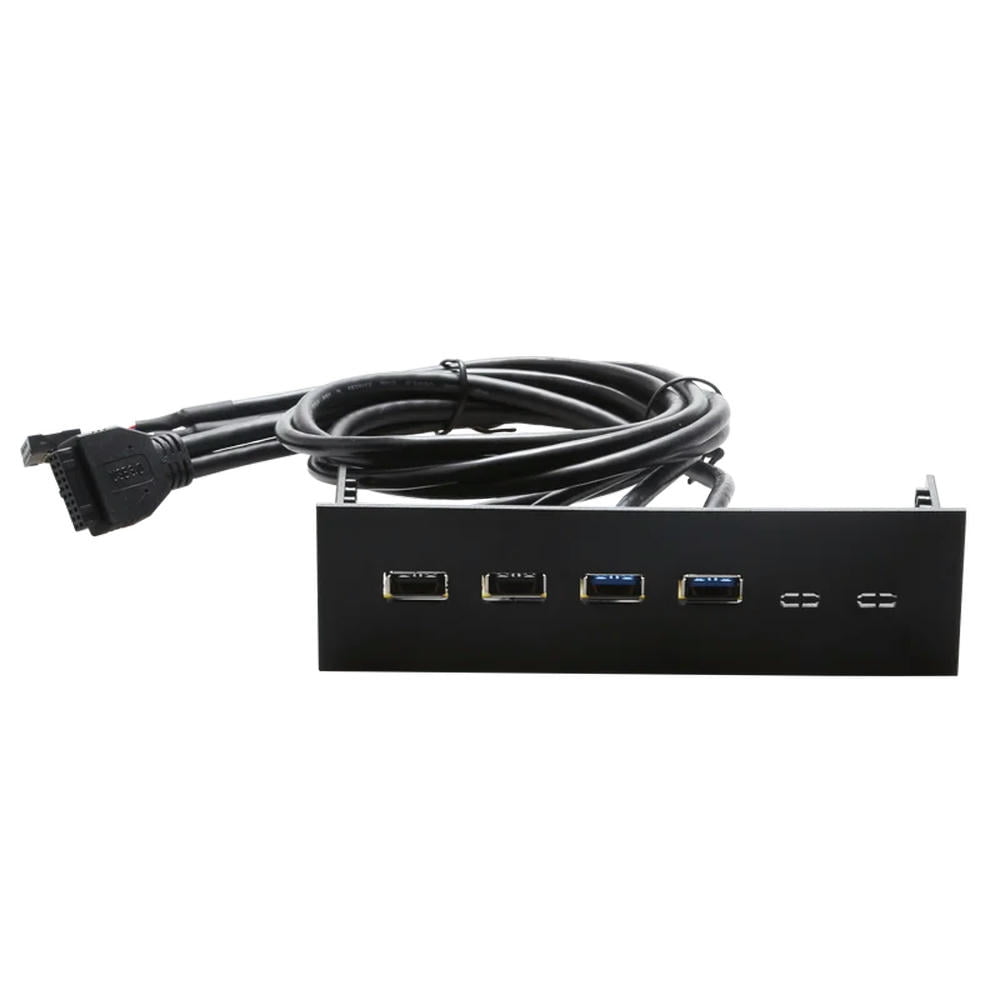
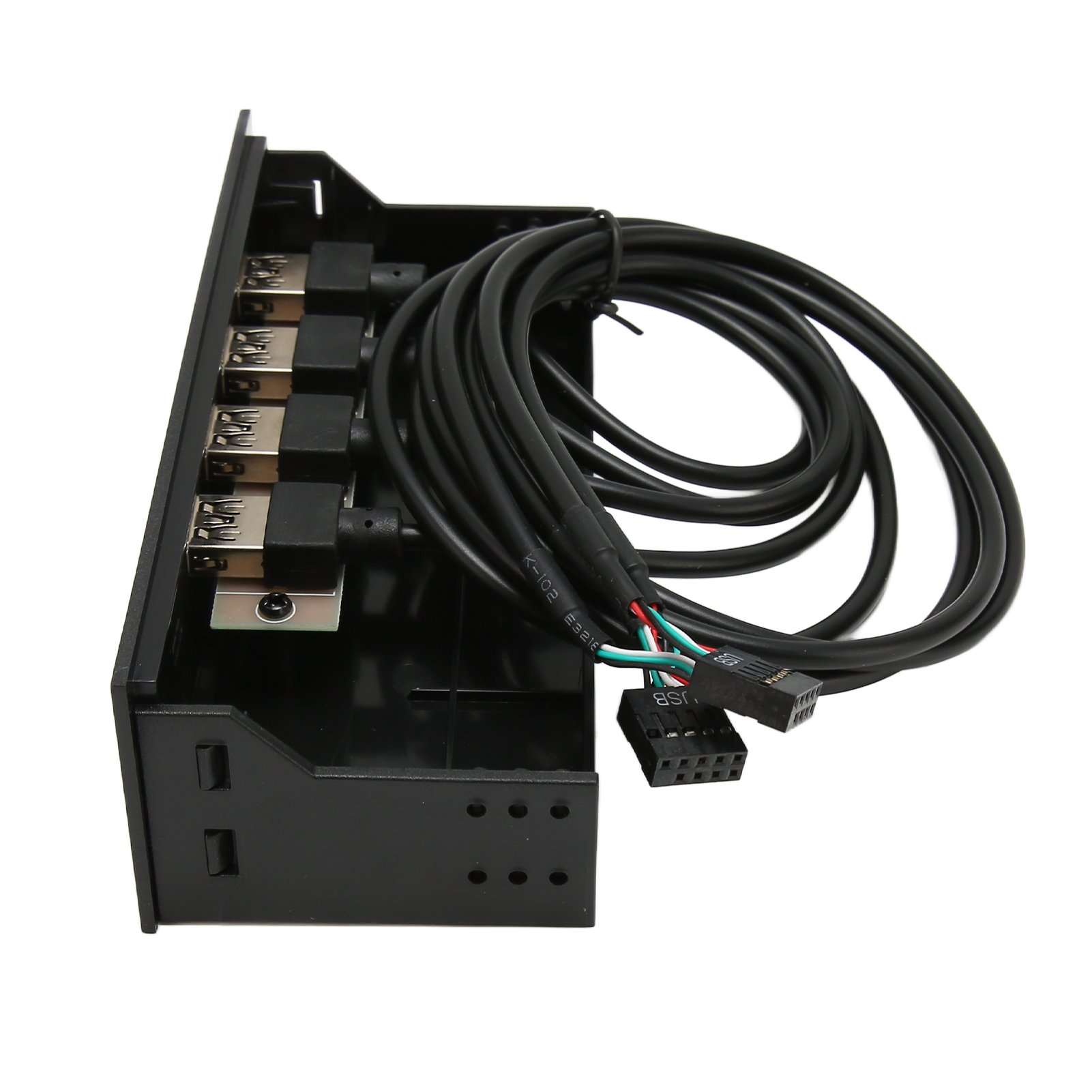
GRAUGEAR 5.25" Mounting Frame
Last price we saw
$28.44at Amazon, last seen Nov 2
Prices change often: ask the agent below to check today's price at every store.
Prices are checked against each store and labelled with when.
Ask our shopping agent
Our take on the GRAUGEAR 5.25" Mounting Frame
The GRAUGEAR 5.25" Mounting Frame is a steel adapter that turns one 5.25-inch optical bay into space for up to three 2.5-inch drives, or a mix of 2.5-inch and 3.5-inch drives. It uses an anti-vibration design and tool-free installation, and weighs just 5.9 oz. It is a niche part for desktop builds and NAS cases that still have a free optical bay. No current price was provided, so check the latest listing before buying.
Best forDesktop owners with an unused 5.25-inch bayAdding 2.5-inch SSDs to an older caseSmall NAS or home server buildsQuiet builds that want vibration damping
Pros
- Fits up to three drives in one optical bay
- Steel body is rigid and holds drive weight
- Anti-vibration design helps reduce drive noise
- Tool-free installation saves time
- Supports both 2.5-inch and 3.5-inch drives
Cons
- Only useful if your case has a 5.25-inch bay
GRAUGEAR 5.25" Mounting Frame prices at every store
- AmazonCheck price at Amazon
GRAUGEAR 5.25" Mounting Frame price history
Lowest price we've seen: $28.44 on Nov 2 at Amazon. Tracked across 1 store since Nov 2.
Specifications
- Device Compat
- HDD, SSD
- Drive Size
- 2.5 inch, 3.5 inch
- Drive Type
- HDD, SSD
- Drive Count
- 3
- Material
- steel
- Form Factor
- Internal
- Weight
- 0.17 kg (5.9 oz)
Questions and answers
- Will it fit my case?
- It needs one free 5.25-inch external bay. The frame measures 5.83 x 6.89 x 1.61 inches, so check clearance behind the bay for cables and drive length.
- How many drives can it hold?
- Up to three drives. It accepts 2.5-inch and 3.5-inch HDDs and SSDs, so you can mix sizes within the three-drive limit.
- Does it need screws?
- GRAUGEAR lists tool-free installation, but drives usually still need mounting screws. Confirm what hardware ships in the box before you buy.
- Is it good for SSDs or hard drives?
- Both. The steel frame and anti-vibration design suit spinning hard drives, and 2.5-inch SSDs mount the same way.
- Is it worth it over a 3.5-inch bay adapter?
- Only if you have a spare 5.25-inch bay and want to fit several drives. If your case has free 3.5-inch trays, a simpler adapter costs less.
Shoppers also compared
- Akasa InterConnect 5.25" Bay Device with 2.5" HDD/SSD Mount and USB 3.0
- StarTech.com 5.25in Front Bay to 2.5in SATA Hard Drive and USB 3.0 Panel
- BRACKET-25525 2 X 2.5" OR 1 X 3.5" HARD DRIVE TO 5.25" BAY

- 5.25 Drive Bay Bracket

- 6 Ports 5.25 Inch Floppy Bay Front Panel With Power Adapter USB Hub Spilitter 2 Ports USB 3.0 + 4 Ports USB 2.0