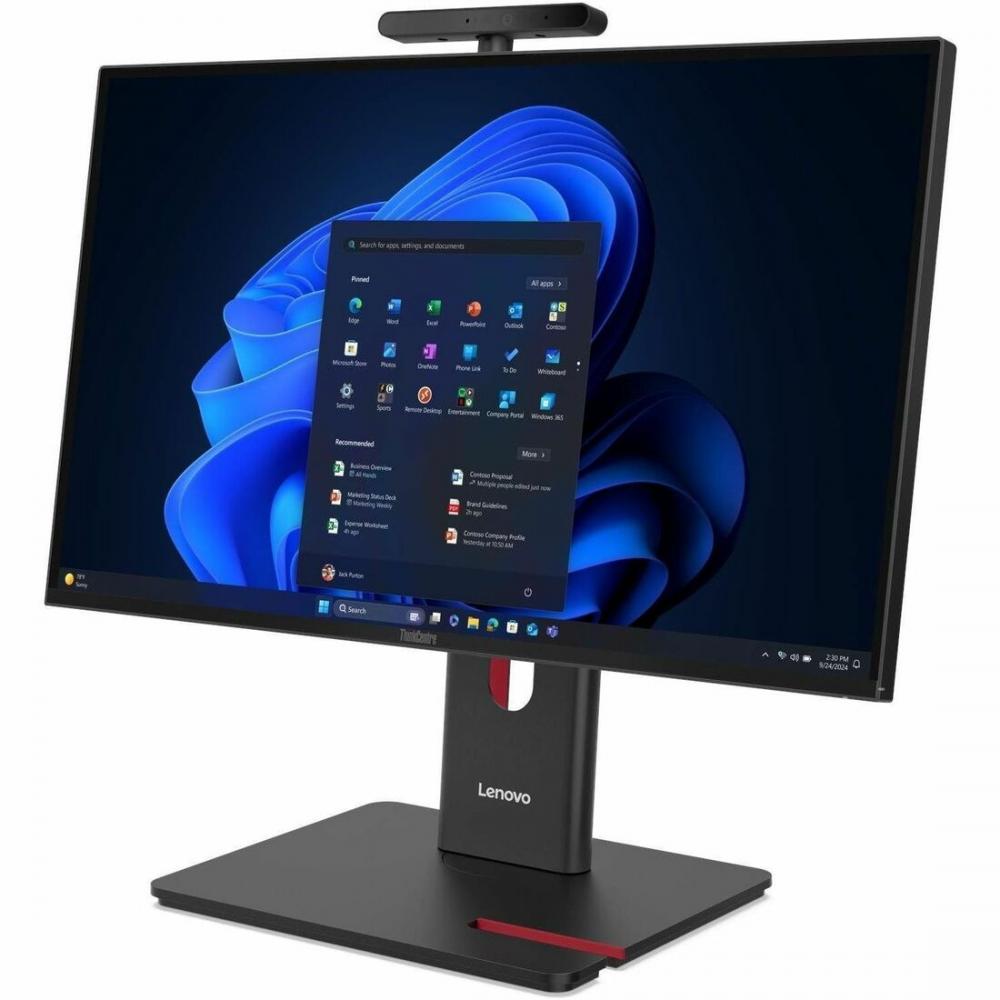
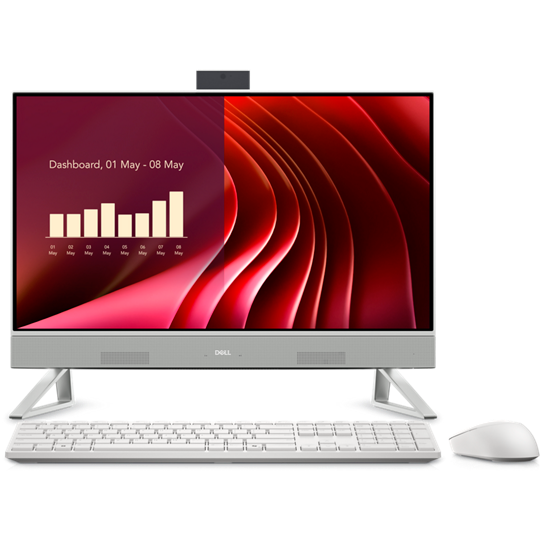
- Is the HP Essential 27 good for gaming?
- Only for light and older games. It uses Intel integrated graphics, not a dedicated GPU, so demanding titles will run at low settings or not smoothly. A tower with a discrete graphics card is the better choice for gaming.
- Can I upgrade the RAM or storage later?
- It comes with 16 GB DDR5 and a 1 TB SSD. All-in-ones are harder to open than towers, and memory may be soldered or hard to reach, so buy the capacity you need up front rather than planning a later upgrade.
- Does it have a touchscreen?
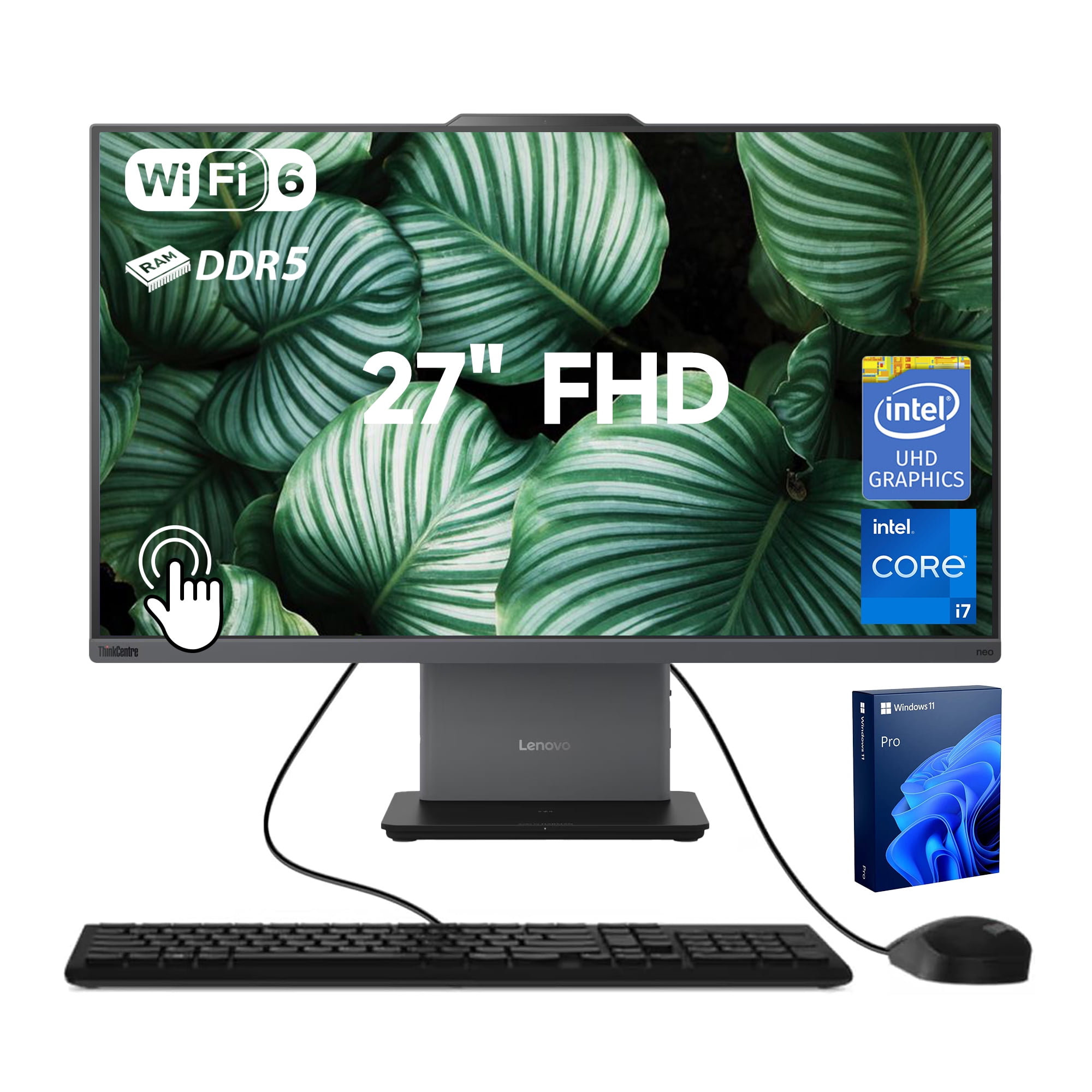
- Yes. The 27-inch Full HD display supports touch, which suits tapping through Windows, drawing apps and shared family use.
- Is a 27-inch 1080p screen sharp enough?
- It is fine for video, browsing and office work at normal desk distance. Text looks less crisp than on a higher-resolution panel, so buyers who read small type all day may prefer a sharper display.
- What do I need to set it up?
- A power outlet and a Wi-Fi network. Windows 11 Home is preinstalled, and Wi-Fi 6 is built in, so no separate monitor, tower or network adapter is needed.
- How does it compare with a laptop?
- You get a bigger screen and a fixed desk setup for the same kind of everyday performance. A laptop trades that screen size for portability, so choose this if the computer stays in one place.
- Where is the HP Essential All-in-One Computer 27 Fhd cheapest?
- At HP, for $1,779.99, as of our latest check.