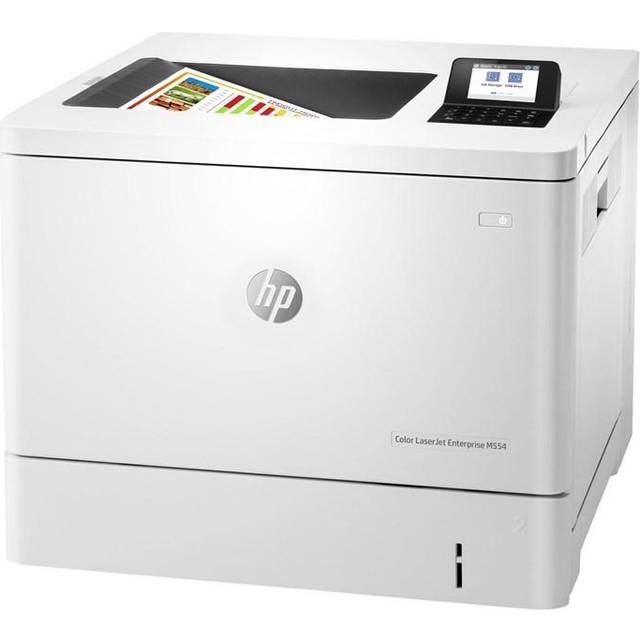
- Is the HP OfficeJet Pro 8139e worth it for a home office?
- Yes if you print and scan multi-page documents regularly. The ADF, duplex printing and fast mono speeds make it a strong fit. Light users may find a simpler inkjet or a laser better value.
- How does it compare with the OfficeJet Pro 8125e?
- The 8139e adds fax and a larger touchscreen over the 8125e, while print speeds and core features are close. Choose the 8139e if you need faxing; otherwise the 8125e covers most office tasks.
- Does it print double-sided automatically?
- Yes. Automatic duplex printing is built in, so you can print on both sides without flipping pages by hand.
- Can I scan and copy multi-page documents?
- Yes. The 35-sheet automatic document feeder handles multi-page scans and copies, and the flatbed handles single pages and bound documents.
- Does it work with iPhone and iPad?
- Yes. It supports Apple AirPrint over Wi-Fi, so you can print from iOS devices without installing extra drivers.
- What comes in the box?
- The printer, setup ink cartridges, a power cord and setup instructions. A USB cable is usually not included, so buy one if you plan to connect by cable.
- Where is the HP OfficeJet Pro 8139e Wireless All-in-One Color Inkjet Printer cheapest?
- At Quill, for $229.99, as of our latest check.
- Where can I buy the HP OfficeJet Pro 8139e Wireless All-in-One Color Inkjet Printer?
- 3 stores we checked sell it, including Best Buy, Quill, Office Depot.