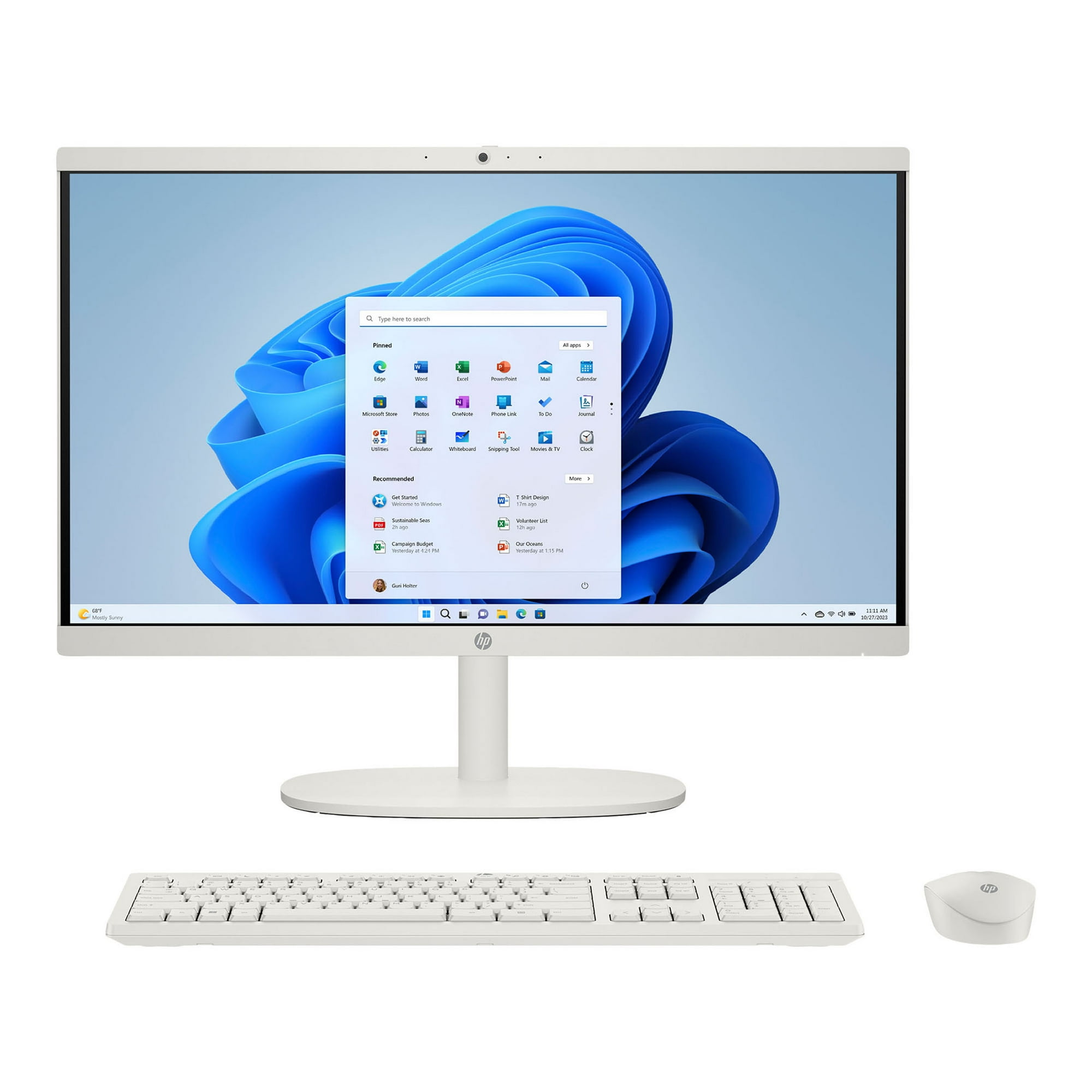
- Is the HP OmniStudio 2026 AI 27" worth it?
- You pay for the 27-inch touchscreen and the tidy all-in-one build. If you mostly browse, work in documents and edit photos casually, it covers that well. If you need heavy 3D or gaming performance, a tower with a dedicated GPU is a better use of the money.
- Can I upgrade the RAM or storage later?
- It ships with 16 GB of DDR5 and a 1 TB SSD. All-in-ones like this usually limit memory and drive upgrades, so buy the capacity you expect to need. Check HP's service documentation for this model before counting on an upgrade.
- Is 16 GB of RAM enough?
- For browsing, Office, video calls and light photo editing, 16 GB is comfortable. It gets tight with many browser tabs, large video projects or virtual machines running at once.
- Does it come with a keyboard and mouse?
- HP typically bundles a wireless keyboard and mouse with OmniStudio all-in-ones, but bundles vary by configuration. Confirm the box contents with the retailer before ordering.
- Is the touchscreen useful on a desktop?
- Yes for browsing, tapping through apps, drawing and family use. For long typing sessions you will still rely on the keyboard and mouse.
- When is it cheapest?
- Watch for HP direct and retailer promotions around back-to-school and holiday sales. Prices fluctuate based on seasonal demand and new model announcements.
- Where is the HP OmniStudio 2026 AI 27" cheapest?
- At Newegg, for $1,769.00, as of our latest check.
- Is the HP OmniStudio 2026 AI 27" at its lowest price?
- Yes: $1,769.00 is the lowest price we've seen for it since November 8.