- Is the HP OmniStudio good for everyday use?
- Yes. It handles browsing, email, streaming, video calls and office documents well, and owners report quick boot and fast program launches. Heavy gaming and serious video editing are beyond its integrated graphics and 8 GB of RAM.
- Can I upgrade the RAM or storage?
- The memory is soldered LPDDR5x, so it cannot be expanded after purchase. The M.2 NVMe SSD can be replaced with a larger drive if you need more space.
- Does it have a webcam and privacy cover?
- Yes. It has a 1080p webcam with a physical privacy shutter, dual microphones and AI noise reduction for calls.
- Is the screen good for long work sessions?
- The 23.8-inch Full HD IPS panel is anti-glare with 178-degree viewing angles, which helps in bright rooms. Brightness is moderate, so very sunny spots may still need shading.
- What comes in the box?
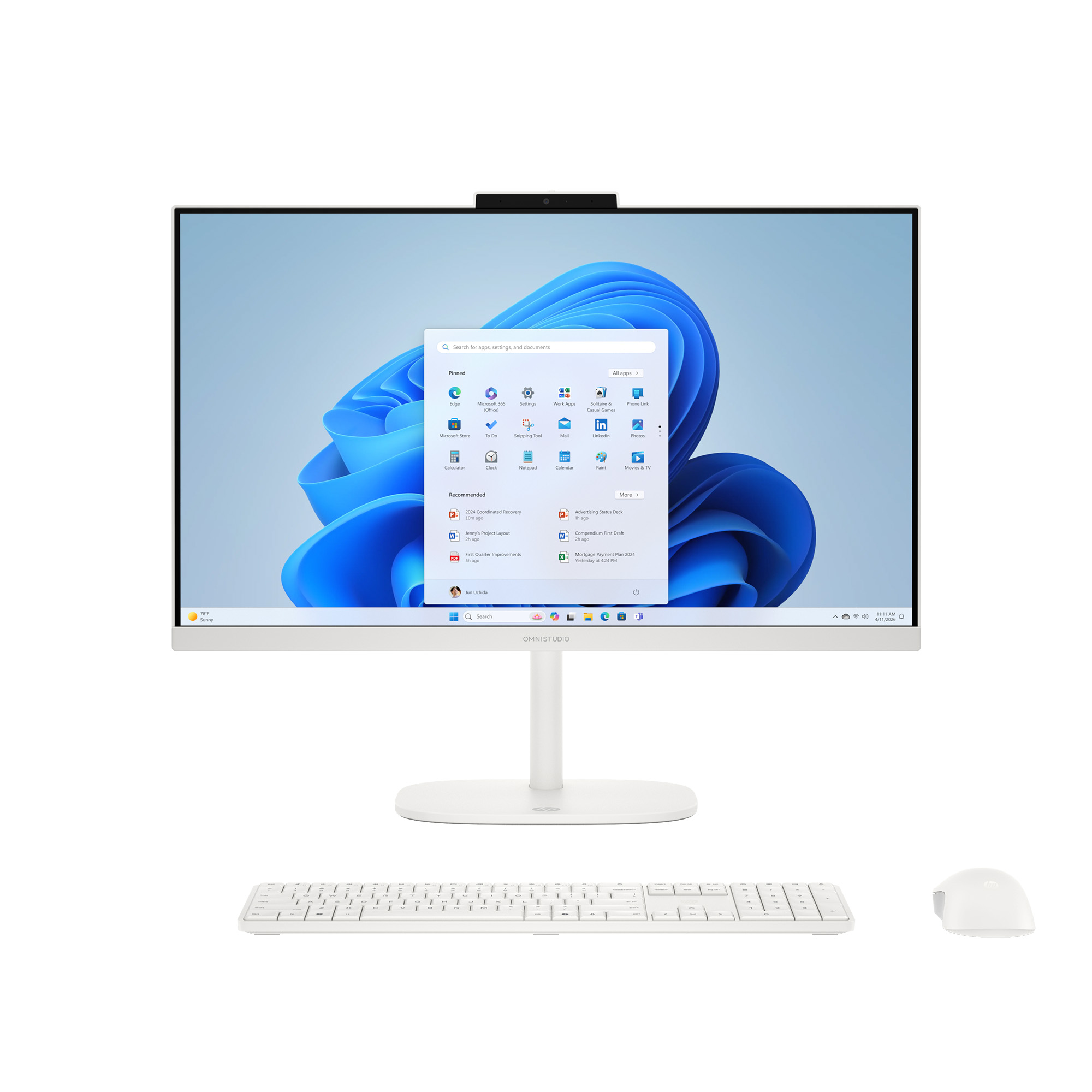
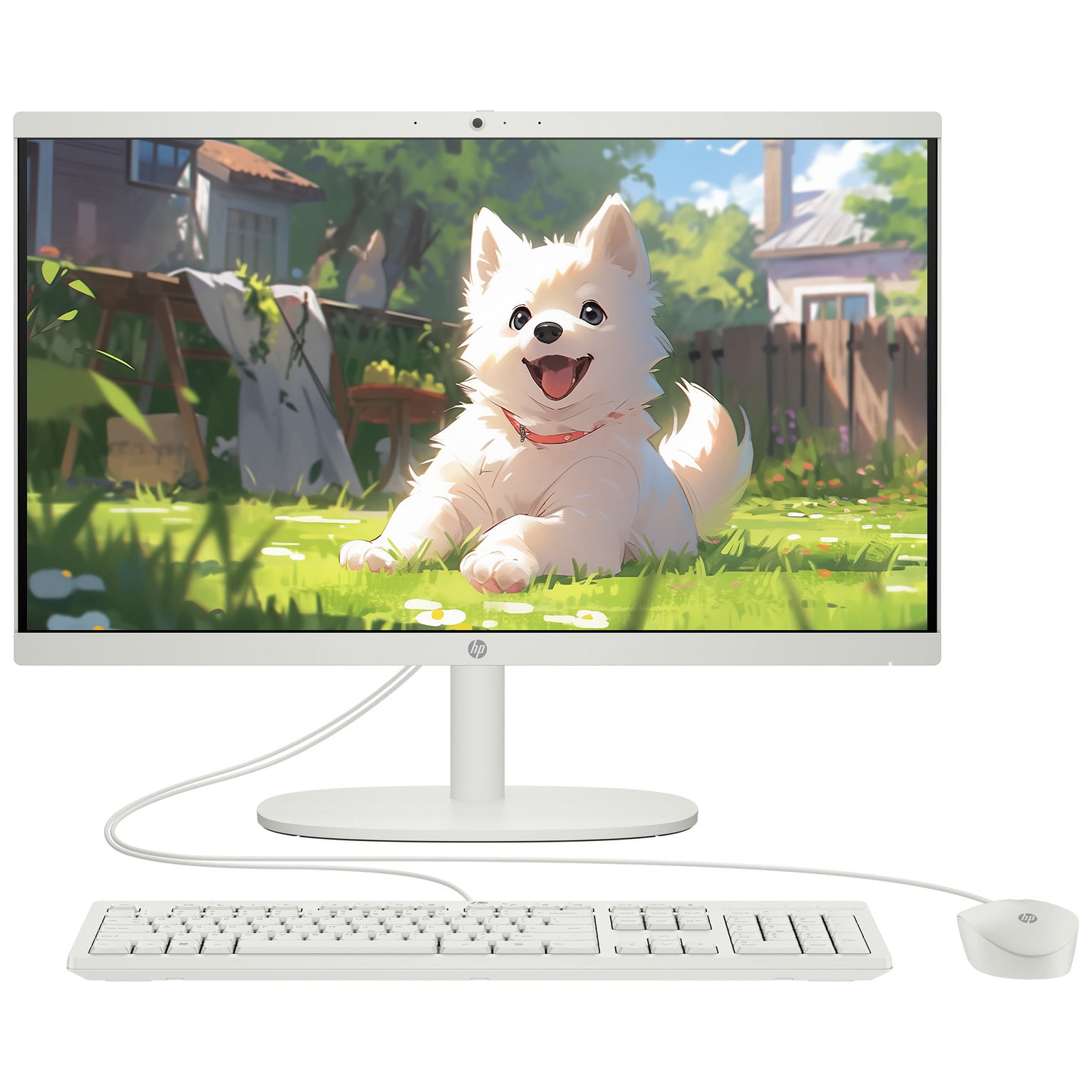
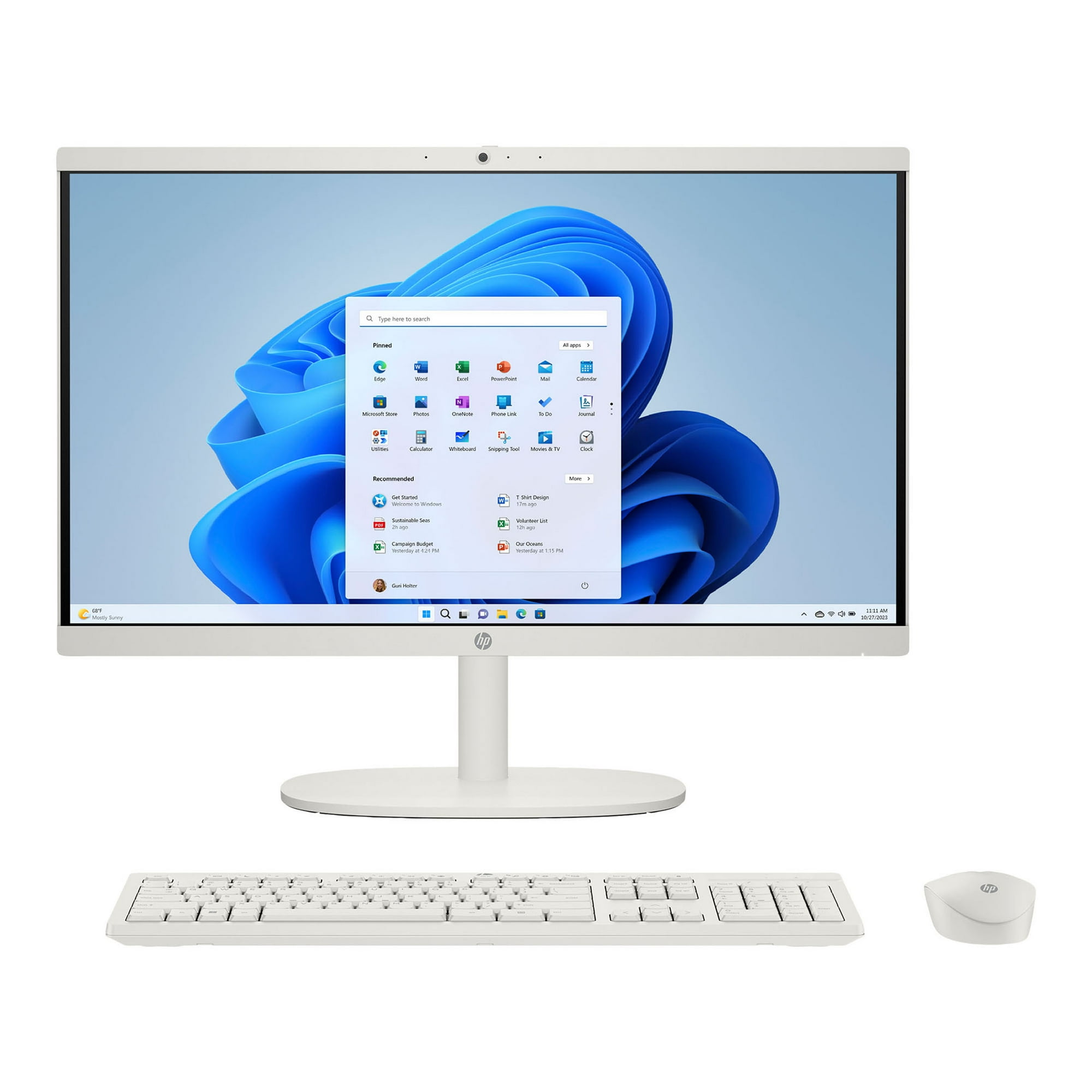
- The all-in-one unit, an adjustable tilt stand, a wireless keyboard and mouse, and the power supply. A wired mouse and keyboard are not included.
- Is it good for gaming?
- No. The integrated AMD Radeon graphics handle video and light casual games only. A dedicated desktop or laptop with a discrete GPU is the better choice for modern games.
- Where is the HP OmniStudio 23.8 inch All-in-One Desktop PC cheapest?
- At Best Buy, for $429.99, 53% under what the other stores charge, as of our latest check.
- What do buyers say about the HP OmniStudio 23.8 inch All-in-One Desktop PC?
- Rated 4.3 out of 5 from 56 ratings. Buyers like: Fast performance; runs Adobe software without waiting for programs to open; Quick boot-up makes browsing easy; Easy to set up and use straight away. Common complaints: One Drive and an over-complicated operating system; prefers Windows 7; Unwanted dark mode.
- Where can I buy the HP OmniStudio 23.8 inch All-in-One Desktop PC?
- 5 stores we checked sell it, including Best Buy, DoorDash, Quill, Amazon, Staples.