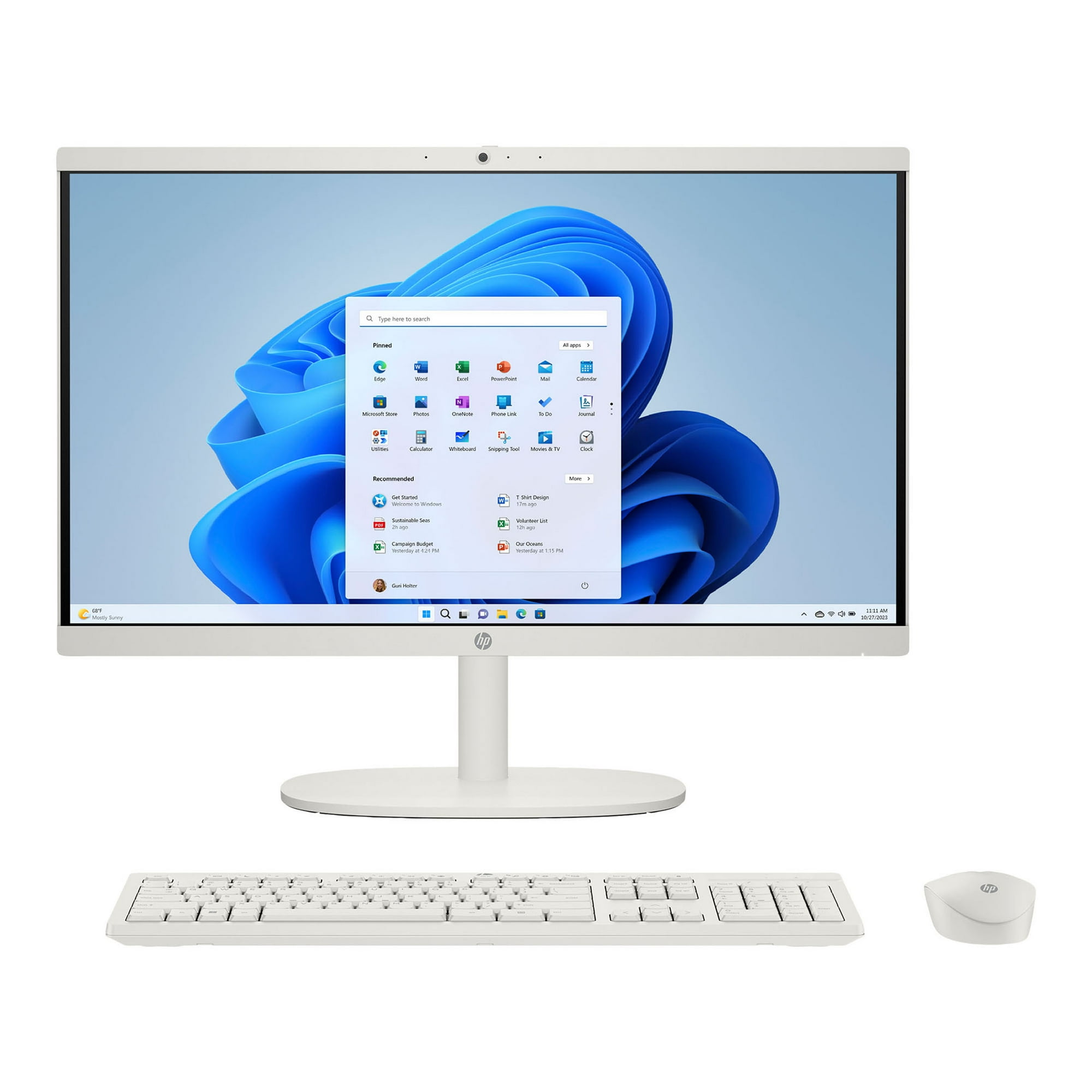
- Is the HP OmniStudio good for everyday home use?
- Yes. Web browsing, email, video calls, streaming and documents run well on the Core 3 and SSD. It struggles only with heavy multitasking or creative software.
- Can I upgrade the RAM or storage later?
- All-in-ones like this usually allow RAM and SSD upgrades, but access varies by model. Check the service manual for your exact configuration before buying.
- Does it come with a keyboard and mouse?
- HP typically bundles a wireless keyboard and mouse with OmniStudio all-in-ones. Confirm the box contents for the specific configuration you choose.
- Is the touchscreen worth it on a desktop?
- For family use, browsing and media it adds convenience, and few all-in-ones at this tier include touch. If you only type and use a mouse, a non-touch model may suit you fine.
- Can it run games or video editing?
- Only lightly. The integrated graphics and Core 3 chip handle casual and older games, but modern titles and 4K editing will be slow.
- How does it compare with an iMac or Dell all-in-one?
- It offers touch and a compact white design at a lower performance tier. Apple and Dell rivals generally deliver more power and sharper displays for heavier work.
- Where is the HP OmniStudio Touchscreen All-in-One 23.8" cheapest?
- At Best Buy, for $619.99, as of our latest check.