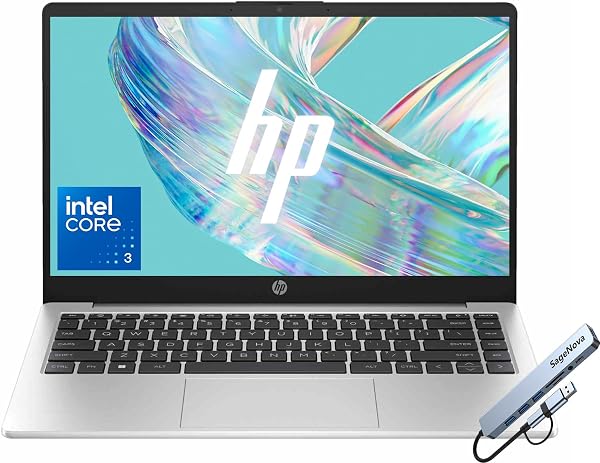
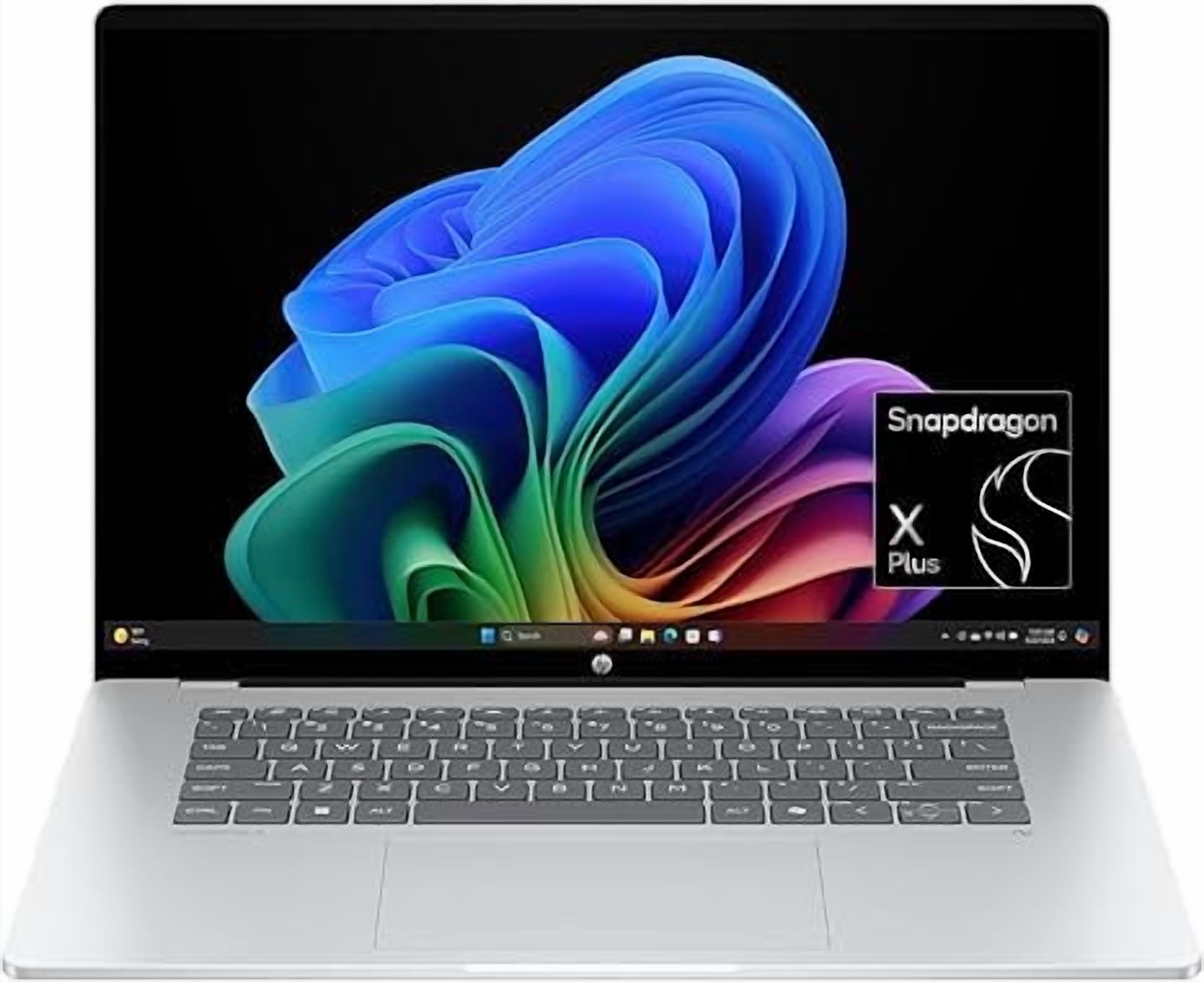
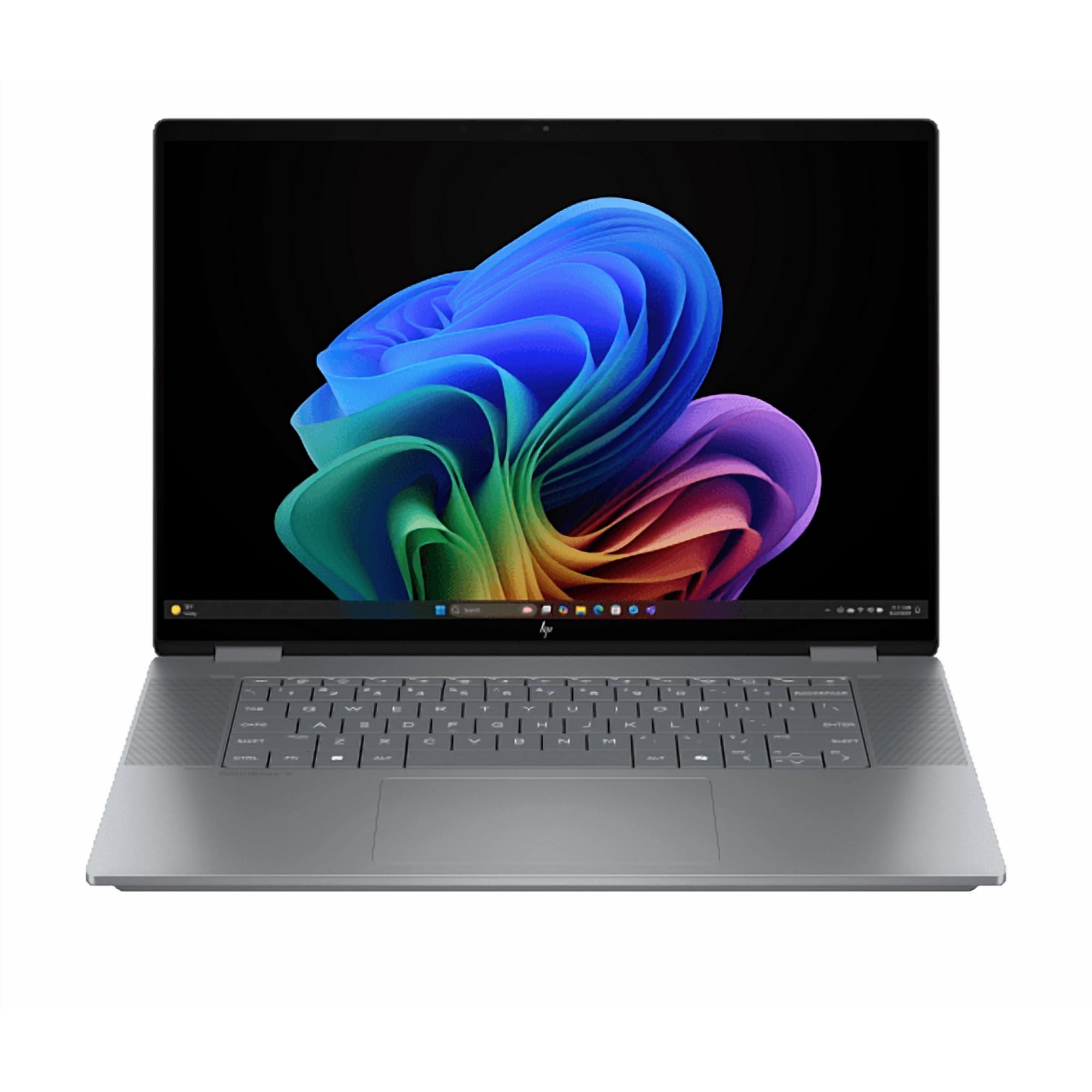
- Is the Ryzen 7 and 32 GB of RAM overkill for office work?
- For basic email and documents, yes. The extra memory pays off when you keep many browser tabs, spreadsheets and video calls open at once, and it keeps the machine useful for years.
- Can I upgrade the RAM or storage later?
- The ProBook line is designed for service access, so the SSD and memory are reachable through the bottom panel. Check the specific slot configuration before buying if you plan to expand.
- Is it good for gaming or video editing?
- No. It uses integrated Radeon graphics and a basic FHD panel, so it suits office, study and light photo work rather than games or color-graded video.
- How does it compare with a ThinkPad E14 or Dell Latitude 3000?
- All three are business laptops with similar ports and serviceability. The ProBook stands out here for its 32 GB memory and 1 TB SSD configuration; the ThinkPad has the better keyboard, and the Latitude offers stronger display options.
- Does it come with Windows 11 Pro?
- Yes, Windows 11 Pro is preinstalled, which adds BitLocker encryption and remote desktop support over the Home edition.
- Is the 14-inch screen big enough for spreadsheets?
- It is workable for most tasks, though dense spreadsheets benefit from an external monitor. The FHD resolution fits a reasonable amount on screen at 100% scaling.
- Where is the HP ProBook 4 G1a 14-inch FHD Ryzen 7 32 GB 1 TB SSD - Silver cheapest?
- At Walmart, for $899.99, 30% under what the other stores charge, as of our latest check.
- Where can I buy the HP ProBook 4 G1a 14-inch FHD Ryzen 7 32 GB 1 TB SSD - Silver?
- 19 stores we checked sell it, including Dealtargets.com, ELN Online Store - Philippines, Solutions Bureaupak, Direct Computers, TeciSoft.