StoreDeal.ai store
Shop
  • Deals
  • Deal checker
  • Black Friday
  • Buying guides
  • Brands
  • Stores
Travel
  • Flight deals
  • Hotel deals
Company
  • Research
  • Press
  • Use in AI assistants
  • Contact
  • deal.ai apps
Black Friday 2026
  • Walmart
  • Best Buy
  • Target
  • TVs
  • Laptops
  • Headphones
  • Apple
  • Gaming
  • Vacuums
  • Kitchen
  • Toys
  • Smartwatches
  • Tablets
  • Furniture
  • Mattresses
© Deal.ai Inc.·2222 Ponce de Leon Blvd, Miami, FL 33134·support@deal.ai
TermsPrivacy

Free shipping on everything·10% off your first order·No account needed · Buy 2, save 10% · 3+, save 15%
Deal.ai › Store › Tech & Gadgets › Computer & Office
H
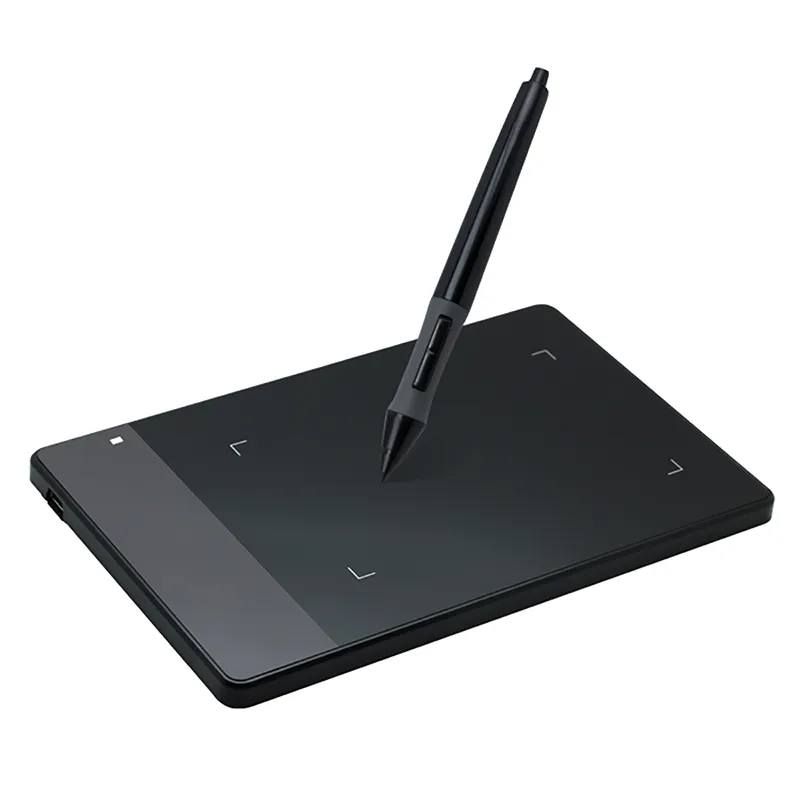
Huion 420 Digital Graphics Tablet

Huion 420 Digital Graphics Tablet

Sold and shipped by Deal.ai

$60.99Free shipping

Buy 2, save 10% · 3+, save 15%

Extra 10% off your first order

Color: Black

Arrives about Nov 23 – Dec 3, from a warehouse in China

How many?
1

30-day full refund: if you're not happy with it for any reason, or it never arrives, tell us within 30 days and we refund you in full. Shipping and refunds

Ask our agent about this product

It checks today's price at every store, compares the alternatives and answers in about a minute.
Enter to send, Shift+Enter for a new line

Price facts

  • Lowest price today: $60.99 at Deal.ai (checked Nov 16, 2026).

Our take on the Huion 420 Digital Graphics Tablet

The Huion 420 is a small wired drawing tablet with a 4 x 2.23 inch active area, 2048 pressure levels and 4000 LPI resolution. It is a basic OSU!-style pad: no screen, no express keys, no tilt, and a pen that needs a battery. It suits beginners, kids and OSU! players who want a cheap first tablet, not illustrators who need a large canvas. Against rivals like the One by Wacom it gives up pen quality and build, but its tiny footprint and light weight make it easy to carry and use on a desk.

Best forOSU! and rhythm game playersFirst-time digital drawing beginnersKids and students on a tight budgetPortable note-taking and simple sketching
Pros
  • Very small and light, easy to carry
  • 2048 pressure levels for basic drawing
  • 4000 LPI resolution and 200 RPS report rate
  • Simple USB plug-in, no drivers needed for basic use
  • Wide software support on Windows and Mac
Cons
  • Pen runs on a battery, adding weight and upkeep
  • No express keys or touch ring
  • Small active area limits larger drawings
  • No tilt support
  • Wired USB only, no wireless option

What reviewers say

Owners treat the Huion 420 as a cheap entry pad, popular with OSU! players for its light pen and small size. Artists say the small area and battery pen hold it back for serious work.

What people mention
  • Pen batteryCriticisedOwners dislike that the pen takes a battery and needs replacing.
  • SizeMixedThe small footprint is handy for travel but cramped for full drawings.
  • OSU! usePraisedPlayers like it as a low-cost OSU! pad with a light pen.
  • BuildCriticisedSome say the plastic body feels light and not very sturdy.
  • SetupPraisedUsers report it works quickly over USB with little configuration.

About the Huion 420 Digital Graphics Tablet

It connects over USB and has a 4 x 2.23 inch work area.

The tablet senses 2048 levels of pressure and reads at 200 RPS, with a resolution of 4000 LPI. It detects the pen from a height of 15 mm. It is 7.5 mm thick and uses a 150 cm cable.

Work area
4 x 2.23 in
Dimensions
176 x 115 x 7.5 mm
Pressure levels
2048
Reading speed
200 RPS
Resolution
4000 LPI
Sensing height
15 mm
Interface
USB
Cable length
150 cm
Power
DC 5V
Input current
Under 60 mA
Power consumption
0.35 W

Questions and answers

Does the pen need a battery?
Yes. The pen uses a battery, so you need to keep spares on hand. That adds weight compared with battery-free pens on rivals.
Does it work with a Chromebook or phone?
It is designed for Windows and Mac over USB. Android and Chrome OS support is not guaranteed, so check before buying for those devices.
Is it good for OSU!?
Yes, it is a common budget pick for OSU! thanks to its small area, light pen and fast report rate.
Can I use it for professional illustration?
It works for sketches and simple art, but the small active area, lack of tilt and no shortcut keys make it limited for serious illustration.
What comes in the box?
The tablet, a pen, a USB cable and a pen nib set are the usual contents. Confirm the bundle before ordering.
Does it have shortcut buttons?
No. The tablet has no express keys, so you rely on keyboard shortcuts while drawing.
Where is the Huion 420 Digital Graphics Tablet cheapest?
At Deal.ai, for $60.99, as of our latest check.

More in Computer & Office

  • M
    Multi-Port USB-C Docking Station
    Multi-Port USB-C Docking Station
  • W
    Wireless Bluetooth Laser Projection Keyboard
    Wireless Bluetooth Laser Projection Keyboard
  • R
    Rechargeable Slim Wireless Bluetooth Mouse
    Rechargeable Slim Wireless Bluetooth Mouse
  • R
    RGB LED Large Gaming Mouse Pad
    RGB LED Large Gaming Mouse Pad
  • K
    KingDian M.2 NGFF 2280 SSD
    KingDian M.2 NGFF 2280 SSD
  • M
    Mechanical Wired Gaming Mouse
    Mechanical Wired Gaming Mouse
  • A
    Anti-Theft GPS Tracker for Cars
    Anti-Theft GPS Tracker for Cars
  • A
    Adjustable Folding Laptop Stand with Phone Holders
    Adjustable Folding Laptop Stand with Phone Holders
All 382 in Computer & Office →

More drawing tablets

  • V
    Veikk Digital Graphics Drawing Tablet
    Veikk Digital Graphics Drawing Tablet
  • C
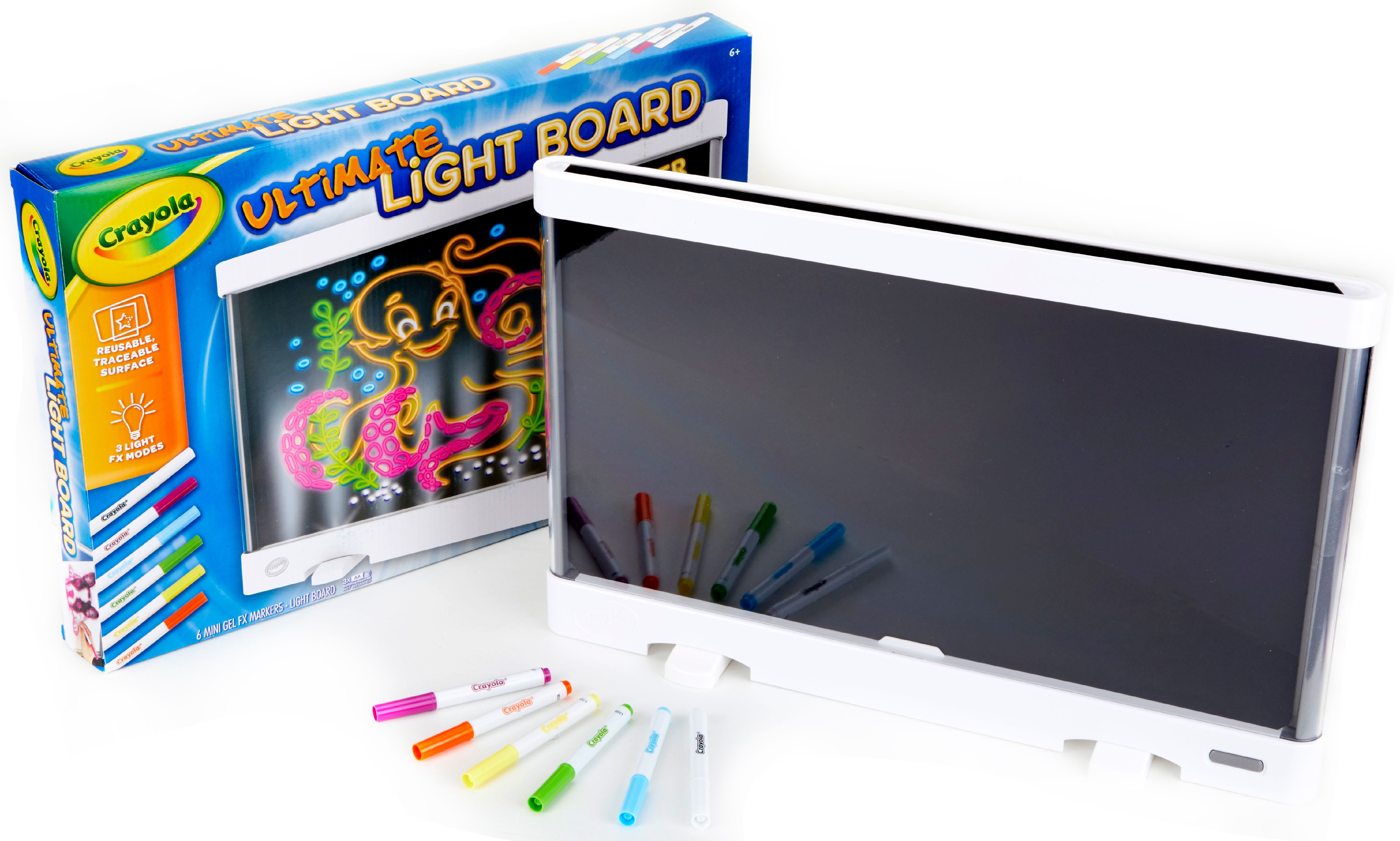
    Crayola Ultimate Light Board
    Crayola Ultimate Light Board
  • X
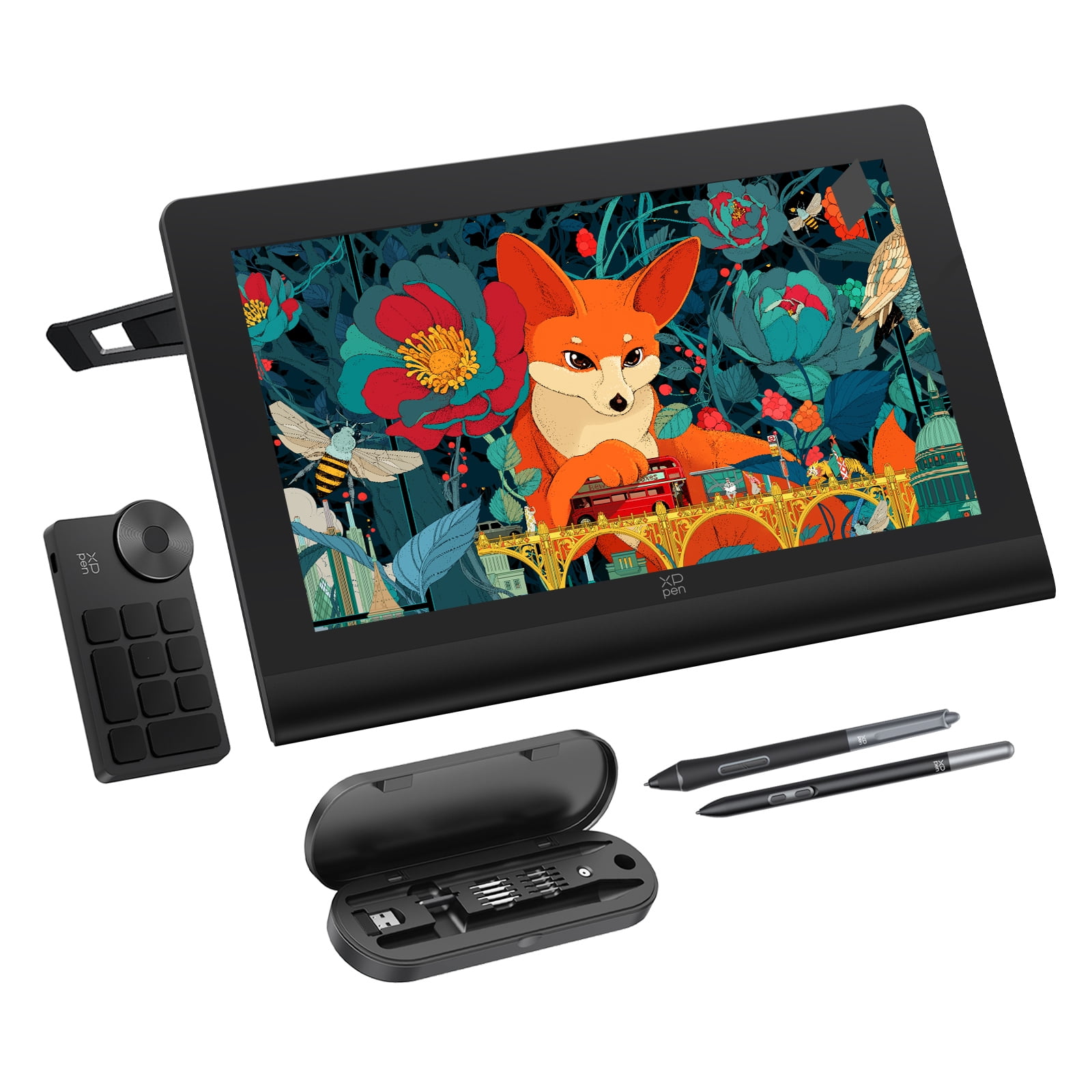
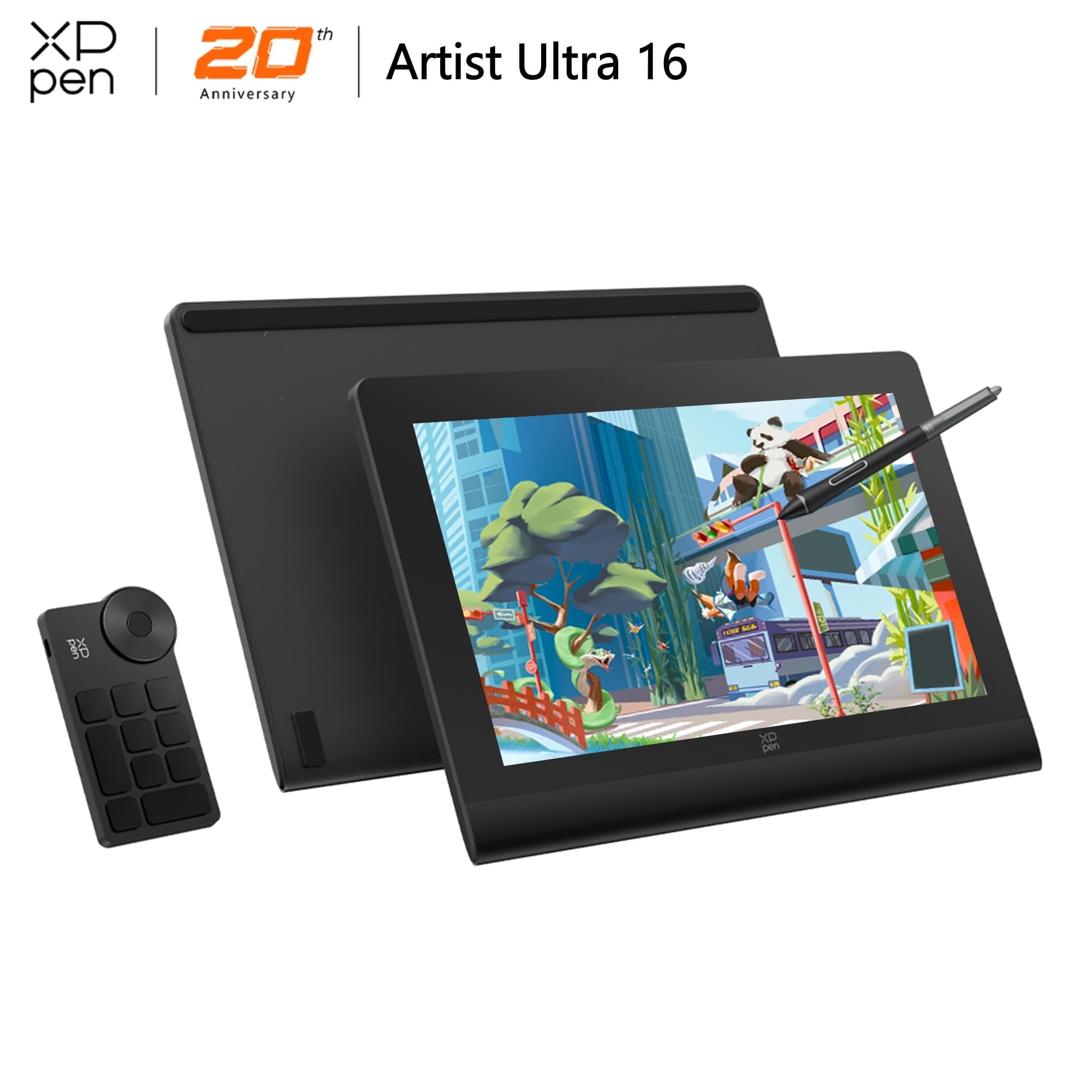
    XPPen Artist Ultra 16 4K OLED Touchscreen Drawing Tablet 15.6" Drawing Monitor
    XPPen Artist Ultra 16 4K OLED Touchscreen Drawing Tablet 15.6" Drawing Monitor
  • H
    Huion Inspiroy Giano G930L Drawing Tablet
    Huion Inspiroy Giano G930L Drawing Tablet
  • H
    Huion Kamvas Pro 16 V2 15.6" Drawing Tablet with Screen
    Huion Kamvas Pro 16 V2 15.6" Drawing Tablet with Screen
X
XPPen Pro Artist 4K Drawing Tablet with 15.6 inch OLED Screen
  • W
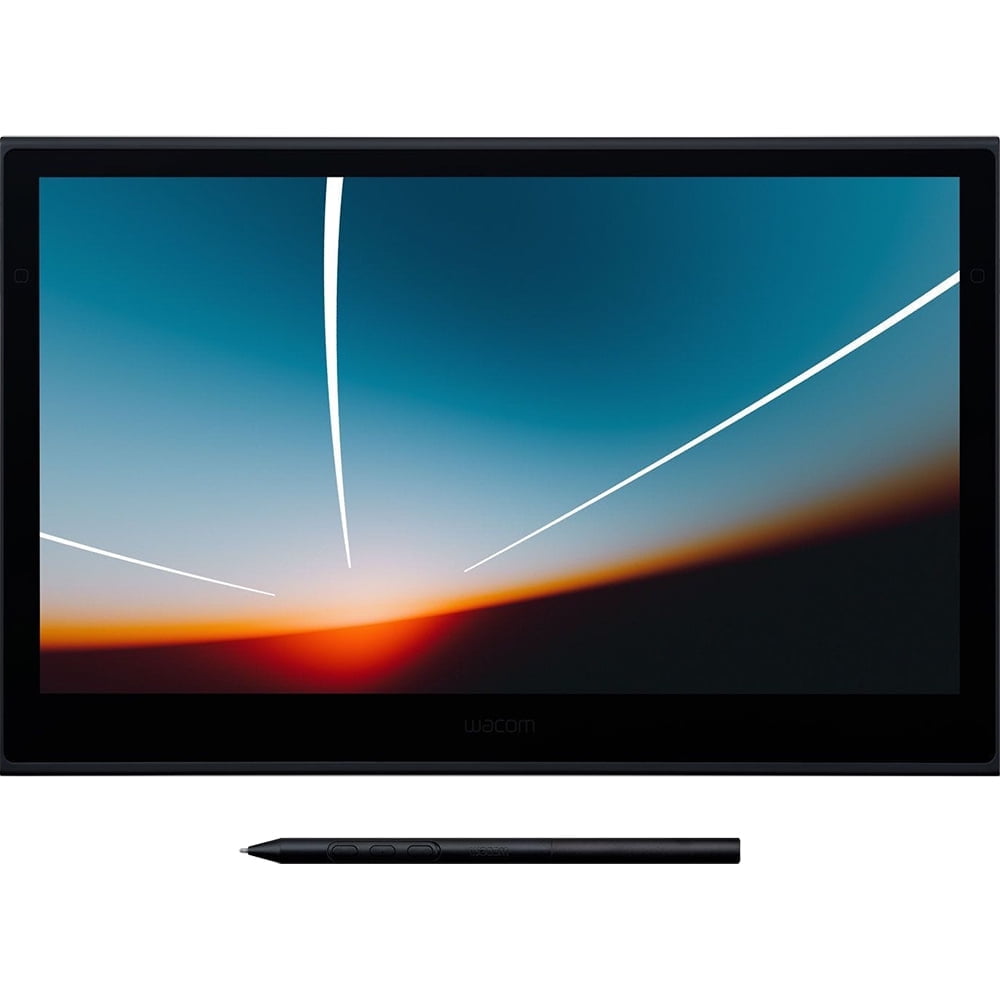
    Wacom DTH135K0A Movink 13 OLED Pen Tablet with 13.3" Display, Wacom Pro Pen 3
    Wacom DTH135K0A Movink 13 OLED Pen Tablet with 13.3" Display, Wacom Pro Pen 3
  • X
    XPPen Artist 13 (2nd Gen) Drawing Tablet
    XPPen Artist 13 (2nd Gen) Drawing Tablet