
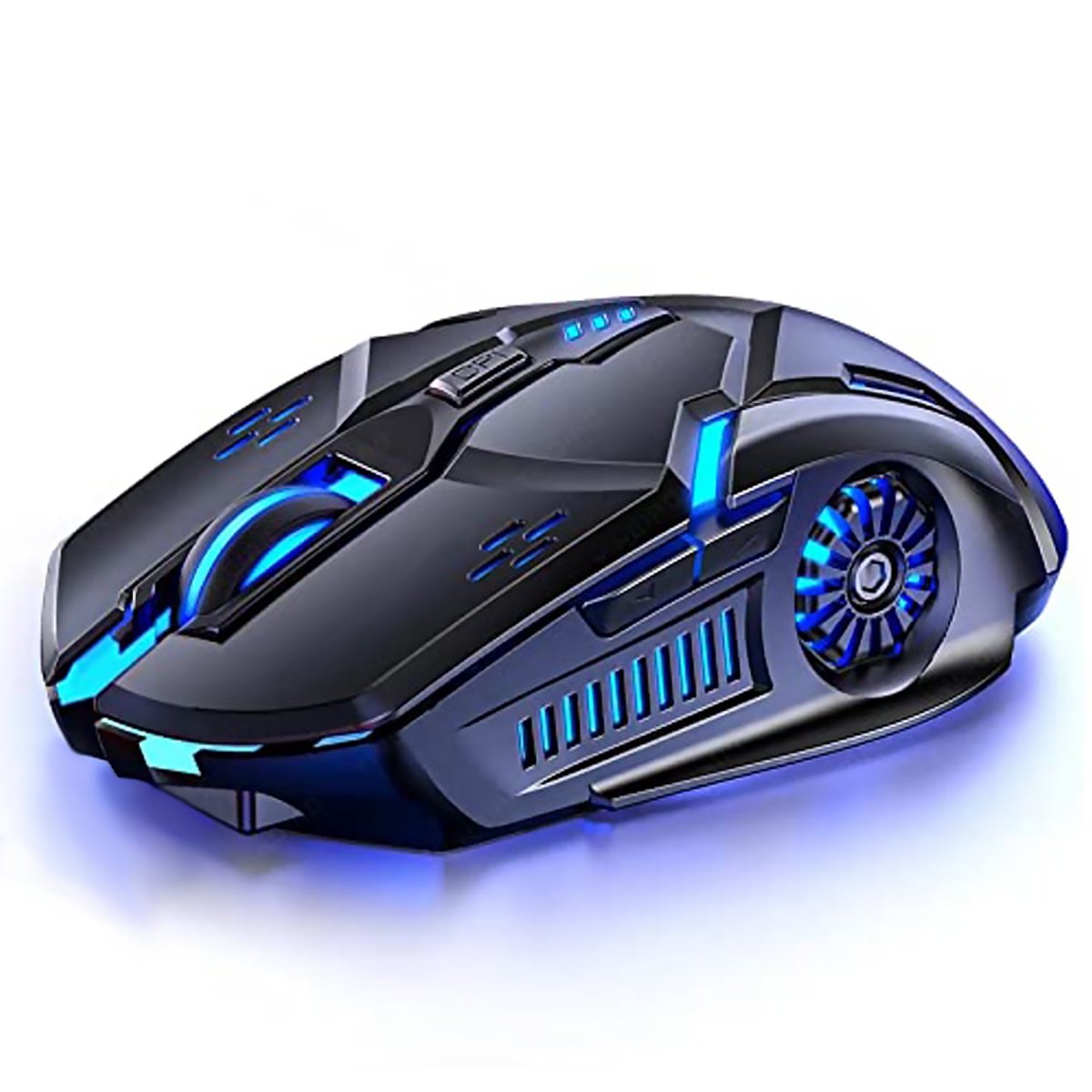
JOUALY Wireless Gaming Mouse
Where to buy
No store is showing a current price right now. The stores below sell it; ask the agent to check today's prices.
Prices are checked against each store and labelled with when.
Check today's price at WalmartAsk our agent about this product
It checks today's price at every store, compares the alternatives and answers in about a minute.
JOUALY Wireless Gaming Mouse prices at every store
- WalmartCheck price at Walmart
What reviewers say
- 4.3 / 577 ratings
About the JOUALY Wireless Gaming Mouse
JOUALY Wireless Gaming Light Bluetooth Mouse combines the compact and simple business mouse shape with the light effect system of the esports wireless mouse. 💡four adjustable DPI levels (1200-1600-3200) 💡400 mah large capacity batteryextended life, and support charging while using! change the mouse speed freely. 💡Silent and Durable Click:Soundless design for left and right button make you work or play in a quiet environment. 💡Ergonomic Design:The heightened mouse cover with matting finish fits your palm perfectly. The symmetrical design allows it to fit both hands. 💡6 Buttons Design:Left, right, scroll wheel, DPI switch, forward and backward is more convenient to operate. Quick thumb-side buttons enables you to go to the previous or next page quickly. 💡How to Use? Step 1:Insert the receiver into computer USB interface Step 2:Turn on the power switch at the buttom of the mouse. You can enjoy the wireless optical mouse easily when the cursor appears on the computer screen. ❗Note: 1. Charge the mouse for about 2 hours before using it for the first time. 2. It's out of power if the mouse cursor moves slowly or stop moving. 3. The blue light beside the scroll wheel will be on while charging, and then goes off when the mouse is fully charged. 4. Please use computer's USB interface to charging the wireless mouse.
Specifications
- actual_color
Questions and answers
- What do buyers say about the JOUALY Wireless Gaming Mouse?
- Rated 4.3 out of 5 from 77 ratings.