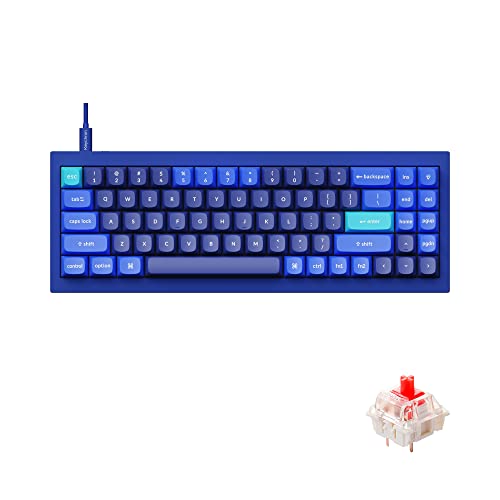
- What makes the K2 HE different from a standard K2?
- The HE uses magnetic Hall-effect switches instead of regular mechanical switches. That lets you set actuation depth and rapid trigger in software, which a standard K2 cannot do.
- Can I change the actuation point?
- Yes. Keychron's software lets you set the actuation point per key, and rapid trigger resets the key as soon as it moves up. You need the software to change these settings.
- Does it work with Mac and Windows?
- Yes. It connects over Bluetooth, 2.4 GHz or USB-C and works with macOS, Windows and Linux. The German layout is printed on the keycaps.
- Is it good for gaming?
- Yes. Adjustable actuation and rapid trigger are the main draws for gaming. For competitive play, use the 2.4 GHz or wired connection to avoid Bluetooth latency.
- What is in the box?
- You get the keyboard, a USB-C cable, a 2.4 GHz receiver and a keycap puller. Check the listing for the exact bundle.
- Can I use standard mechanical keycaps on it?
- The board uses magnetic switches, so check that replacement keycaps fit the switch stems. The German layout also limits which keycap sets match.
- Where is the Keychron K2 HE Wireless Magnetic Switch cheapest?
- At Best Buy, for $159.99, as of our latest check.
- Where can I buy the Keychron K2 HE Wireless Magnetic Switch?
- 2 stores we checked sell it, including Best Buy, Newegg.