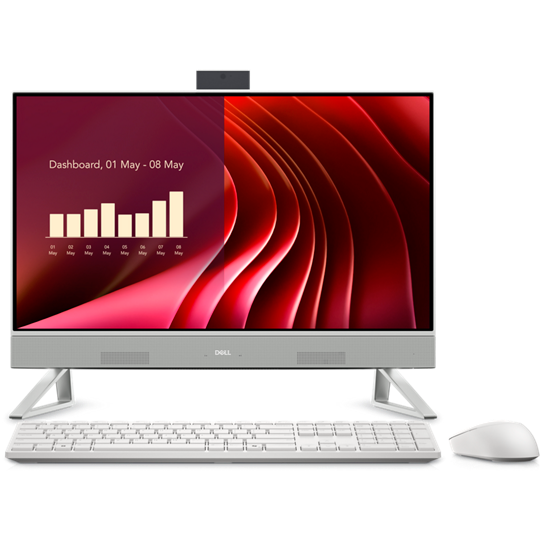
- Is the 1080p screen sharp enough at 27 inches?
- It is fine for documents, web browsing and video, but text and fine detail look softer than on a 27-inch 1440p or 4K panel. If sharpness matters, compare it with higher-resolution all-in-ones.
- Can it handle gaming or video editing?
- Only lightly. The 8-core CPU and 16 GB of RAM cope with photo editing and casual games, but integrated graphics struggle with modern 3D games and heavy video timelines.
- Can I upgrade the RAM or storage later?
- Upgrades are possible but more involved than on a tower, since the case must be opened. Buy the memory and storage you expect to need up front.
- Does it come with a keyboard and mouse?
- Lenovo typically bundles a wireless keyboard and mouse with IdeaCentre AIO models, but confirm the bundle for the exact configuration you choose.
- How does it compare with the IdeaCentre AIO 24?
- The 27-inch model gives you a larger screen and the same class of internals. The 24-inch version looks sharper at 1080p but offers less desk space for side-by-side windows.
- Is it good for video calls?
- Yes for casual calls. The built-in webcam and speakers are basic, so a dedicated webcam or headset improves quality if you are on calls all day.
- Where is the Lenovo IdeaCentre AIO 27 All-in-One cheapest?
- At Amazon, for $899.99, 32% under what the other stores charge, as of our latest check.
- Where can I buy the Lenovo IdeaCentre AIO 27 All-in-One?
- 3 stores we checked sell it, including PC Land Store, Amazon, Best Buy.