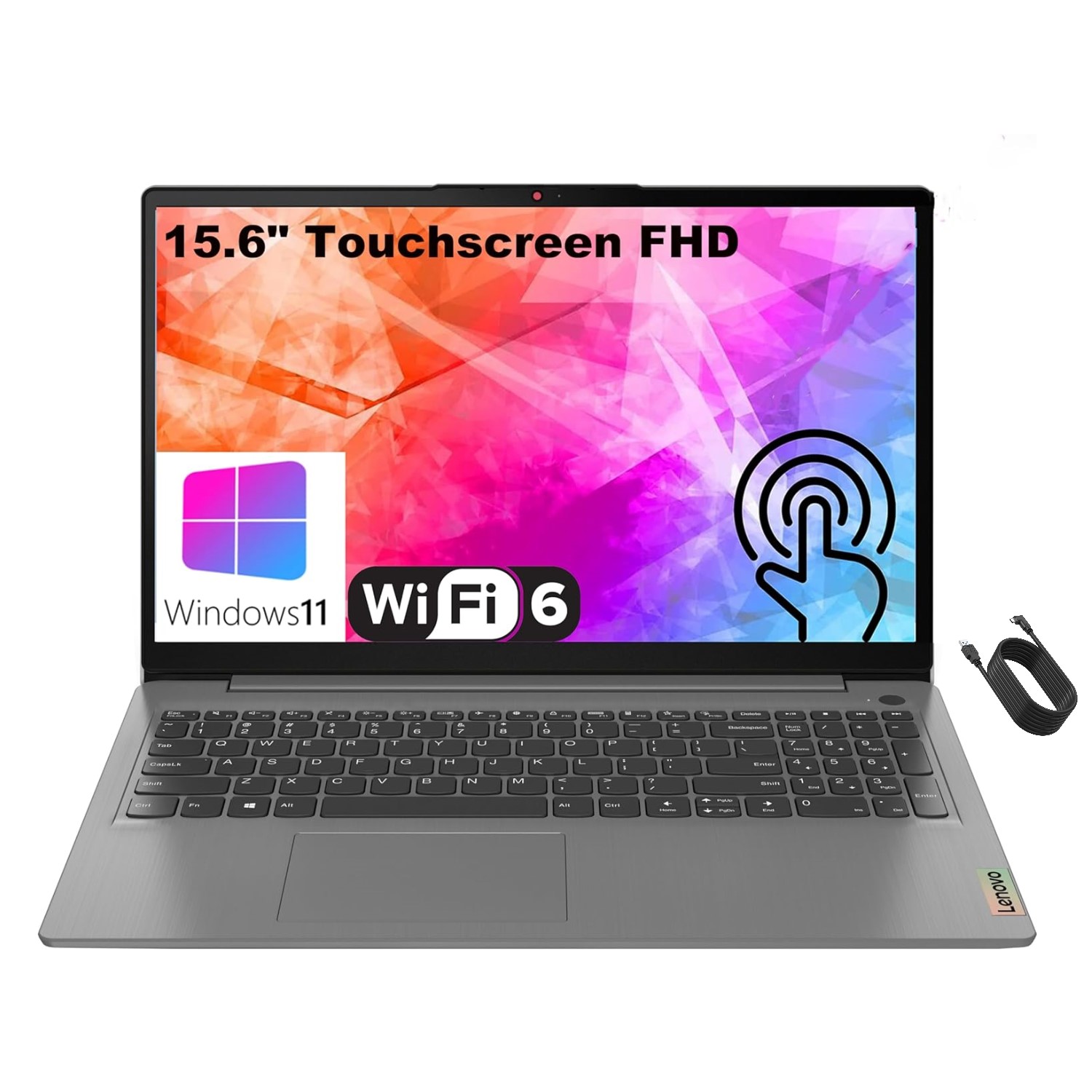
Lenovo IdeaPad Slim 3 14" FHD Chromebook
Where to buy
No store is showing a current price right now. The stores below sell it; ask the agent to check today's prices.
Prices are checked against each store and labelled with when.
Check today's price at PzDealsAsk our agent about this product
It checks today's price at every store, compares the alternatives and answers in about a minute.
In stock now from Lenovo


Our take on the Lenovo IdeaPad Slim 3 14" FHD Chromebook
The Lenovo IdeaPad Slim 3 Chromebook is a 14-inch laptop with a full HD screen, 4GB of RAM and 64GB of storage, running ChromeOS. It is built for light everyday work: browsing, email, documents and streaming. The 4GB of memory is the main limit; rivals at the same tier often offer 8GB, which keeps more browser tabs open smoothly. Buy it if you want a simple, slim machine for the basics; skip it if you multitask heavily or need local storage for large files.
- Full HD 14-inch screen is sharper than the 1366x768 panels common on budget Chromebooks
- Slim, light chassis is easy to carry
- ChromeOS boots fast and needs little maintenance
- 64GB of storage beats the 32GB base models
- Automatic updates and built-in security suit non-technical users
Lenovo IdeaPad Slim 3 14" FHD Chromebook prices at every store
- PzDealsCheck price at PzDeals
About the Lenovo IdeaPad Slim 3 14" FHD Chromebook
The Lenovo IdeaPad Slim 3 is a slim, lightweight Chromebook with a 14 inch FHD display. It is built for everyday productivity.
It has 4GB of RAM and 64GB of storage.
- Display
- 14 inch FHD
- Memory
- 4GB RAM
- Storage
- 64GB
Questions and answers
- Is 4GB of RAM enough for a Chromebook?
- For a few tabs, email and documents, yes. With a dozen or more tabs, video calls and web apps at once, it slows down. 8GB models handle that load better.
- Can it run Windows apps like Microsoft Office?
- No. It runs ChromeOS, so you use web versions of Office or Android apps from the Play Store. Desktop Windows software will not install.
- How much storage do I really get?
- 64GB total, minus the system, leaves roughly 40GB free. That is fine for documents and streaming, but photos and video should go to cloud storage or an SD card.
- Is the 14-inch FHD screen worth it over a cheaper HD model?
- Yes for text and video. The 1920x1080 panel shows sharper text and more of a page than 1366x768 screens found on cheaper Chromebooks.
- Does it have a backlit keyboard or touchscreen?
- The standard model has neither. Check the exact configuration if either matters to you.