- Is this good for gaming?
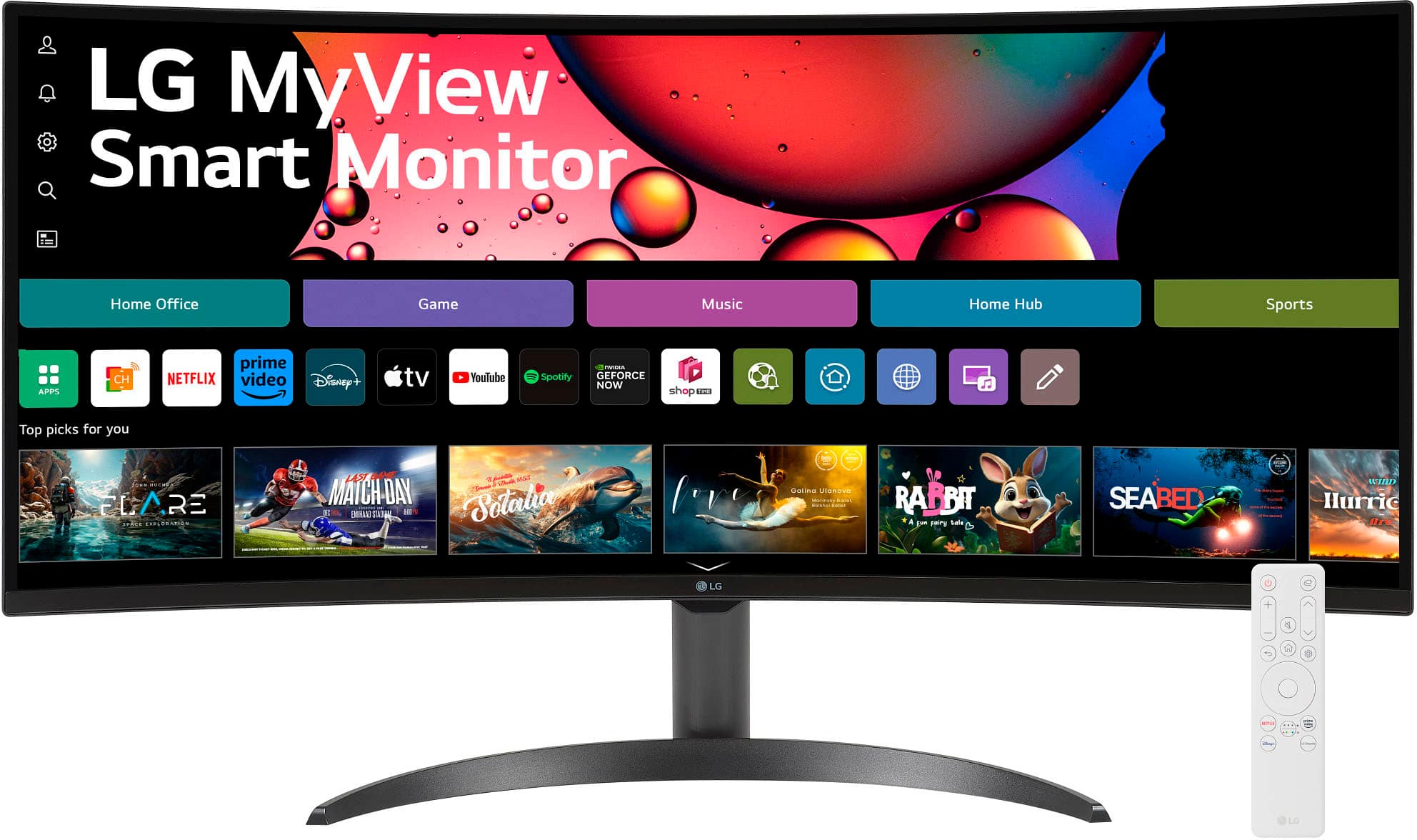
- It is fine for casual and console gaming. The 100 Hz refresh and 5 ms response are smoother than a 60 Hz office monitor, but competitive players will want a faster IPS panel with a higher refresh rate.
- Do I need a PC to use the smart apps?
- No. The monitor runs LG's smart platform on its own, so you can stream apps directly over Wi-Fi. A PC or console connects through HDMI when you want one.
- How does the VA panel compare with IPS?
- VA gives deeper blacks and better contrast head-on. IPS holds color and contrast better when you sit off to the side, which matters if several people watch at once.
- Can I connect a laptop with USB-C?
- The listed connection is HDMI, so a laptop needs an HDMI output or an adapter. There is no USB-C docking listed, so plan on a separate cable for video.
- Is a 34-inch ultrawide too big for a small desk?
- The curve helps, but a 34-inch 21:9 panel is wide and needs desk depth for comfortable viewing. Measure your space before buying if the desk is shallow.
- What is in the box?
- Expect the monitor, a stand and an HDMI cable. Check the listing for the exact accessories, since bundles vary.
- Where is the LG 34-inch UltraWide Smart Monitor cheapest?
- At Amazon, for $299.99, as of our latest check.
- Where can I buy the LG 34-inch UltraWide Smart Monitor?
- 8 stores we checked sell it, including Amazon, LG, eBay, PayMore Frederick, Best Buy.