LG UltraGear 27GS60QC Curved Gaming Monitor
Last price we saw
Prices change often: ask the agent below to check today's price at every store.
Prices differ by screen size, and this one may be for a smaller size: check the size at the store.
Prices are checked against each store and labelled with when.
In stock now from LG


Our take on the LG UltraGear 27GS60QC Curved Gaming Monitor
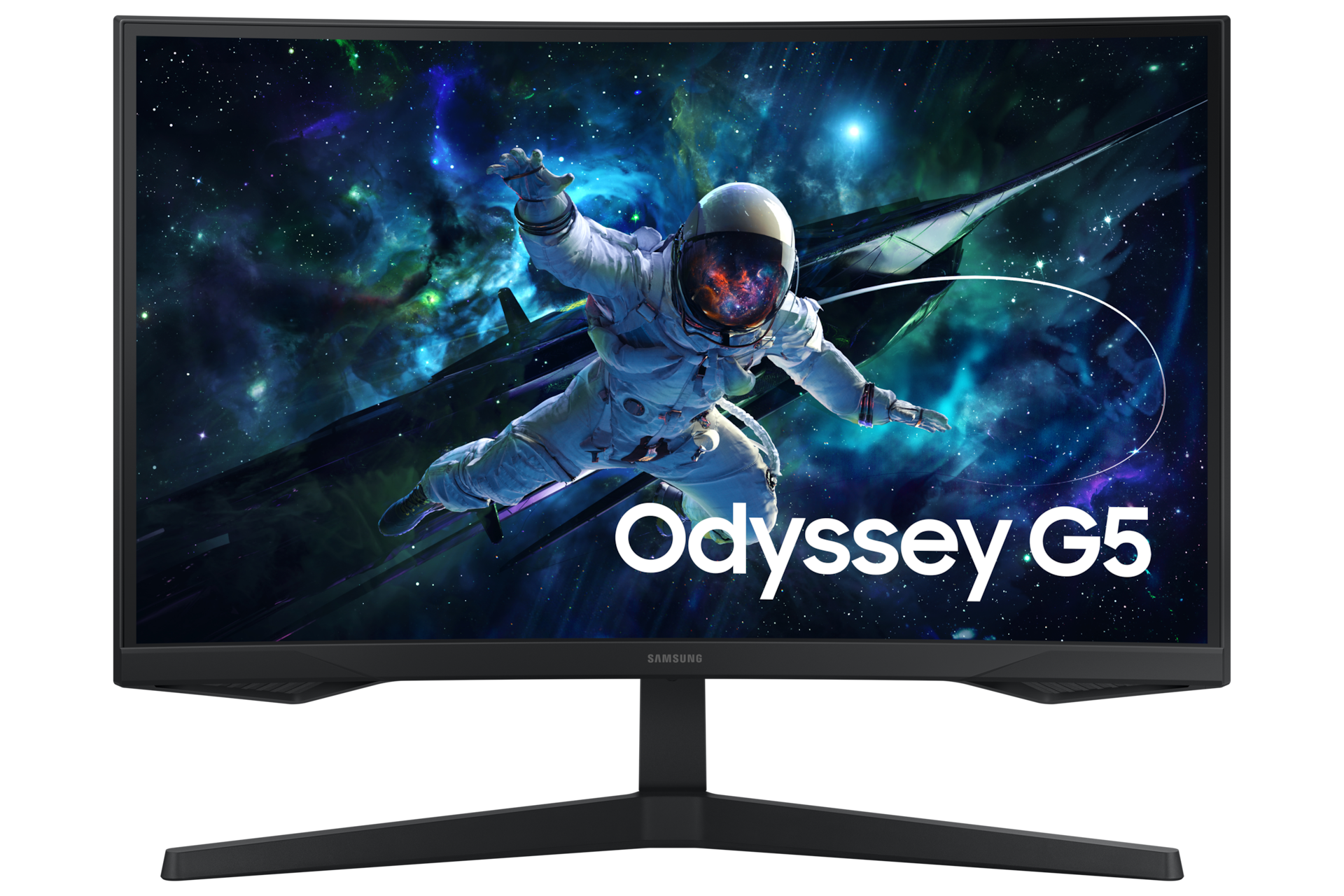
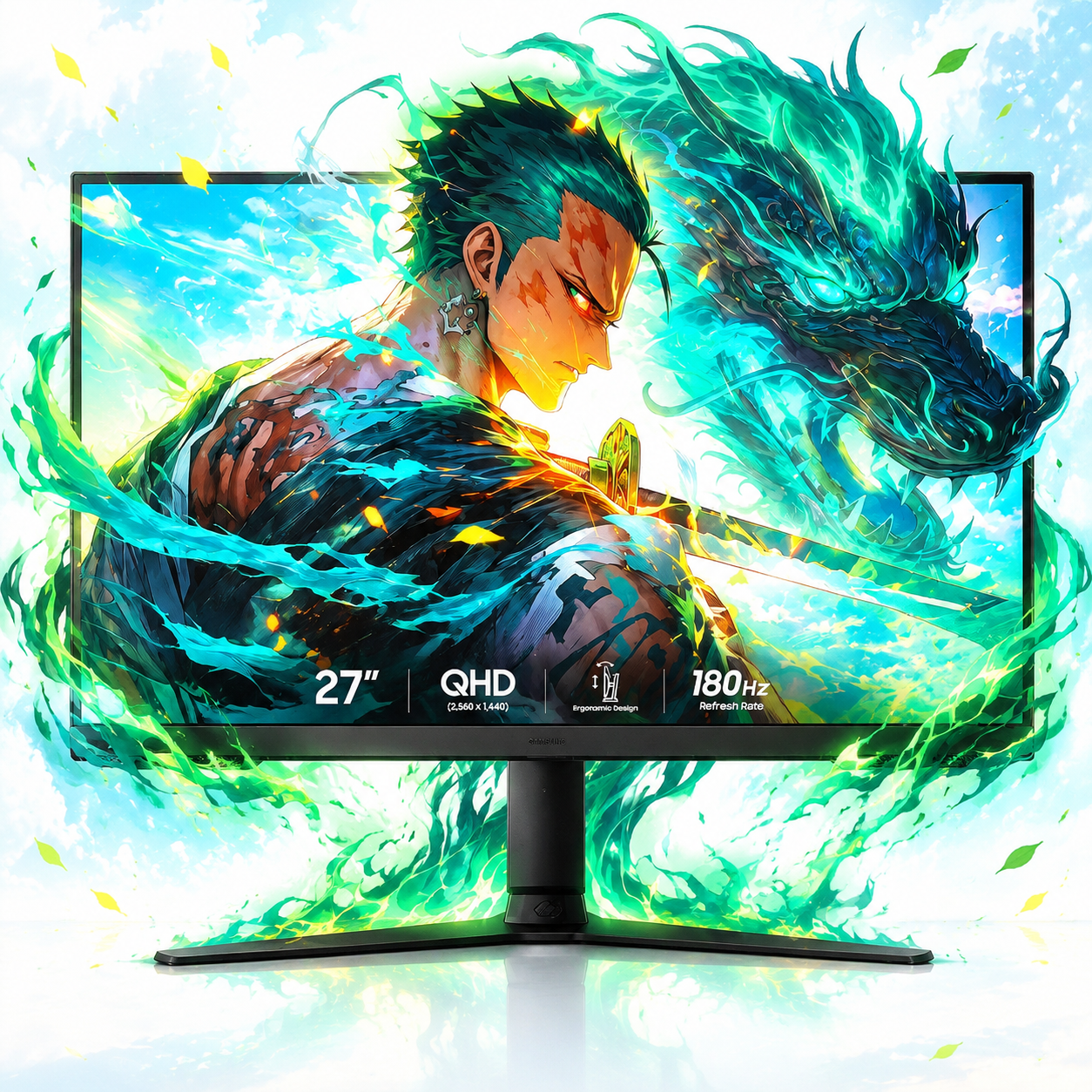
The LG UltraGear 27GS60QC is a 27-inch curved gaming monitor with a 2560 x 1440 QHD resolution, a 180 Hz refresh rate and a 1 ms response time. Its IPS panel gives wide viewing angles and consistent color, and the 1000R curve wraps the screen around your view for a more immersive feel. It suits gamers who want smooth QHD play and a curved screen without stepping up to a larger or more expensive model. Compared with flat 27-inch QHD gaming monitors, it trades a little desk flexibility for the curve, and its 180 Hz sits below the 240 Hz and faster panels in the premium tier.
- Sharp 2560 x 1440 QHD resolution on a 27-inch screen
- 180 Hz refresh rate for fluid motion in fast games
- 1 ms response time suits competitive shooters
- IPS panel keeps colors stable from wide angles
- 1000R curve adds immersion
- HDMI and DisplayPort inputs cover PC and console
About the LG UltraGear 27GS60QC Curved Gaming Monitor
The LG UltraGear 27GS60QC is a 27-inch curved gaming monitor. It uses an IPS LCD panel with a resolution of 2560 x 1440. It connects through HDMI or DisplayPort and has a maximum refresh rate of 180 Hz and a 1 ms response time. It weighs 15.5 lb.
- Size
- 27 in
- Display type
- LCD
- Panel type
- IPS
- Resolution
- 2560 x 1440
- Curved
- Yes
- Maximum refresh rate
- 180 Hz
- Response time
- 1 ms
- Connectors
- HDMI, DisplayPort
- Weight
- 15.5 lb
Specifications
- Display Type
- LCD
- Resolution
- 2560 x 1440
Ask our agent about this product
It checks today's price at every store, compares the alternatives and answers in about a minute.
Questions and answers
- Is 180 Hz enough for competitive gaming?
- For most players, yes. 180 Hz is well above 60 Hz and 144 Hz and keeps fast motion clear. Serious esports players may still prefer 240 Hz or higher panels.
- Does the curve help or hurt everyday use?
- The 1000R curve pulls the edges toward you, which feels immersive in games. For spreadsheets and long documents, a flat screen is usually easier to read across.
- Is QHD a good fit for a 27-inch screen?
- Yes. 2560 x 1440 on 27 inches gives noticeably sharper text and detail than 1080p at the same size, and it is easier to drive than 4K.
- What can I connect to it?
- It has HDMI and DisplayPort inputs, so it works with a PC, a laptop or a console. Check that your device supports the refresh rate you want over the connection you use.
- How does it compare with flat UltraGear models?
- The core specs are similar to flat 27-inch QHD UltraGear monitors. The main difference is the curved panel, which is a matter of preference rather than performance.
- Does the IPS panel matter for gaming?
- IPS gives wide viewing angles and stable colors, which helps when you sit off-center or share the screen. Its black levels are not as deep as a VA panel's.