- Do I need Wi-Fi 7 devices to benefit?
- Not strictly, but the biggest speed gains go to Wi-Fi 7 phones and laptops. Older devices still get solid coverage and the dedicated backhaul helps the mesh.
- How many nodes do I need?
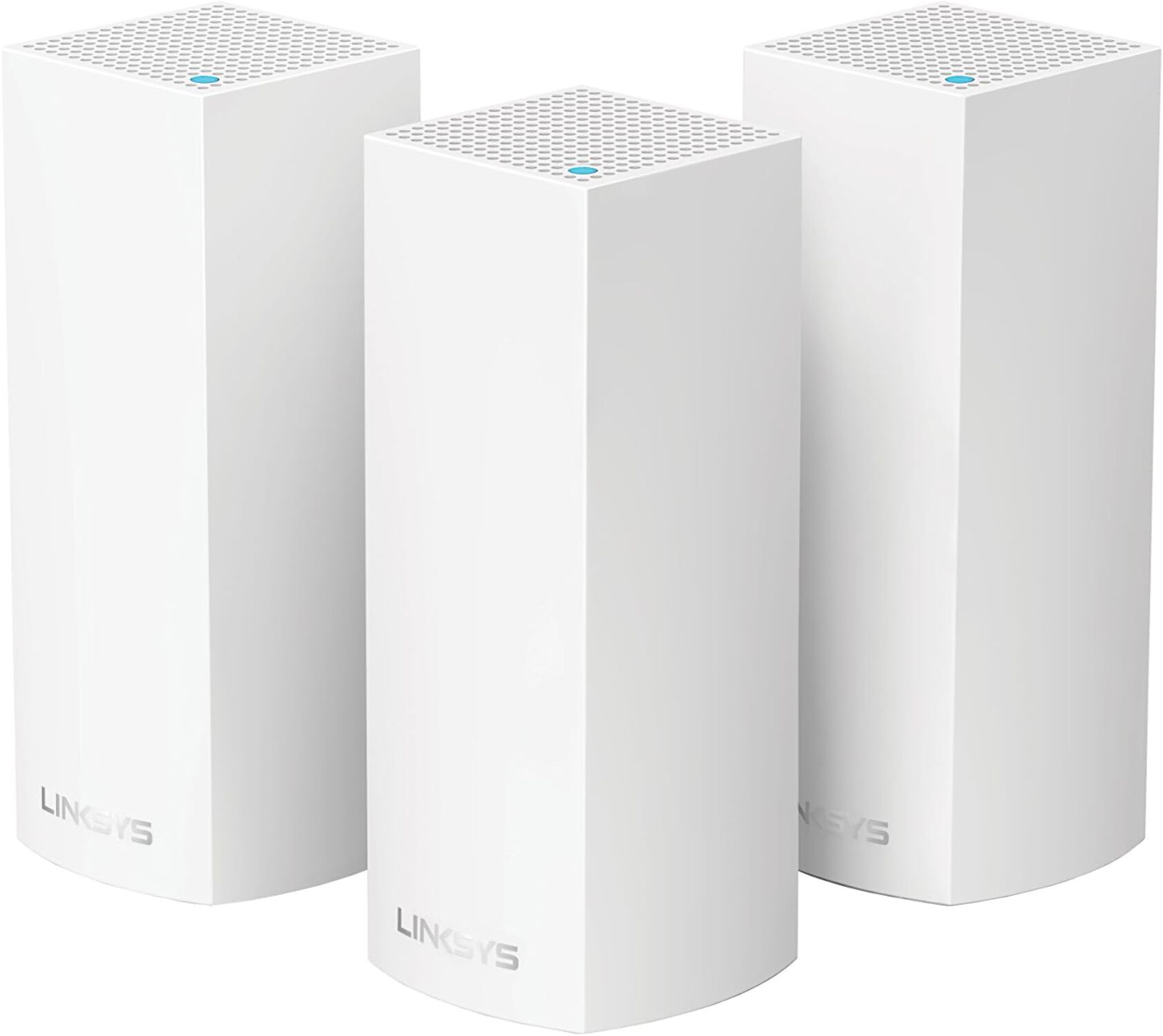
- One node covers a small apartment; two to three suit most houses. Add nodes for dead zones rather than for speed.
- Does it work with older Velop nodes?
- It is a separate Wi-Fi 7 line, so check Linksys compatibility before mixing it with older Velop models.
- Is there a 2.5G or 10G Ethernet port?
- The nodes include Ethernet ports for wired devices, but check the port speed before relying on it for multi-gig internet.
- Can I use it as a modem too?
- No. It is a router and mesh system only, so you still need a modem from your internet provider.
- How does it compare with Wi-Fi 6E mesh kits?
- It adds Wi-Fi 7 features like 320 MHz channels and multi-link operation, but costs more. Wi-Fi 6E kits remain good value if you have no Wi-Fi 7 devices.
- Where is the Linksys Velop Pro 7 Mesh System cheapest?
- At Newegg, for $389.95, as of our latest check.