- Is the split layout hard to get used to?
- Most owners adapt within a week or two. Touch typists adjust fastest, but expect some mistyping on the angled columns at first.
- Can it connect to a Mac and a Windows PC at the same time?
- Yes. It pairs with up to three devices and you switch with the Easy-Switch keys. Layout labels are Windows-oriented, but macOS pairing works.
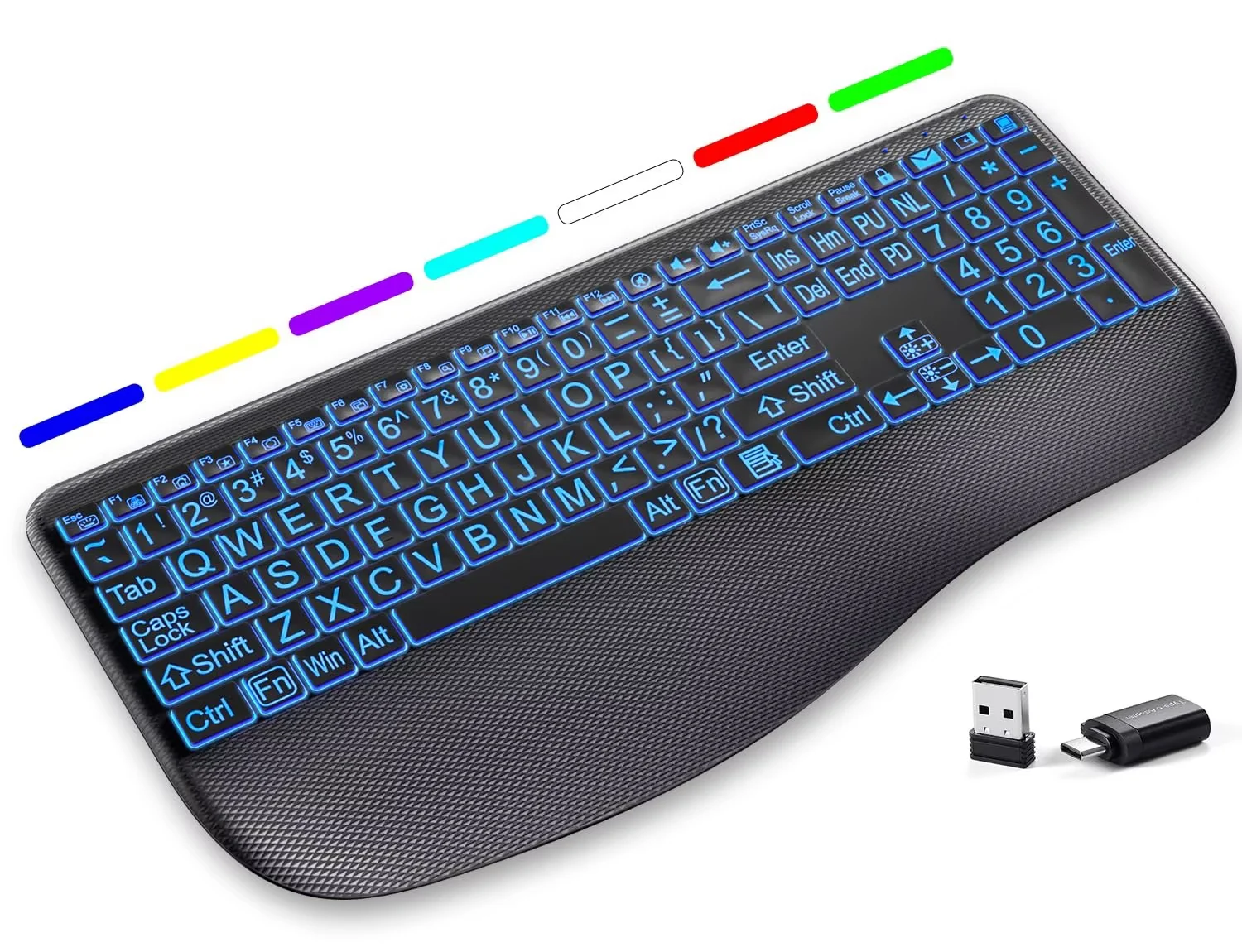
- Does it have a backlight?
- No. The keys are not illuminated, so it is less suited to dark rooms.
- What is in the box?
- The keyboard, a Logitech Bolt USB receiver, two AAA batteries and documentation. A charging cable is not included because it runs on batteries.
- How does it compare with the Microsoft Sculpt Ergonomic?
- The K860 keeps a full number pad and a built-in wrist rest, while the Sculpt is more compact and uses a separate numpad. The K860 is larger but better for spreadsheet work.
- Does it work with Logitech Flow?
- Yes, with the Logitech Options+ software it can control multiple computers and copy-paste between them when paired with a compatible Flow mouse.
- Where is the Logitech Ergo K860 Split Wireless Keyboard for Business cheapest?
- At Best Buy, for $159.99, as of our latest check.
- Where can I buy the Logitech Ergo K860 Split Wireless Keyboard for Business?
- 5 stores we checked sell it, including Best Buy, Quill, Newegg, Antonline, Staples.