StoreDeal.ai store
Shop
  • Deals
  • Deal checker
  • Black Friday
  • Buying guides
  • Brands
  • Stores
Travel
  • Flight deals
  • Hotel deals
Company
  • Research
  • Press
  • Use in AI assistants
  • Contact
  • deal.ai apps
Black Friday 2026
  • Walmart
  • Best Buy
  • Target
  • TVs
  • Laptops
  • Headphones
  • Apple
  • Gaming
  • Vacuums
  • Kitchen
  • Toys
  • Smartwatches
  • Tablets
  • Furniture
  • Mattresses
© Deal.ai Inc.·2222 Ponce de Leon Blvd, Miami, FL 33134·support@deal.ai
TermsPrivacy
Deal.ai › Logitech › VR Accessories
Logitech
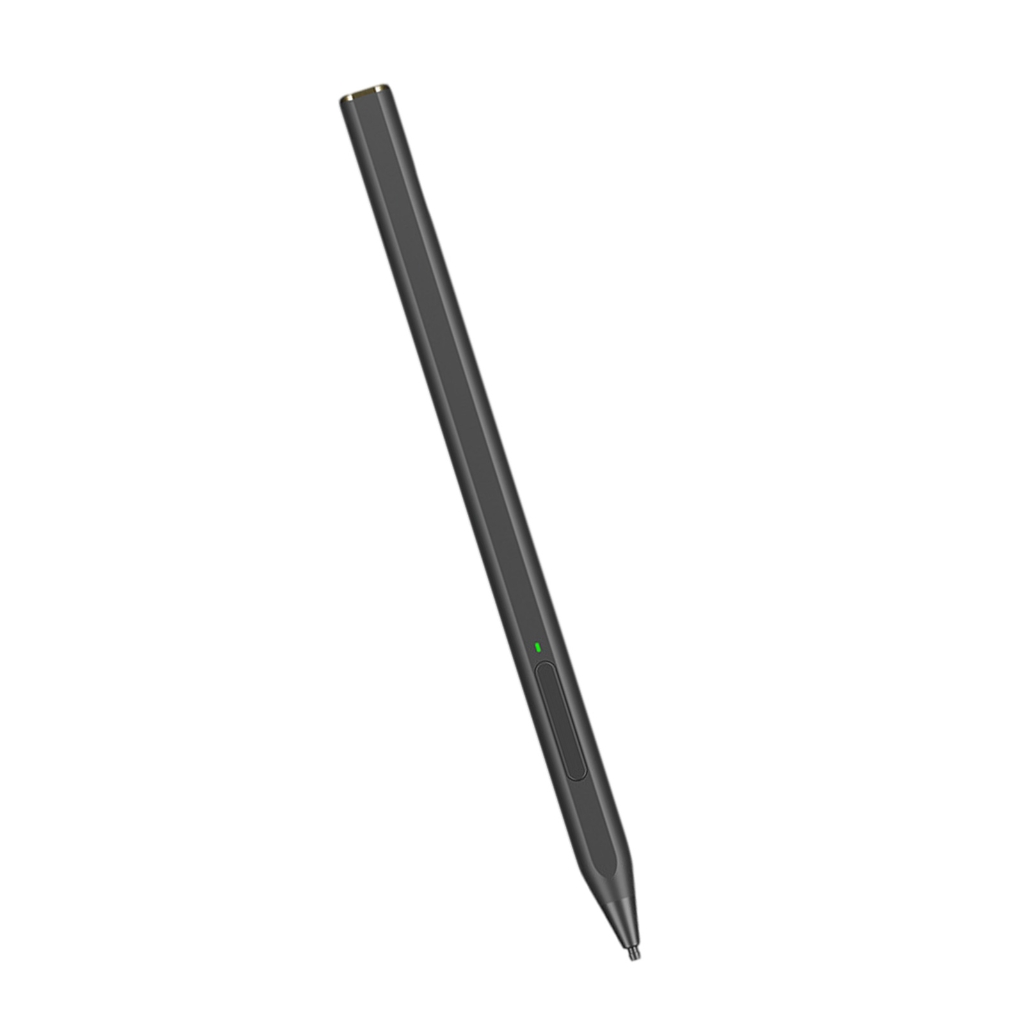
Logitech MX Ink Mixed-Reality (MR) Stylus with Charging Dock Combo

Logitech MX Ink Mixed-Reality (MR) Stylus with Charging Dock Combo

Best price now

$166.58at AntonlineChecked Nov 15

Compared across 5 stores. Prices are checked against each store and labelled with when. Store links may earn us a commission. Price via Klarna.

Finding cheaper alternatives

Checking the Deal.ai store…

Price facts

  • Last seen at $166.58 at Antonline on Nov 15.
  • Checked at 5 stores.
$166.58at AntonlineChecked Nov 15
Visit Antonline

Our take on the Logitech MX Ink Mixed-Reality (MR) Stylus with Charging Dock Combo

The MX Ink is Logitech's stylus for Meta Quest headsets, sold here with the MX Inkwell charging dock and two spare tips. It brings pressure-sensitive, high-precision drawing and writing to mixed reality, with a button and integrated Meta Settings control for quick changes. It pairs through the Meta Quest app and needs Quest OS V69 or later. It suits artists, designers and note-takers who want pen input in VR and MR; it is a niche add-on rather than a controller replacement, since only one MX Ink works alongside the Touch controllers.

Best forVR and MR artists sketching in 3DDesigners and architects reviewing models in mixed realityQuest owners who prefer a pen to a controller for notes and menusBuyers who want a dock to keep the stylus charged
Pros
  • Pressure-sensitive, high-precision tip for drawing and writing
  • Integrated Meta Settings control and a stylus button
  • Charging dock keeps it topped up between sessions
  • Two spare tips included, one fine and one wide
  • Works across Quest 2, Quest 3 and Quest 3S
Cons
  • Requires Quest OS V69 or later
  • Only one MX Ink can be used alongside the Touch controllers
  • Limited to Meta Quest headsets, not other VR platforms
  • Few apps are built around stylus input
  • Dock adds bulk to a desk or travel bag

Logitech MX Ink Mixed-Reality (MR) Stylus with Charging Dock Combo prices at every store

  • AntonlineNew

    In stock

    $166.58Free shippingChecked Nov 15
    Visit Antonline
  • QuillNew

    In stock

    $169.99Free shippingChecked Nov 15
    Visit Quill
  • NeweggNew

    In stock

    $169.99Free shippingChecked Nov 15
    Visit Newegg
  • StaplesNew

    In stock

    $180.83Free shippingChecked Nov 15
    Visit Staples
  • Best BuyNew

    In stock

    $182.03Free shippingChecked Nov 15
    Visit Best Buy

Store links may earn us a commission. Some prices via Klarna.

Logitech MX Ink Mixed-Reality (MR) Stylus with Charging Dock Combo price history

Lowest price we've seen: $166.58 on Nov 15 at Antonline. Tracked across 5 stores since Nov 15.

What reviewers say

Owners of Quest headsets treat the MX Ink as a solid pen for 3D sketching and menu work, and like the dock and spare tips. The main complaints are the OS requirement, the single-stylus limit and thin app support.

What people mention
  • PrecisionPraisedOwners say the tip tracks accurately and pressure response feels natural in drawing apps.
  • Charging dockPraisedThe Inkwell dock is seen as a convenient way to keep the stylus ready.
  • CompatibilityMixedIt works on Quest 2, 3 and 3S, but needs Quest OS V69 or later and only one stylus can pair alongside the Touch controllers.
  • App supportCriticisedReviewers note that few Quest apps are built around stylus input.
  • SetupMixedPairing goes through the Meta Quest app and takes a few steps before first use.

From Antonline

  • Made for Meta mixed-reality stylus with integrated Meta Settings control
  • High precision and pressure sensitive
  • MX Inkwell charging dock keeps the stylus charged and ready
  • Compatible with Meta Quest 2, Meta Quest 3 and Meta Quest 3S
  • Requires Meta Quest OS V69 or later
  • Pairs via the Meta Quest App; max one MX Ink alongside Meta Touch Controllers
Guarantee
Limited 1-year warranty
Shipping
Free ground shipping; in stock; orders normally ship quickly from US warehouses, delivery normally 3-10 business days after leaving the warehouse
In the box
MX Ink Stylus for Meta Quest, MX Inkwell Charging Dock for MX Ink, 2 spare tips: 1 fine and 1 wide, User documentation

About the Logitech MX Ink Mixed-Reality (MR) Stylus with Charging Dock Combo

The MX Ink is a mixed-reality stylus for Meta Quest headsets, with an integrated control for Meta Settings. It is pressure sensitive and built for high precision, so the line responds to how hard the tip is pressed. It pairs through the Meta Quest App.

The stylus works alongside Meta Touch Controllers, with one MX Ink connected at a time. It requires Meta Quest OS V69 or later and is compatible with Meta Quest 2, Meta Quest 3 and Meta Quest 3S.

The MX Inkwell charging dock holds the stylus and keeps it charged and ready between sessions. Two spare tips are included, one fine and one wide.

Compatibility
Meta Quest 2, Meta Quest 3, Meta Quest 3S
Requires
Meta Quest OS V69 or later
Pairing
Via the Meta Quest App
Input
Pressure sensitive, high precision
Controls
Integrated Meta Settings control
Controller limit
One MX Ink alongside Meta Touch Controllers
Charging
MX Inkwell charging dock
Spare tips
1 fine, 1 wide

Ask our agent about this product

It checks today's price at every store, compares the alternatives and answers in about a minute.

Enter to send, Shift+Enter for a new line

Questions and answers

Does the MX Ink work with the Quest 2?
Yes. It is compatible with Meta Quest 2, Quest 3 and Quest 3S, provided the headset runs Quest OS V69 or later.
Can I use two MX Ink styluses at once?
No. The headset supports a maximum of one MX Ink alongside the Meta Touch Controllers.
What is in the box?
The MX Ink stylus, the MX Inkwell charging dock, two spare tips (one fine, one wide) and user documentation.
How does it connect to the headset?
It pairs through the Meta Quest app on a compatible headset running Quest OS V69 or later.
Is it a replacement for the Touch controllers?
No. It is an add-on for drawing and menu work and runs alongside the Touch controllers, not instead of them.
Does it need a specific OS version?
Yes. The headset must be on Meta Quest OS V69 or later for the stylus to work.
Where is the Logitech MX Ink Mixed-Reality (MR) Stylus with Charging Dock Combo cheapest?
At Antonline, for $166.58, as of our latest check.
Where can I buy the Logitech MX Ink Mixed-Reality (MR) Stylus with Charging Dock Combo?
5 stores we checked sell it, including Antonline, Quill, Newegg, Staples, Best Buy.

Stores we've priced the Logitech MX Ink Mixed-Reality (MR) Stylus with Charging Dock Combo at

  • Best Buy deals and prices
  • Newegg deals and prices
  • staples.com deals and prices

More from Logitech

  • L
    Logitech 960 USB
    Logitech 960 USB
  • L
    Logitech Combo Touch for iPad (A16)
    Logitech Combo Touch for iPad (A16)
  • L
    Logitech MX Keys S Combo for Mac
    Logitech MX Keys S Combo for Mac
  • L
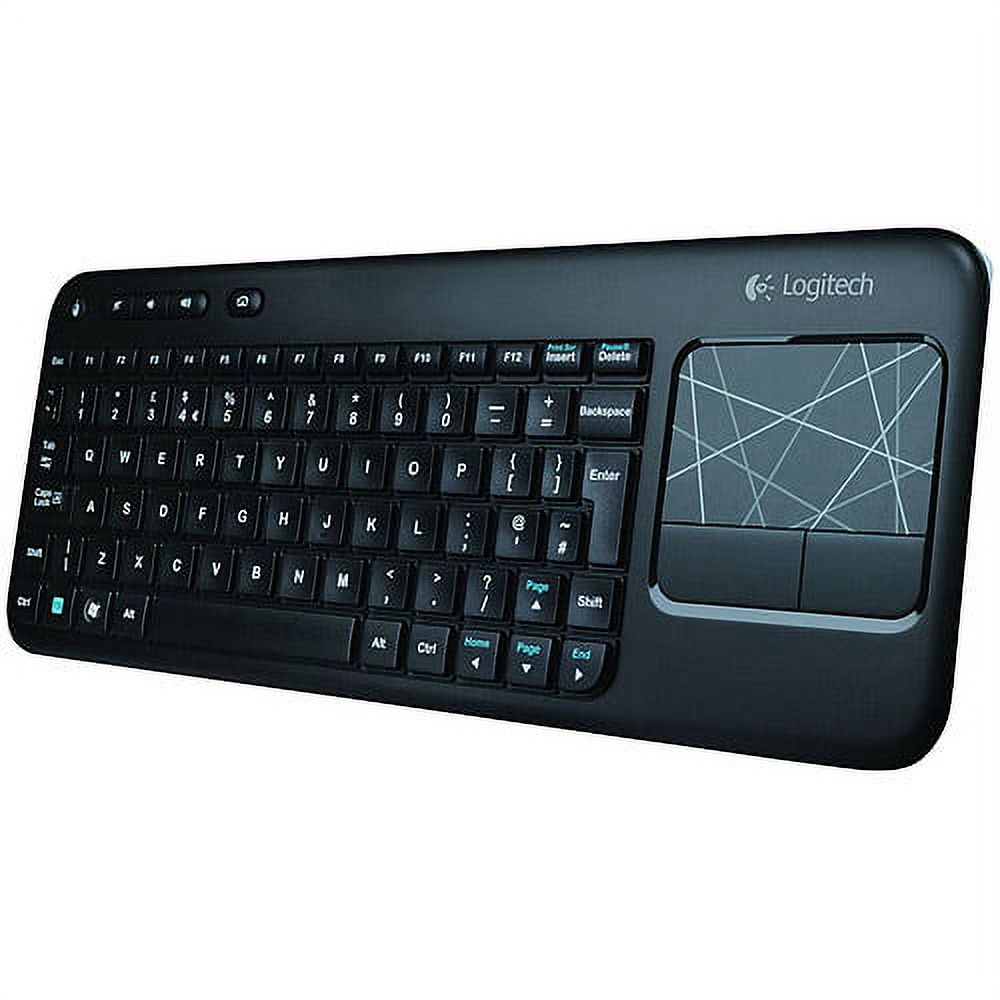
    Logitech Wireless Touch Keyboard K400 with Built-In Multi-Touch Touchpad
    Logitech Wireless Touch Keyboard K400 with Built-In Multi-Touch Touchpad
  • L
    Logitech Wireless Touch Keyboard K400 Plus
    Logitech Wireless Touch Keyboard K400 Plus
  • L
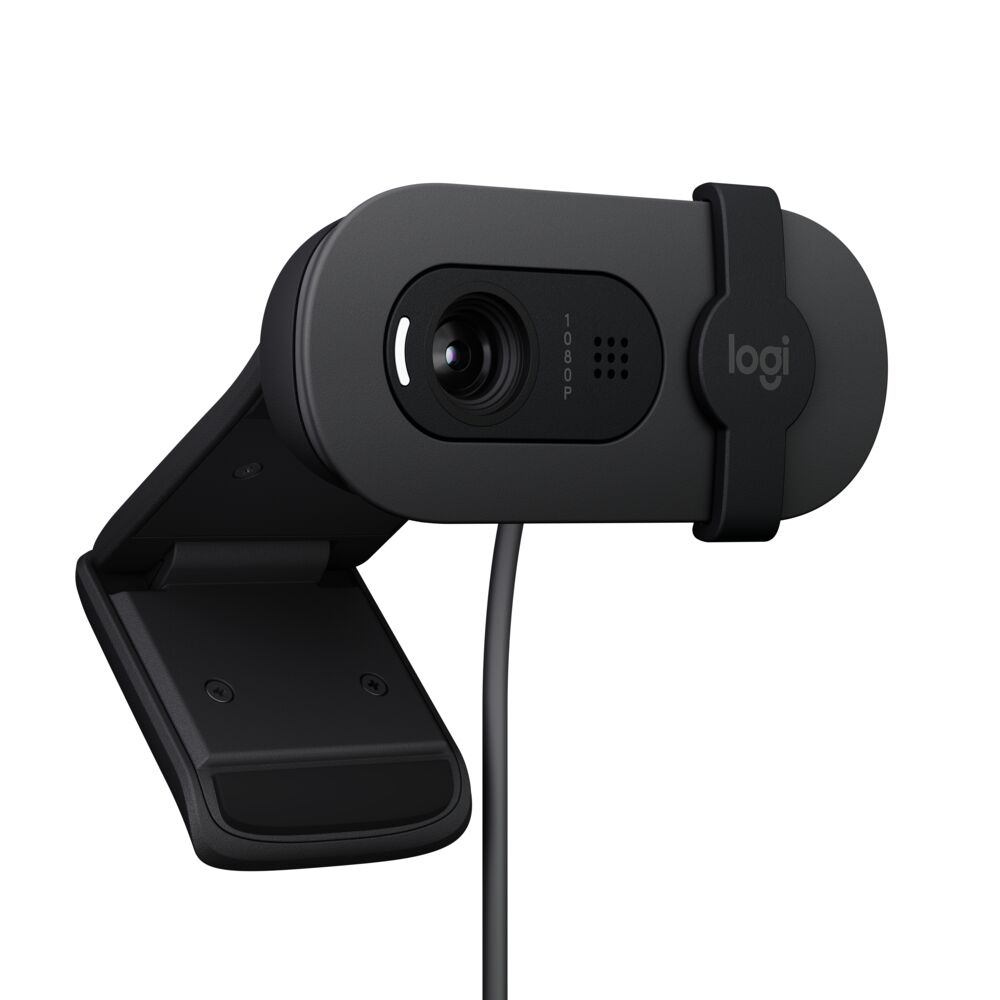
    Logitech Brio Full HD Webcam for Meetings and Streaming, Auto-Light Balance, Privacy Shutter, Graphite
    Logitech Brio Full HD Webcam for Meetings and Streaming, Auto-Light Balance, Privacy Shutter, Graphite
  • L
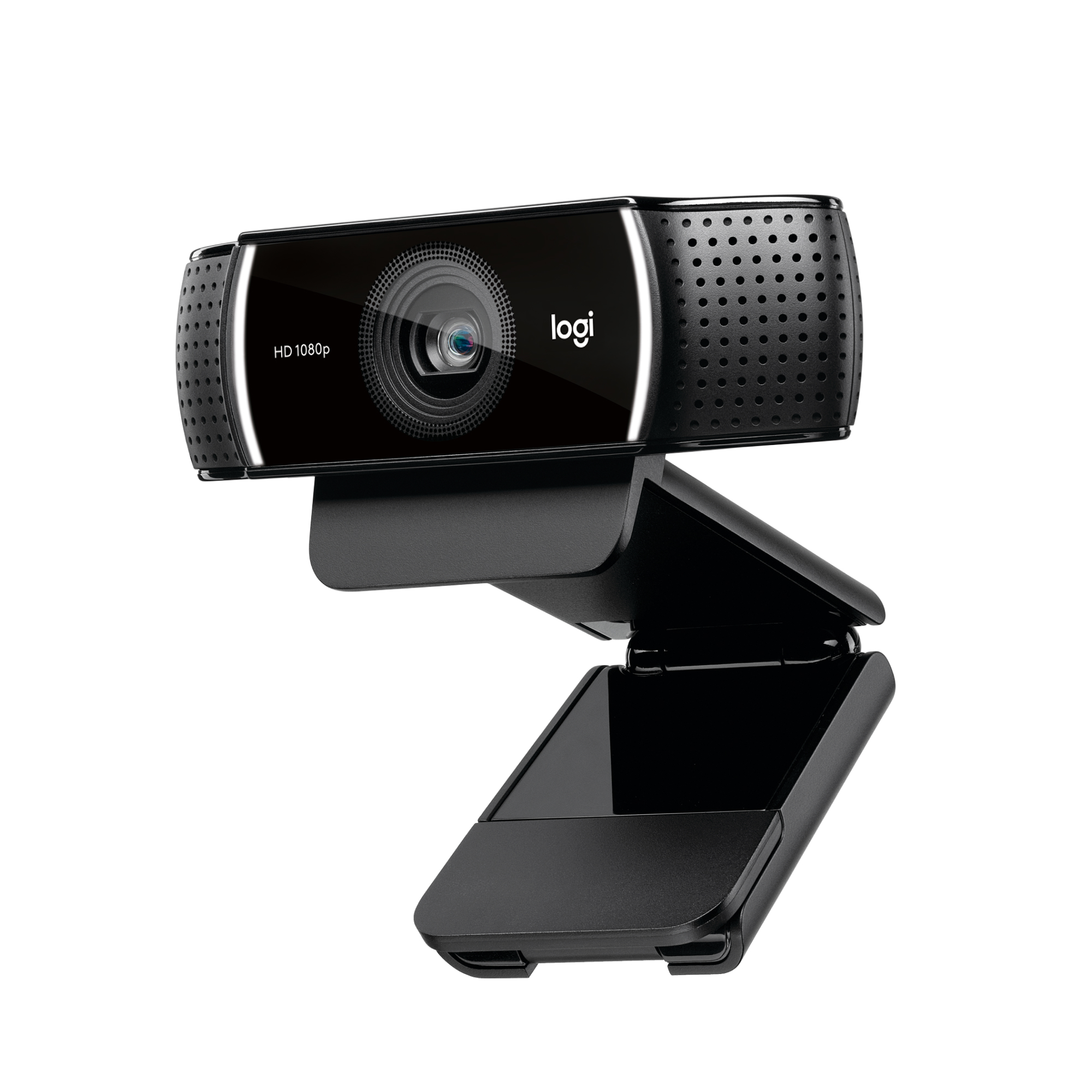
    Logitech Pro Stream WebCam, 30 fps at 1080p, Autofocus, Omni-directional microphones, Black
    Logitech Pro Stream WebCam, 30 fps at 1080p, Autofocus, Omni-directional microphones, Black
  • L
    Logitech Anyangle Protective Case & Stand For iPad Mini 1/2/3 Violet
    Logitech Anyangle Protective Case & Stand For iPad Mini 1/2/3 Violet
All Logitech deals and products →

More styluses

  • B
    BOOX InkSense Plus Stylus with a Side Button
    BOOX InkSense Plus Stylus with a Side Button
  • A
    Advanced Surfaces Pen with 4096 Pressure Sensitivity, Tilts Detection, and Magnetic Attachment
    Advanced Surfaces Pen with 4096 Pressure Sensitivity, Tilts Detection, and Magnetic Attachment
  • D
    Dual-Tip Disc Stylus with Aluminum Handle
    Dual-Tip Disc Stylus with Aluminum Handle
  • D
    Dual-Tip Capacitive Stylus Pen
    Dual-Tip Capacitive Stylus Pen
  • B
    Baseus Smooth Writing Stylus for iPad
    Baseus Smooth Writing Stylus for iPad
  • A
    Apple Pencil (USB-C) Stylus for Apple iPad Models
Apple Pencil (USB-C) Stylus for Apple iPad Models
  • T
    TIMOVO iPad Pencil for (A16)11th Gen with Power Display, Stylus Pen for 2018-2025 Apple iPad 10/9/8/7/6, Air M3/M2 11"/13"/5/4/3, Mini 7/6/5, Pro M4 13"/12.9"/11", Fast Charging
    TIMOVO iPad Pencil for (A16)11th Gen with Power Display, Stylus Pen for 2018-2025 Apple iPad 10/9/8/7/6, Air M3/M2 11"/13"/5/4/3, Mini 7/6/5, Pro M4 13"/12.9"/11", Fast Charging
  • C
    can Stylus Pen for iPad 2018-2025 with Palm Rejection, Apple Pencil for Pad11th/10th/9th/8th/7th/6th Gen, iPad Pro 11/12.9 inch, New iPad Air 2025 11&13-inch(M3/2) /5th/4th/3th Gen, iPad mini 6th/5th
    can Stylus Pen for iPad 2018-2025 with Palm Rejection, Apple Pencil for Pad11th/10th/9th/8th/7th/6th Gen, iPad Pro 11/12.9 inch, New iPad Air 2025 11&13-inch(M3/2) /5th/4th/3th Gen, iPad mini 6th/5th