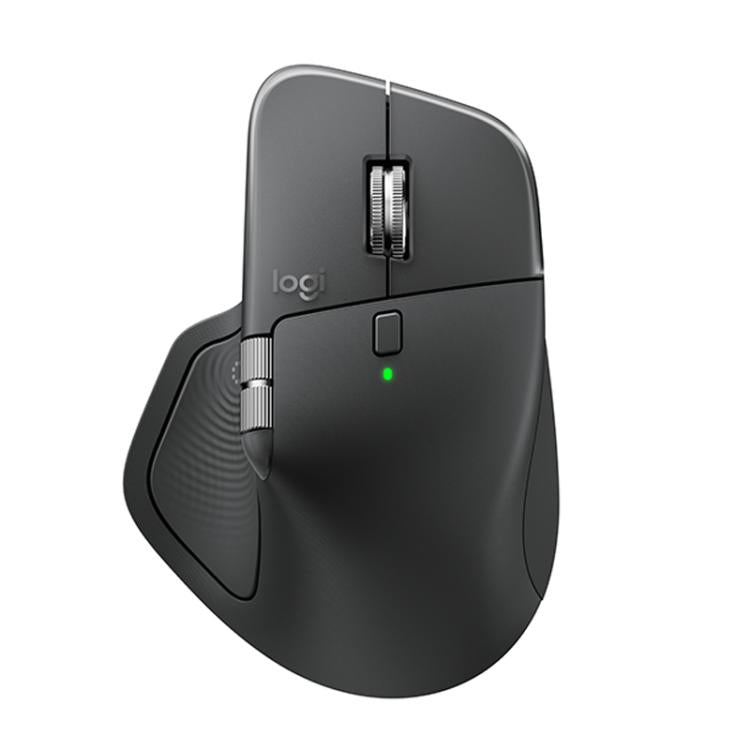
- Is the MX Master 4 for Mac worth it over the Magic Mouse?
- If you want a full palm rest, a thumb wheel and extra buttons, yes. The Magic Mouse is slimmer and more portable but has fewer controls and no thumb rest.
- Does it work with Windows PCs?
- It is tuned for Mac, but Bluetooth mice in this line generally pair with Windows and other Bluetooth hosts. Expect Mac-specific gesture and shortcut features to be the main draw.
- How long does the battery last?
- Logitech's MX Master line typically runs for weeks to a couple of months per charge depending on use. Recharging is by USB-C.
- What is in the box?
- Expect the mouse, a USB-C charging cable and documentation. It pairs over Bluetooth, so no receiver is required.
- Is it good for gaming?
- No. It is a productivity mouse built for comfort and shortcuts; fast-paced gaming favors lighter mice with optical sensors.
- Can I use it with more than one computer?
- Yes. MX Master mice support pairing to multiple devices and switching between them, which suits a Mac plus a work laptop.
- Where is the Logitech MX Master 4 for Mac Wireless Mouse cheapest?
- At Abt Electronics & Appliances, for $109.99, as of our latest check.
- Where can I buy the Logitech MX Master 4 for Mac Wireless Mouse?
- 11 stores we checked sell it, including Logitech, Best Buy, Micro Center, B&H Photo-Video-Audio, Staples.