StoreDeal.ai store
Shop
  • Deals
  • Deal checker
  • Black Friday
  • Buying guides
  • Brands
  • Stores
Travel
  • Flight deals
  • Hotel deals
Company
  • Research
  • Press
  • Use in AI assistants
  • Contact
  • deal.ai apps
Black Friday 2026
  • Walmart
  • Best Buy
  • Target
  • TVs
  • Laptops
  • Headphones
  • Apple
  • Gaming
  • Vacuums
  • Kitchen
  • Toys
  • Smartwatches
  • Tablets
  • Furniture
  • Mattresses
© Deal.ai Inc.·2222 Ponce de Leon Blvd, Miami, FL 33134·support@deal.ai
TermsPrivacy

Free shipping on everything·10% off your first order·No account needed · Buy 2, save 10% · 3+, save 15%
Deal.ai › Store › Tech & Gadgets › Computer & Office
M
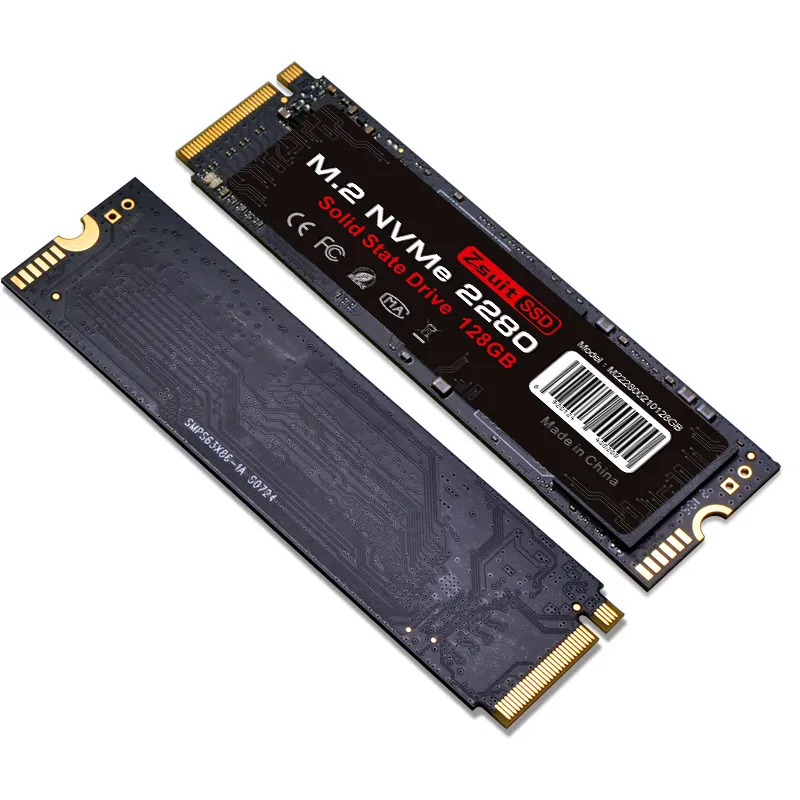
M.2 2280 NVMe Solid State Drive

M.2 2280 NVMe Solid State Drive

Sold and shipped by Deal.ai

$49.99Free shipping

Buy 2, save 10% · 3+, save 15%

Extra 10% off your first order

Capacity: 128GB
Color: PCIe3.0

Arrives about Nov 24 – Dec 4, from a warehouse in China

How many?
1

30-day full refund: if you're not happy with it for any reason, or it never arrives, tell us within 30 days and we refund you in full. Shipping and refunds
Ask our agent about this product

It checks today's price at every store, compares the alternatives and answers in about a minute.

Enter to send, Shift+Enter for a new line

Price facts

  • Last seen at $49.99 at Deal.ai on Nov 16.

Our take on the M.2 2280 NVMe Solid State Drive

This is a bare M.2 2280 NVMe solid-state drive, the gum-stick-shaped board that slots into a laptop or desktop motherboard. It comes in PCIe 3.0 and PCIe 4.0 versions and in capacities from 128GB to 2TB, with a rated sequential speed of 2000 MB/s. That speed is modest next to current PCIe 4.0 drives, which reach several thousand MB/s, so it suits budget builds, older machines and secondary storage more than high-end gaming or heavy video work. The drive is sold on its own, with no heatsink or mounting screw in the box.

Best forBudget laptop or desktop upgradesOlder PCIe 3.0 systemsSecondary storage for games and filesReviving a slow hard-drive machine
Pros
  • Standard M.2 2280 size fits most laptops and desktops
  • PCIe 3.0 and PCIe 4.0 versions cover older and newer boards
  • Capacities from 128GB to 2TB
  • No moving parts, so it is quiet and shock-resistant
  • Simple slot-in install with no cables
Cons
  • 2000 MB/s is slow for a PCIe 4.0 drive
  • No heatsink or mounting screw included
  • Small capacities fill quickly with modern games and apps
  • No DRAM or controller details published, so sustained performance is unclear

About the M.2 2280 NVMe Solid State Drive

The drive measures 80 x 22 mm and weighs 60 g.

It is available in a PCIe 3.0 x4 version and a PCIe 4.0 x4 version. The drive is rated at a speed of 2000 MB/s.

The drive has a metal case. The package contains one solid-state drive.

Form Factor
M.2 2280
Interface
PCIe 3.0 x4, PCIe 4.0 x4
Speed
2000 MB/s
Dimensions
80 x 22 mm (3.15 x 0.87 in)
Weight
60 g (2.1 oz)
Case Material
Metal
In the Box
1 x solid state drive

Specifications

Form factor
M.2 2280
Interface
PCIe 3.0 x4, PCIe 4.0 x4
Capacity
128GB, 256GB, 512GB, 1TB, 2TB
Version
PCIe 3.0, PCIe 4.0
Speed
2000 MB/s
Dimensions
80 x 22 mm (3.15 x 0.87 in)
Weight
60 g (2.1 oz)
Case material
Metal
Case color
Red
In the box
1 x solid state drive

Questions and answers

Will this fit my laptop?
It is the standard M.2 2280 size, 80 mm long and 22 mm wide, which fits most laptops and desktops with an M.2 slot. Check that your slot takes NVMe drives and the right PCIe generation before buying.
Should I get the PCIe 3.0 or PCIe 4.0 version?
Match it to your motherboard. A PCIe 4.0 board can run either version, but a PCIe 3.0 slot caps a 4.0 drive at 3.0 speeds, so the cheaper 3.0 version is enough there.
Is 2000 MB/s fast enough?
It is far faster than any hard drive and fine for everyday use, office work and most games. It trails current PCIe 4.0 drives, which reach several thousand MB/s, so skip it for heavy video editing or large file transfers.
What comes in the box?
One solid-state drive. No heatsink, screw or screwdriver is included, so have a mounting screw ready if your board needs one.
Which capacity should I pick?
128GB and 256GB suit a light system drive or a small boot disk. For games and media, 1TB or 2TB leaves room to grow; small drives fill up fast.
Does it need a heatsink?
It is a low-speed drive, so it runs cooler than fast PCIe 4.0 models and usually works without one. A desktop board's built-in heatsink or a cheap aftermarket one does no harm.
Where is the M.2 2280 NVMe Solid State Drive cheapest?
At Deal.ai, for $49.99, as of our latest check.

More in Computer & Office

  • M
    M.2 NVMe SSD Enclosure Kit
    M.2 NVMe SSD Enclosure Kit
  • 4
    4-in-1 SD & TF Card Reader
    4-in-1 SD & TF Card Reader
  • A
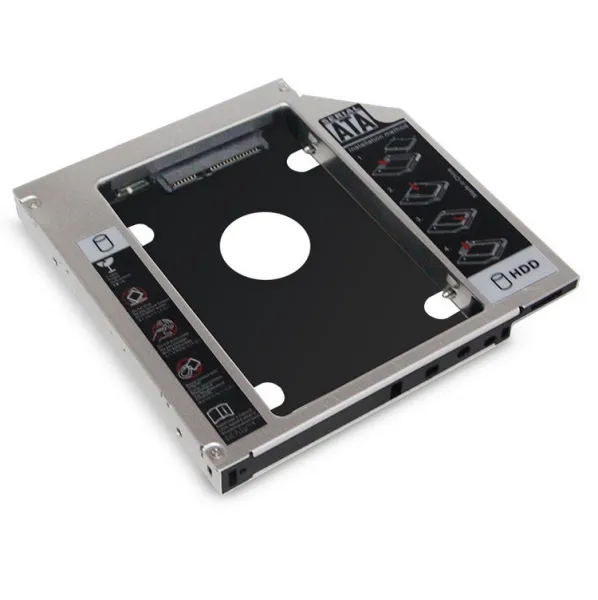
    Aluminum Optical Drive Bay HDD Caddy
    Aluminum Optical Drive Bay HDD Caddy
  • 2
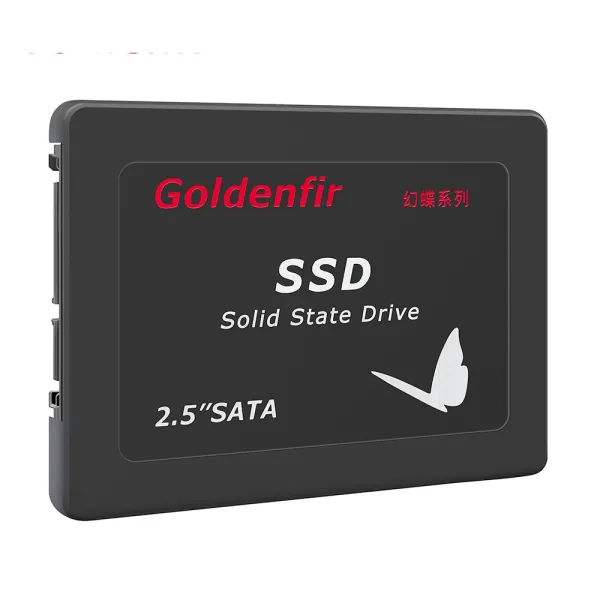
    2.5-Inch SATA Internal Solid State Drive
    2.5-Inch SATA Internal Solid State Drive
  • U
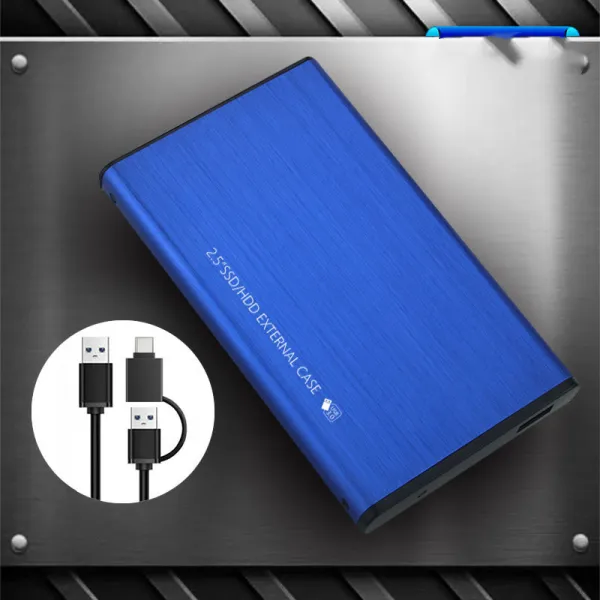
    USB 3.0 2.5-Inch SATA SSD/HDD Enclosure
    USB 3.0 2.5-Inch SATA SSD/HDD Enclosure
  • P
    Portable Handheld Color Inkjet Printer
    Portable Handheld Color Inkjet Printer
  • S
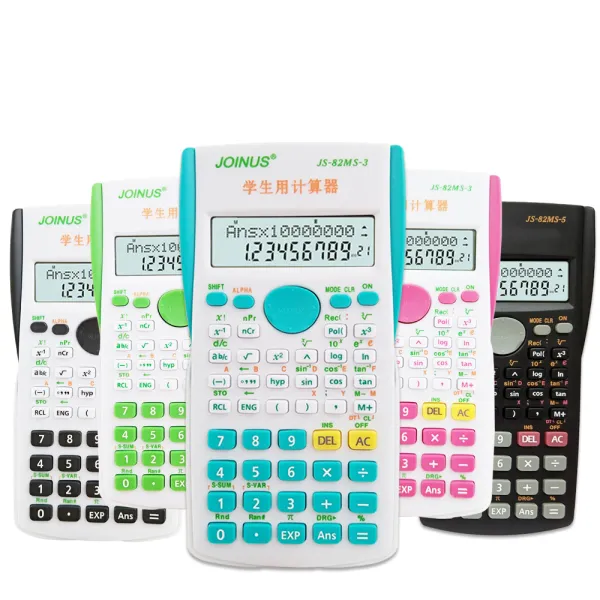
    Scientific Calculator with LCD Display
    Scientific Calculator with LCD Display
  • K
    KK-82MS-D Scientific Calculator with Hard Case
    KK-82MS-D Scientific Calculator with Hard Case
All 464 in Computer & Office →