StoreDeal.ai store
Shop
  • Deals
  • Deal checker
  • Black Friday
  • Buying guides
  • Brands
  • Stores
Travel
  • Flight deals
  • Hotel deals
Company
  • Research
  • Press
  • Use in AI assistants
  • Contact
  • deal.ai apps
Black Friday 2026
  • Walmart
  • Best Buy
  • Target
  • TVs
  • Laptops
  • Headphones
  • Apple
  • Gaming
  • Vacuums
  • Kitchen
  • Toys
  • Smartwatches
  • Tablets
  • Furniture
  • Mattresses
© Deal.ai Inc.·2222 Ponce de Leon Blvd, Miami, FL 33134·support@deal.ai
TermsPrivacy

Free shipping on everything·10% off your first order·No account needed · Buy 2, save 10% · 3+, save 15%
Deal.ai › Store › Tech & Gadgets › Computer & Office
M
M.2 and SATA SSD Duplicator Dock

M.2 and SATA SSD Duplicator Dock

Sold and shipped by Deal.ai

$58.99Free shipping

Buy 2, save 10% · 3+, save 15%

Extra 10% off your first order

Specifications: K10635N American Standard

Arrives about Nov 24 – Dec 4, from a warehouse in China

How many?
1

30-day full refund: if you're not happy with it for any reason, or it never arrives, tell us within 30 days and we refund you in full. Shipping and refunds
Ask our agent about this product

It checks today's price at every store, compares the alternatives and answers in about a minute.

Enter to send, Shift+Enter for a new line

Price facts

  • Lowest price today: $58.99 at Deal.ai (checked Nov 17, 2026).

Our take on the M.2 and SATA SSD Duplicator Dock

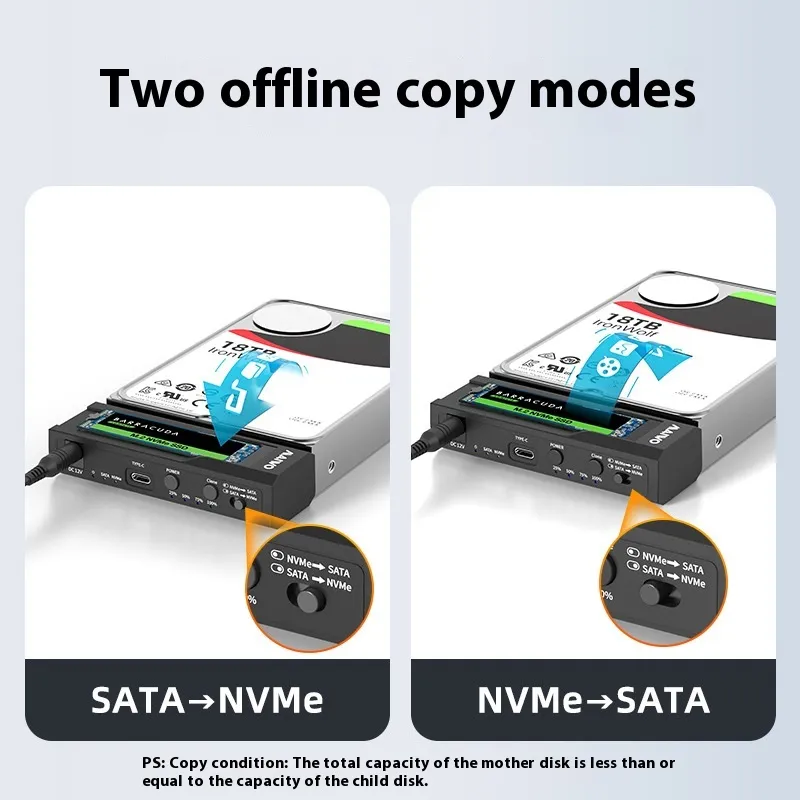
This is a desktop dock that holds one M.2 SSD and one SATA drive at the same time, so you can clone one to the other without a PC. A two-position switch sets the copy direction, and four buttons set the copy ratio at 25, 50, 75 or 100 percent. The ABS housing measures 191 x 111 x 35 mm and has a USB-C port for computer use. It suits people who upgrade laptops or move a system to a new drive and want a standalone clone, but it is a plain duplicator rather than a full docking station with card readers or video outputs.

Best forCloning a laptop drive to a new SSD without opening a PCMoving data between M.2 and SATA drivesTechnicians who image drives regularlyBacking up a system drive before an upgrade
Pros
  • Handles both M.2 and SATA drives in one unit
  • Standalone copy buttons work without a computer
  • Selectable copy ratio from 25% to 100%
  • Direction switch for M.2-to-SATA or SATA-to-M.2
  • USB-C connection for use as an external enclosure
  • Compact ABS body with ribbed sides
Cons
  • No card reader, video output or extra USB ports
  • Copy speed depends on the slower of the two drives
  • No screen, so progress and errors are shown only by indicator lights
  • ABS plastic rather than metal
  • One drive bay per type, so no multi-drive cloning

About the M.2 and SATA SSD Duplicator Dock

This is an M.2 and SATA SSD duplicator dock built in a rectangular ABS housing. An open channel runs across the top for an M.2 drive, and a covered bay holds a SATA drive. The sides are ribbed.

The front panel carries a power button, four small buttons marked 25%, 50%, 75% and 100%, a USB-C port, a DC 12V power jack and a small two-position copy-direction switch.

Drive types
M.2 and SATA SSDs
Bays
Open M.2 channel across the top; covered SATA bay
Material
ABS
Dimensions
191 x 111 x 35 mm
Controls
Power button; 25%, 50%, 75% and 100% buttons; two-position copy-direction switch
Ports
USB-C; DC 12V power jack
In the box
Mobile hard drive enclosure x 1

Specifications

Type
External mobile hard drive enclosure for SSD
Material
ABS
Dimensions
191 x 111 x 35 mm
In the box
Mobile hard drive enclosure x1

Questions and answers

Can it clone a drive without being plugged into a computer?
Yes. The front panel has copy buttons and a direction switch, so the dock can duplicate from M.2 to SATA or the reverse on its own. The USB-C port is for connecting it to a computer as an enclosure.
What do the 25%, 50%, 75% and 100% buttons do?
They set how much of the source drive is copied. 100% clones the whole drive; the lower settings copy only part of it, which is useful when the target drive is smaller.
Does it work with both NVMe and SATA M.2 drives?
The dock has an M.2 slot and a SATA bay. Check that your M.2 drive's keying and protocol match what the slot supports before cloning, since M.2 covers both SATA and NVMe drives.
Can I use it as a normal external SSD enclosure?
Yes. Connect the USB-C port to a computer and the drives inside appear as external storage. Copy speed over USB will be lower than an internal connection.
What comes in the box?
The package list names the drive enclosure only. A power adapter and USB cable are not listed, so confirm what is included before you rely on it out of the box.
How fast is a clone?
Speed is limited by the slower drive and by the dock's controller. A large drive at 100% can take a long time, so plan for the copy to run unattended.
Where is the M.2 and SATA SSD Duplicator Dock cheapest?
At Deal.ai, for $58.99, as of our latest check.

More in Computer & Office

  • S
    Swivel Type-C USB Flash Drive
    Swivel Type-C USB Flash Drive
  • C
    Compact 2.4G Wireless Keyboard and Mouse Combo
    Compact 2.4G Wireless Keyboard and Mouse Combo
  • E
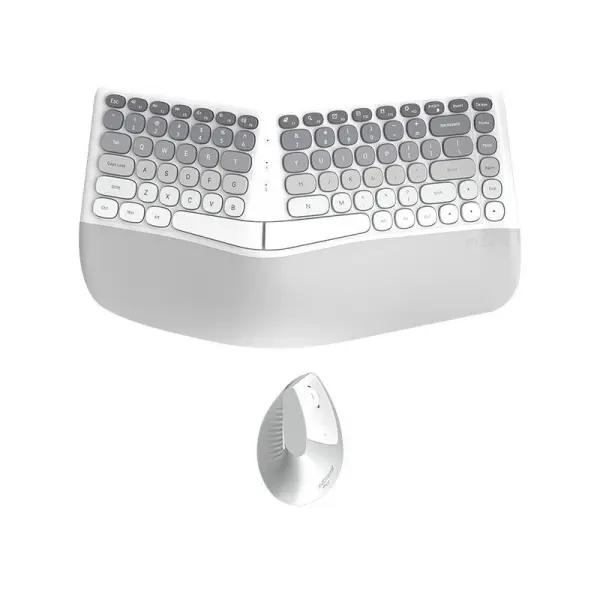
    Ergonomic Wireless Keyboard and Mouse Combo
    Ergonomic Wireless Keyboard and Mouse Combo
  • P
    PLA 3D Printer Filament 1 Kg Spool
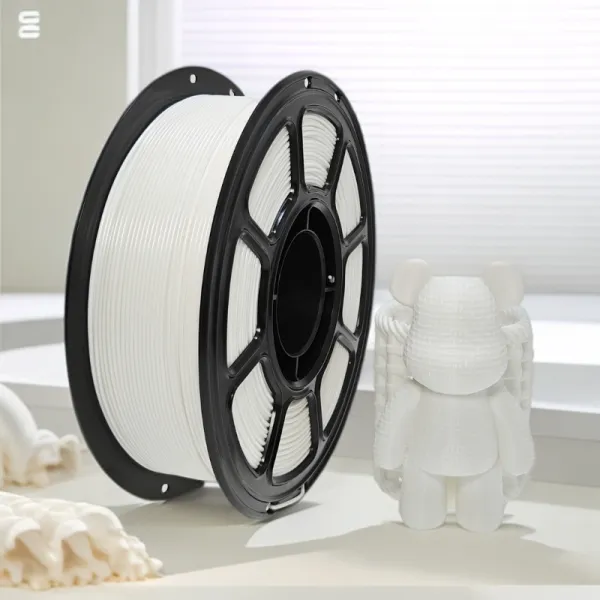
    PLA 3D Printer Filament 1 Kg Spool
  • F
    Free Wolf T61 Wireless Keyboard and Mouse Set
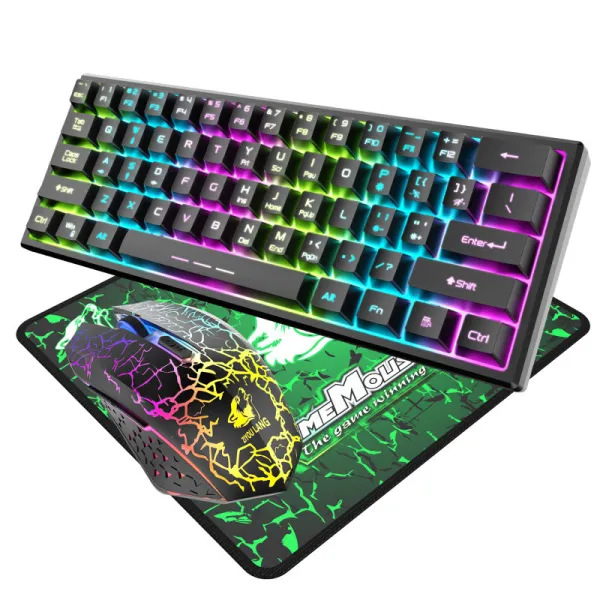
    Free Wolf T61 Wireless Keyboard and Mouse Set
  • C
    Compact RGB Gaming Keyboard with Rotary Knob
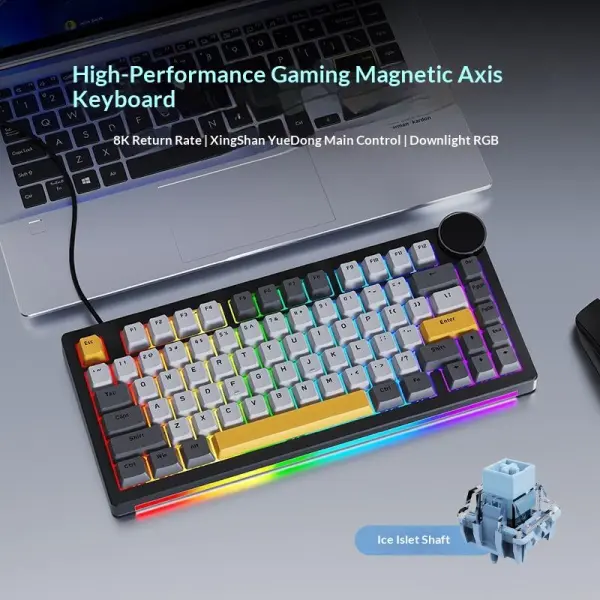
    Compact RGB Gaming Keyboard with Rotary Knob
  • W
    Wired 87-Key RGB Mechanical Keyboard
    Wired 87-Key RGB Mechanical Keyboard
  • S
    Single-Port Gigabit EPON ONU Optical Modem
    Single-Port Gigabit EPON ONU Optical Modem
All 475 in Computer & Office →