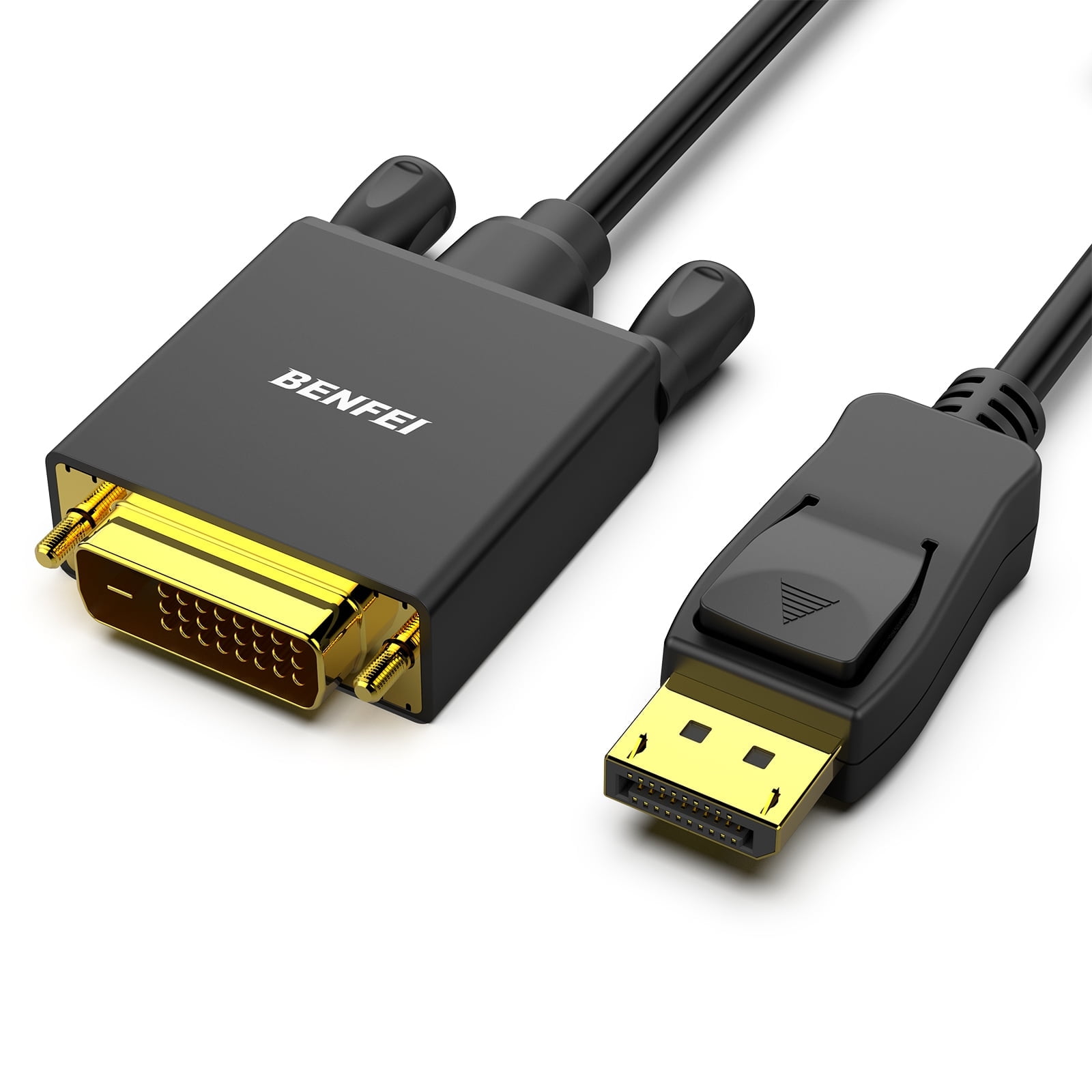
- Does it carry sound as well as video?
- Yes. HDMI carries audio, and the adapter passes the audio your Mini DisplayPort source sends. If the source does not output audio over Mini DisplayPort, the HDMI screen will stay silent.
- What resolution and refresh rate can it handle?
- That depends on the source and the HDMI version it supports. The adapter is passive, so it does not add bandwidth; a source limited to 1080p or 30Hz will stay limited.
- Will it work with a Mac, a Surface or a dock?
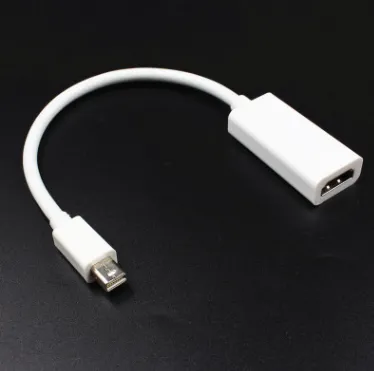
- It works with any device whose Mini DisplayPort output follows the standard, including many older Macs, Surface models and business laptops. A dock with a Mini DisplayPort output works the same way.
- Do I need to install drivers?
- No. The adapter is plug-and-play, and the screen should appear as an HDMI display once connected.
- Can I use it the other way, HDMI to Mini DisplayPort?
- No. It is directional: the Mini DisplayPort end goes to the source and the HDMI end goes to the screen. Reversing it will not work.
- What is in the box?
- The adapter cable itself. No HDMI cable, power supply or software is included.
- Where is the Mini DisplayPort to HDMI Adapter Cable cheapest?
- At Deal.ai, for $8.99, as of our latest check.