Mini Projector 1080P Portable Projector Compatible with iPhone/Android/PS4/Laptop/TV Stick
Best price now
$49.96at WalmartChecked Nov 9
Prices are checked against each store and labelled with when.

Prices are checked against each store and labelled with when.
It checks today's price at every store, compares the alternatives and answers in about a minute.
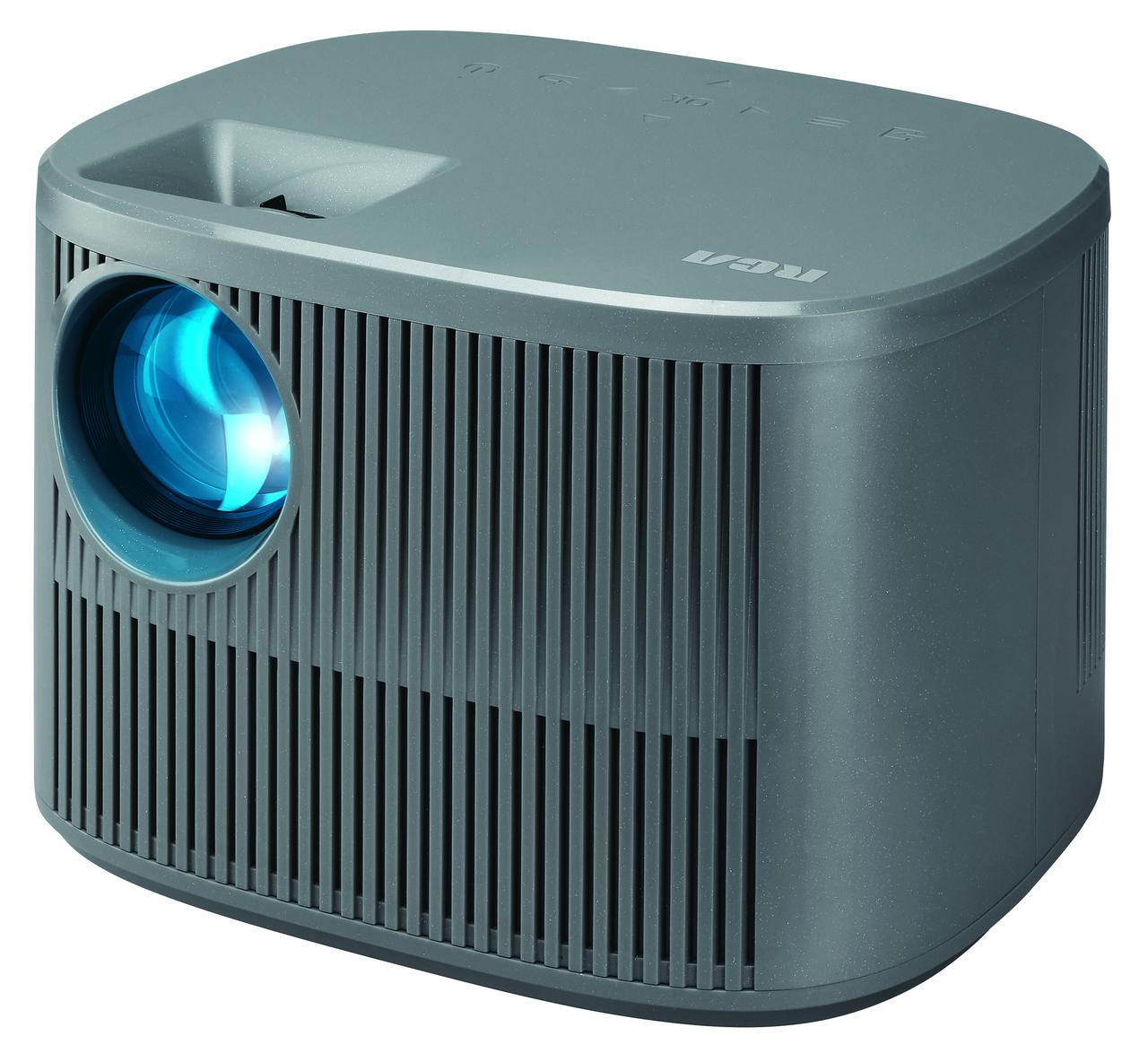
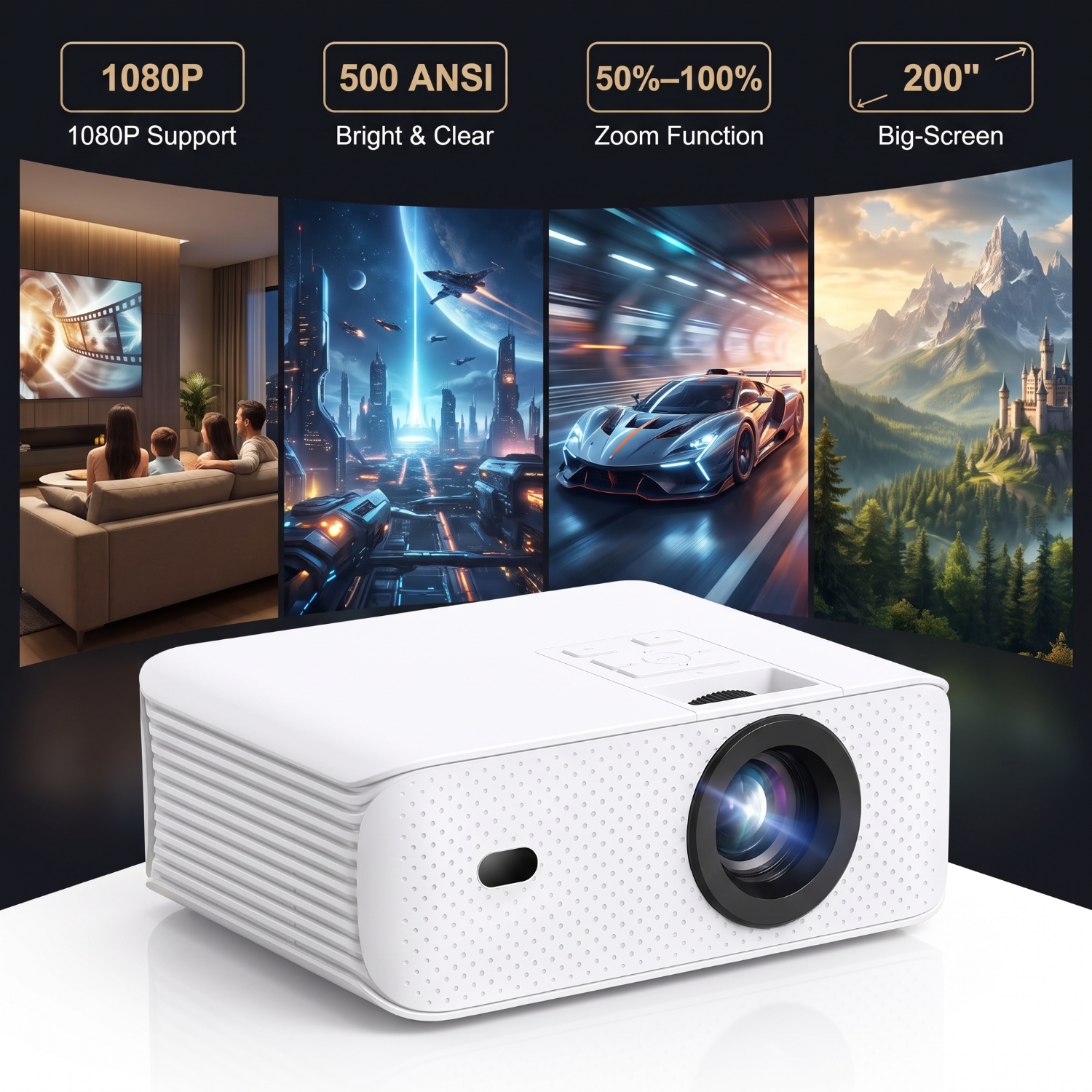
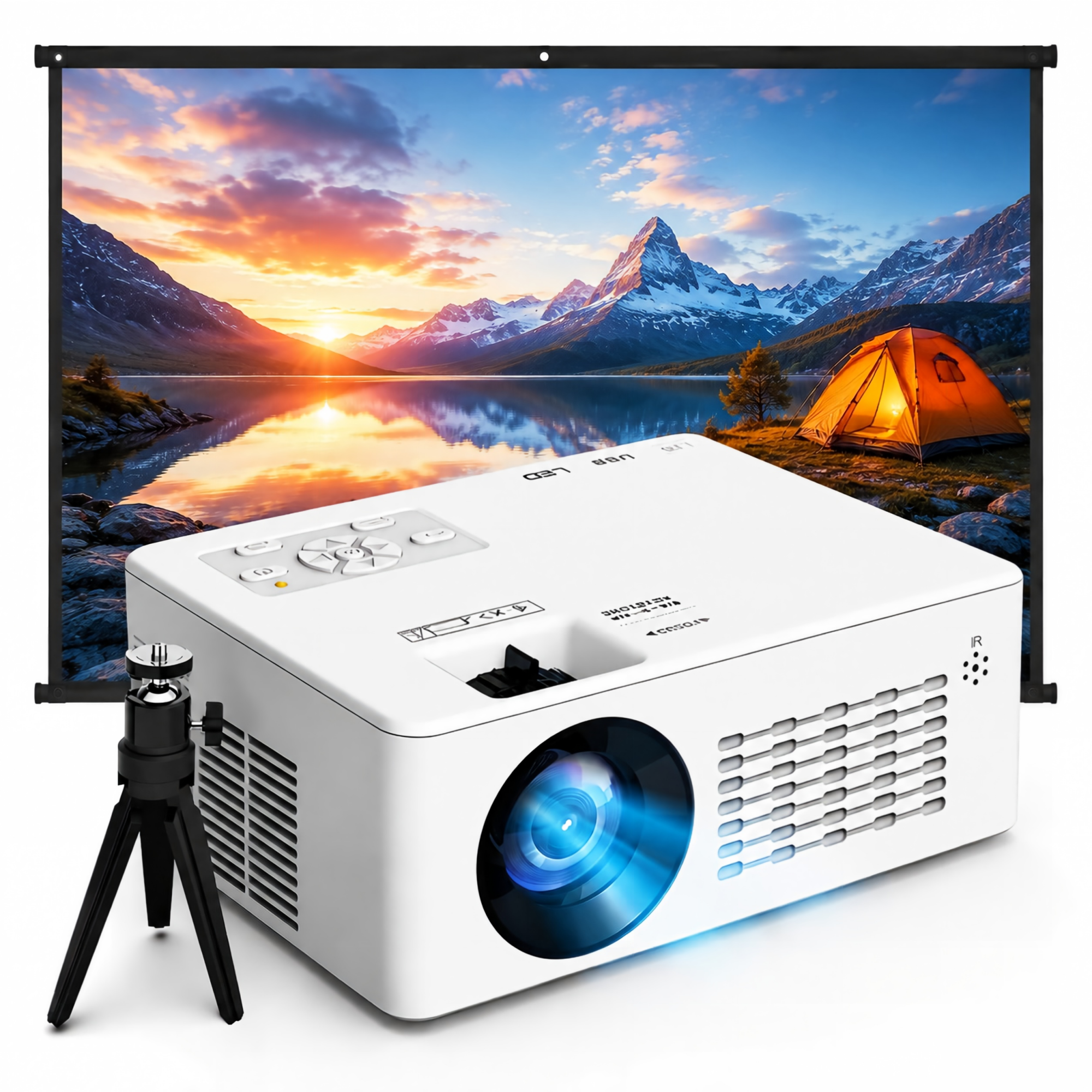
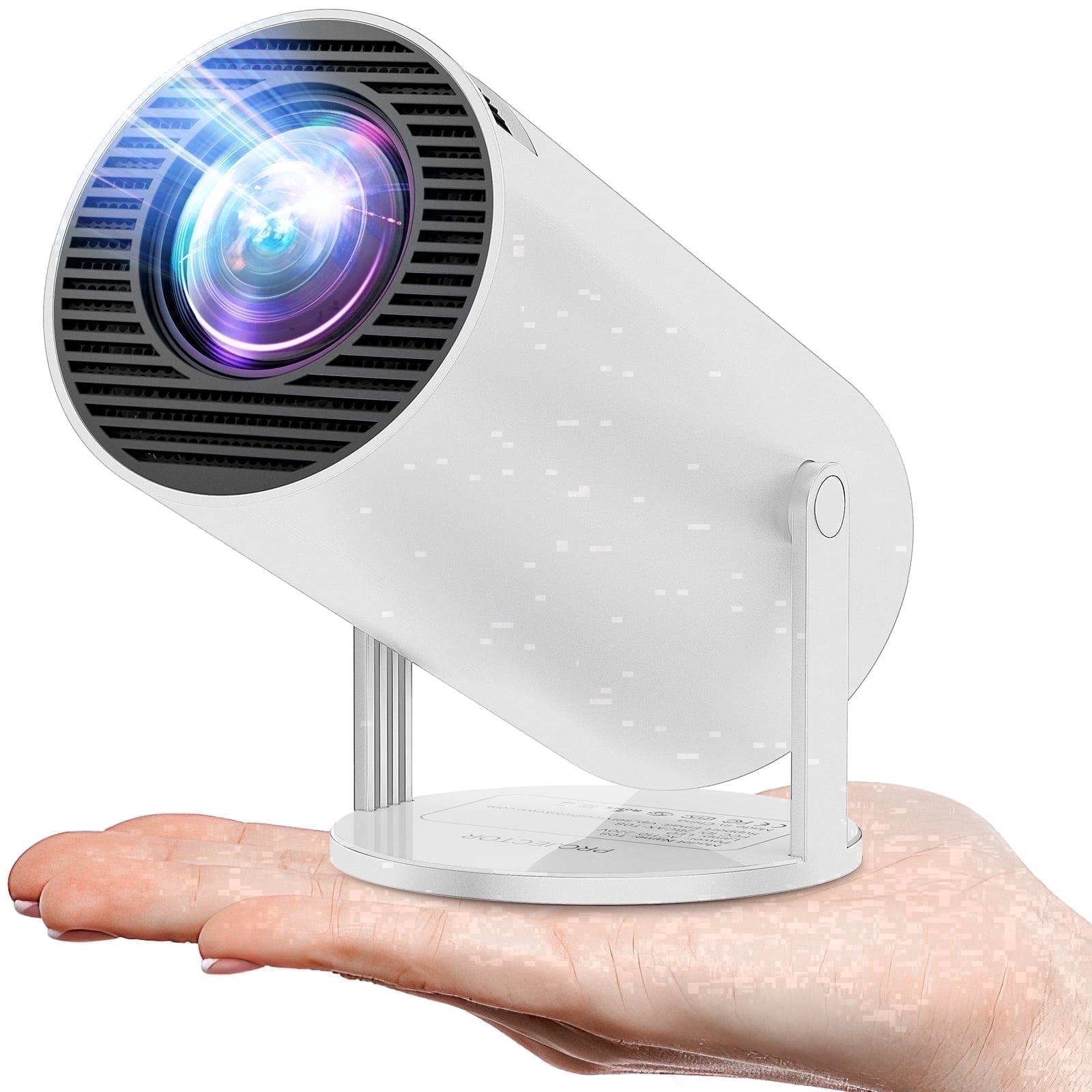
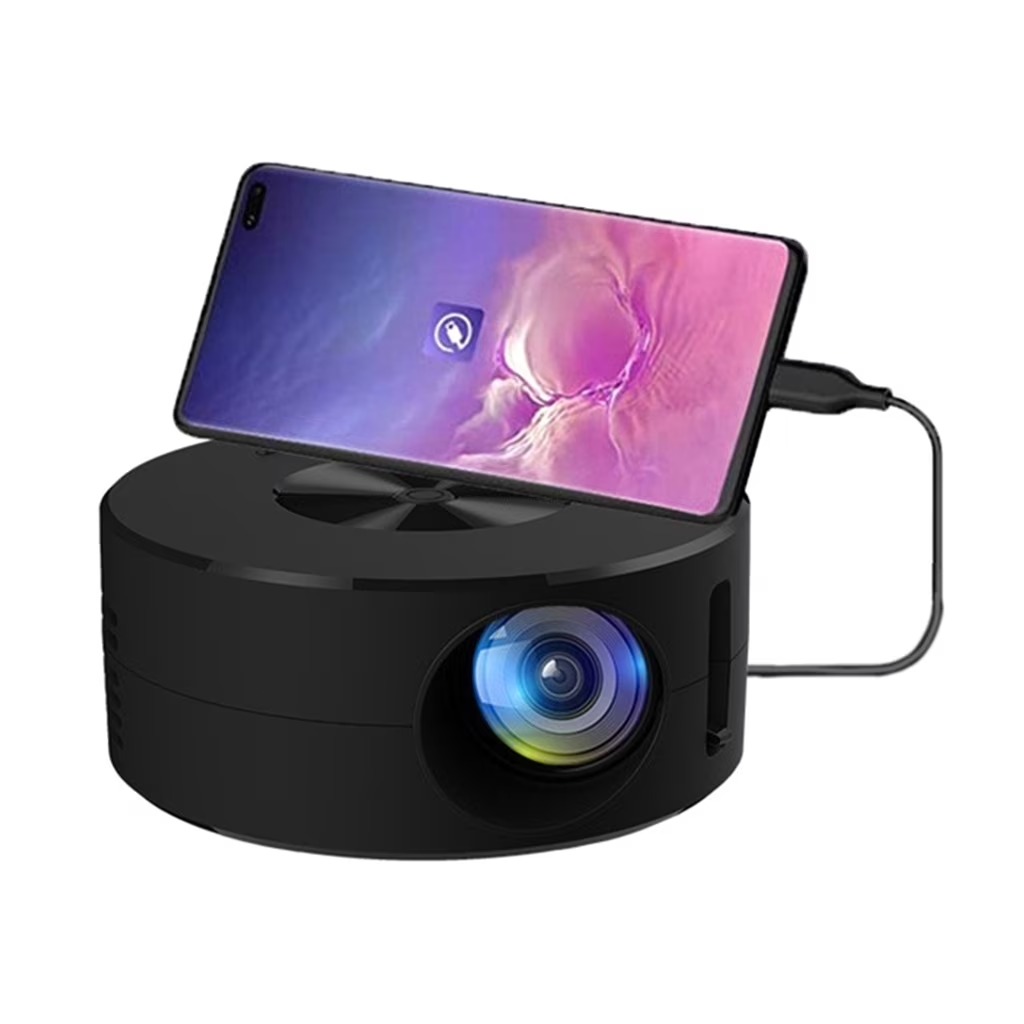
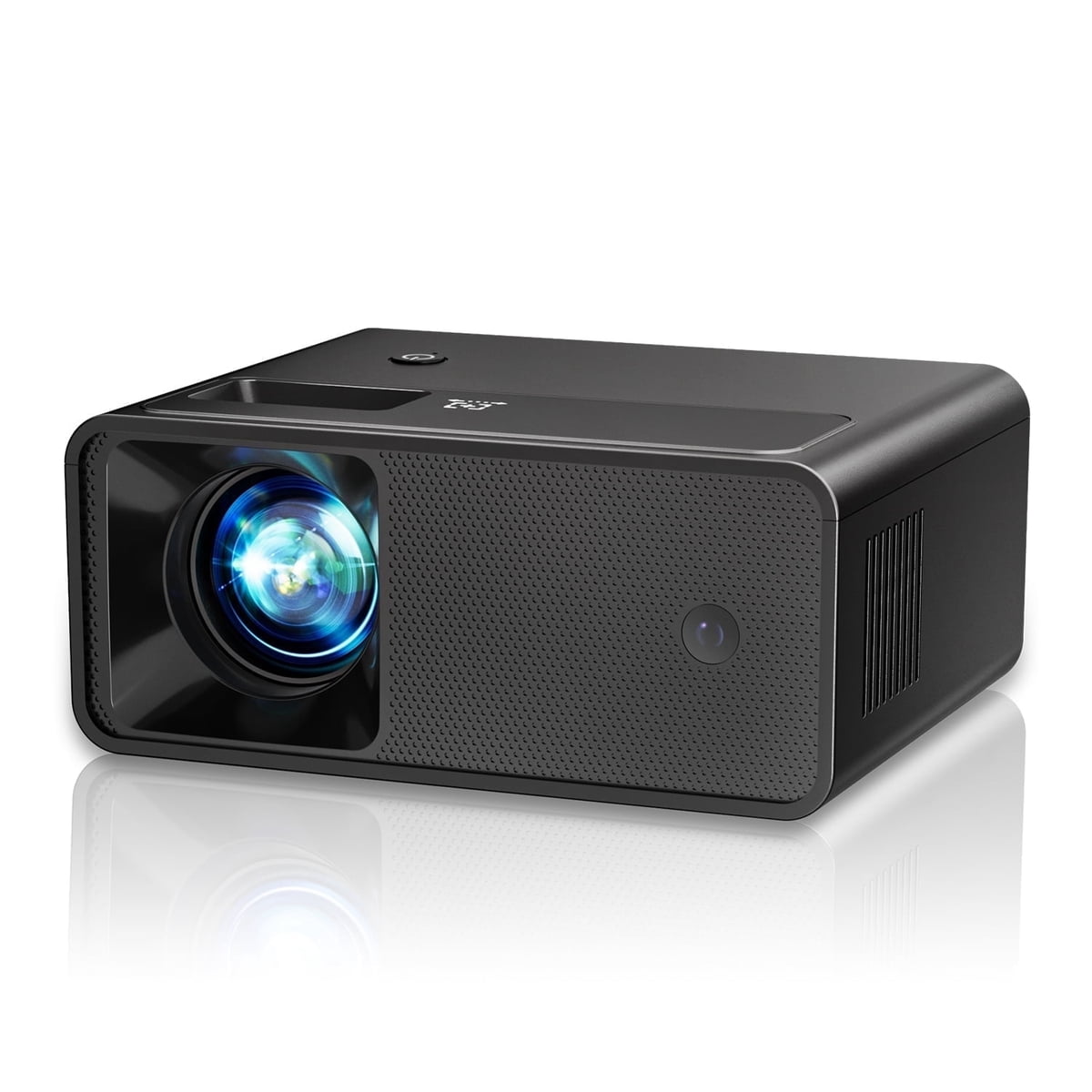
The ARTSEA Mini Projector is a compact 1080P-supporting projector that weighs under 2 lbs and is built for patio nights, camping and quick home screenings. It claims 8000 lumens and a 6000:1 contrast ratio, with 50–100% zoom, dual stereo speakers and Bluetooth. It mirrors iPhones and iPads over a Lightning cable and takes HDMI sources like laptops, PS4 and TV sticks. Streaming apps like Netflix and Prime Video need an external stick or laptop because of app copyright limits. It suits casual outdoor and kids' viewing, but at 3.6 stars from 799 ratings it is a budget-tier projector, not a home-theater replacement.
In stockSold by Codelay TecReturns: Sold by a Walmart Marketplace seller; returns go to the seller under the seller's returns policy.
Ratings average 3.6 out of 5 across 799 reviews, which points to a mixed reception. Owners treat it as a cheap, light projector for casual outdoor use rather than a serious cinema unit.
This is a compact, portable 1080P projector that weighs less than 2 lbs. It supports 1080P video and can show an image on a screen up to 200 inches. It has 8000 lumens of brightness and a 6000:1 contrast ratio.
It has dual HiFi stereo speakers and a zoom range of 50% to 100%. It works with multiple interfaces, and it can connect to a laptop, Fire TV Stick or Roku. Because of app copyright, streaming apps such as Netflix, Prime Video and Hulu play only through one of those connected devices.
To mirror an iPhone or iPad, turn on the projector and select "iOS Cast" as the input. Connect the device to the projector's USB port with the original Lightning cable, then tap "Trust" in the pop-up and enter the device password. To pair a Bluetooth speaker, open "BT Settings", turn Bluetooth on, scan for devices, and select the speaker from the list.