- Is 280Hz worth it over 144Hz?
- Yes for competitive shooters. The jump from 144Hz to 280Hz is noticeable in fast camera movement and tracking, though the gain is smaller than going from 60Hz to 144Hz. Casual and story-driven games see little benefit.
- Is 1080p sharp enough at 27 inches?
- It is usable but not crisp. At 27 inches the pixel density is about 82 ppi, so text and fine detail look softer than on a 24-inch 1080p or a 27-inch 1440p screen. Gamers who sit close may notice it.
- How does the VA panel compare with IPS rivals?
- VA gives much deeper blacks and higher contrast, which helps in dark games. IPS rivals offer wider viewing angles and less smearing in dark transitions, so the choice depends on whether you value contrast or uniformity.
- Does it work with a PS5 or Xbox Series X?
- Yes over HDMI. The consoles cap output at 120Hz, so the monitor runs well below its 280Hz ceiling, but Adaptive Sync and the fast panel still help. Check that your console settings allow the highest supported refresh rate.
- What is in the box?
- The monitor, a stand, and the usual cabling and documentation. Confirm the exact cable bundle with the seller, since DisplayPort or HDMI cables are not always included.
- Do I need a strong GPU for 280Hz?
- At 1080p, a mid-range card can push high frame rates in esports titles. Reaching 280 fps in demanding games needs a strong GPU and low settings, so pair it with hardware that can feed the refresh rate.
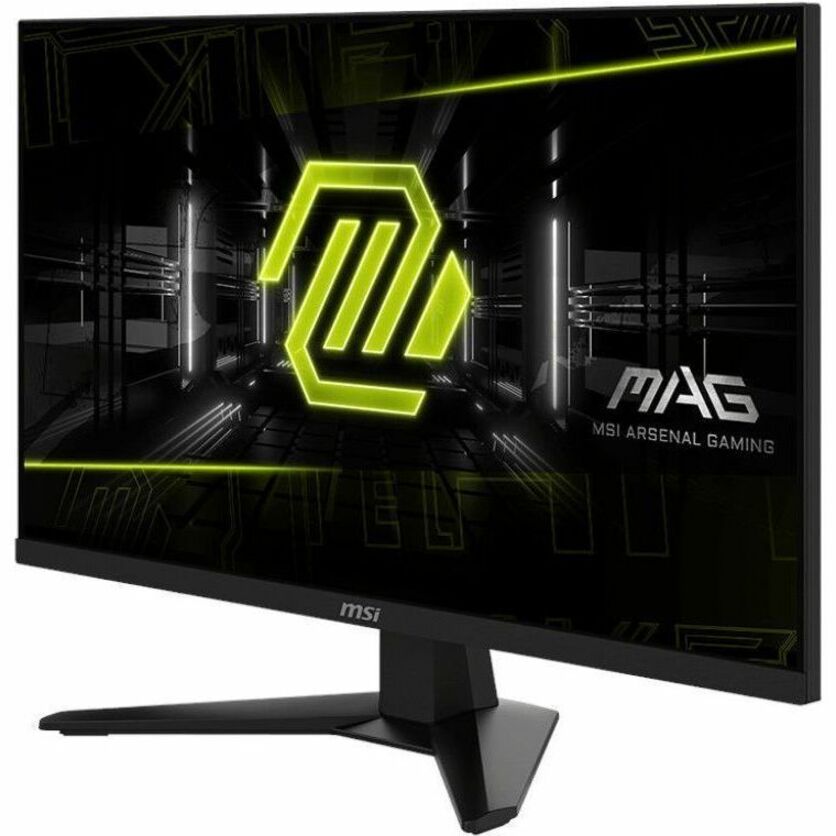
- Where is the MSI MAG 274CXF 27" FHD 280Hz Curved Gaming Monitor cheapest?
- At GimmeNow, for $242.00, as of our latest check.