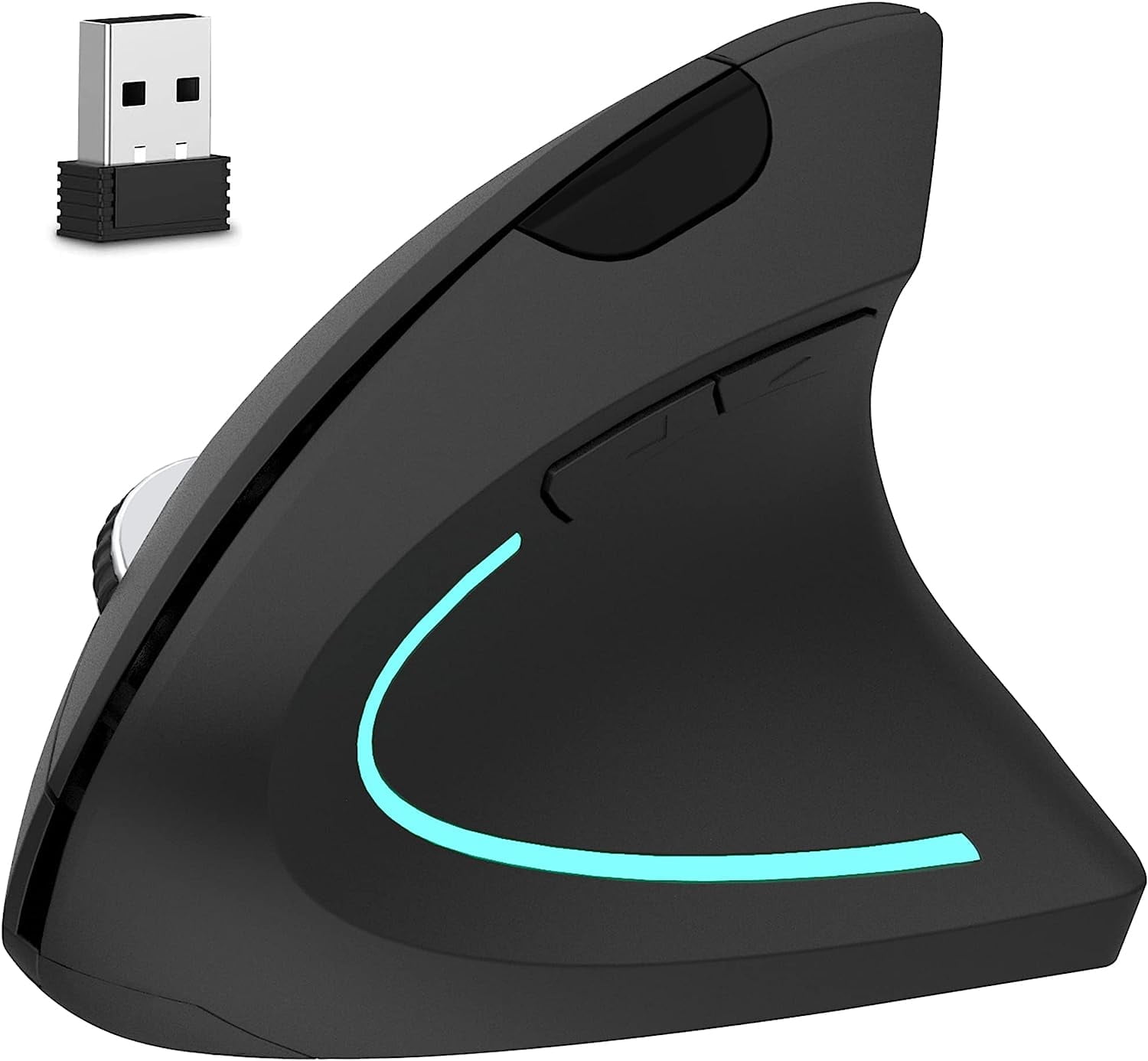
- Is the MX Master 4 worth it over a basic wireless mouse?
- If you work at a desk for hours and want a thumb wheel, multi-device switching and app-specific buttons, the extra features earn their place. For casual or travel use, a smaller, lighter mouse is easier to live with.
- How does it compare with earlier MX Master models?
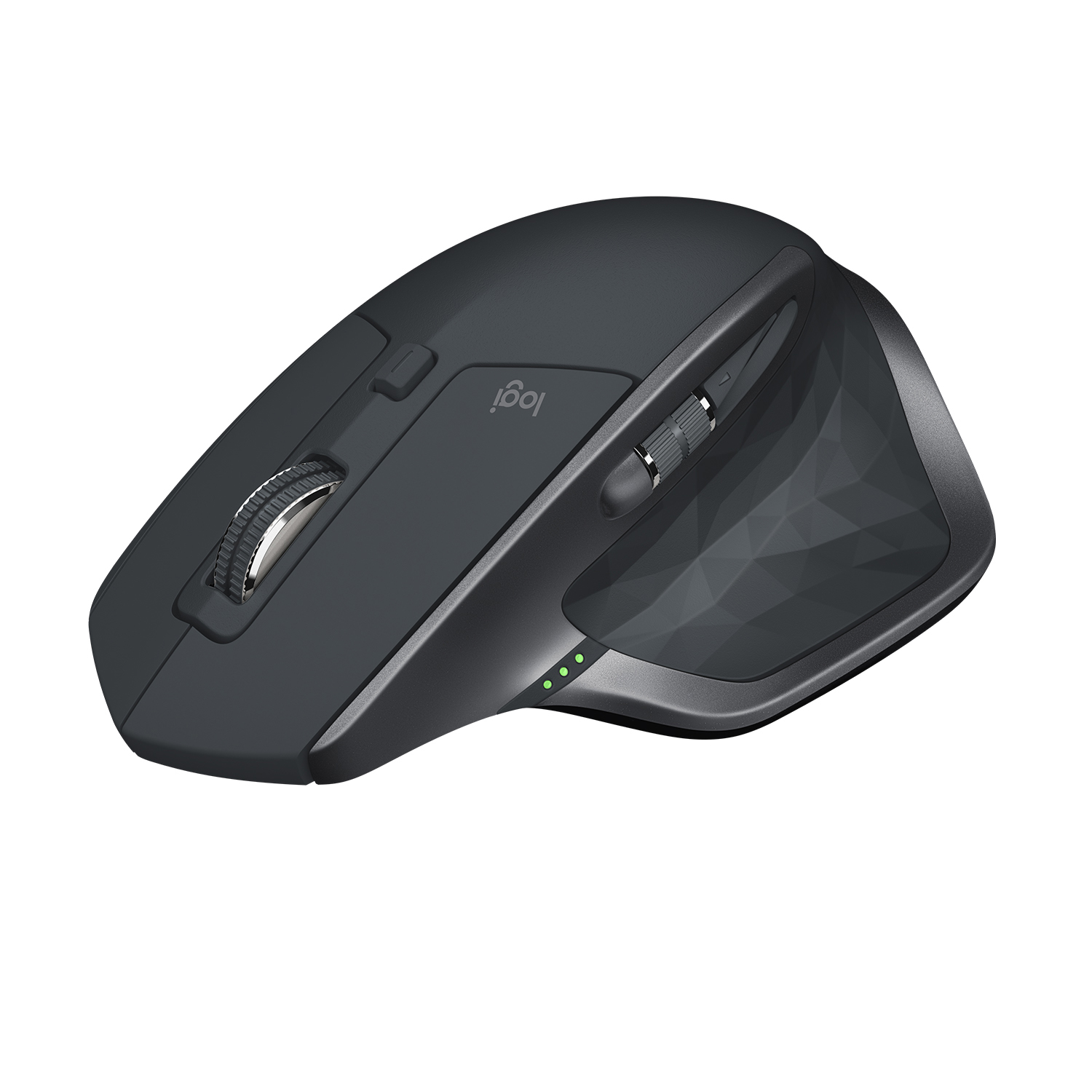
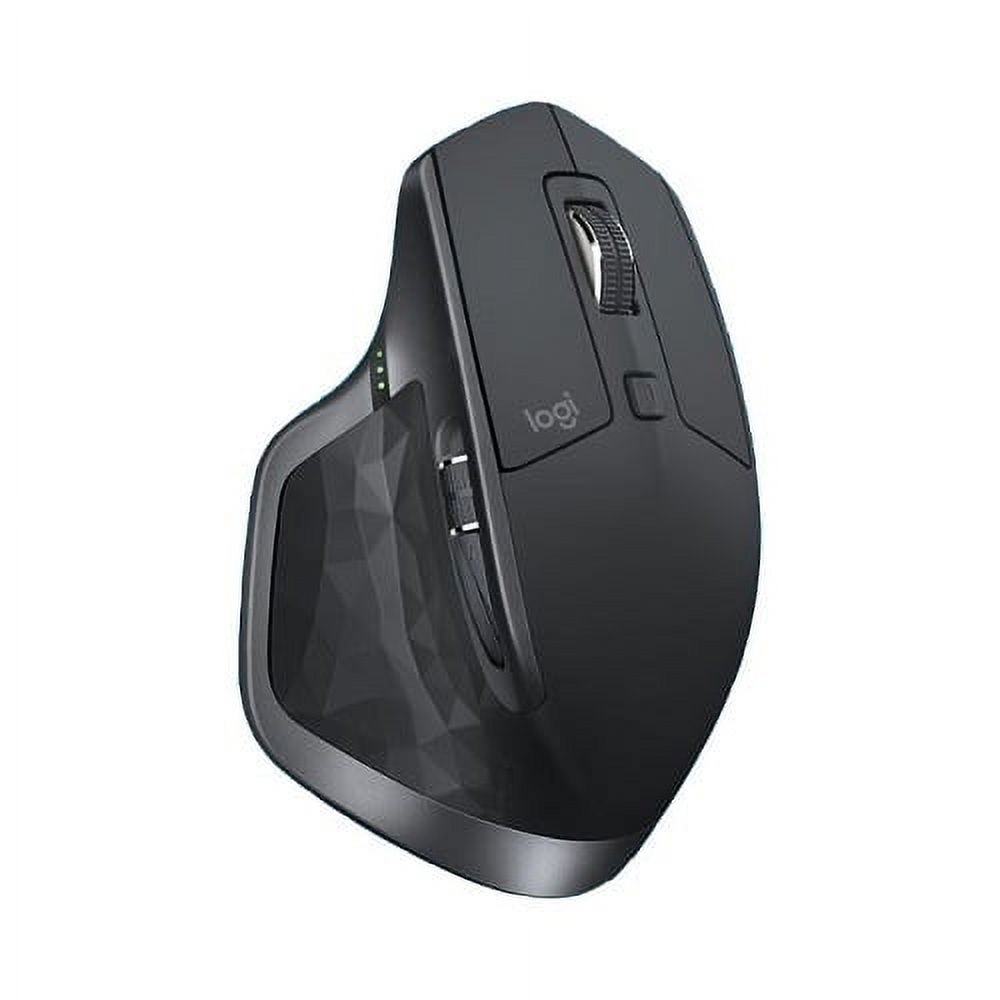
- It carries over the same ergonomic shape, thumb rest and side wheel that made the line popular. Buyers upgrading mainly gain the latest sensor and connectivity rather than a new shape.
- Does it work with a Mac?
- Yes. It works with macOS as well as Windows and Linux, and the custom buttons are configured through Logitech's software on each platform.
- Can I use it with more than one computer?
- Yes. It pairs with multiple devices and switches between them with a button, so one mouse can serve a desktop and a laptop.
- Is it suitable for small hands?
- It is a large, palm-filling mouse, so people with small hands often find it too big. Those with medium to large right hands get the most from the shape.
- Is there a left-handed version?
- No. The MX Master 4 is shaped for right-handed use only, with the thumb rest and side wheel on the left side.
- Where is the MX MASTER 4 Wireless Mouse cheapest?
- At The Security Supplier, for $119.99, as of our latest check.
- Where can I buy the MX MASTER 4 Wireless Mouse?
- 4 stores we checked sell it, including Beach Camera, Westend Enterprises Unlimited, Inc., The Security Supplier, TEKSwork.