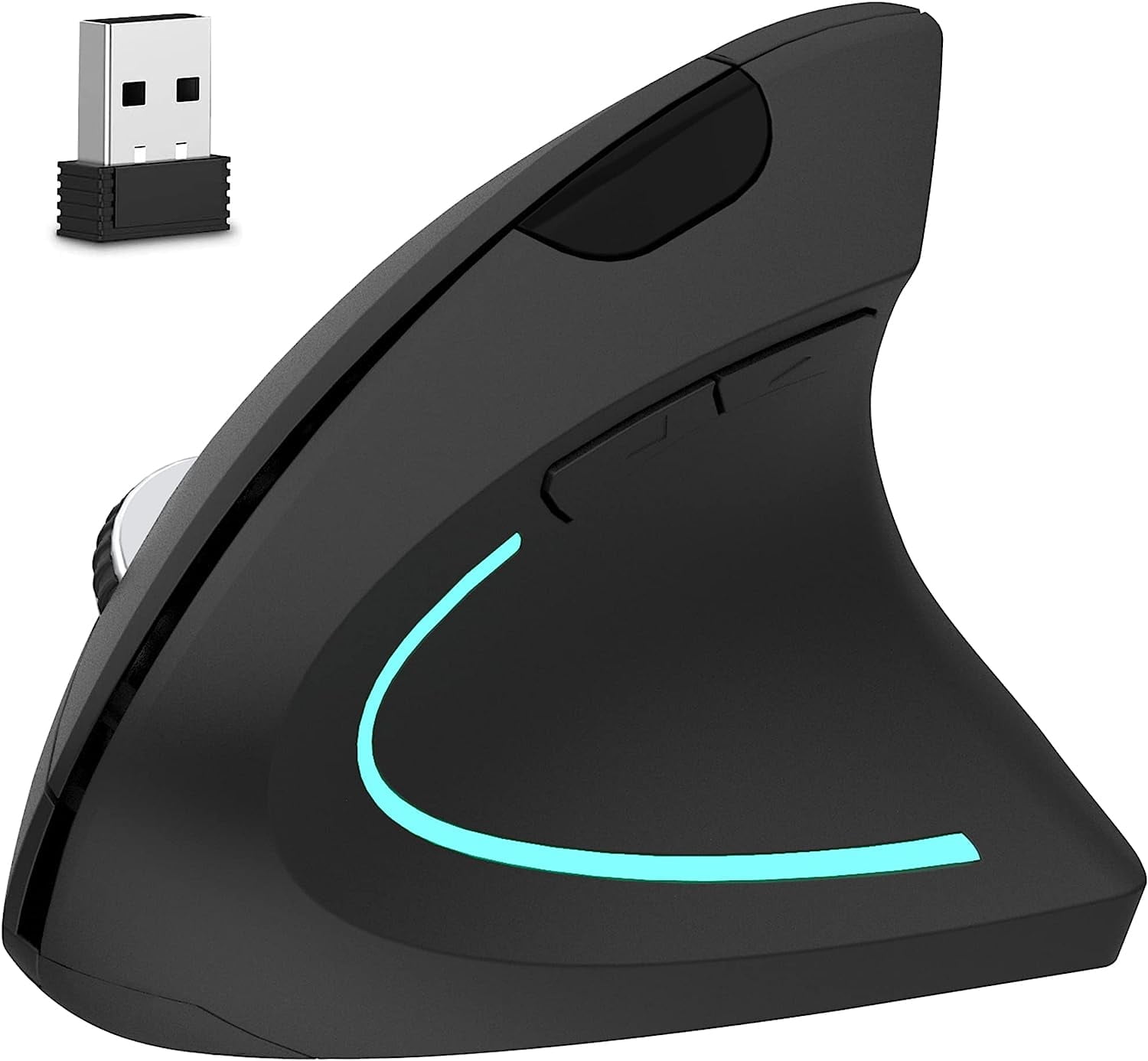
- Is the MX Master 4 for Mac worth it over the MX Master 3S?
- If you already own a 3S, the gains are mainly haptic feedback and Mac-specific tuning; the shape and wheel are close. Buyers coming from a Magic Mouse or a basic mouse get a much bigger jump in comfort and shortcuts.
- Does it work with Windows PCs?
- It is tuned for macOS, but it pairs over standard Bluetooth and can be used on other systems with reduced Mac-specific features. Logitech's software for customizing buttons is built around Mac.
- How long does the battery last?
- Logitech rates the MX Master line for weeks of use per charge, but haptic feedback draws more power, so expect shorter runs with haptics on. A quick charge gives a day of use.
- Can I connect it to more than one device?
- Yes. It pairs with several devices and switches between them with a button, so you can move between a Mac, an iPad and a phone.
- Is it good for small hands?
- The body is large and shaped for a full palm grip, so it suits medium to large hands best. Smaller hands may find it hard to reach the thumb controls.
- What is in the box?
- The mouse and a charging cable. The Mac version connects over Bluetooth, so there is no USB receiver included.
- Where is the Logitech MX Master 4 for Mac Wireless Laser Ergonomic Mouse cheapest?
- At Improvemint Financial, for $155.99, as of our latest check.