OBD2 Scanner Diagnostic Tool, Check Engine Code Reader with Battery Voltage Test, Live Data, I/M Readiness for 1996+ Vehicles
Best price now
$19.99at WalmartChecked Nov 9
Prices are checked against each store and labelled with when.

Prices are checked against each store and labelled with when.
It checks today's price at every store, compares the alternatives and answers in about a minute.
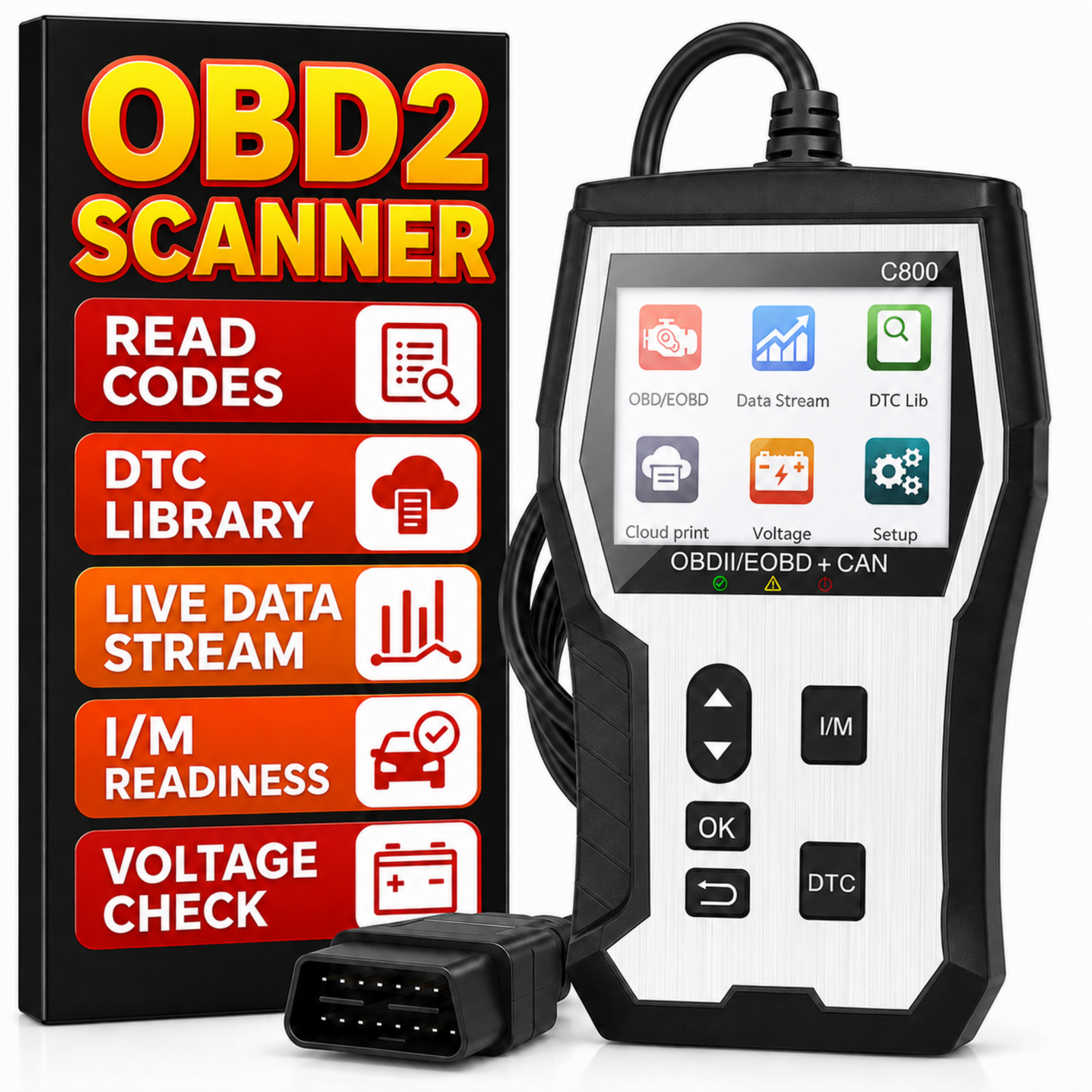
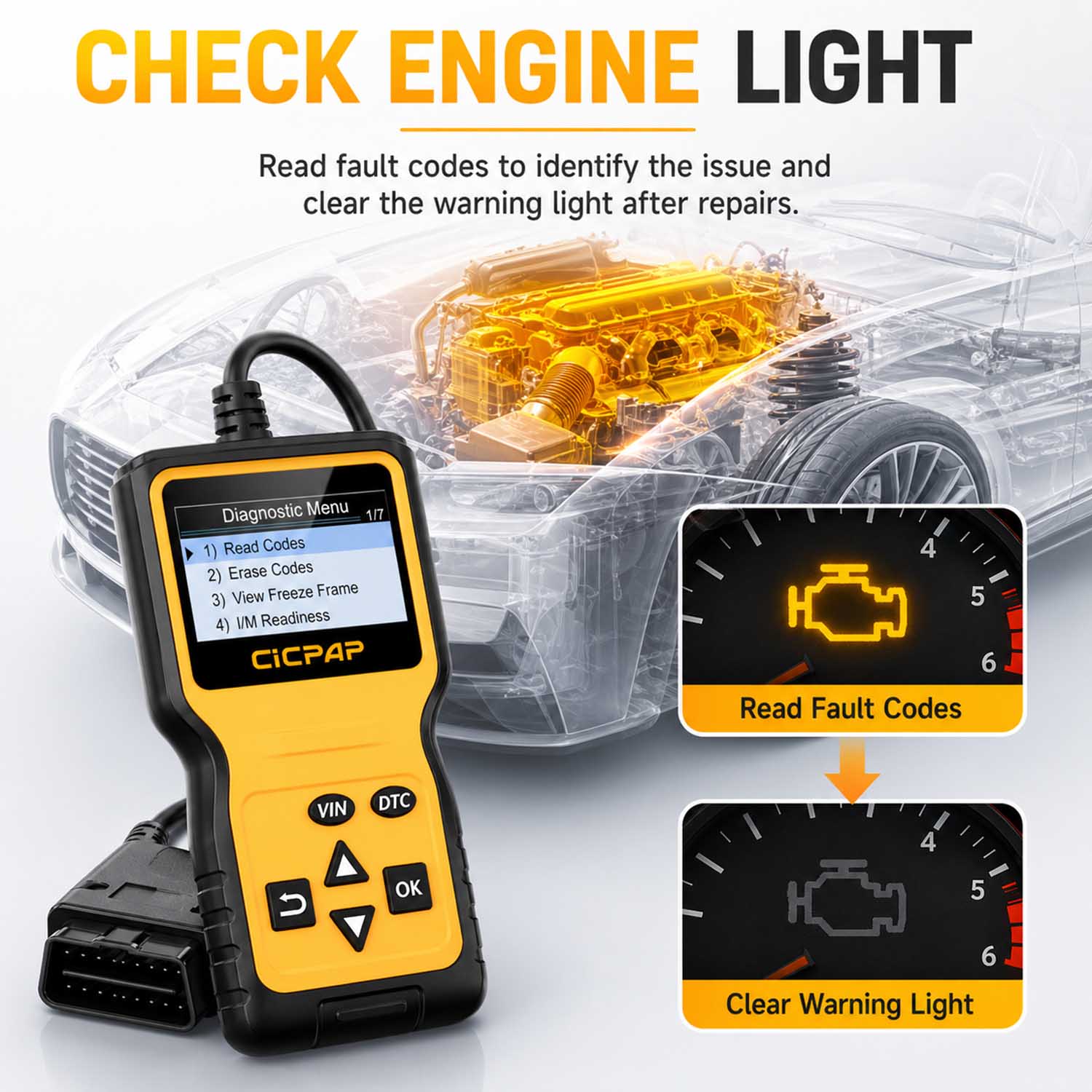
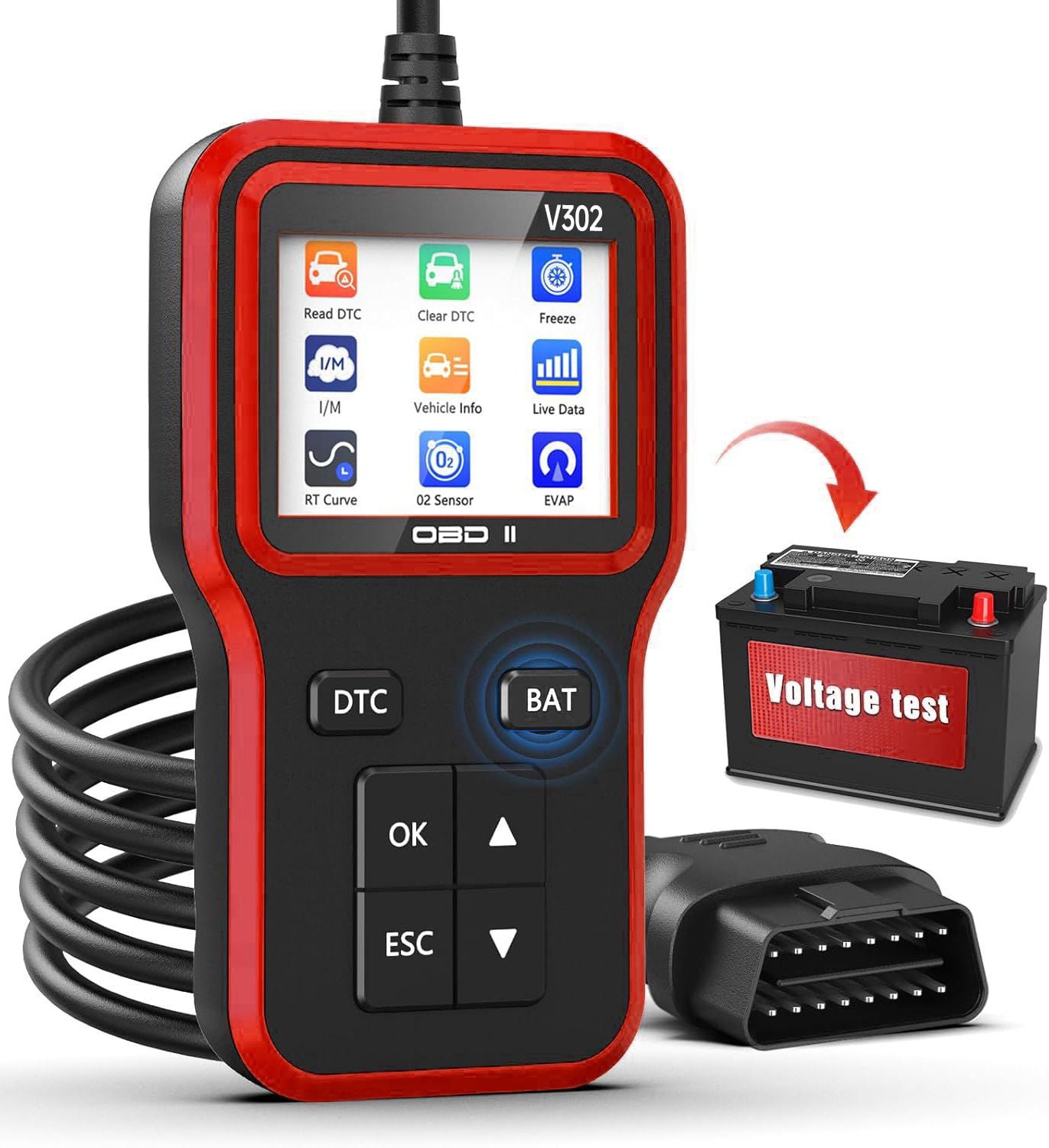
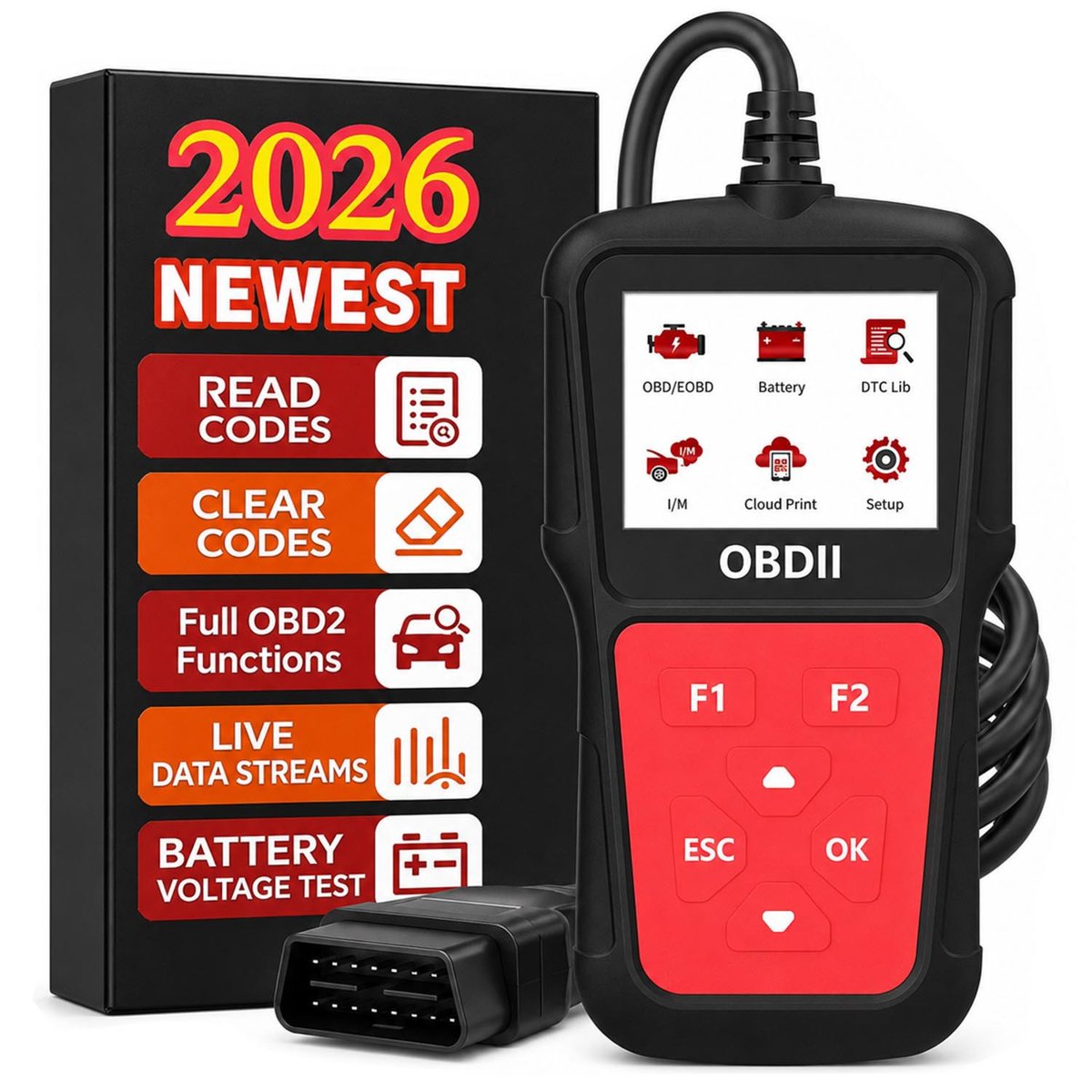
The Cicpap OBDV106 is a handheld OBD2 code reader that plugs into the 16-pin port and reads and clears engine fault codes on most 1996+ US, 2002+ European and 2008+ Asian vehicles. It stands out for its dedicated F1 code-read and F2 battery-voltage buttons, plus live data, freeze frame, I/M readiness, O2 and EVAP tests and a DTC lookup. It runs on the car's power with no app, Bluetooth, battery or subscription, so it suits beginners and DIY owners who want a simple standalone tool. Against app-based dongles it gives less graphing and no phone interface, but it works without a phone and covers the core checks most home mechanics need.
In stockSold by CICPAPReturns: Sold by a Walmart Marketplace seller; returns go to the seller under the seller's returns policy.
Rated 4.8 out of 5 from 33 ratings, buyers describe it as easy to use and quick to read codes. The battery voltage shortcut and plug-and-play setup come up as the most useful features.
The Cicpap OBDV106 is a handheld OBD2 scanner that plugs into a vehicle's standard 16-pin diagnostic port. It reads and clears engine fault codes, so it can be used when the Check Engine Light comes on or to check readiness before an inspection.
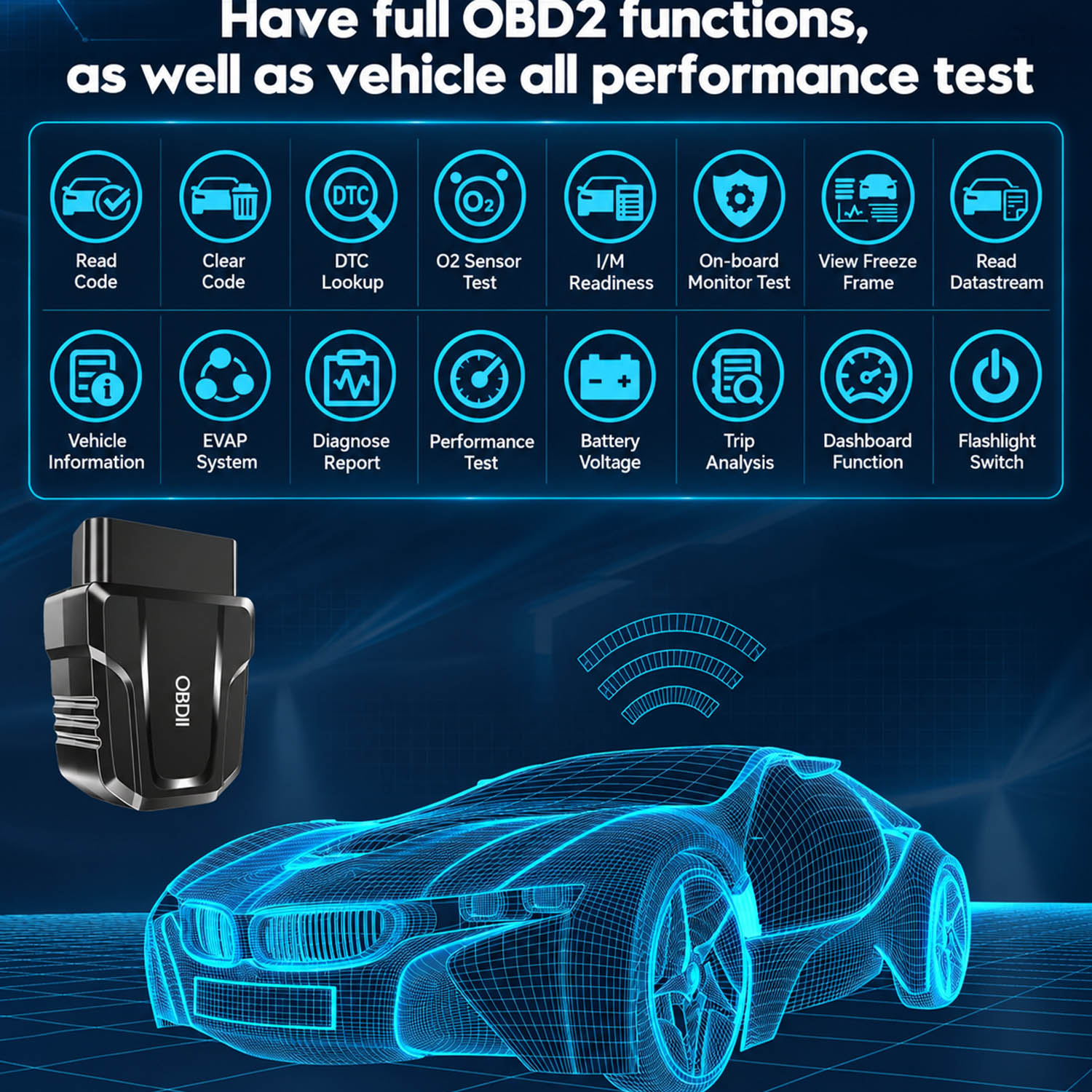
It shows live data streams, freeze frame data, I/M readiness status, vehicle information, O2 sensor test results and EVAP system test results. It also has a DTC lookup and a battery voltage test. The F1 shortcut button reads fault codes quickly. The F2 shortcut button checks battery voltage before the engine starts and charging voltage after it starts.
The scanner has an LCD screen, physical buttons and an OBDII cable. It needs no app, Bluetooth, battery or subscription. The Cloud Print function turns diagnostic data into a QR code. Scanning the code with a phone lets you view, save, share or print the diagnostic report.