Portable Scanner, Photo Scanner for A4 Document Scanner 900 DPI Handheld Scanner
Best price now
$45.90at WalmartChecked Nov 10
Prices are checked against each store and labelled with when.

Prices are checked against each store and labelled with when.
It checks today's price at every store, compares the alternatives and answers in about a minute.
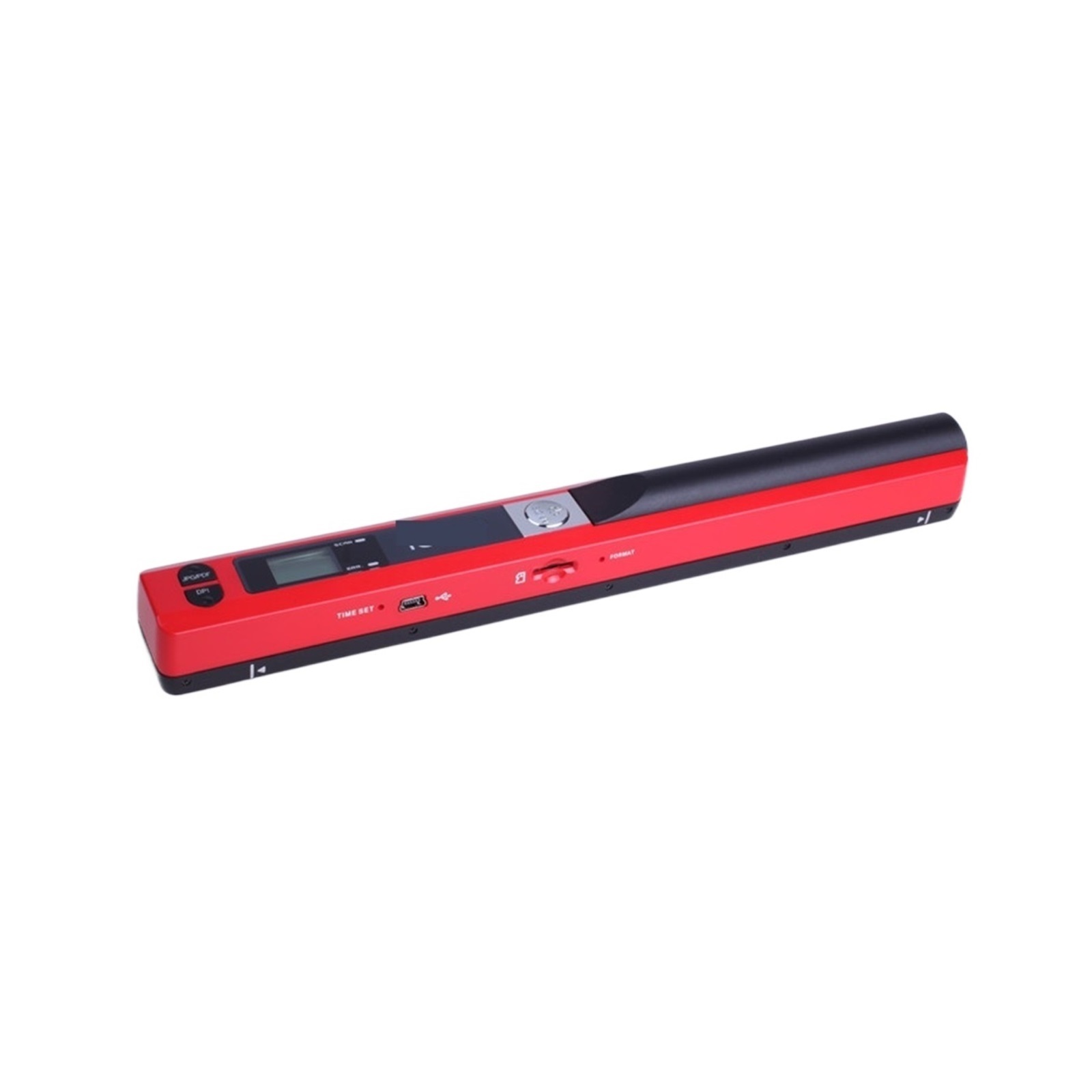
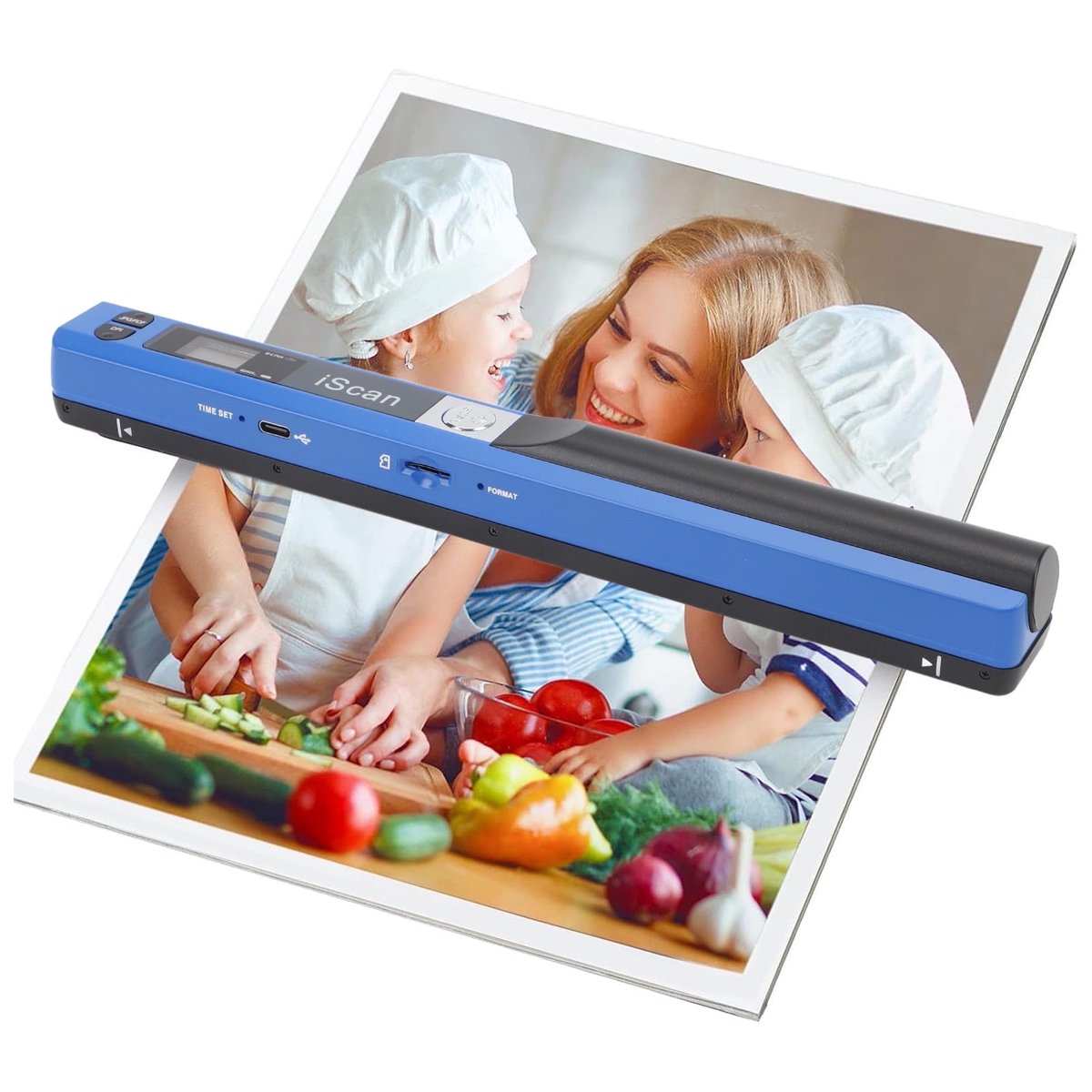
The Justpe Portable Scanner is a battery-powered handheld wand scanner for A4 pages, photos and documents. You lay the page flat and slide the scanner down it at a steady speed; it saves images to an SD card at 300, 600 or 900 DPI. It runs on two AA batteries and weighs about 0.44 lbs, so it fits in a bag and works without a computer. Against flatbed and sheet-fed scanners it trades automation and image quality for portability, and it cannot match a flatbed for sharpness or a feeder for batch work. Its 3.4-star rating from a small number of buyers points to a device that works but demands a steady hand.
In stockSold by FLHHReturns: Sold by a Walmart Marketplace seller; returns go to the seller under the seller's returns policy.
Buyers give it middling marks: it does the basic job of capturing a page without a computer, but results depend heavily on a steady, even hand. Complaints center on blurry or skewed scans and the need to rescan pages.
This is a handheld A4 scanner for photos and documents. It works on its own, without a computer. You place it at the top of a flat item and move it from top to bottom at a steady speed. Resolution can be set to 300, 600 or 900 dpi.
It can scan photos, documents, text, charts, drafts, magazine pages, recipes and small maps. Because you move the scanner over the item instead of feeding the item through a machine, old photos are not bent or damaged by rollers. Scans are saved to an SD card. The scanner connects to a computer by USB cable and is recognized like a camera or SD card, so no software installation is needed.
The scanner runs on 2 AA batteries. A press of the Power/Scan button starts and stops a scan, and an LCD screen shows its status. Scan on a flat surface and away from strong light. Keep a uniform speed and avoid tilting the scanner. If image quality is poor, clean the bottom of the scanner, restart it, or run white balance calibration.