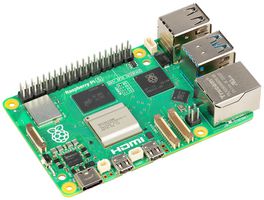
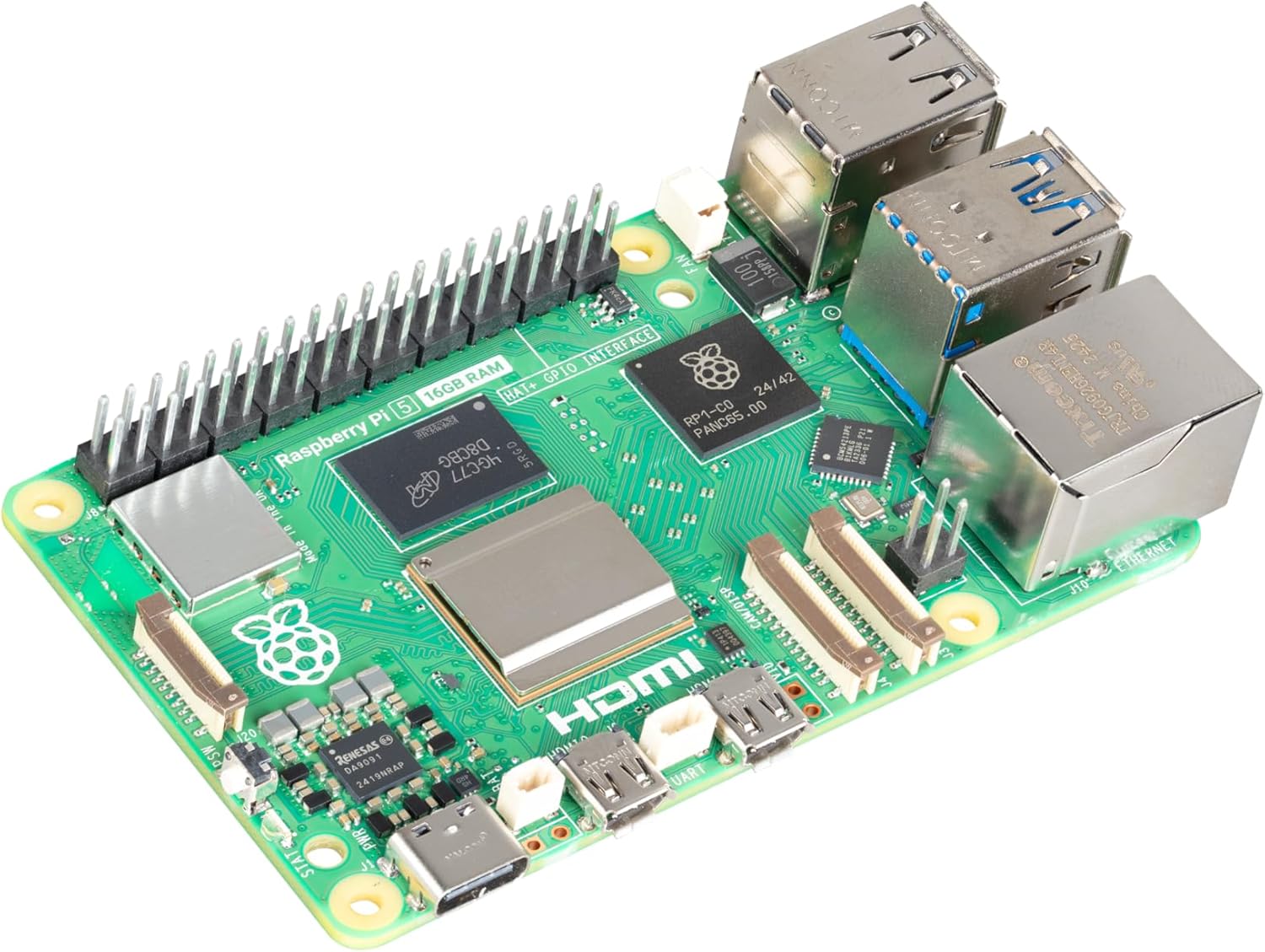
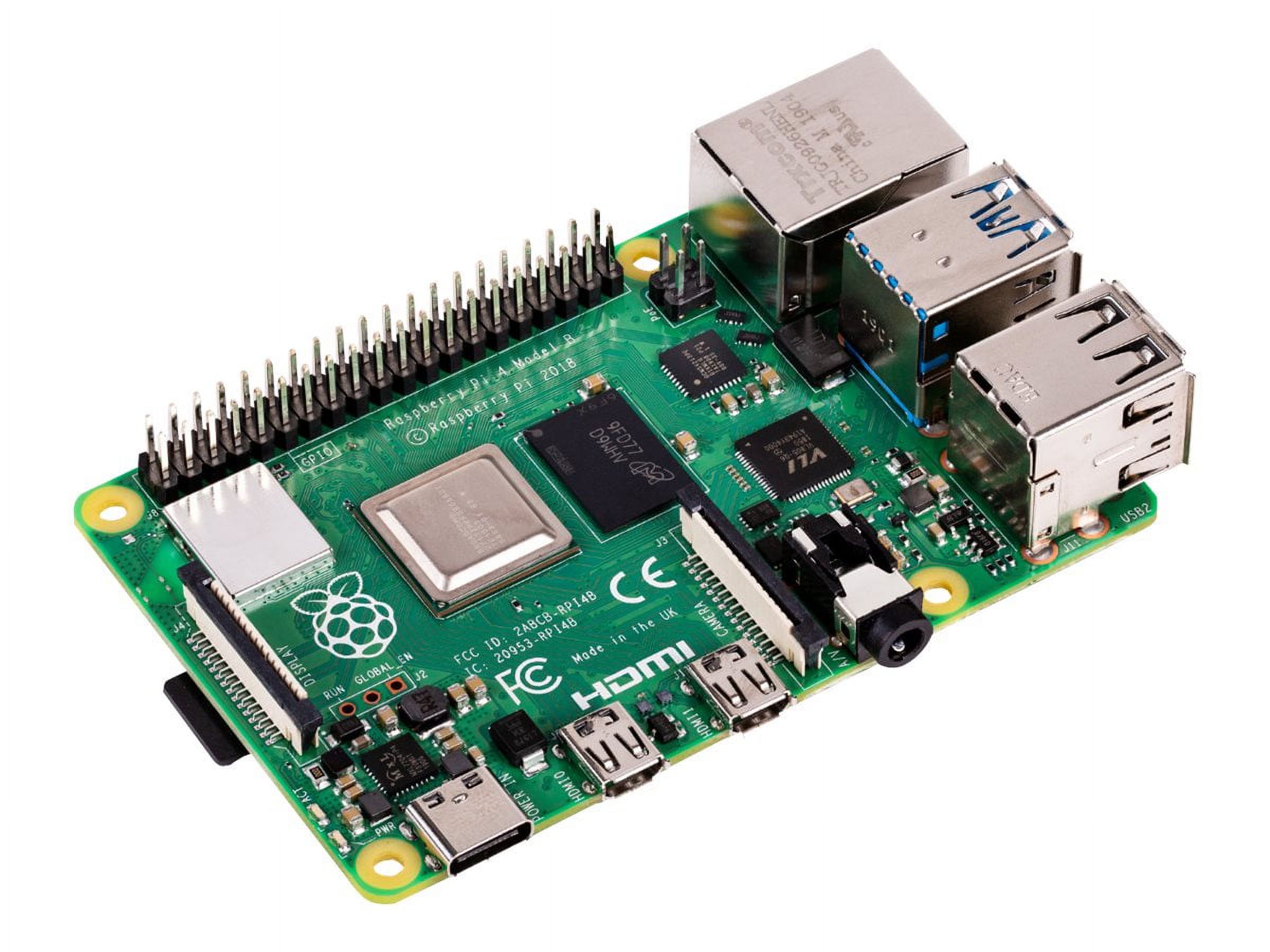
- Is the Raspberry Pi 3 B+ worth it over the Pi 3 B?
- Yes, if you want faster Wi-Fi and a Gigabit Ethernet port. The CPU is only modestly quicker, so the wireless and networking changes are the real reason to pick it.
- Should I buy the 3 B+ or a Pi 4 or Pi 5?
- Pick the 3 B+ for low-power, always-on projects like Pi-hole, retro gaming or simple GPIO work. Choose a Pi 4 or Pi 5 if you need more RAM, USB 3.0 or desktop-class speed.
- Why is the Gigabit Ethernet so slow?
- The Ethernet controller sits on the USB 2.0 bus, so real throughput is around 300Mbit/s rather than a full gigabit. That is still far faster than the 100Mbit/s port on the Pi 3 B.
- What do I need to get it running?
- A micro-SD card with an OS image, a 5V power supply with a micro-USB plug, and a case are the basics. Add a keyboard, mouse and HDMI display for a desktop setup.
- Does it work with Pi 3 B cases and HATs?
- Yes. The board keeps the same footprint, 40-pin GPIO layout and port positions, so most Pi 3 B cases and add-on boards fit.
- Can it run a desktop and a browser?
- It boots a lightweight desktop, but 1GB of RAM makes modern browsers sluggish with several tabs open. It is better suited to headless or single-purpose use.
- Where is the Raspberry Pi 3 B+ Motherboard cheapest?
- At eBay, for $37.99, 28% under what the other stores charge, as of our latest check.
- Where can I buy the Raspberry Pi 3 B+ Motherboard?
- 3 stores we checked sell it, including eBay, Newegg, Amazon.