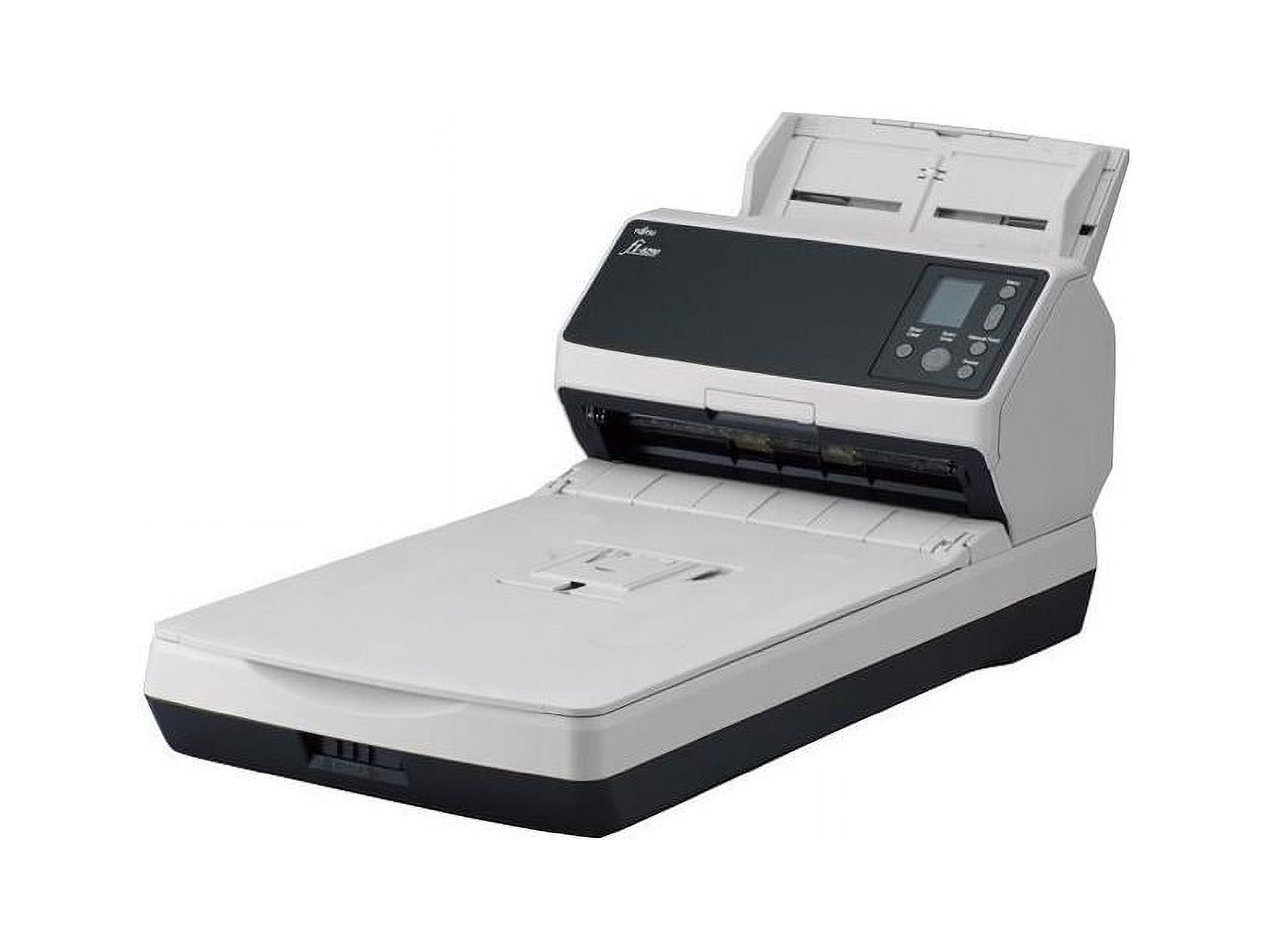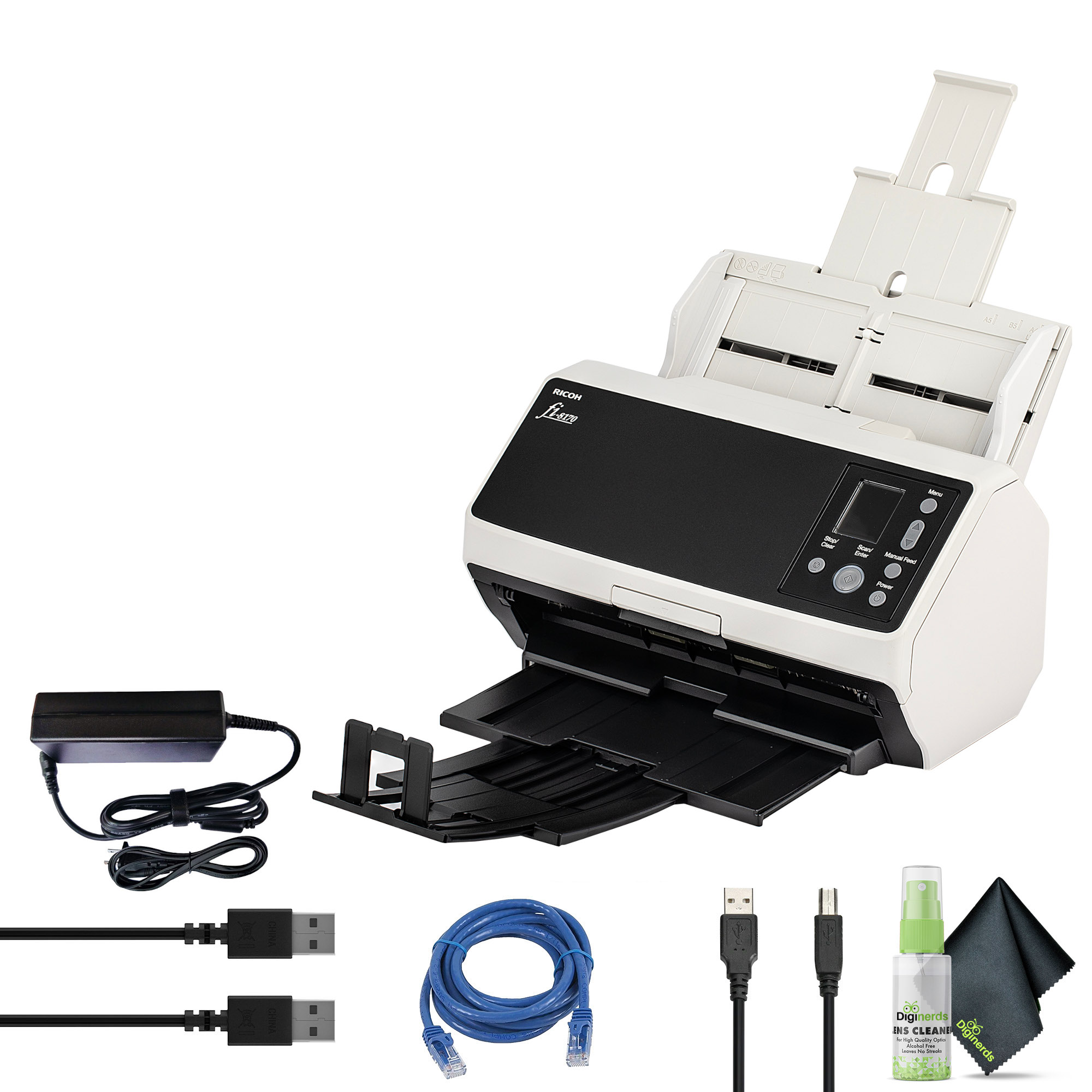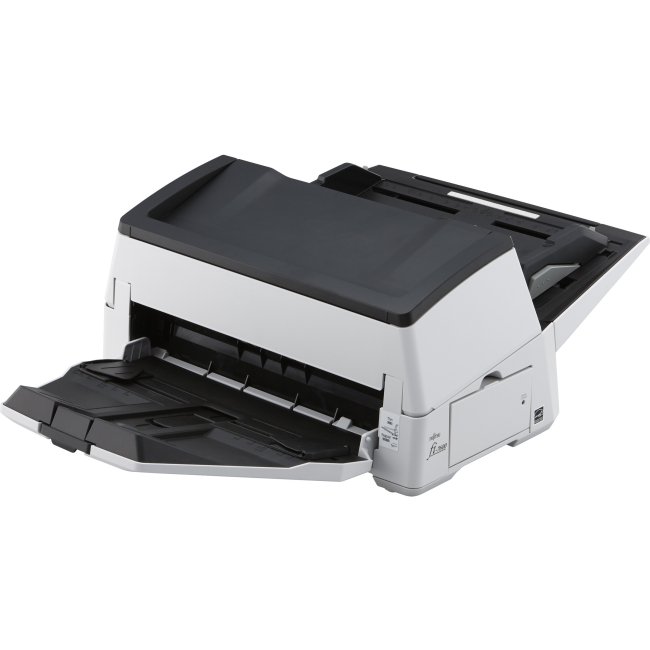
Ricoh FI-7600 Duplex Production-class ADF document scanner
Best price now
$4,399.99at WalmartChecked Nov 13
Prices are checked against each store and labelled with when.

Prices are checked against each store and labelled with when.
It checks today's price at every store, compares the alternatives and answers in about a minute.
The Ricoh fi-7600 is a production-class duplex ADF scanner built for continuous, high-volume work. It scans A4 landscape pages at up to 100 ppm/200 ipm in color or mono and holds up to 300 sheets in the paper chute. It handles thin paper, plastic cards, envelopes and long-page documents, and adds iSOP sonic paper protection plus an LCD panel and independent side guides. It suits records rooms, mailrooms and back-file conversion teams that would otherwise need a slower departmental unit; the trade-off is its size and the fact that it is a dedicated ADF scanner with no flatbed for bound or fragile originals.
In stockSold by Printer Brothers LLCReturns: Sold by a Walmart Marketplace seller; returns go to the seller under the seller's returns policy.
Owners of production scanners in this class generally praise the fi-7600 for throughput and reliable feeding on mixed batches. Complaints tend to center on its footprint and on the learning curve of the PaperStream software.
The Ricoh fi-7600 is a duplex production-class document scanner with an automatic document feeder (ADF). It scans A4 landscape documents at 100 ppm / 200 ipm (at 200/300 dpi), in color or monochrome. The paper chute holds up to 300 sheets, so large batches can be scanned continuously.
It handles different kinds of documents, including thin paper, plastic cards, envelopes and long-page documents. The Paper Protect function guards against jams by detecting unusual sounds (iSOP, Intelligent Sonic Paper Protection) and by checking document length. Independent side guides make it easy to align mixed-size documents, and an LCD panel handles operation.
The scanner comes with PaperStream IP, PaperStream Capture and PaperStream ClickScan software. With ClickScan, you place paper in the scanner, press the scan button, and send the scan to email, a printer or a folder.