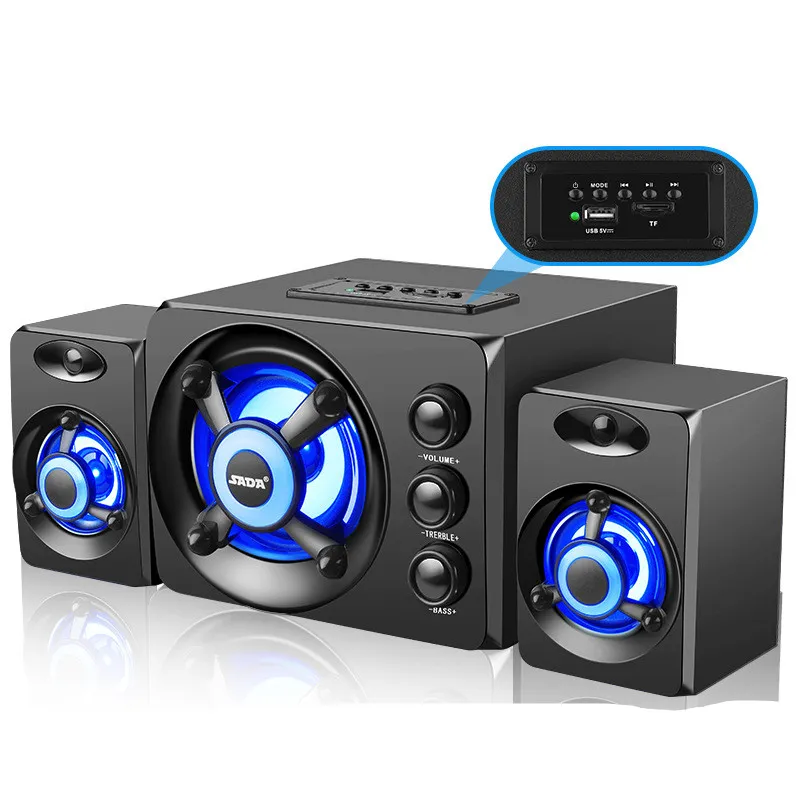
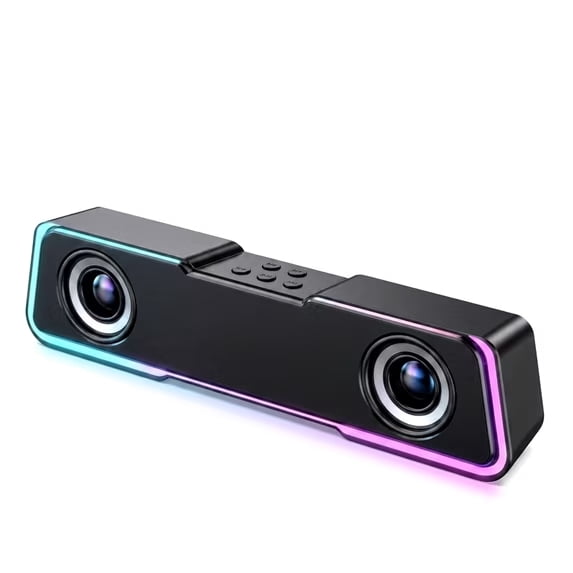
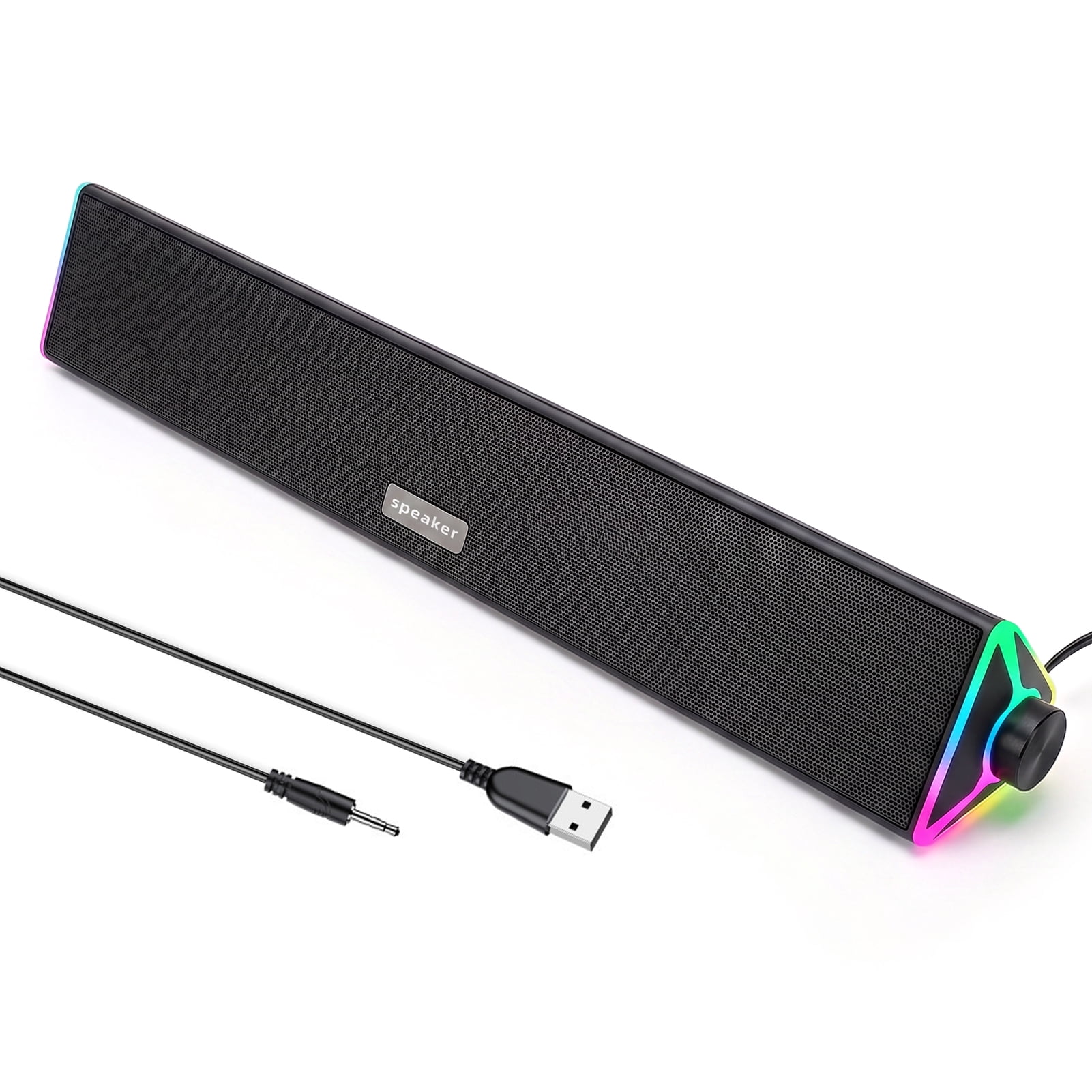
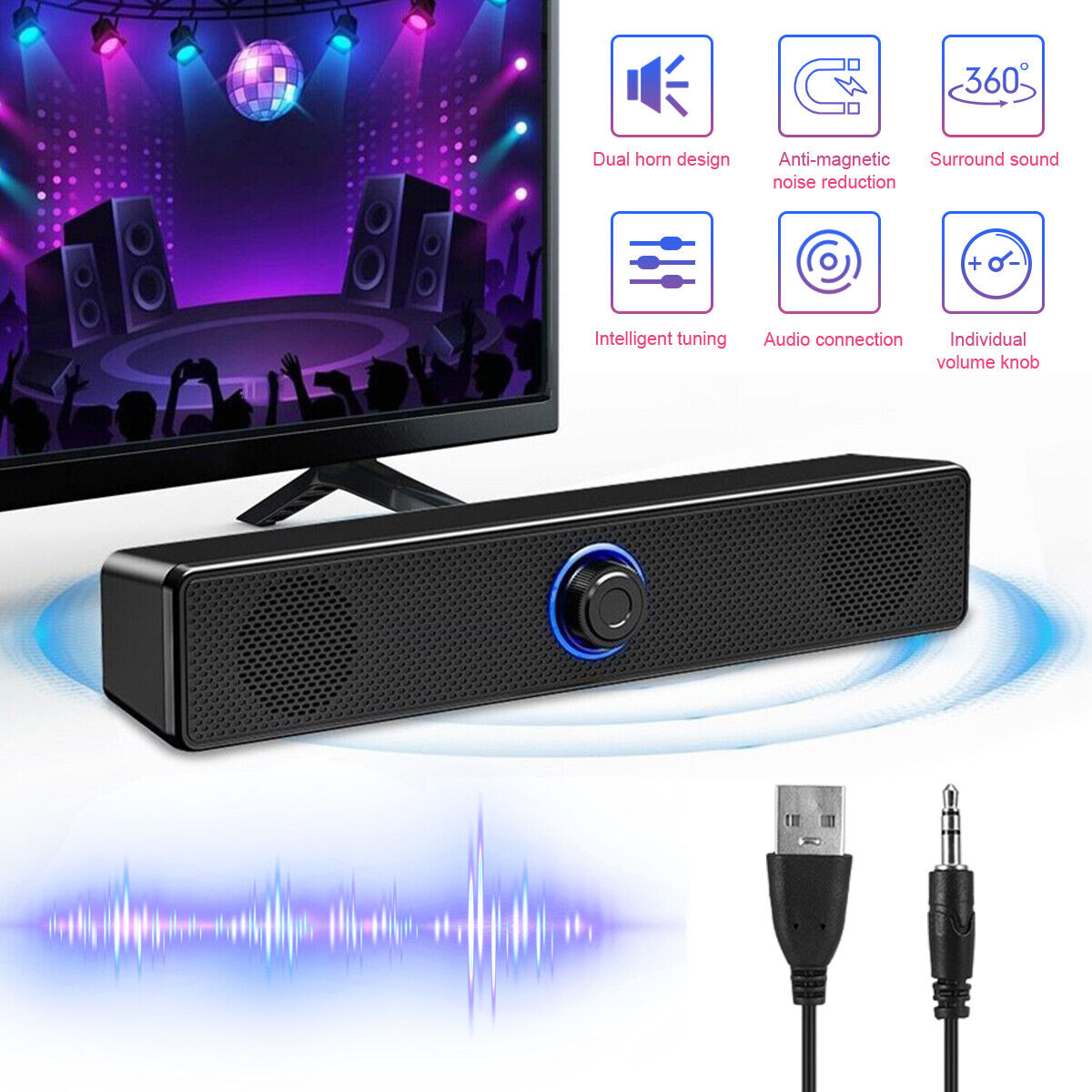
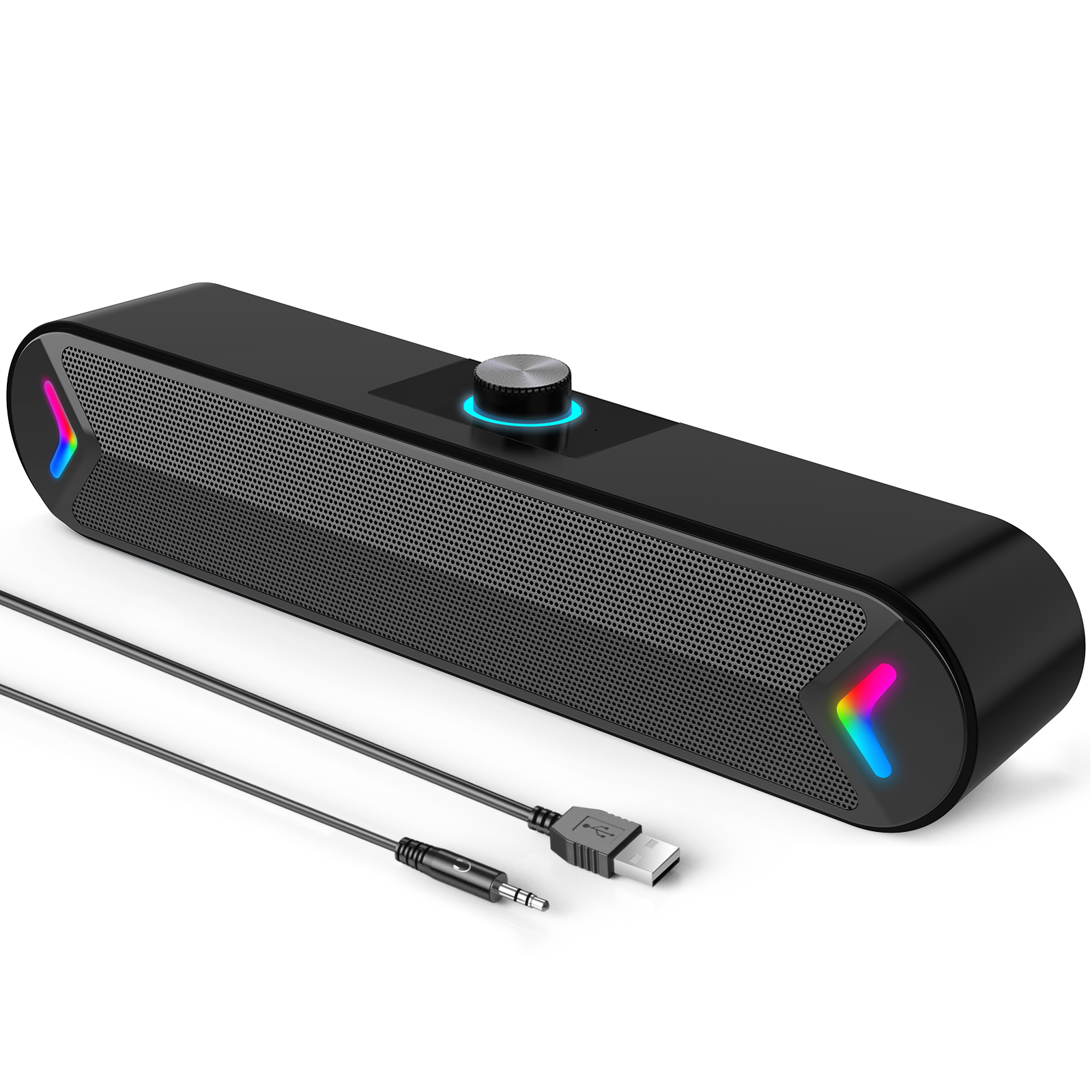
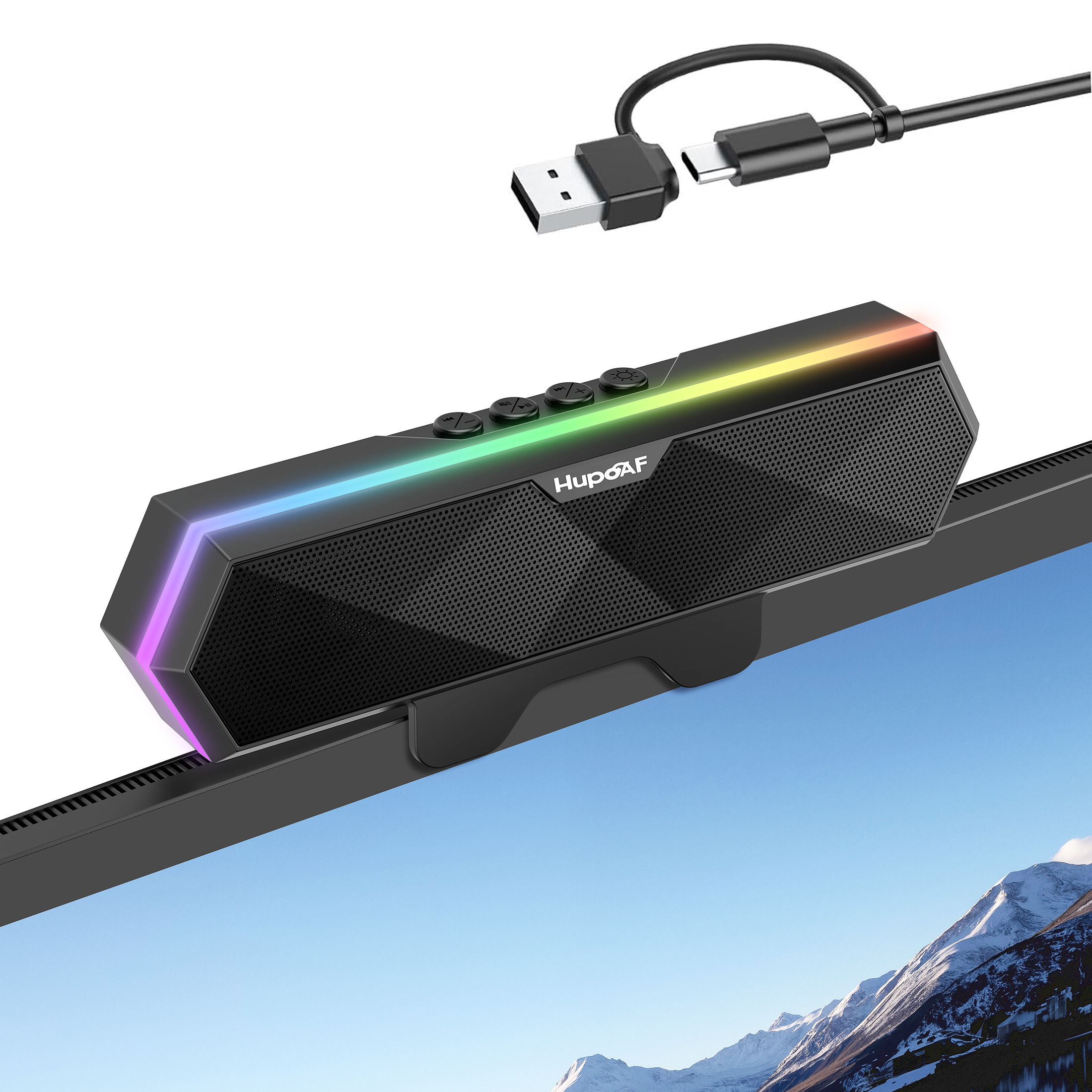
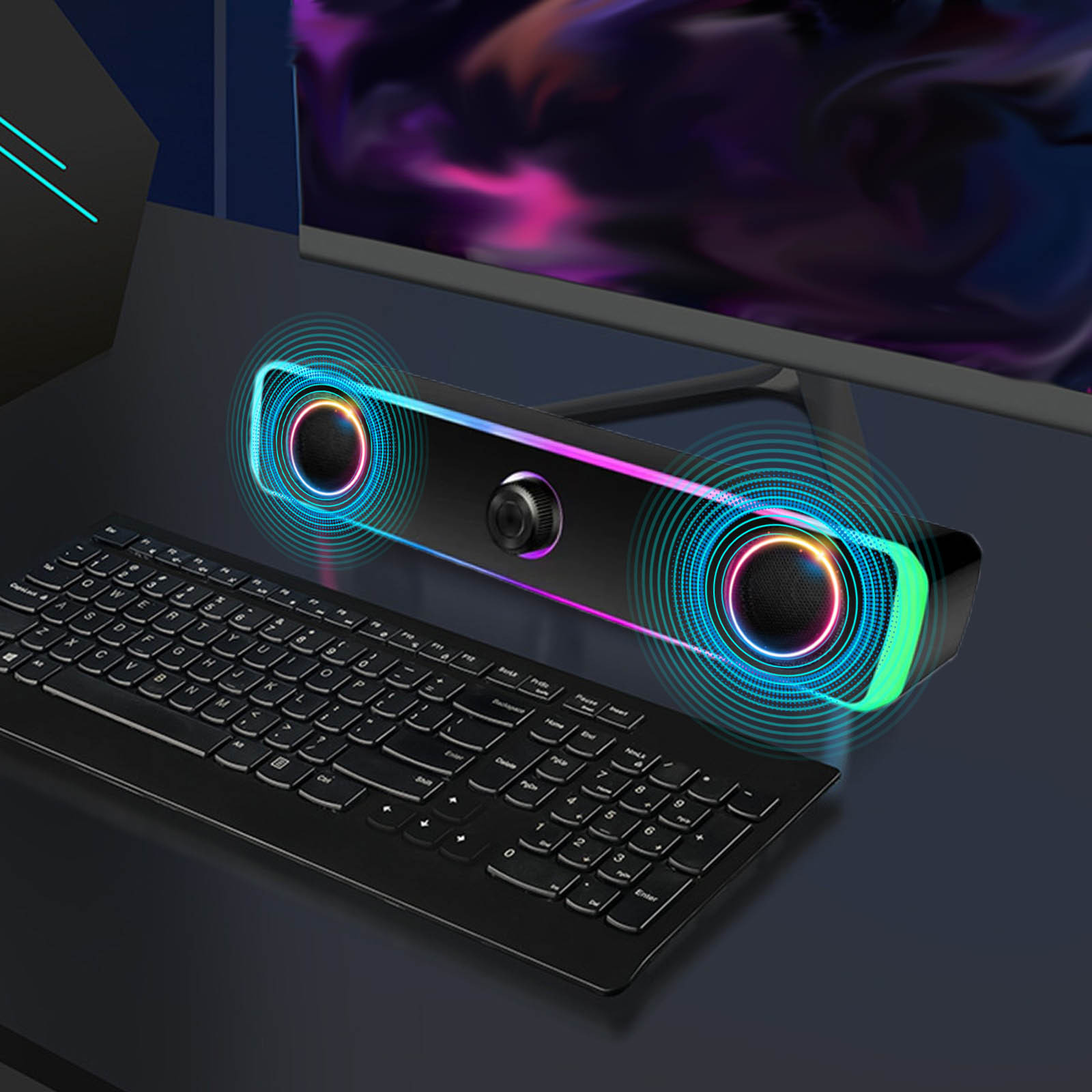
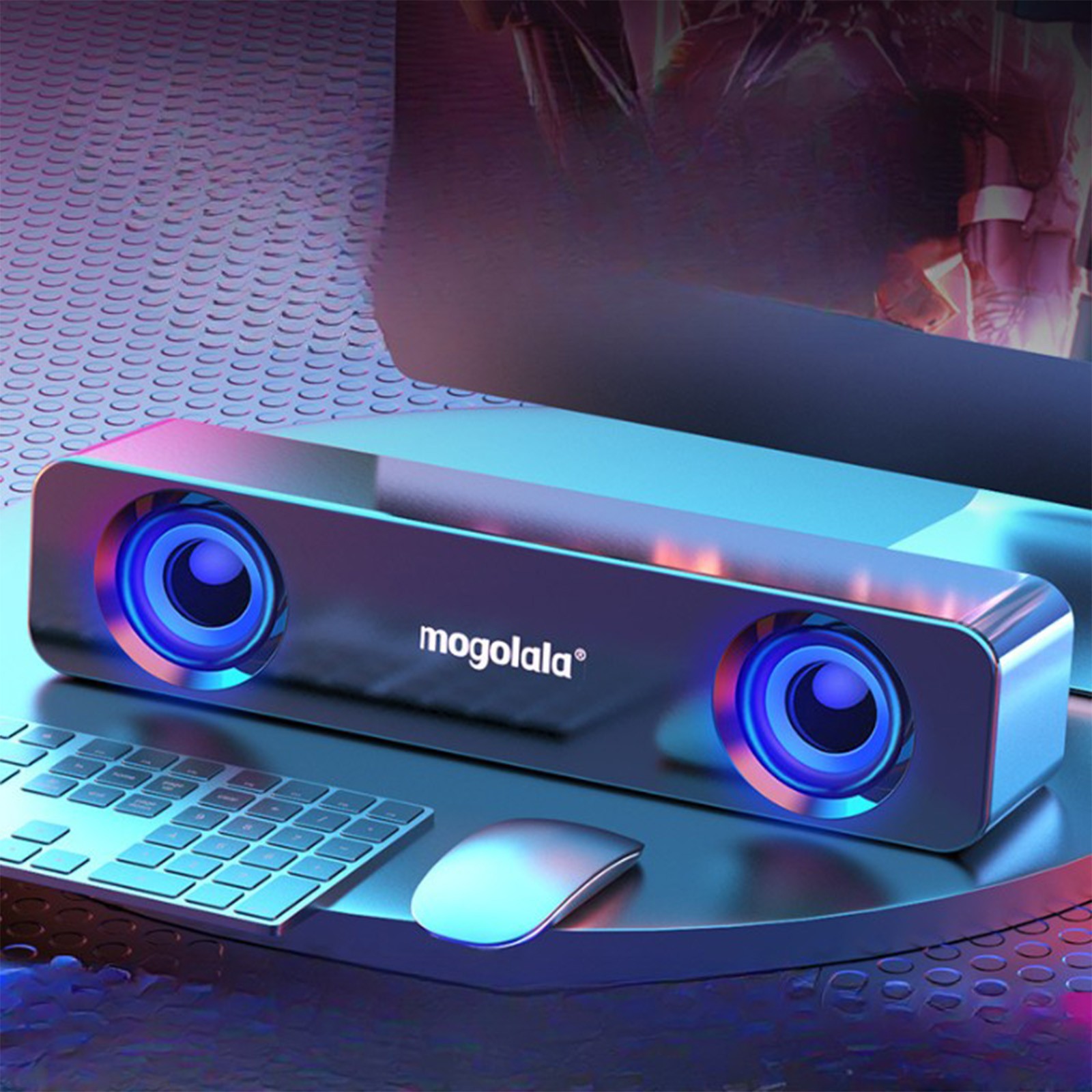
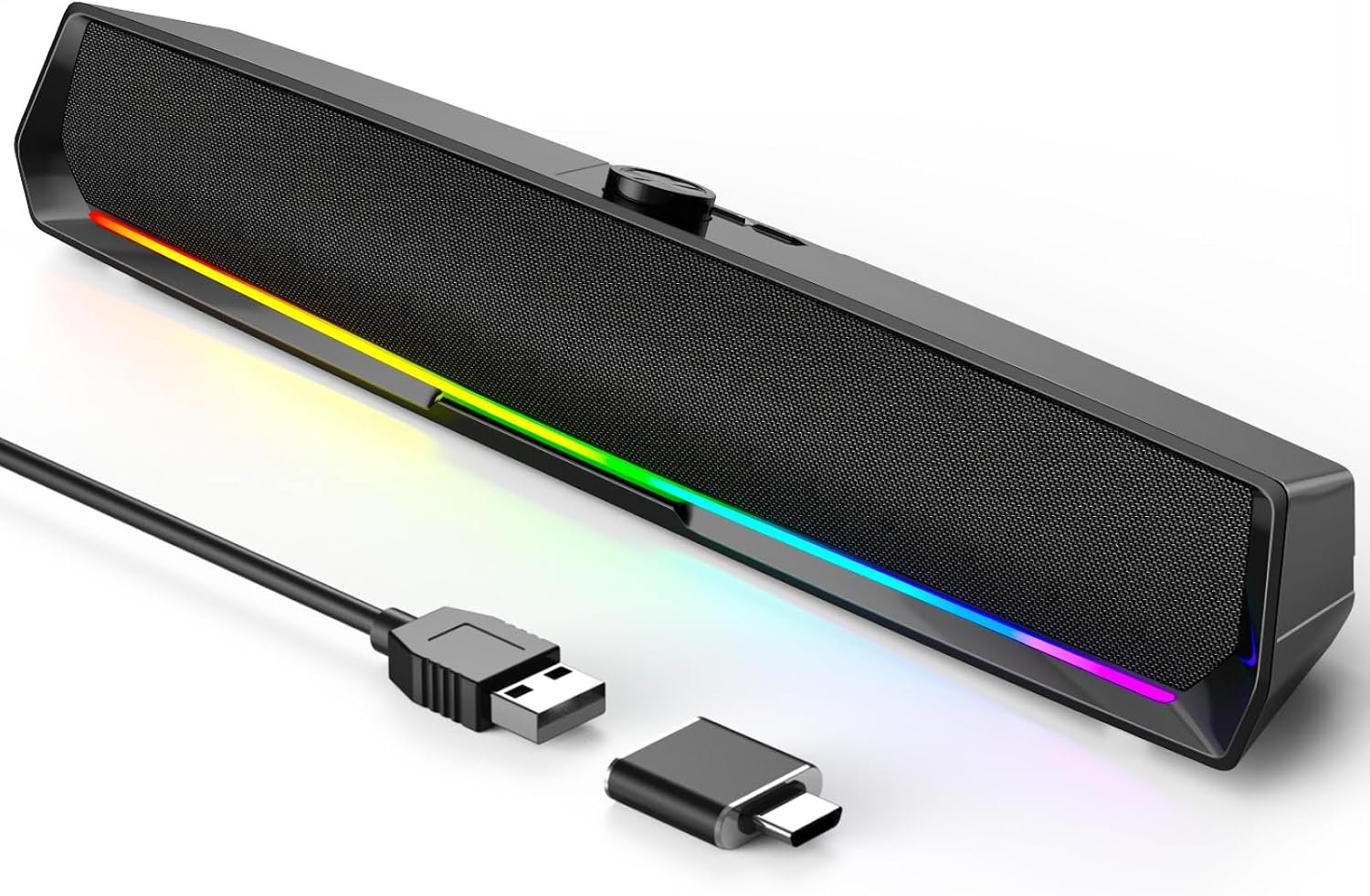
The SADA 2.1 Desktop Speaker System is a desktop speaker set with colored lights. It connects through a 3.5 mm audio cable and is powered by USB. It can also connect over Bluetooth and play audio from a USB flash drive or TF card.
For wired use, plug the USB cable into a USB port and the 3.5 mm audio cable into the audio jack. On a desktop computer, use the green audio jack at the back; the blue USB 3.0 port at the back is recommended for power. A USB 2.0 port or a front connection can limit power and may cause weak bass or noise. For a tablet, phone or MP3 player, an additional power supply is needed.
The top control panel has a MODE button to switch modes and a switch that turns the colored lights on or off with a short press and powers off with a long press. In Bluetooth mode, search for an audio device beginning with SADA and connect. Keep the speaker away from fans, microwave ovens and mains power.
- Type
- 2.1 desktop speaker system
- Lights
- Colored lights; can be switched on/off separately
- Wired connection
- 3.5 mm audio cable
- Power
- USB power supply
- Bluetooth
- Supported
- Playback
- USB flash drive, TF card
- Controls
- MODE button; top light/power switch
- Light control
- Short press turns lights on/off; long press powers off
- Bluetooth pairing
- Search for an audio device beginning with SADA
- Power recommendation
- Blue USB 3.0 port at the rear or a phone charger
- Power note
- USB 2.0 or front connection may limit power and cause weak bass or noise
- Desktop audio
- Green audio jack
- External devices
- Additional power supply required for tablet, phone or MP3 player
- Placement
- Keep away from fans, microwave ovens and mains power
- Setup
- Connect USB power and the 3.5 mm audio cable at the same time
- Wired control
- Knob switch