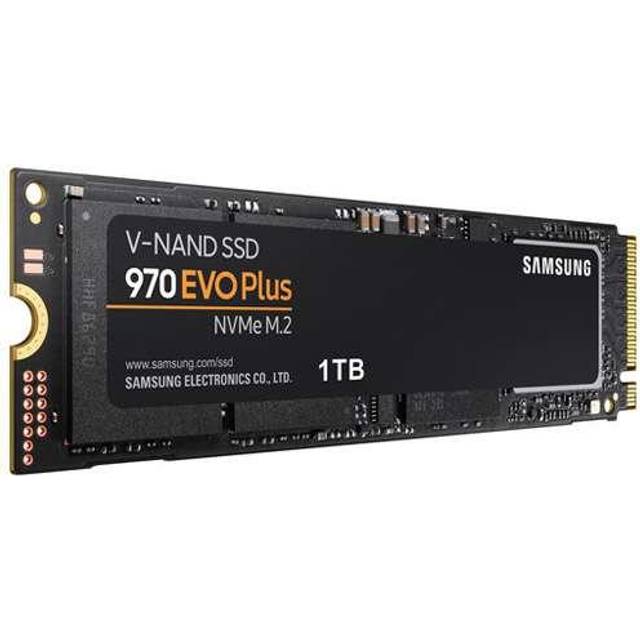
- Is the 970 EVO Plus worth it over newer PCIe 4.0 drives?
- For most everyday use, yes. Real-world loading and transfer times differ little from PCIe 4.0 drives, and the 970 EVO Plus has a strong reliability record. Choose PCIe 4.0 only if your board supports it and you move very large files often.
- Will it fit my laptop or desktop?
- It is an M.2 2280 drive, the most common size. Check that your system has a free M.2 slot that supports NVMe PCIe drives; older SATA-only M.2 slots will not work with it.
- Does it come with a heatsink?
- No. It is a bare M.2 drive. If your motherboard has a built-in M.2 heatsink, use it; otherwise airflow over the drive is enough for normal use.
- How does it compare with the original 970 EVO?
- The Plus version has higher write speeds and updated firmware. If you already own a 970 EVO, the upgrade is modest; if you are coming from a SATA SSD or hard drive, the difference is large.
- What is in the box?
- The drive itself and documentation. No cable, screw or heatsink is included, so check whether your motherboard provides the mounting screw.
- Can I use it in a PS5?
- Yes, if it meets Sony's requirements for a PCIe 4.0 drive, which this PCIe 3.0 model does not. For a PS5, pick a PCIe 4.0 NVMe drive instead.
- Where is the Samsung 970 EVO Plus 1TB Solid State Drive cheapest?
- At Amazon, for $299.00, as of our latest check.
- Where can I buy the Samsung 970 EVO Plus 1TB Solid State Drive?
- 2 stores we checked sell it, including Orange Hardwares, Amazon.