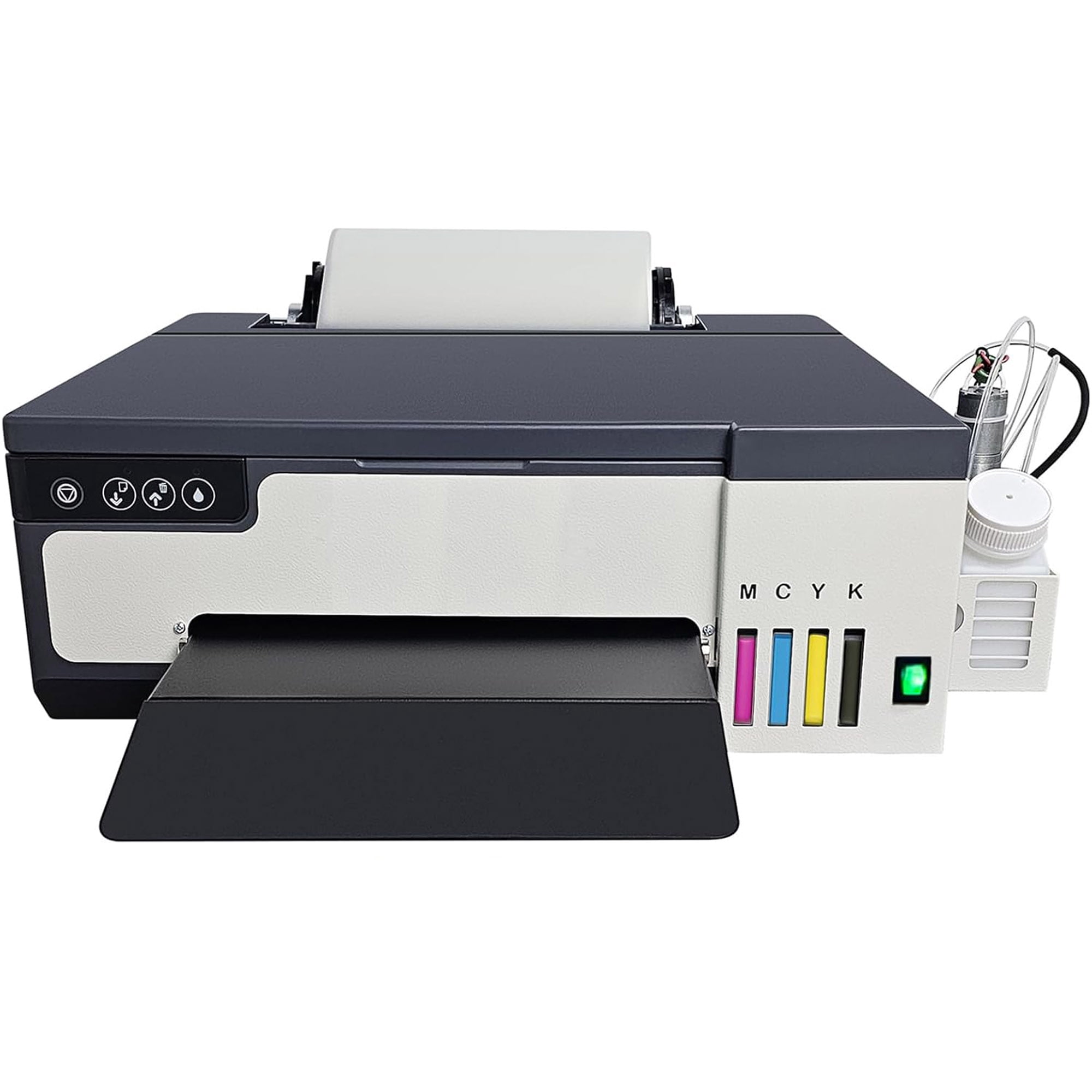
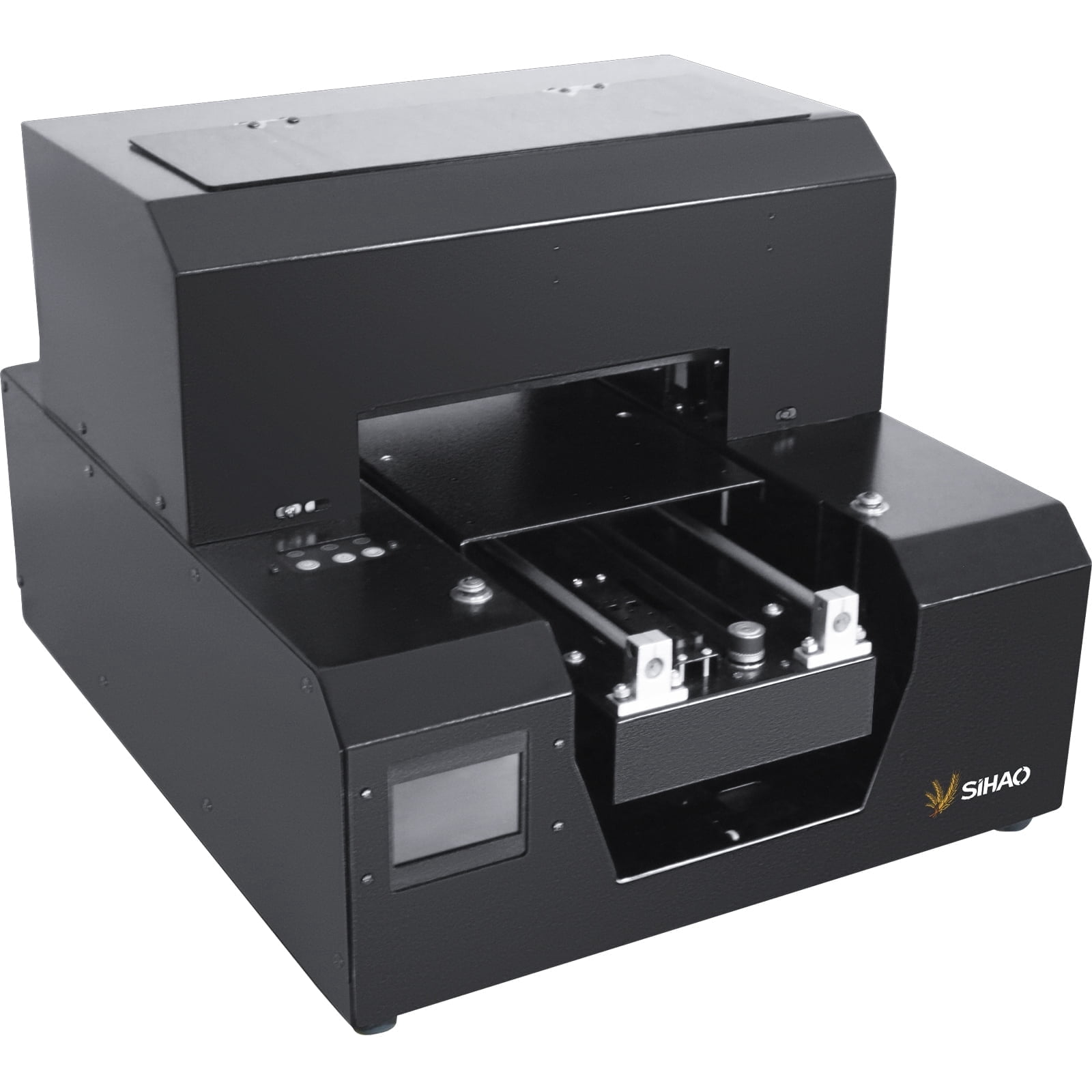
Steps to use the printer 1.Install printer driver:Our package has two usb, one usb inside the use of the tutorial and use of software, one is used for decryption, need to plug in the computer at the same time, download the application from inside,Install printer driver 2. Install the ink. 3. Import the print task into the software and click Print. 4.When you open the Printer software, you can see the printer status.Open the software, import the image you want to print, set the length, width and height, put the item on the printer, click print to complete the print If you have any problem, don't hesitate to tell me, I will solve your problem. Specifications: Model: A3 L8050 DTF Printer Print Head: XP600 Software Setting Precision: 5760*1440dpi, 2880*1440dpi, 1440*1440dpi Print Speed(Image Mode):30S Print Software: RIP 10.3 Maximum Width: 13Inch/33cm Color Configuration: CMYK LC LM or CMYK+WW Product Size: 20.8 x 15 x 5.9"(53*38*15cm) Net Weight: 18.7lb Computer Operating System: Windows 7-11 Specifications: 1x A3 DTF Printer 1x Roll Feeder 6x Bottles 1x White Ink Circulation Pump 1x USB Instructions 1x Software Lock 2 x Spare Ink Sac 1x Syringe