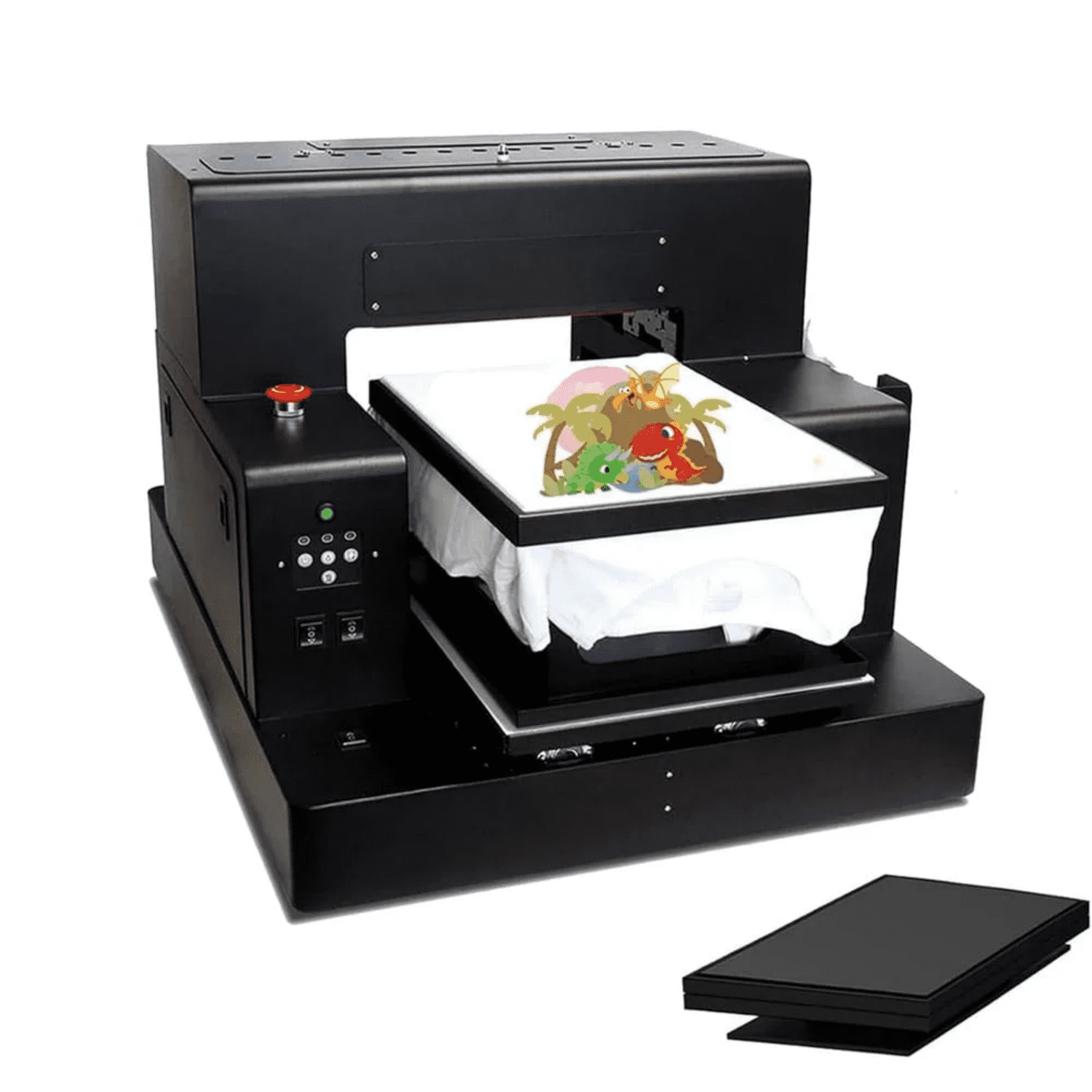
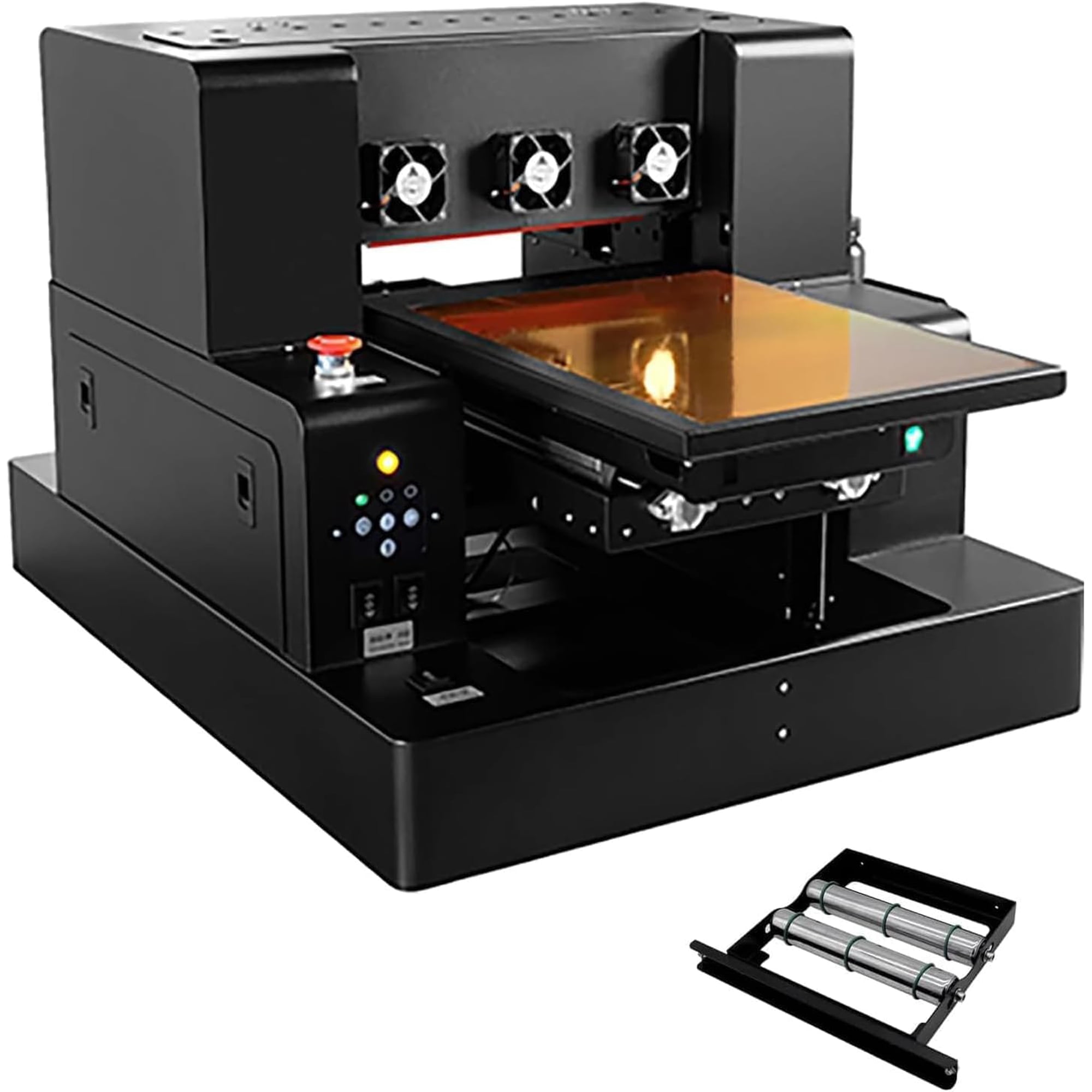
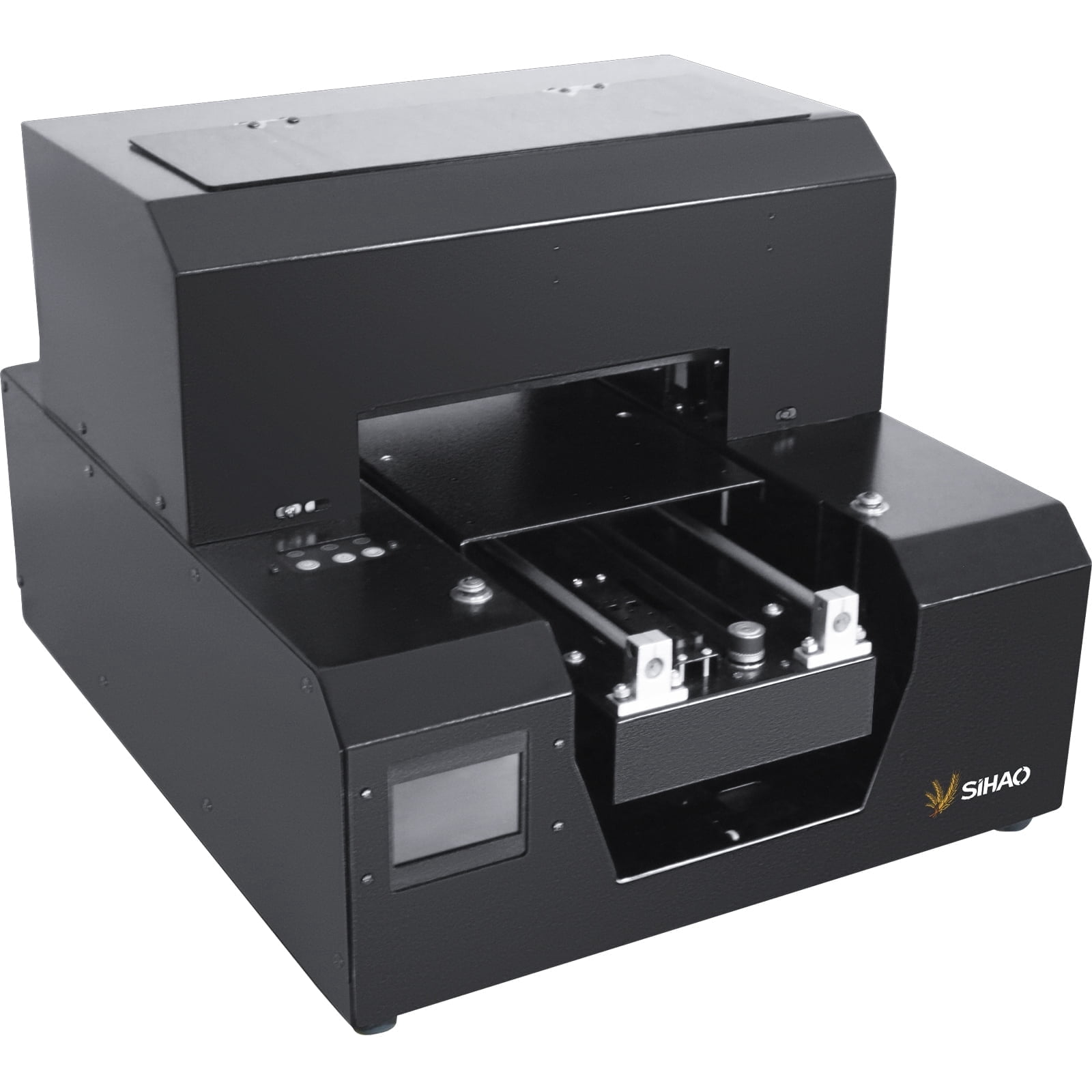
This multifunctional flat‑bed printer supports DTF and DTG printing for fabric and custom‑transfer projects. It works great for small‑batch custom production, home workshops and small commercial studios. Simple setup steps help new users finish printing tasks smoothly. Specifications Print Platform Size: 310mm*430mm Maximum Effective Size of Clothing Bracket: 297mm*420mm Printer Nozzle Type: Epson L805 Printer Driver: Epson L1800 Software Setting Precision: 1440*1440 dpi Print Speed (Photo mode): approximately 178 seconds Print Software: AcroRIP White ver10.3 (free included) Color Configuration: CMYK LC LM / CMYK+2W Printer Size: Length 760mm * Width 630mm * Height 510mm Package Includes 1 x Flatbed Printer 1 x Clothing Holder 6 x Ink Bottles (No ink included) 1 x White Ink Stir 1 x Ink Syringe 2 x Ink Sack 1 x Software 1 x USB Manual Operating Steps 1. Install the printer driver. Two USB cables come with the package. Connect both cables to your computer at the same time. One is for software and tutorial access, the other is for decryption. Download and install the driver application. 2. Install the ink supplies. 3. Open the printer software to check device status. 4. Import your target image in the software. Set print length, width and height parameters. 5. Place your item on the printer platform. 6. Click print button to start your printing job. If you meet connection errors, printing defects or other technical troubles during use, please contact our customer service. We will provide practical solutions for you.