StoreDeal.ai store
Shop
  • Deals
  • Deal checker
  • Black Friday
  • Buying guides
  • Brands
  • Stores
Travel
  • Flight deals
  • Hotel deals
Company
  • Research
  • Press
  • Use in AI assistants
  • Contact
  • deal.ai apps
Black Friday 2026
  • Walmart
  • Best Buy
  • Target
  • TVs
  • Laptops
  • Headphones
  • Apple
  • Gaming
  • Vacuums
  • Kitchen
  • Toys
  • Smartwatches
  • Tablets
  • Furniture
  • Mattresses
© Deal.ai Inc.·2222 Ponce de Leon Blvd, Miami, FL 33134·support@deal.ai
TermsPrivacy

Free shipping on everything·10% off your first order·No account needed · Buy 2, save 10% · 3+, save 15%
Deal.ai › Store › Tech & Gadgets › Computer & Office
S
Slim Wireless Mouse with Two Extra Buttons

Slim Wireless Mouse with Two Extra Buttons

Sold and shipped by Deal.ai

$31.99Free shipping

$28.79 with 10% off your first order

Buy 2, save 10% · 3+, save 15%

Color: Green
How many?
1
  • 30-day money-back guarantee
  • Secure checkout

Arrives about Dec 4–14, from a warehouse in China

30-day full refund: if you're not happy with it for any reason, or it never arrives, tell us within 30 days and we refund you in full. Shipping and refunds
Ask our agent about this product

It checks today's price at every store, compares the alternatives and answers in about a minute.

Enter to send, Shift+Enter for a new line

Price facts

  • Last seen at $31.99 at Deal.ai on Nov 26.

Our take on the Slim Wireless Mouse with Two Extra Buttons

This is a slim, low-profile optical mouse that connects over 2.4 GHz wireless through a USB receiver. It has five buttons: the two main clicks, a scroll wheel, and two extra buttons behind the wheel for back and forward. Resolution is 2000 dpi and adjustable across three steps, and the rated range is 10 m. It suits laptop and desk users who want a flat, portable mouse with browser navigation buttons without paying for a premium brand. Against rivals it is basic: no Bluetooth, no rechargeable battery, no software, and a plastic build that feels light rather than solid.

Best forLaptop users who want a flat, packable mouseWeb browsing and office work with back and forward buttonsBuyers who want a simple plug-and-play wireless mouseSmall to medium hands on a desk or couch
Pros
  • Two extra buttons for back and forward
  • Slim, low-profile body that slips into a laptop bag
  • 2000 dpi sensor with three adjustable steps
  • 2.4 GHz wireless with a 10 m rated range
  • Plug-and-play USB receiver, no software needed
Cons
  • No Bluetooth, so it ties up a USB port
  • No rechargeable battery or stated battery life
  • Flat shape gives little palm support
  • No software for remapping the extra buttons
  • Light plastic build feels less solid than premium mice

About the Slim Wireless Mouse with Two Extra Buttons

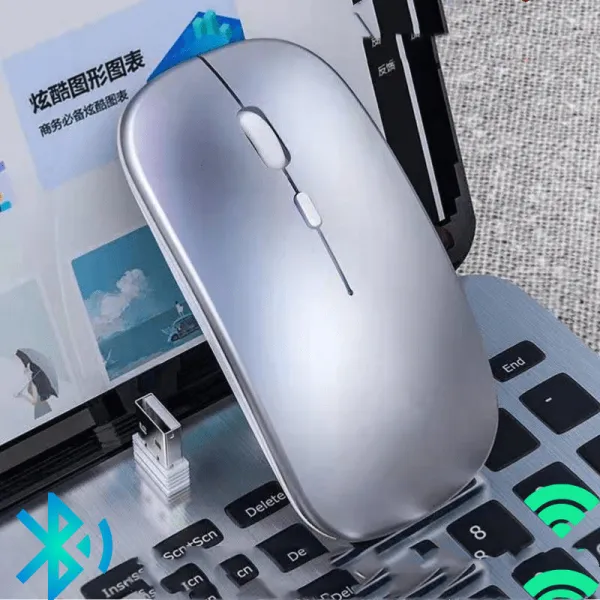
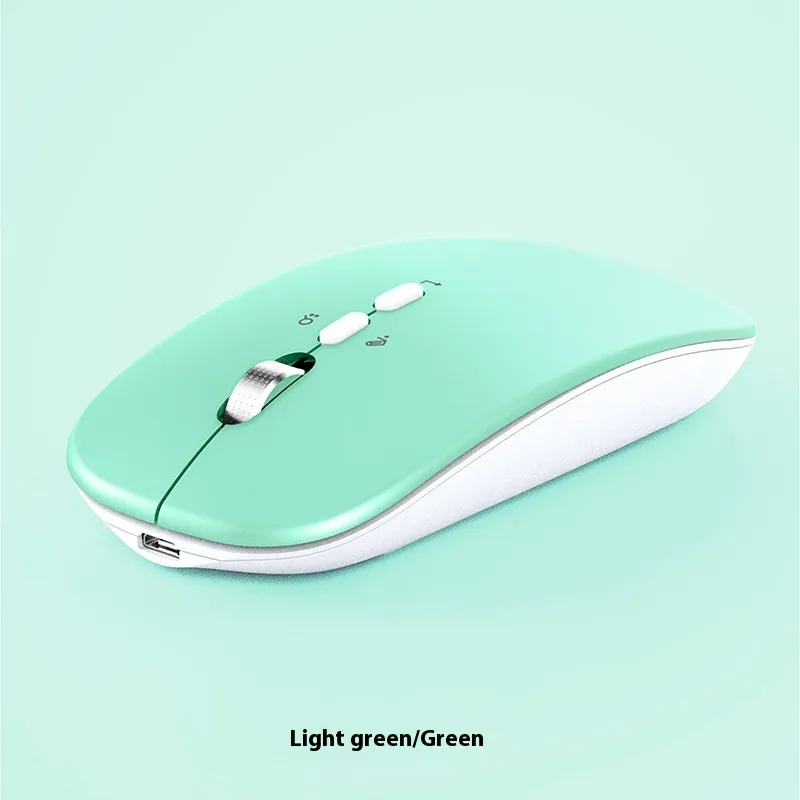
This is a slim, low-profile wireless mouse with a curved body. The two main buttons sit either side of a scroll wheel, and two extra buttons sit behind the wheel, each with a small icon beside it. A small port sits on the front edge.

The mouse connects to a computer with a 2.4 GHz wireless link through a USB receiver, and works at a distance of up to 10 m (33 ft). Its optical resolution is 2000 dpi and can be adjusted in three gears or fewer. The mouse measures 100–120 mm (3.9–4.7 in).

Type
Optical wireless mouse
Connection
2.4 GHz wireless, USB receiver
Resolution
2000 dpi, adjustable in three gears or fewer
Buttons
5 (two main, scroll wheel, two extra behind the wheel)
Tracking
Photoelectric
Operating distance
10 m (33 ft)
Dimensions
100–120 mm (3.9–4.7 in)
Shipping weight
220 g (7.8 oz)
In the box
1 x wireless mouse

Specifications

Type
Optical wireless mouse
Colors
Black, Green, Gold, Silver
Connection
2.4 GHz wireless, USB receiver
Resolution
2000 dpi, adjustable in three gears or fewer
Buttons
5
Working mode
Photoelectric
Operating distance
10 m (33 ft)
Size
Ordinary mouse, 100–120 mm (3.9–4.7 in)
In the box
Wireless mouse x1
Shipping weight
220 g (7.8 oz)

Questions and answers

Do the two extra buttons work without software?
They are wired as back and forward for web browsing and file navigation, so they work as soon as the receiver is plugged in. There is no software to remap them to other commands.
Does it work with a Mac?
Yes. A 2.4 GHz USB receiver mouse works on macOS, Windows and Chrome OS without drivers. On Macs without a USB-A port you need an adapter or hub.
How do I change the dpi?
The sensor is 2000 dpi and adjusts across three steps or fewer, usually through a button on the mouse. The exact steps are not stated, so treat it as low, medium and high sensitivity.
Is it good for gaming?
No. The 2000 dpi sensor and 2.4 GHz link are fine for office and browsing, but there is no report-rate control or software, and the flat shape is not built for fast play.
What is in the box?
The mouse only. The USB receiver is the connection, so keep it with the mouse; there is no cable or batteries listed.
How big is it?
It is an ordinary-size mouse at roughly 100–120 mm long, but the body is slim and low. That suits travel and smaller hands better than long palm-heavy sessions.
Where is the Slim Wireless Mouse with Two Extra Buttons cheapest?
At Deal.ai, for $31.99, as of our latest check.

More in Computer & Office

  • A
    Aluminum Single-Arm Monitor Wall Mount Bracket
    Aluminum Single-Arm Monitor Wall Mount Bracket
  • M
    M200 Mechanical Keyboard with Tri-Color Backlight
    M200 Mechanical Keyboard with Tri-Color Backlight
  • R
    Rotating Mouse Wrist Rest Pad
    Rotating Mouse Wrist Rest Pad
  • B
    Beer Mug USB Flash Drive Keychain
    Beer Mug USB Flash Drive Keychain
  • T
    Translucent Swirl Mechanical Keyboard Keycap
    Translucent Swirl Mechanical Keyboard Keycap
  • P
    Portable External Solid State Drive
    Portable External Solid State Drive
  • U
    Ultra-Thin Wireless Mouse with USB Receiver
    Ultra-Thin Wireless Mouse with USB Receiver
  • M
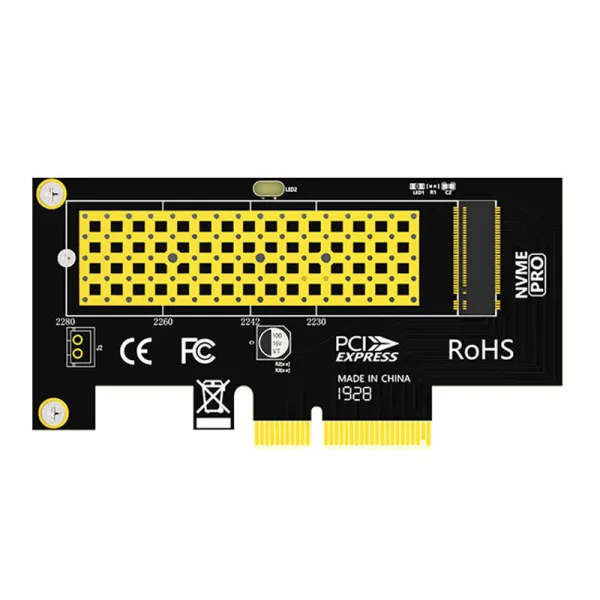
    M.2 NVMe to PCIe Adapter Card
    M.2 NVMe to PCIe Adapter Card
All 2820 in Computer & Office →

More wireless mice

  • L
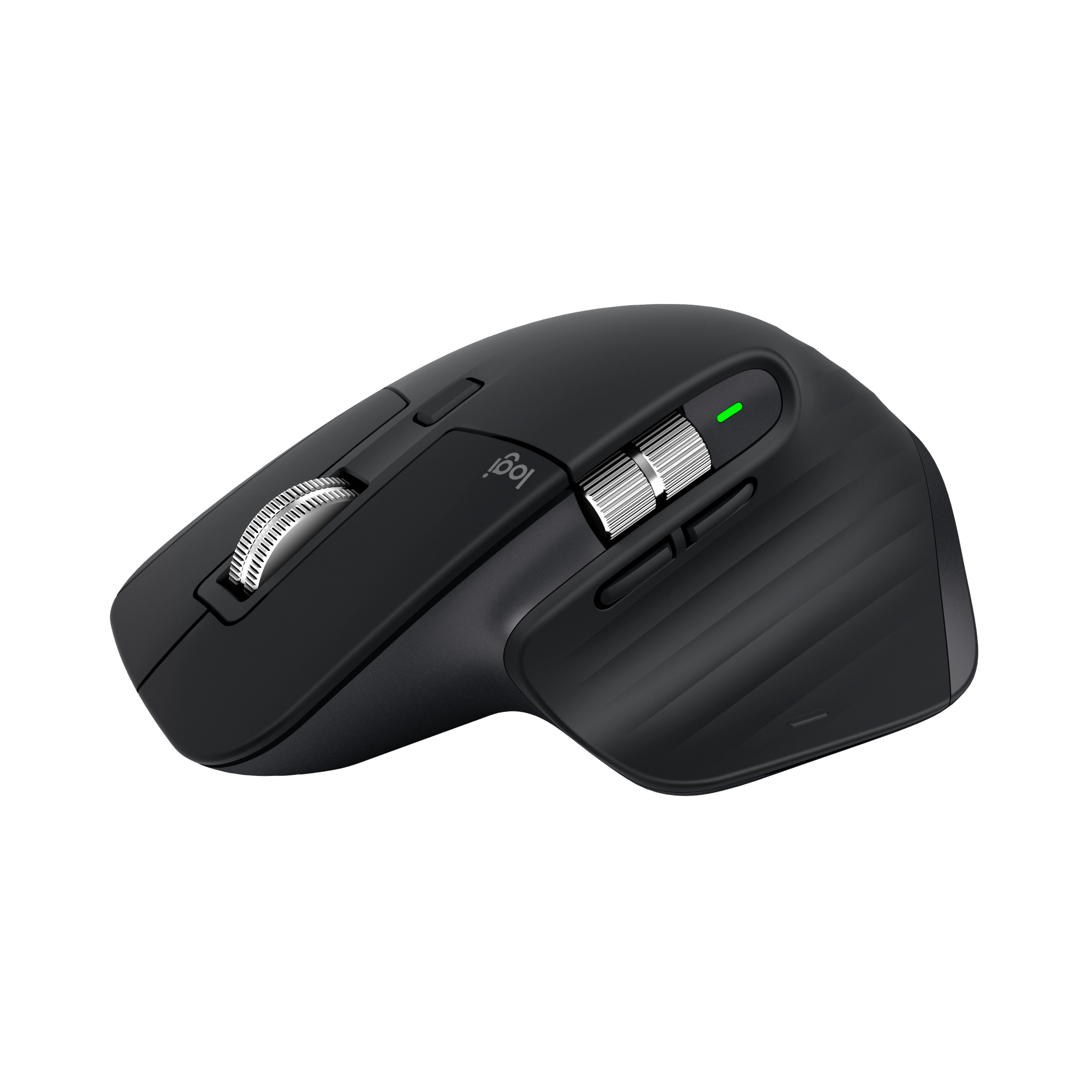
    Logitech MX Master 3S Wireless Mouse
    Logitech MX Master 3S Wireless Mouse
  • M
    Microsoft Surface Precision Mouse
    Microsoft Surface Precision Mouse
  • L
    Logitech MX Anywhere 3S Wireless Mouse
    Logitech MX Anywhere 3S Wireless Mouse
  • R
    Razer Basilisk V3 Pro Wireless Mouse
    Razer Basilisk V3 Pro Wireless Mouse
  • H
    HYPERLIGHT
    HYPERLIGHT
  • K
    Keychron M6 Wireless Mouse
Keychron M6 Wireless Mouse
  • S
    Slim EX Wireless Mouse
    Slim EX Wireless Mouse
  • K
    Keychron G3 Ultra Light Wireless Mouse
    Keychron G3 Ultra Light Wireless Mouse