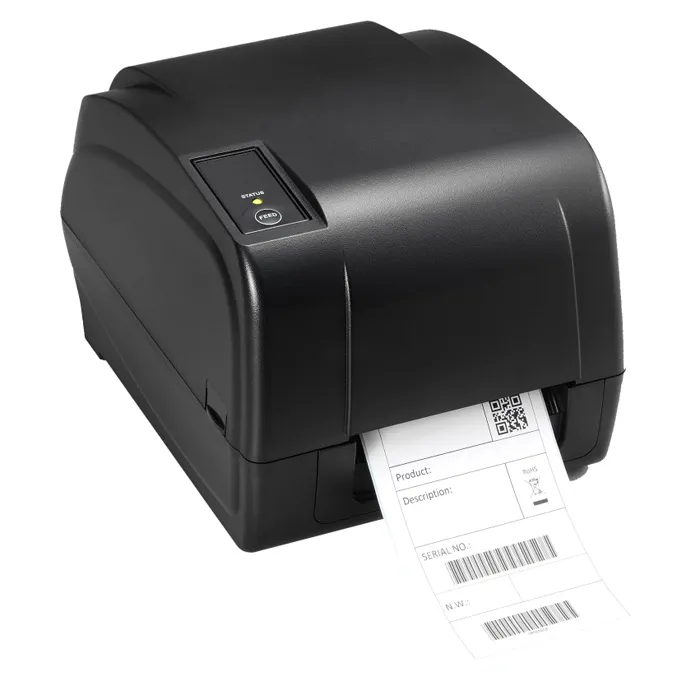
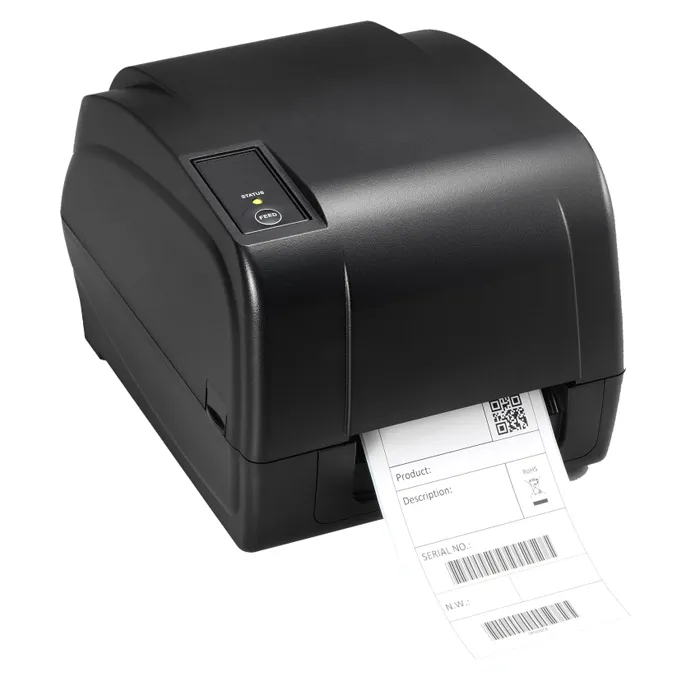
- What is the difference between direct thermal and thermal transfer here?
- Direct thermal burns the image into heat-sensitive label stock with no ribbon. Thermal transfer uses a ribbon to print onto plain paper or synthetic labels, which lasts far longer under heat, sunlight and abrasion.
- Is 203 DPI enough for shipping labels and barcodes?
- Yes for standard 4-inch shipping labels, shelf tags and most retail barcodes. It is not the right choice for tiny high-density codes or very small print, where 300 DPI is the usual pick.
- What label width does a desktop printer like this take?
- Desktop units in this class are built around standard 4-inch label rolls, the common size for shipping and shelf labels. Confirm the media width and roll size against the printer's spec sheet before ordering stock.
- Does it need a computer to print?
- It is a printer, not a standalone label maker, so labels are sent from a PC or warehouse system. Drivers and label software handle the formatting.
- How does it compare with a direct-thermal-only printer?
- It costs more to run because of ribbons, but it prints labels that hold up to heat, moisture and handling. A direct-thermal-only unit is simpler and cheaper per label but its output fades over time.
- Where is the Toshiba 18221168711 203 DPI Direct Thermal Transfer Label printer cheapest?
- At Compu Devices, for $331.50, as of our latest check.
- What do buyers say about the Toshiba 18221168711 203 DPI Direct Thermal Transfer Label printer?
- Rated 5 out of 5 from 5 ratings.
- Where can I buy the Toshiba 18221168711 203 DPI Direct Thermal Transfer Label printer?
- 2 stores we checked sell it, including Gotodirect, Compu Devices.