- Is 16GB of RAM worth it on a Raspberry Pi 5?
- Only if you run virtual machines, containers, large language models or many browser tabs. For retro gaming, media servers and simple home automation, 4GB or 8GB is enough and leaves money for storage.
- Does the case cool the Pi 5 well?
- The aluminum body acts as a heatsink and the fan adds active airflow, so it handles sustained loads better than a bare board. Expect the fan to be audible near its top speed.
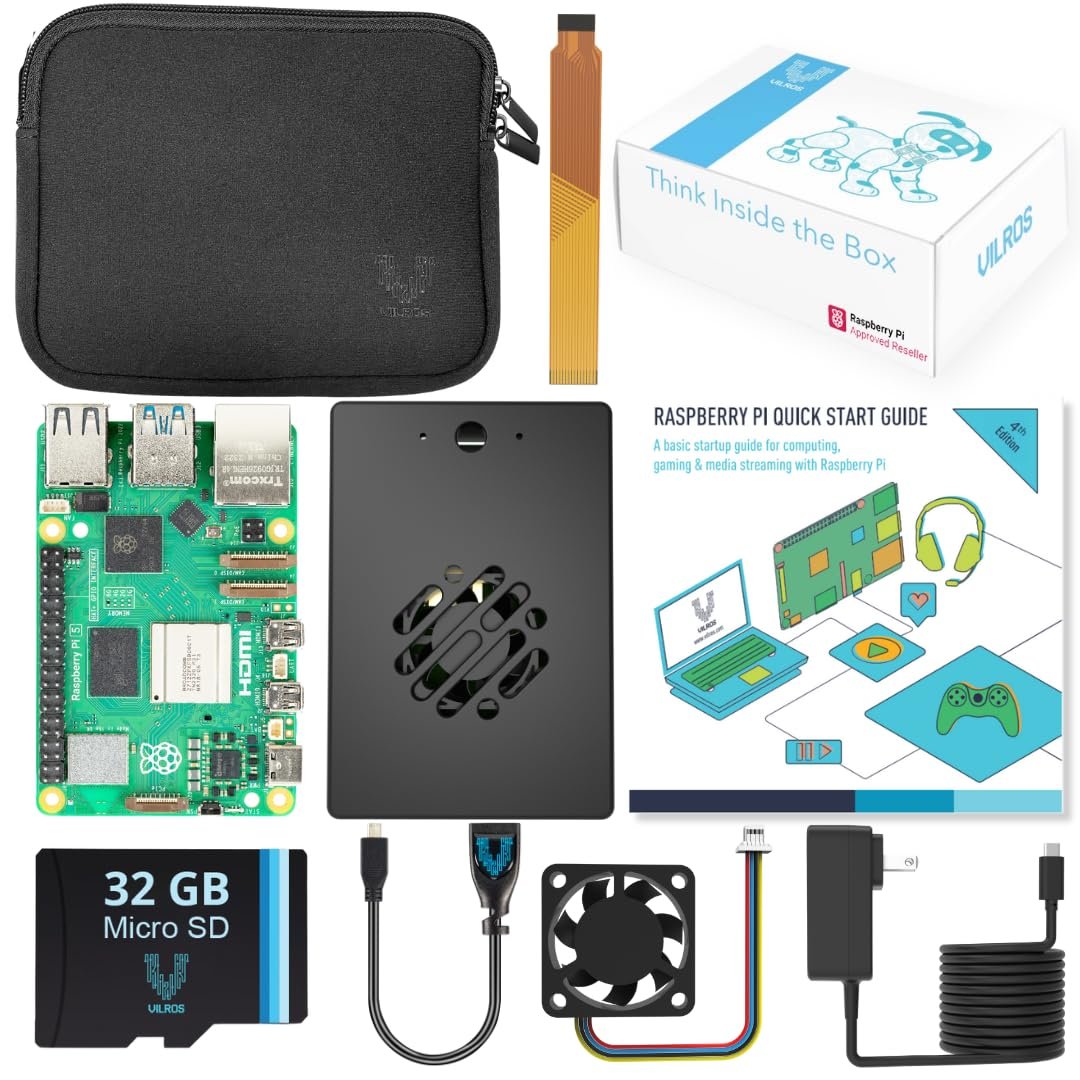
- What is in the box?
- The 16GB Raspberry Pi 5, an aluminum case with fan, a preflashed 128GB microSD card, two 5ft micro-HDMI cables, a microSD-to-USB adapter and a neoprene bag.
- Do I need to install an operating system?
- No. The card comes preflashed with 64-bit Raspberry Pi OS, so you can boot and finish setup on first start. You can reflash it later with another OS if you prefer.
- Can I add an NVMe SSD?
- Yes, the Pi 5 has a PCIe connector, but you need a separate HAT and a case that leaves room for it. This case is not built around an SSD.
- Does it include a power supply?
- The listed kit components do not name a power supply. The Pi 5 needs a 5V/5A USB-C supply for full performance, so check before buying or plan to add one.
- Where is the Vilros Raspberry Pi 5 Passive & Active Cooling Max Starter Kit (16GB RAM) cheapest?
- At Quick Cart01, for $299.99, as of our latest check.
- Where can I buy the Vilros Raspberry Pi 5 Passive & Active Cooling Max Starter Kit (16GB RAM)?
- 2 stores we checked sell it, including Vilros, Quick Cart01.