- Does the Cintiq Pro 17 need a computer?
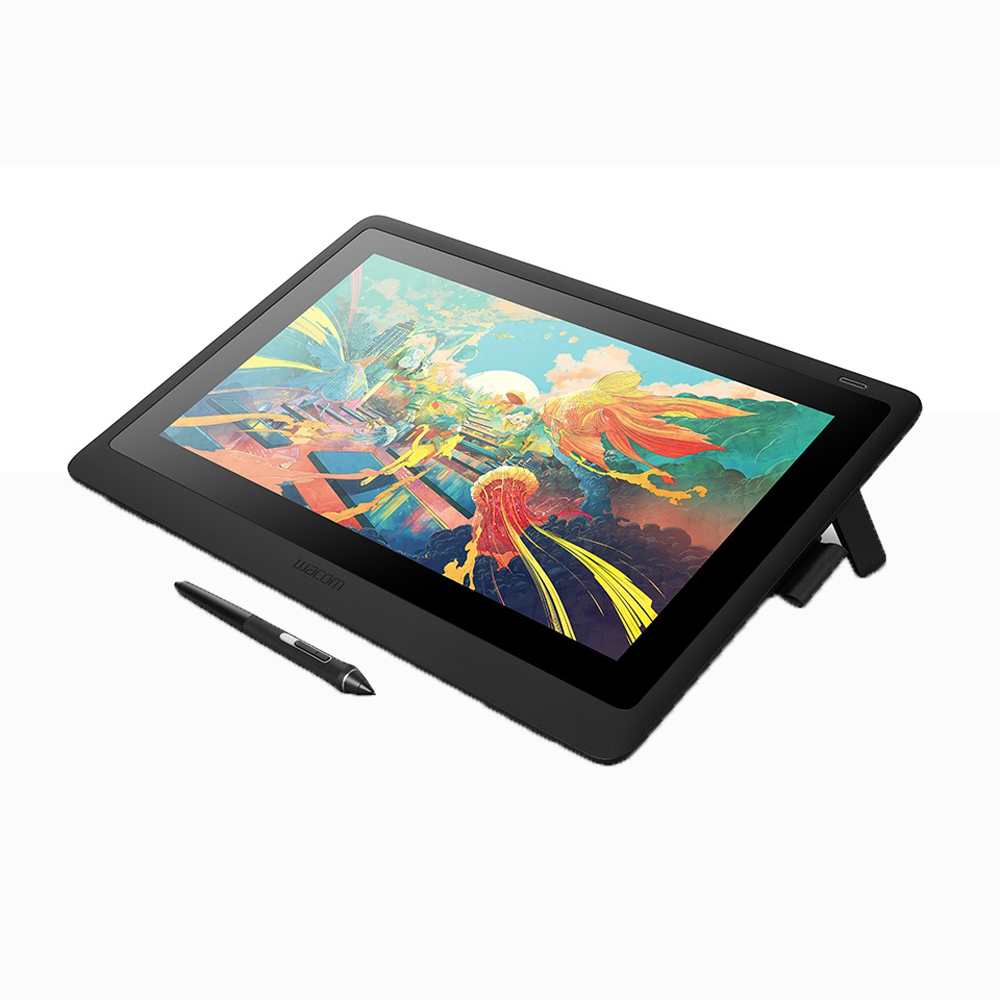
- Yes. It is a pen display, not a standalone tablet, so it must be connected to a Mac or PC over USB-C or with the appropriate adapter.
- Does the pen need charging?
- No. The included Pro Pen 2 is battery-free and draws power from the display, so it never needs charging.
- Is a stand included?
- No. The display has a built-in fold-out leg for a slight incline, but a proper stand or monitor arm is sold separately.
- Does it support multi-touch?
- Yes. The screen supports multi-touch gestures such as pan, zoom and rotate alongside pen input.
- How does it compare with the larger Cintiq Pro models?
- It offers the same pen technology and display quality in a smaller, more portable body. The larger models give more canvas but take up much more desk space.
- What comes in the box?
- The display, the Pro Pen 2, a pen holder with spare nibs, and the cabling needed to connect it to a computer.
- Where is the Wacom Cintiq Pro 17 drawing tablet with screen cheapest?
- At Adorama, for $2,499.00, as of our latest check.
- Where can I buy the Wacom Cintiq Pro 17 drawing tablet with screen?
- 3 stores we checked sell it, including Best Buy, Adorama, Dell Home & Home Office.