StoreDeal.ai store
Shop
  • Deals
  • Deal checker
  • Black Friday
  • Buying guides
  • Brands
  • Stores
Travel
  • Flight deals
  • Hotel deals
Company
  • Research
  • Press
  • Use in AI assistants
  • Contact
  • deal.ai apps
Black Friday 2026
  • Walmart
  • Best Buy
  • Target
  • TVs
  • Laptops
  • Headphones
  • Apple
  • Gaming
  • Vacuums
  • Kitchen
  • Toys
  • Smartwatches
  • Tablets
  • Furniture
  • Mattresses
© Deal.ai Inc.·2222 Ponce de Leon Blvd, Miami, FL 33134·support@deal.ai
TermsPrivacy

Free shipping on everything·10% off your first order·No account needed · Buy 2, save 10% · 3+, save 15%
Deal.ai › Store › Tech & Gadgets › Computer & Office
W
Wireless Computer Mouse with Side Buttons

Wireless Computer Mouse with Side Buttons

Sold and shipped by Deal.ai

$10.99Free shipping

$9.89 with 10% off your first order

Buy 2, save 10% · 3+, save 15%

Color: Battery Style Star Black
How many?
1
  • 30-day money-back guarantee
  • Secure checkout

Arrives about Dec 3–13, from a warehouse in China

30-day full refund: if you're not happy with it for any reason, or it never arrives, tell us within 30 days and we refund you in full. Shipping and refunds
Ask our agent about this product

It checks today's price at every store, compares the alternatives and answers in about a minute.

Enter to send, Shift+Enter for a new line

Price facts

  • Last seen at $10.99 at Deal.ai on Nov 25.

Our take on the Wireless Computer Mouse with Side Buttons

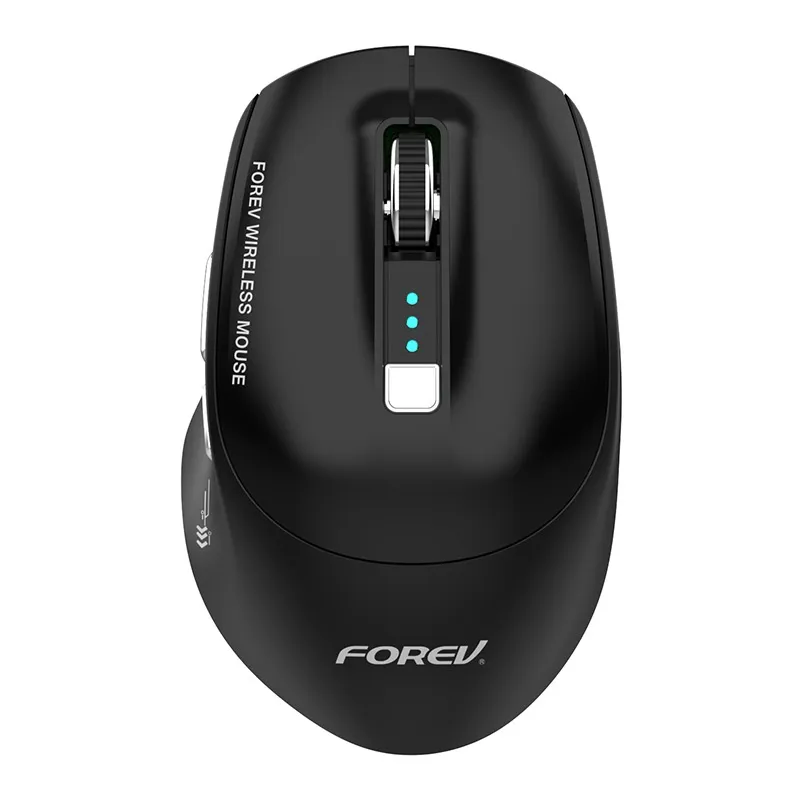
A rounded oval wireless optical mouse with a scroll wheel, side buttons on the left edge, and three indicator lights below the wheel. It comes in battery and rechargeable versions, and some versions add Bluetooth alongside 2.4 GHz wireless. It is a basic, low-cost desktop mouse for laptop users who want side buttons without paying for a brand-name model. Rivals at this level often add adjustable DPI or a quieter click; this one keeps it simple.

Best forLaptop users on a budgetOffice and home desk workBuyers who want side buttons for back and forward
Pros
  • Side buttons for back and forward browsing
  • Dual-mode Bluetooth and 2.4 GHz on some versions
  • Rechargeable option avoids disposable batteries
  • Compact 109 x 70 x 42 mm body
  • Simple plug-and-play wireless setup
Cons
  • No adjustable DPI or software listed
  • 150 g shipping weight suggests a fairly heavy mouse
  • Battery version needs its own batteries
  • No USB-C or wired fallback listed
  • Generic model with no brand support or warranty detail

About the Wireless Computer Mouse with Side Buttons

The mouse is a wireless optical mouse with a rounded oval body. It has a central scroll wheel, three small indicator lights below the wheel, a button beneath the lights, and side buttons along the left edge.

It connects to a laptop wirelessly and uses photoelectric tracking. The mouse has no cable. Its power type is self-charging.

The body measures 4.3 x 2.8 x 1.7 in (109 x 70 x 42 mm). The box contains the mouse and instructions.

Type
Wireless optical mouse
Connectivity
Bluetooth; 2.4 GHz wireless dual-mode
Working mode
Photoelectric
Compatibility
Laptop
Cable
Wireless (no cable)
Power
Self-charging
Dimensions
4.3 x 2.8 x 1.7 in (109 x 70 x 42 mm)
Weight
150 g (shipping weight)
In the box
Mouse x1, Instructions x1

Specifications

Type
Wireless optical mouse
Connectivity
Bluetooth; 2.4 GHz wireless dual-mode (on Bluetooth dual-mode options)
Power
Self-charging; battery model or rechargeable options available
Weight
150 g (shipping weight)
Compatibility
Laptop
Interface
Bluetooth
Working mode
Photoelectric
Cable
Wireless (no cable)
Colors
Star Black, Blue Sky, Milk Brown
In the box
Mouse x1, Instructions x1

Questions and answers

Does it work with a Mac?
It is listed for laptops and connects over Bluetooth or a 2.4 GHz receiver, so it should pair with most Macs and Windows laptops. There is no software listed, so extra buttons work as standard back and forward.
What is the difference between the versions?
The battery version runs on 2.4 GHz only. The Bluetooth dual-mode version adds Bluetooth and a charge display. The charging version is 2.4 GHz with a rechargeable battery.
Do I need a receiver?
The 2.4 GHz versions use a small USB receiver. Bluetooth versions can connect without one if your laptop has Bluetooth.
How big is it?
It measures about 4.3 by 2.8 by 1.7 inches, a compact oval shape suited to smaller hands and travel.
What is in the box?
The mouse and an instruction sheet. Batteries or a charging cable are not listed, so check the version you pick.
Where is the Wireless Computer Mouse with Side Buttons cheapest?
At Deal.ai, for $10.99, as of our latest check.

More in Computer & Office

  • O
    ORICO Dual-Bay 3.5-Inch Hard Drive Dock
    ORICO Dual-Bay 3.5-Inch Hard Drive Dock
  • M
    M.2 NVMe PCIe 3.0 Solid State Drive
    M.2 NVMe PCIe 3.0 Solid State Drive
  • 3
    3D Printer Laser Engraving Head
    3D Printer Laser Engraving Head
  • U
    UNO R3 LCD1602 Starter Kit
    UNO R3 LCD1602 Starter Kit
  • M
    Mini Dual-Band 600M USB Wi-Fi Adapter
    Mini Dual-Band 600M USB Wi-Fi Adapter
  • 5
    50-Pack 25GB BD-R Printable Blu-ray Discs
    50-Pack 25GB BD-R Printable Blu-ray Discs
  • P
    Printable Blank Blu-ray Discs 50-Disc Spindle
    Printable Blank Blu-ray Discs 50-Disc Spindle
  • D
    Dual-Fan AIO CPU Liquid Cooler
    Dual-Fan AIO CPU Liquid Cooler
All 2703 in Computer & Office →

More computer mice

  • K
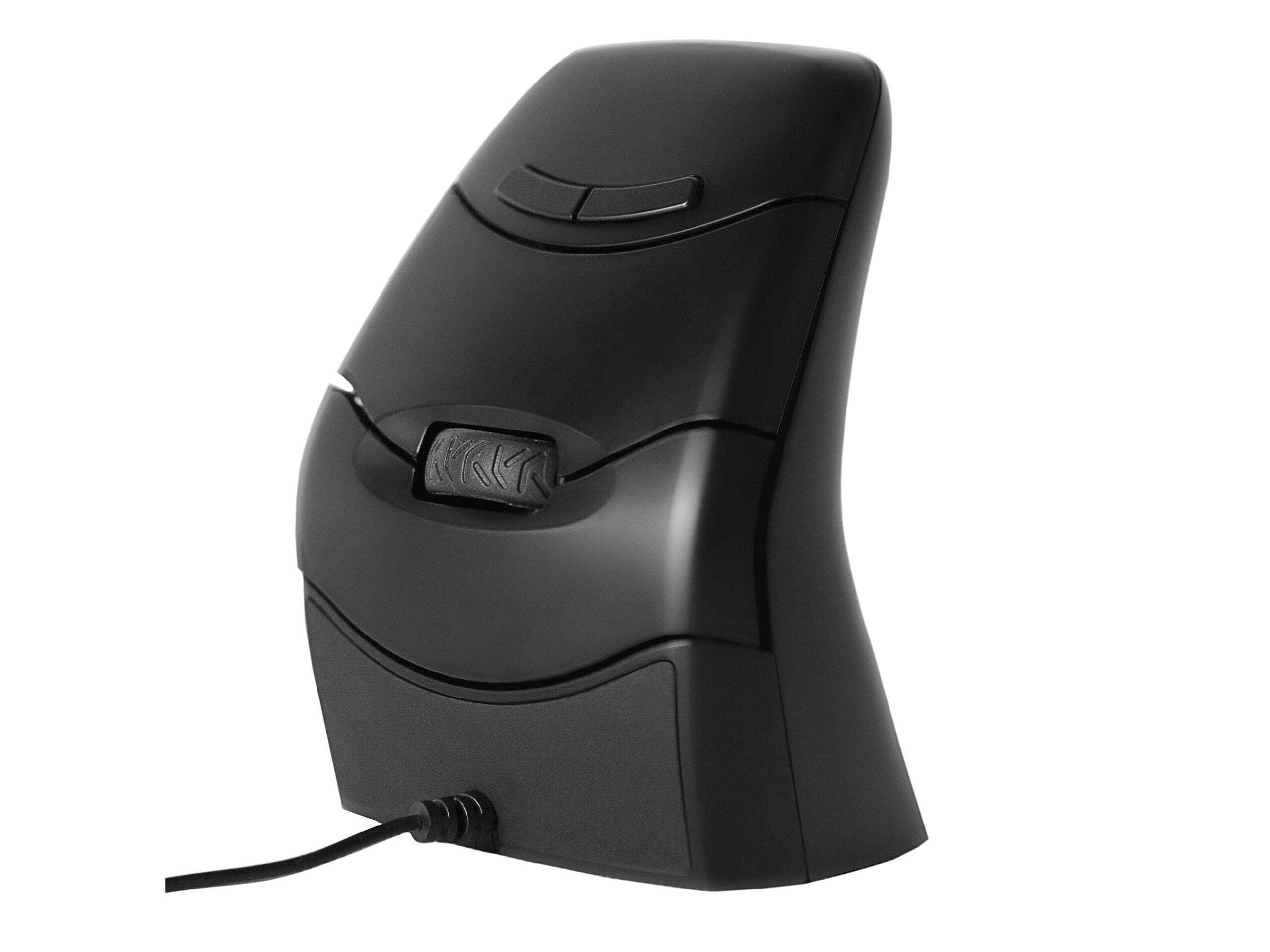
    Kinesis DXT Mouse 3
    Kinesis DXT Mouse 3
  • W
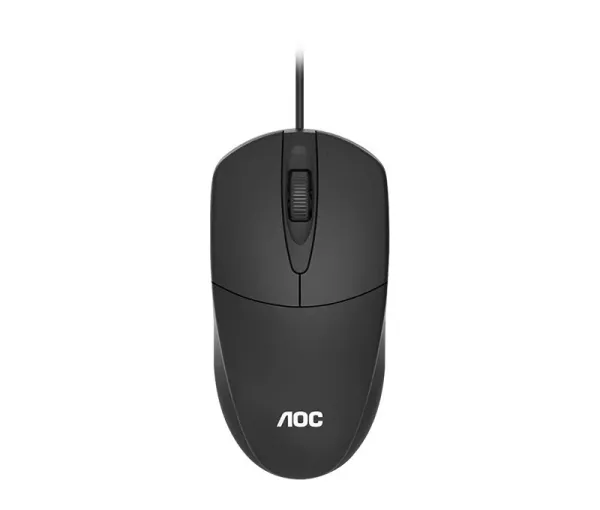
    Wired Optical Mouse with Scroll Wheel
    Wired Optical Mouse with Scroll Wheel
  • W
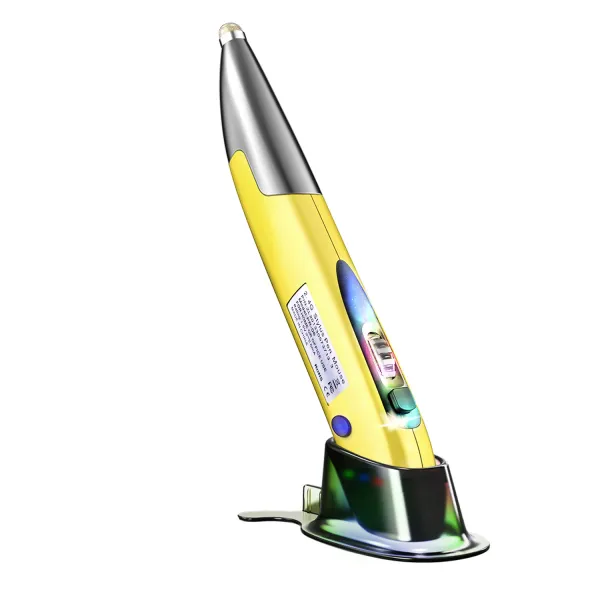
    Wireless Pen Mouse with USB Nano Receiver
    Wireless Pen Mouse with USB Nano Receiver
  • C
    Compact Wireless Optical Mouse
    Compact Wireless Optical Mouse
  • S
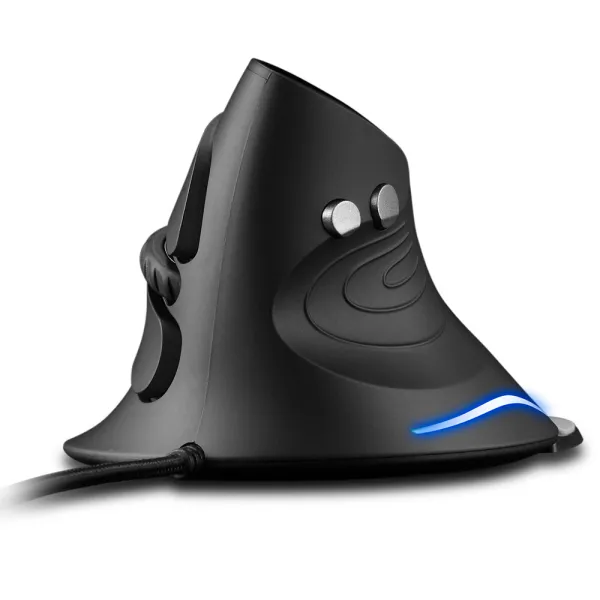
    Snail-Shape Vertical Wired Mouse
    Snail-Shape Vertical Wired Mouse
  • W
    Wireless Vertical Mouse with Scroll Wheel
    Wireless Vertical Mouse with Scroll Wheel
W
Wireless Dual-Mode Mouse with Side Buttons
  • S
    Slim Wireless Bluetooth Optical Mouse
    Slim Wireless Bluetooth Optical Mouse